


Free
NoCode.tech
NoCode.tech is a platform offering a curated directory of no-code tools and educational resources to help users build applications and automate workflows without programming skills.
Every AI tool we track, with pricing, platform and category on each entry. Filter down to a shortlist, then open the ones worth a closer look.
Filter 8,929 AI tools by pricing, category, platform and language.
NoCode.tech is a platform offering a curated directory of no-code tools and educational resources to help users build applications and automate workflows without programming skills.
OpaVote is an online voting platform that enables secure, transparent elections using multiple voting methods including ranked choice voting, ideal for organizations and communities.

Mailbutler is an AI-enhanced email productivity tool that integrates with Gmail, Apple Mail, and Outlook to provide email tracking, scheduling, task management, and AI-driven email assistance.

FutureMe is a free online service that allows you to write letters to your future self and have them emailed back to you at a specified future date, helping with self-reflection and motivation.
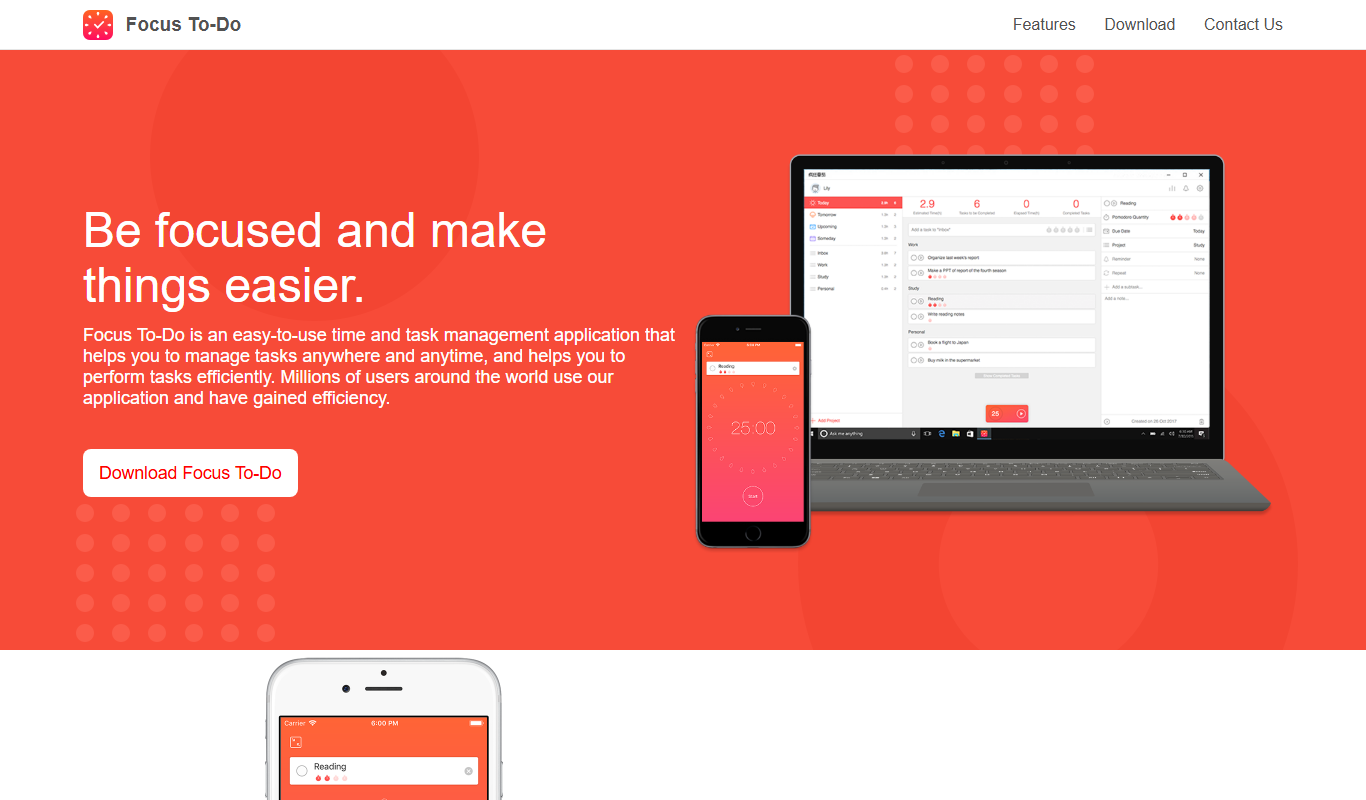
Focus To-Do is a productivity app that combines Pomodoro Technique timers with task and time management features to help users improve focus and track productivity across devices.
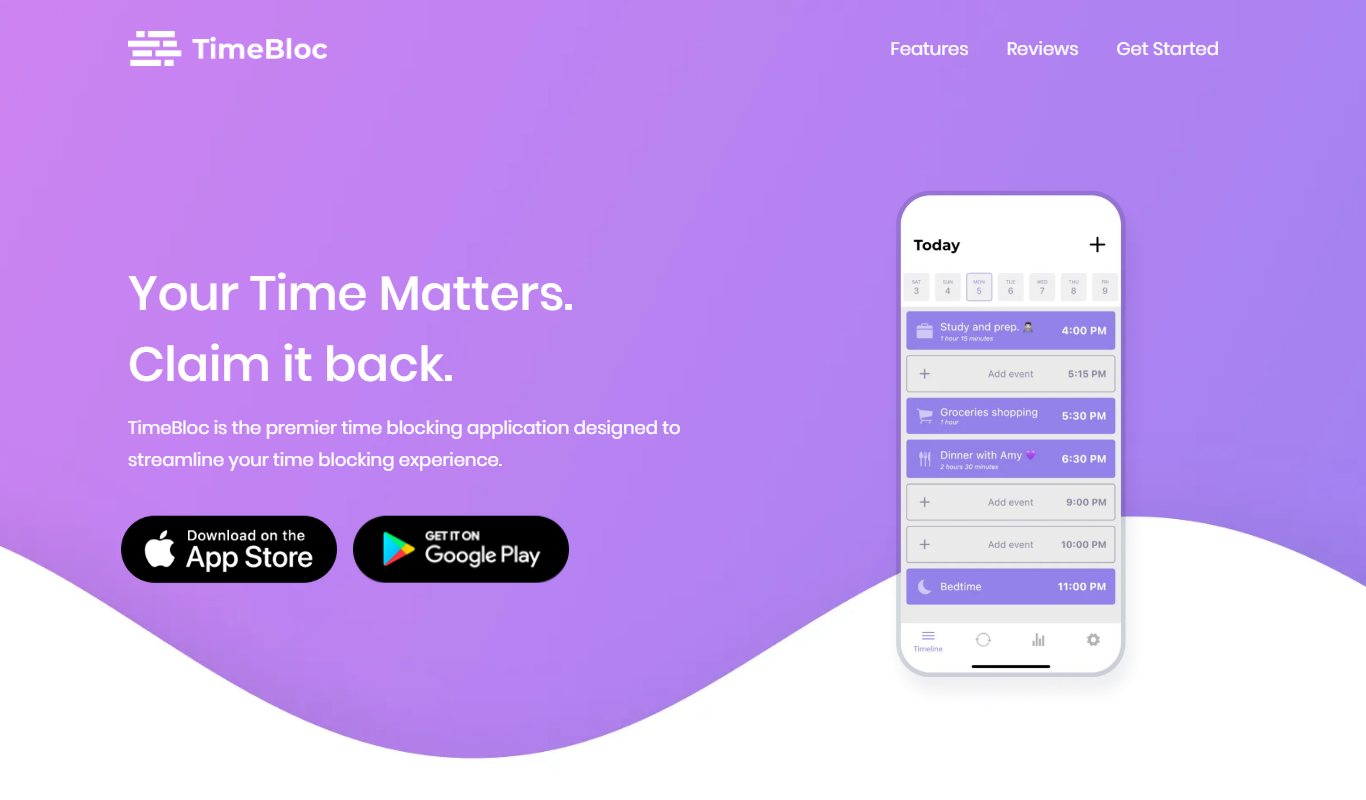
TimeBloc is a mobile app that uses time blocking to help users organize tasks and improve productivity by visually scheduling activities on a calendar with reminders and customization.
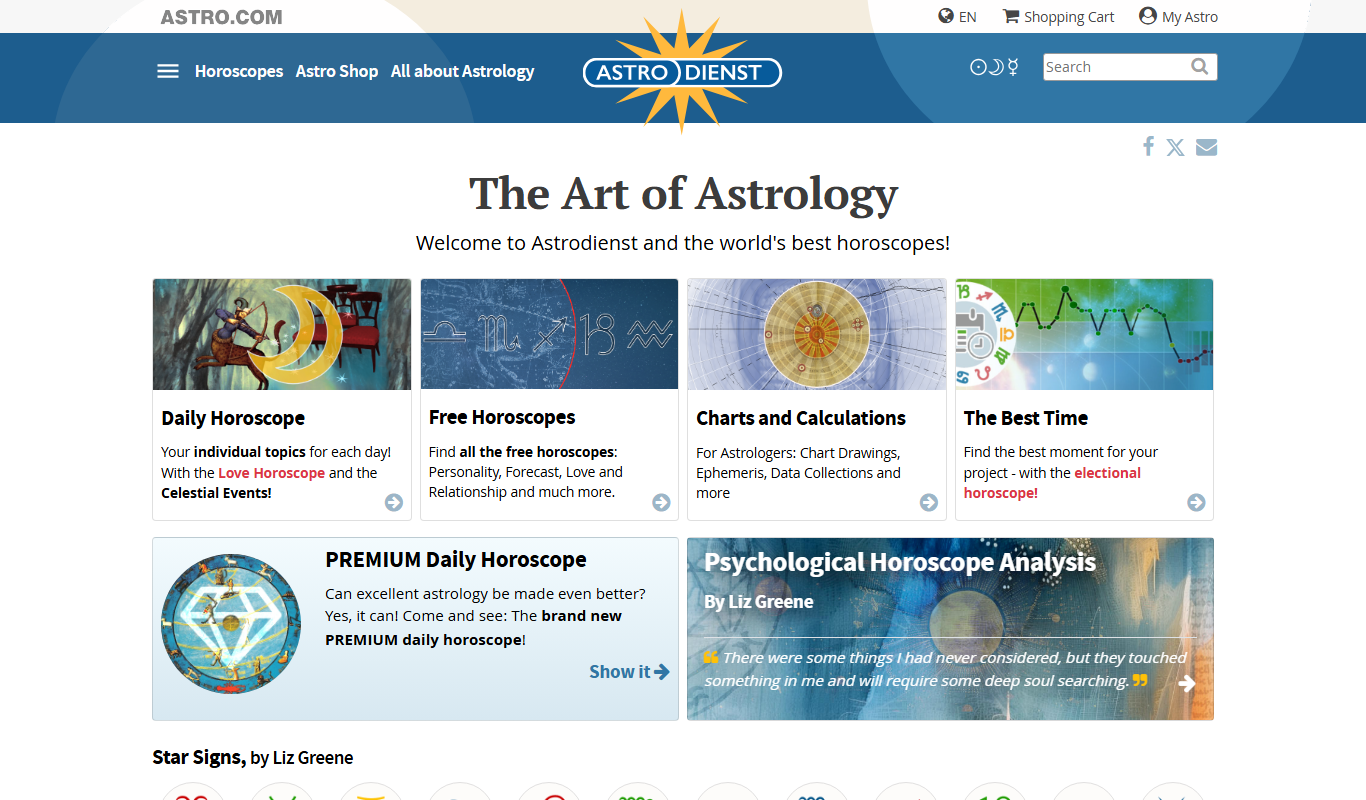
Astro.com is a leading online astrology platform offering free and paid personalized horoscopes, natal charts, and compatibility reports based on precise birth data.
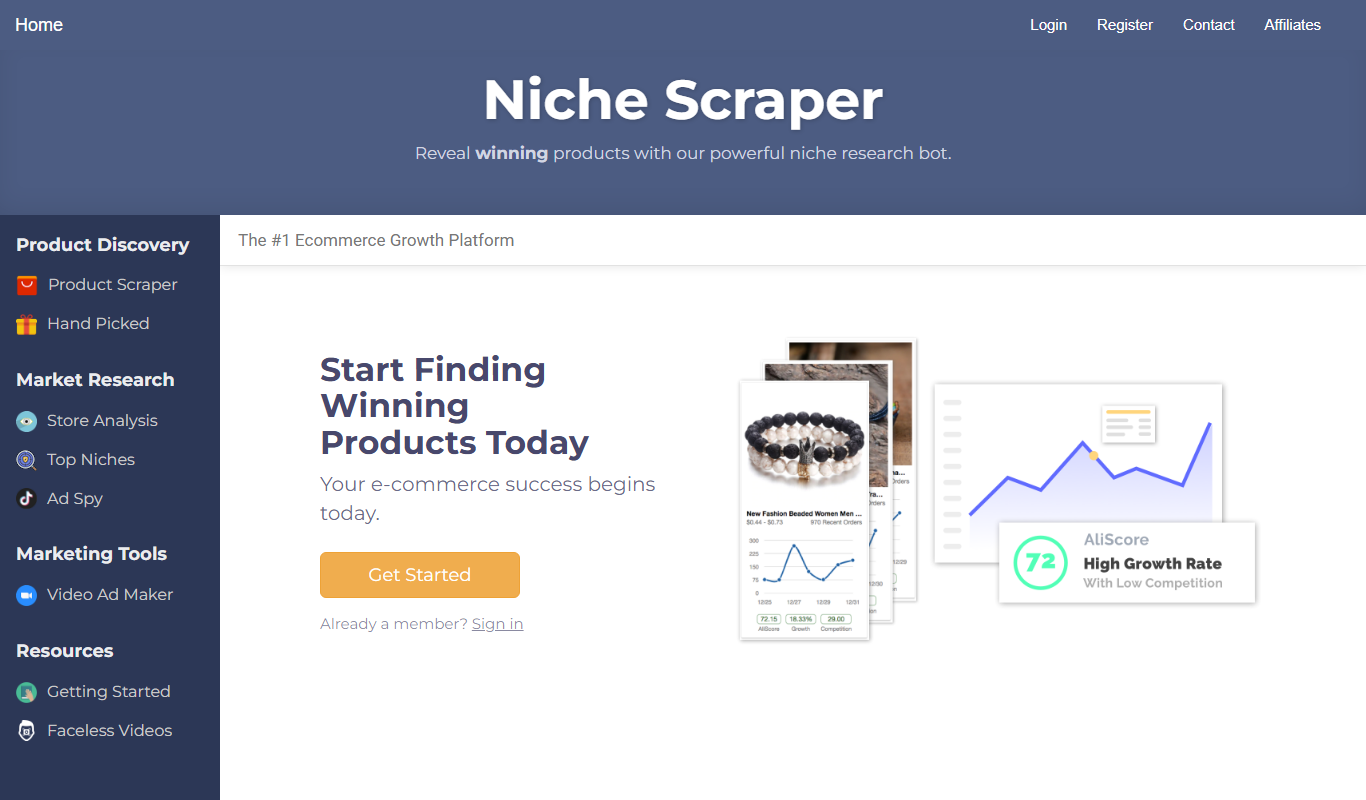
Niche Scraper is a web-based tool that helps dropshipping entrepreneurs find trending products and analyze competitor Shopify stores to build profitable ecommerce businesses.
Peak Brain Training is a digital platform offering personalized brain exercises to improve memory, attention, and problem-solving skills through adaptive games based on neuroscience.

Kukuklok is a simple online alarm clock: set a wake-up time, choose an alarm sound, and stop or snooze it for 10 minutes, all in the browser.
SolarWinds Network Performance Monitor is a network monitoring tool that provides real-time visibility, fault detection, and performance analytics to help IT teams manage and optimize their network infrastructure.
Bannersnack is a web-based banner maker that allows users to create static and animated banners for digital marketing campaigns with customizable templates and collaboration features.
Page 72 of 514
Ten tools per shortlist, ranked, for when a category is still too many results.
Still deciding
Pricing, supported platforms and what each one is actually good at, laid out in one table. 764 comparisons are written and ready.
Browse comparisonsComparable tools for the products people already use.
Every one of the 8,929 entries here carries the same fields: what the tool does, what it costs, which platforms it runs on, and which categories it belongs to. That is what makes filtering across the whole catalogue possible rather than decorative.
The catalogue is not the point on its own; competitors list the same tools. What is worth your time is what sits on top of it: comparisons that commit to a recommendation, alternative sets that are genuinely comparable, and entries that get corrected when a vendor changes its pricing.
Start from a category rather than the full list: the category index above jumps straight into the twelve largest ones. From there, use the pricing shortcuts to drop anything outside your budget, then open the three or four entries that look closest and compare them side by side.
Free means there is a usable tier at no cost with no time limit. Freemium means a free tier exists but the useful features sit behind a paid plan. Free trial means paid-only after a fixed evaluation window. Subscription means recurring billing with no free tier. Labels come from the vendor and are re-checked when a listing is updated.
Yes. Category, pricing, tech stack, language and platform stack together, and every combination has its own URL, so a filtered view can be bookmarked or shared. Active filters appear above the results and can be removed one at a time.
Around 8% of entries have no captured screenshot, usually because the tool sits behind a login or the site blocks automated capture. Those entries show the tool's initial instead. It is not a signal about the tool's quality.
Newest first, so the front of the directory reflects what has recently shipped. Switch the sort to Top Rated for the highest-scoring entries, or Most Popular to order by real visitor interest across views and outbound clicks.
An alternatives page answers "what else does this job?" and lists comparable tools for one product. A comparison page takes two named tools and works through pricing, capability and fit to reach a recommendation. Both are linked from every tool entry.