


Free
AI Social Bio
AI Social Bio is a web-based AI tool that generates personalized social media bios tailored to various platforms, helping users create engaging profiles quickly.
Every AI tool we track, with pricing, platform and category on each entry. Filter down to a shortlist, then open the ones worth a closer look.
Filter 8,929 AI tools by pricing, category, platform and language.
AI Social Bio is a web-based AI tool that generates personalized social media bios tailored to various platforms, helping users create engaging profiles quickly.
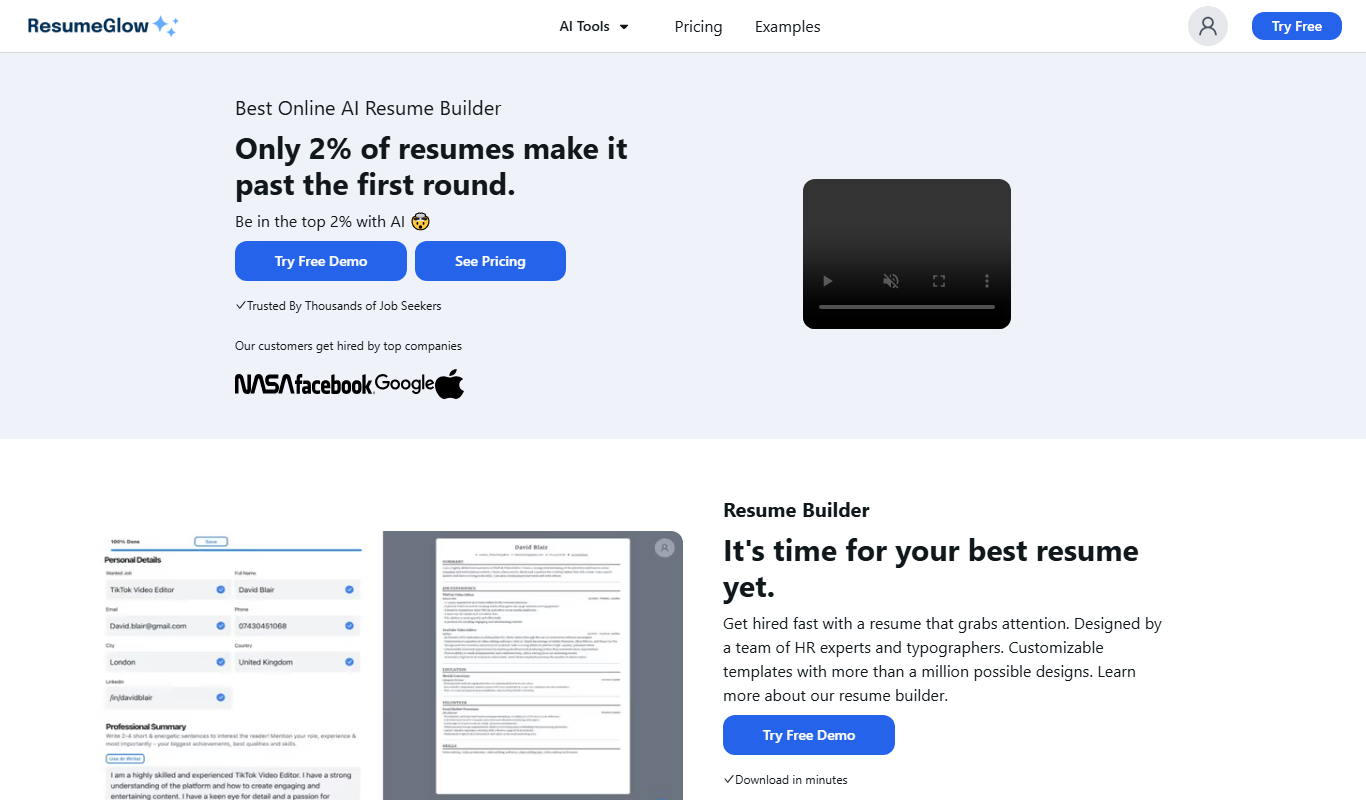
ResumeGlow is an AI-powered online resume builder that helps users create professional, ATS-compliant resumes and cover letters with customizable templates and export options.

Beb.ai trains an AI model on 20-30 of your photos and delivers 72 new photos every week in 9 themes for social media posts, ads and marketing.

OneAccord gives churches real-time AI sermon translation and captions in over 50 languages; the congregation joins by scanning a QR code, no app needed.

BestLOOK.ai simulates cosmetic changes to face shape, nose and lips from your photo and shows AI-predicted before and after previews for individuals and clinics.

BeeUnicorn is an AI powered ecommerce platform from India to create an online store, add unlimited products, accept online payments and manage it from a dashboard.

Aurore.ai is an AI-powered writing assistant that helps users generate SEO-friendly content in English and French, offering templates, keyword integration, and real-time suggestions to streamline content creation.
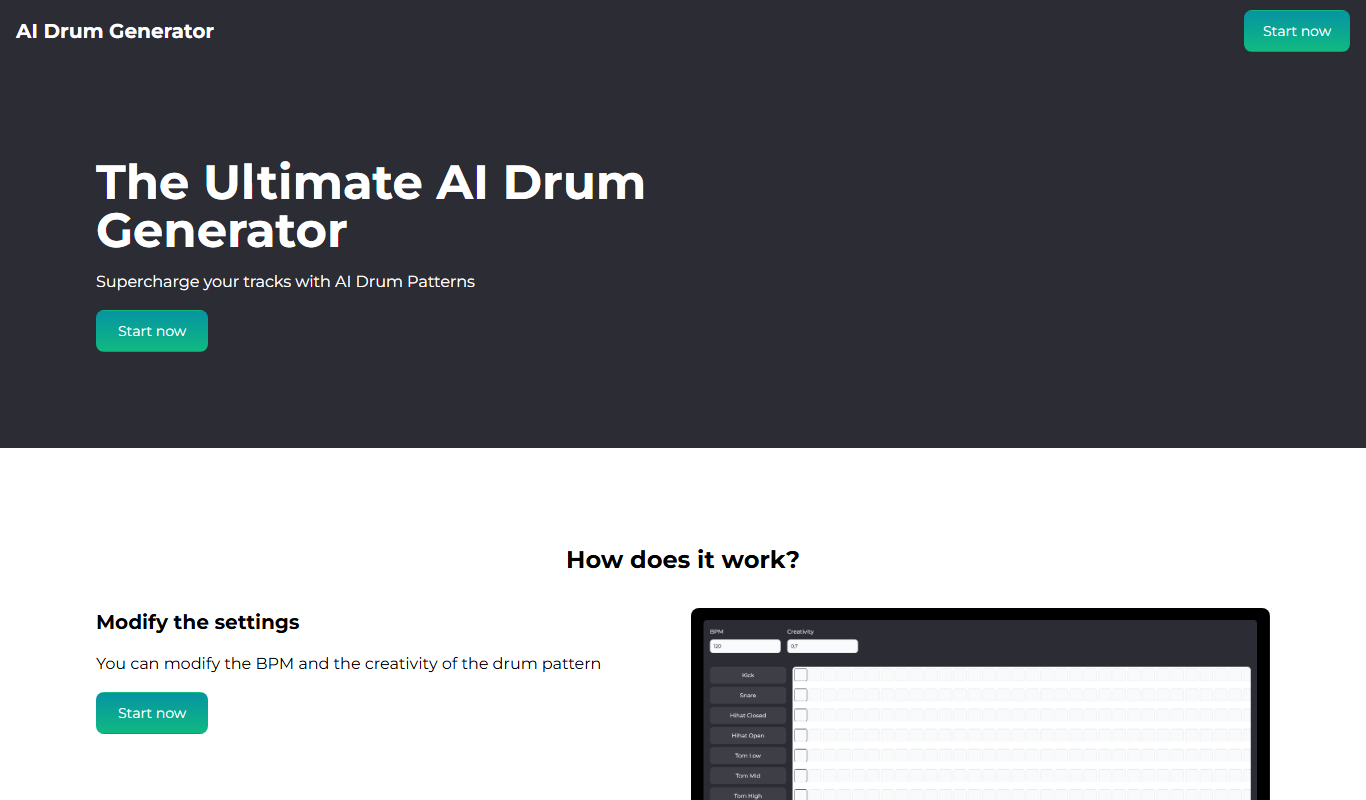
AI Drum Generator is a free web-based tool that uses artificial intelligence to create custom drum patterns quickly and easily without requiring advanced skills.
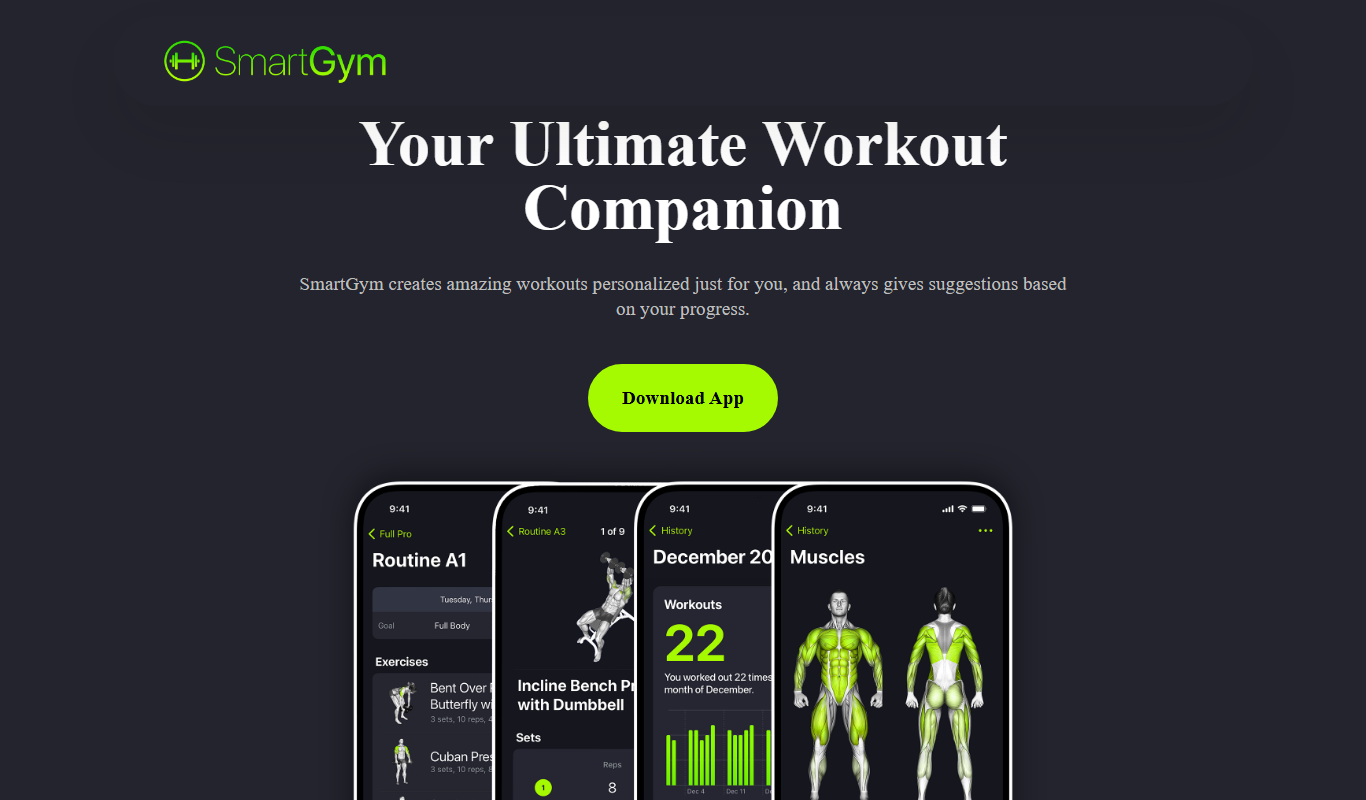
SmartGym is a mobile fitness app that helps users track workouts, customize training plans, and analyze progress with an extensive exercise library and goal-setting features.

Chillify is a web-based AI music generator that creates relaxing and focus-enhancing ambient tracks instantly, suitable for personal relaxation, productivity, and content background music.
Brella is an AI-driven event networking platform that facilitates meaningful connections and engagement for virtual, hybrid, and in-person events through personalized matchmaking and scheduling.

mi.nimax.me is a link-in-bio tool: create a short link and a minipage from your links, then share it offline with AI generated QR codes.
Page 544 of 594
Ten tools per shortlist, ranked, for when a category is still too many results.
Still deciding
Pricing, supported platforms and what each one is actually good at, laid out in one table. 764 comparisons are written and ready.
Browse comparisonsComparable tools for the products people already use.
Every one of the 8,929 entries here carries the same fields: what the tool does, what it costs, which platforms it runs on, and which categories it belongs to. That is what makes filtering across the whole catalogue possible rather than decorative.
The catalogue is not the point on its own; competitors list the same tools. What is worth your time is what sits on top of it: comparisons that commit to a recommendation, alternative sets that are genuinely comparable, and entries that get corrected when a vendor changes its pricing.
Start from a category rather than the full list: the category index above jumps straight into the twelve largest ones. From there, use the pricing shortcuts to drop anything outside your budget, then open the three or four entries that look closest and compare them side by side.
Free means there is a usable tier at no cost with no time limit. Freemium means a free tier exists but the useful features sit behind a paid plan. Free trial means paid-only after a fixed evaluation window. Subscription means recurring billing with no free tier. Labels come from the vendor and are re-checked when a listing is updated.
Yes. Category, pricing, tech stack, language and platform stack together, and every combination has its own URL, so a filtered view can be bookmarked or shared. Active filters appear above the results and can be removed one at a time.
Around 8% of entries have no captured screenshot, usually because the tool sits behind a login or the site blocks automated capture. Those entries show the tool's initial instead. It is not a signal about the tool's quality.
Newest first, so the front of the directory reflects what has recently shipped. Switch the sort to Top Rated for the highest-scoring entries, or Most Popular to order by real visitor interest across views and outbound clicks.
An alternatives page answers "what else does this job?" and lists comparable tools for one product. A comparison page takes two named tools and works through pricing, capability and fit to reach a recommendation. Both are linked from every tool entry.