
Free
Chatroulette
Chatroulette is a free web-based platform that pairs users randomly for live video chats with strangers worldwide, requiring no registration and supporting multiple languages.


Every AI tool we track, with pricing, platform and category on each entry. Filter down to a shortlist, then open the ones worth a closer look.
Filter 14,702 AI tools by pricing, category, platform and language.
Chatroulette is a free web-based platform that pairs users randomly for live video chats with strangers worldwide, requiring no registration and supporting multiple languages.
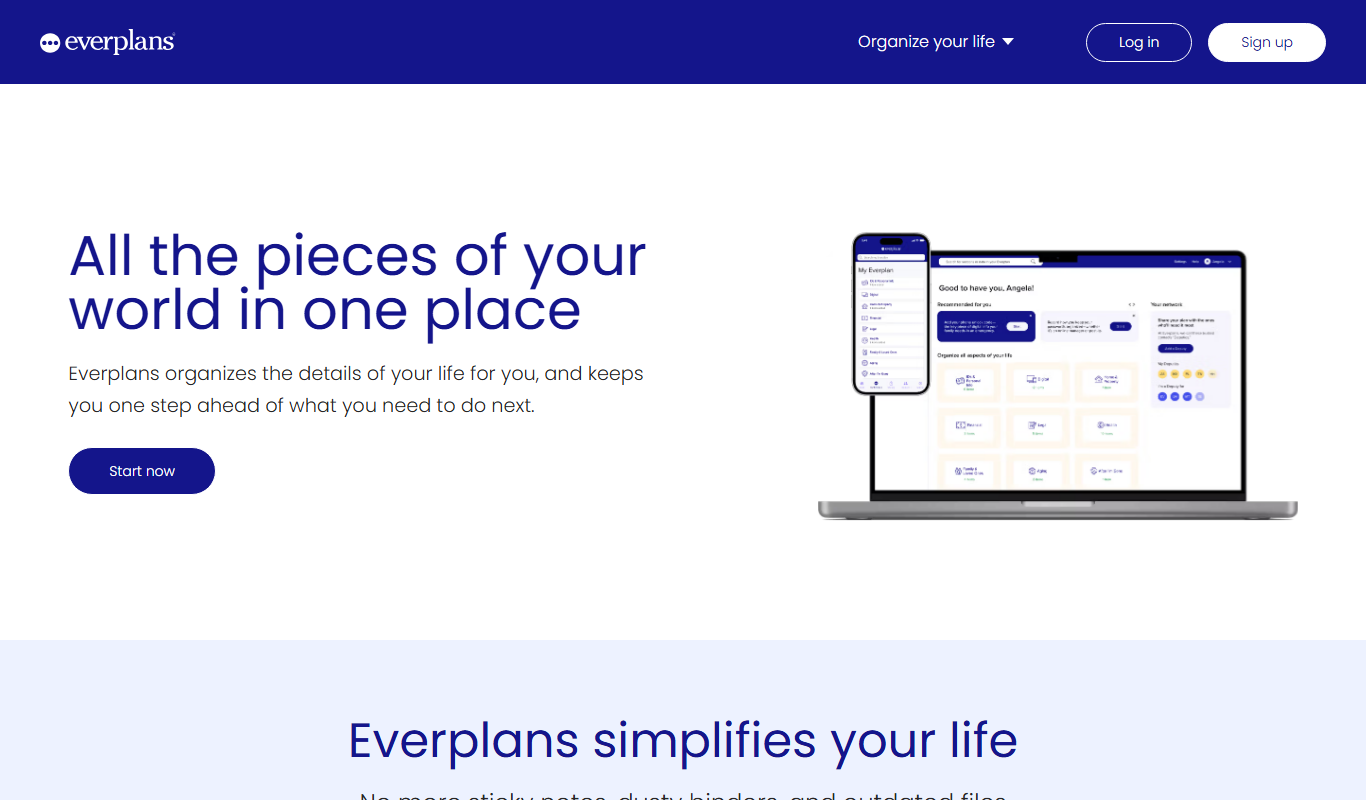
Everplans is a digital platform that helps users organize and securely store estate planning documents, final wishes, and legacy information, simplifying end-of-life planning.

FutureVault is a secure digital vault platform designed to help individuals and professionals organize, store, and share important documents with encryption and collaboration tools.

OnCrawl is a cloud-based SEO crawler and log file analysis tool that helps website owners and SEO professionals identify technical SEO issues, analyze search engine crawling behavior, and optimize site performance through data-driven insights.

Depthkit is a software platform that captures volumetric video using depth sensors and RGB cameras, allowing creators to produce 3D video content for AR, VR, and digital media.
Autopano is a professional panorama stitching software that automatically merges multiple photos into seamless panoramic and 360-degree images, offering features like HDR support and batch processing.

ImgBB is a free online image hosting service that allows users to upload, store, and share images with direct links and embed codes, supporting multiple file formats and optional account features.

Postimages is a free online image hosting service that allows users to upload images quickly without registration, providing multiple link formats for sharing and embedding images on forums, websites, and social media.

Zenfolio is a photography-focused website builder that offers portfolio creation, client proofing galleries, and integrated e-commerce for selling prints and digital downloads.
SmugMug is an online platform offering unlimited photo and video storage, customizable galleries, client proofing, and e-commerce tools for photographers and creatives.

Skylum AirMagic is an AI-driven photo enhancement tool designed to automatically improve drone photos by removing haze, correcting colors, and enabling batch processing for faster editing.

StockTrim is a cloud-based inventory forecasting and demand planning tool designed to help retailers and small businesses optimize inventory levels, reduce stockouts, and improve supply chain efficiency through data-driven analytics.
Page 49 of 1,226
Ten tools per shortlist, ranked, for when a category is still too many results.
Still deciding
Pricing, supported platforms and what each one is actually good at, laid out in one table. 764 comparisons are written and ready.
Browse comparisonsComparable tools for the products people already use.
Every one of the 14,702 entries here carries the same fields: what the tool does, what it costs, which platforms it runs on, and which categories it belongs to. That is what makes filtering across the whole catalogue possible rather than decorative.
The catalogue is not the point on its own; competitors list the same tools. What is worth your time is what sits on top of it: comparisons that commit to a recommendation, alternative sets that are genuinely comparable, and entries that get corrected when a vendor changes its pricing.
Start from a category rather than the full list: the category index above jumps straight into the twelve largest ones. From there, use the pricing shortcuts to drop anything outside your budget, then open the three or four entries that look closest and compare them side by side.
Free means there is a usable tier at no cost with no time limit. Freemium means a free tier exists but the useful features sit behind a paid plan. Free trial means paid-only after a fixed evaluation window. Subscription means recurring billing with no free tier. Labels come from the vendor and are re-checked when a listing is updated.
Yes. Category, pricing, tech stack, language and platform stack together, and every combination has its own URL, so a filtered view can be bookmarked or shared. Active filters appear above the results and can be removed one at a time.
Around 8% of entries have no captured screenshot, usually because the tool sits behind a login or the site blocks automated capture. Those entries show the tool's initial instead. It is not a signal about the tool's quality.
Newest first, so the front of the directory reflects what has recently shipped. Switch the sort to Top Rated for the highest-scoring entries, or Most Popular to order by real visitor interest across views and outbound clicks.
An alternatives page answers "what else does this job?" and lists comparable tools for one product. A comparison page takes two named tools and works through pricing, capability and fit to reach a recommendation. Both are linked from every tool entry.