


Free Trial
KnoWhiz
KnoWhiz is a web-based knowledge management tool designed to centralize organizational knowledge, facilitate team collaboration, and automate workflows to improve productivity.
Every AI tool we track, with pricing, platform and category on each entry. Filter down to a shortlist, then open the ones worth a closer look.
Filter 8,929 AI tools by pricing, category, platform and language.
KnoWhiz is a web-based knowledge management tool designed to centralize organizational knowledge, facilitate team collaboration, and automate workflows to improve productivity.

Soluzy is a software company that builds custom software, business automation, web applications and AI solutions for businesses.
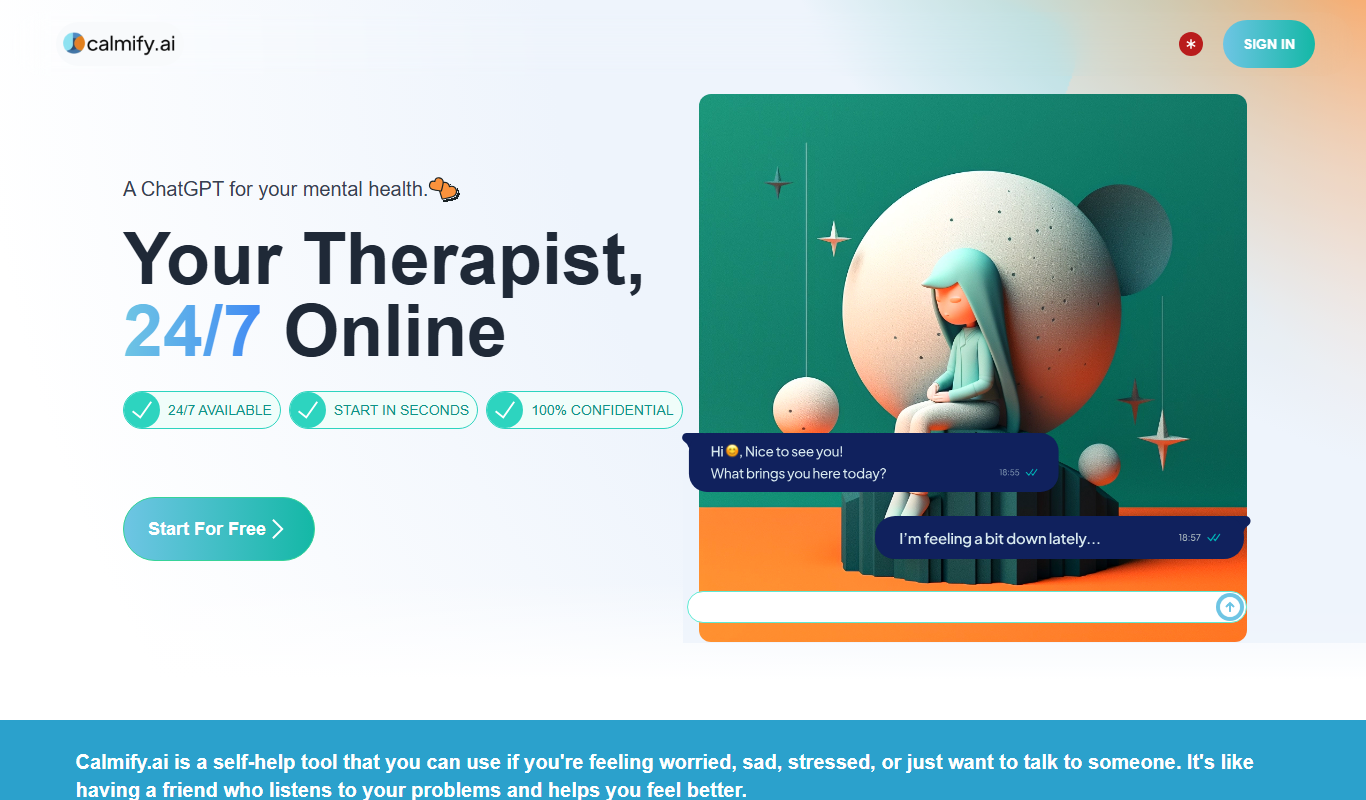
Calmify is an AI-powered mental health companion: an always-available chat that uses evidence-based Cognitive Behavioral Therapy (CBT) strategies to help you understand and manage emotions.

Nutrish.ai is an AI-nutrition platform that gyms and clinics offer to their members, with personalized meal plans that continuously adapt to goals, macros and progress.
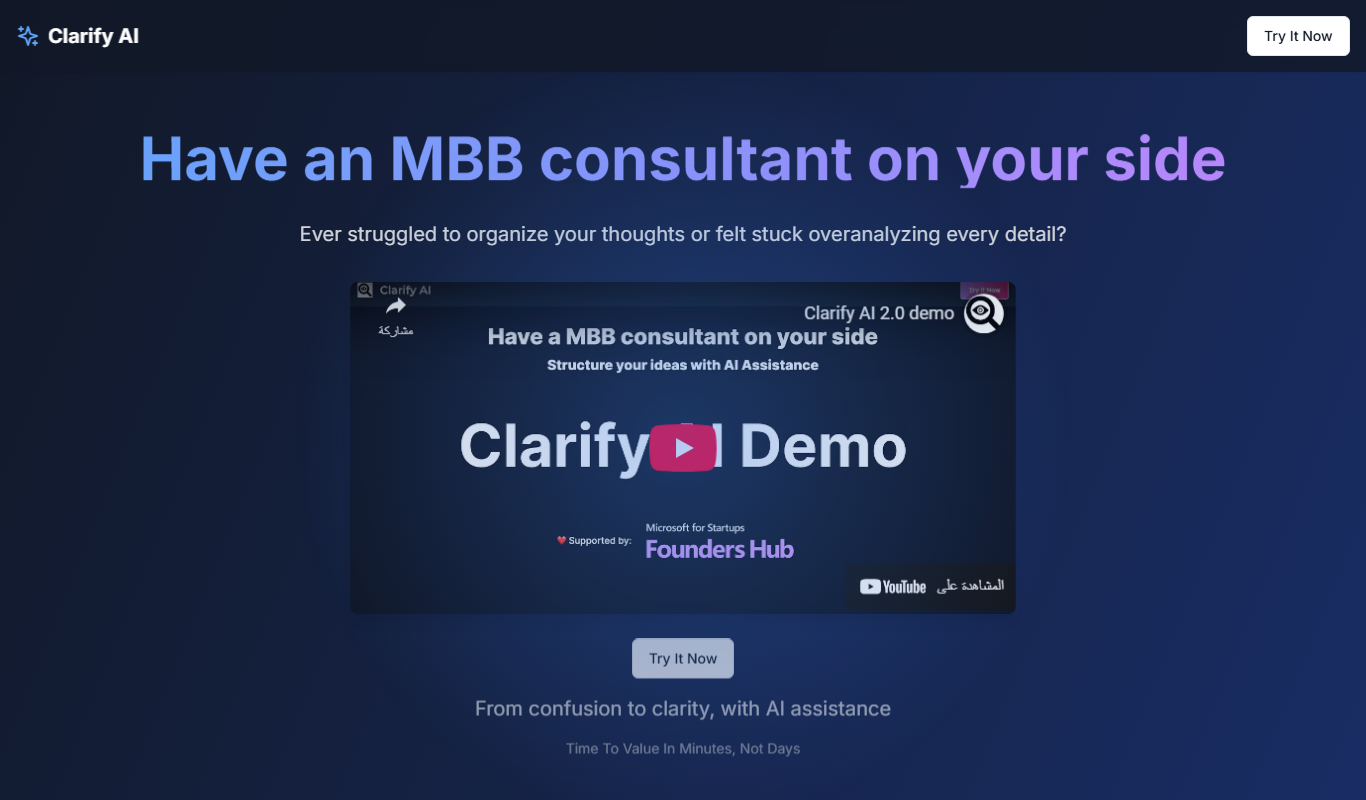
Clarify AI transforms vague ideas into AI-powered issue trees in minutes, for consultants, managers and knowledge workers who need to organize complex problems.

Harmonai is the Stability AI lab for open-source audio, publishing tools for AI music generation.

Monitaur is AI governance software and expertise that provides actionable governance for the entire lifecycle of your AI, from policy and risk assessment to drift and bias testing.

Habitomic is a habit tracking app designed to help users build and maintain positive daily routines through customizable habit creation, reminders, and progress visualization across multiple devices.
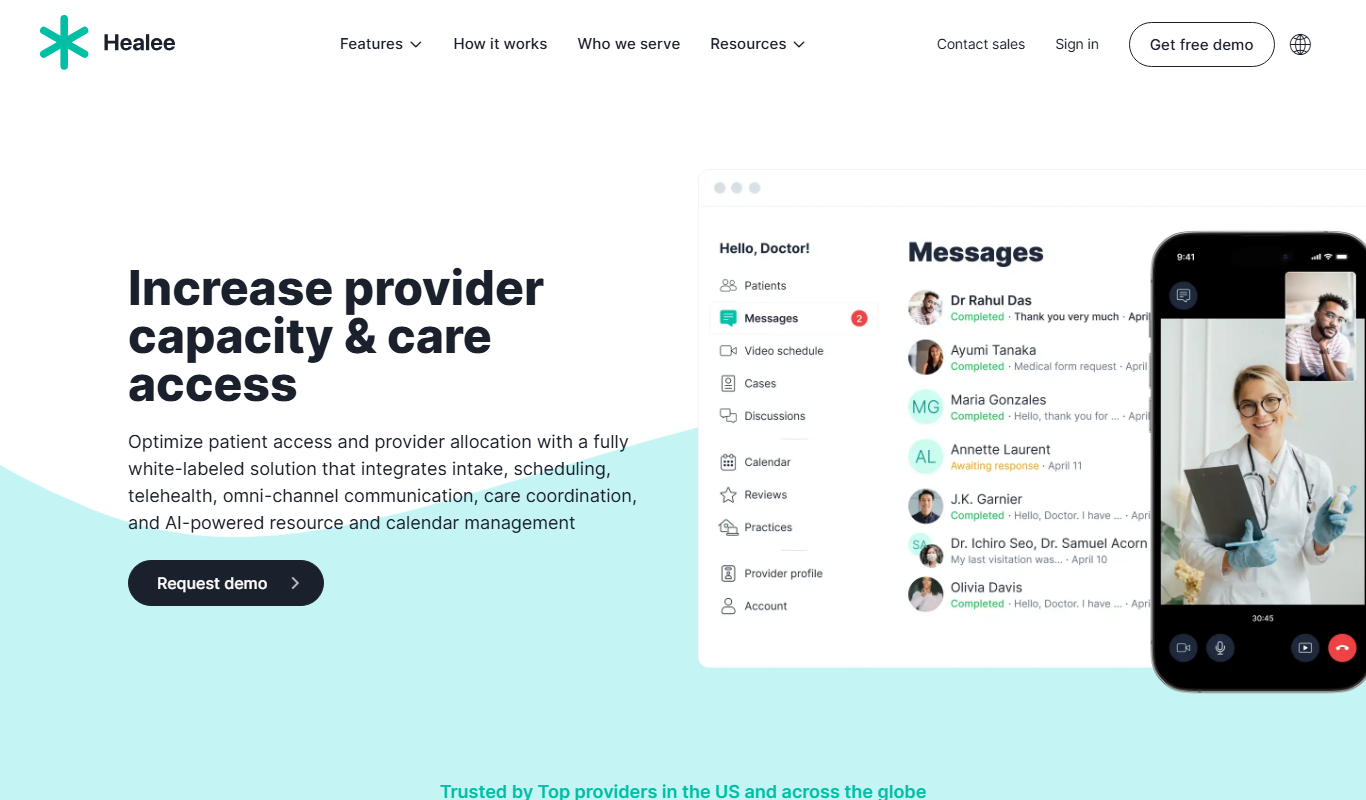
Healee is a patient access solution for healthcare organizations that integrates patient intake, triage and scheduling, telehealth, omni-channel communication and care coordination in one white-labeled platform.

Hookle is a social media management platform designed for small businesses to schedule, publish, and analyze posts across multiple social networks from one place.

Manuel is an AI knowledge bank for installation companies that gives technicians and the service desk instant answers from manuals, fault codes and the team's own knowledge, with source and page.

Perpetual ML Suite is a unified ML studio for solo devs and data science teams that trains, deploys and monitors models directly on an existing data warehouse.
Page 425 of 745
Ten tools per shortlist, ranked, for when a category is still too many results.
Still deciding
Pricing, supported platforms and what each one is actually good at, laid out in one table. 764 comparisons are written and ready.
Browse comparisonsComparable tools for the products people already use.
Every one of the 8,929 entries here carries the same fields: what the tool does, what it costs, which platforms it runs on, and which categories it belongs to. That is what makes filtering across the whole catalogue possible rather than decorative.
The catalogue is not the point on its own; competitors list the same tools. What is worth your time is what sits on top of it: comparisons that commit to a recommendation, alternative sets that are genuinely comparable, and entries that get corrected when a vendor changes its pricing.
Start from a category rather than the full list: the category index above jumps straight into the twelve largest ones. From there, use the pricing shortcuts to drop anything outside your budget, then open the three or four entries that look closest and compare them side by side.
Free means there is a usable tier at no cost with no time limit. Freemium means a free tier exists but the useful features sit behind a paid plan. Free trial means paid-only after a fixed evaluation window. Subscription means recurring billing with no free tier. Labels come from the vendor and are re-checked when a listing is updated.
Yes. Category, pricing, tech stack, language and platform stack together, and every combination has its own URL, so a filtered view can be bookmarked or shared. Active filters appear above the results and can be removed one at a time.
Around 8% of entries have no captured screenshot, usually because the tool sits behind a login or the site blocks automated capture. Those entries show the tool's initial instead. It is not a signal about the tool's quality.
Newest first, so the front of the directory reflects what has recently shipped. Switch the sort to Top Rated for the highest-scoring entries, or Most Popular to order by real visitor interest across views and outbound clicks.
An alternatives page answers "what else does this job?" and lists comparable tools for one product. A comparison page takes two named tools and works through pricing, capability and fit to reach a recommendation. Both are linked from every tool entry.