

From my experience with Monitaur, I found it excels at providing AI-powered real-time monitoring that reduces the need for manual oversight. The platform’s intuitive dashboards and customizable alerts make it straightforward to stay ahead of operational issues. It’s particularly well-suited for IT and DevOps teams who need timely insights without complex setup. However, the platform currently supports only English and is limited to web access, which might be a drawback for some users. Overall, if you require reliable anomaly detection and alert management in a scalable solution, Monitaur delivers solid and practical results.
Monitaur AI Monitoring Platform for Real-Time Data and Alert Management
Monitaur is an AI-driven platform that monitors real-time data streams, detects anomalies automatically, and sends customizable alerts to help businesses maintain operational stability.
- Best for
- Real-Time Data Monitoring
- Key capability
- AI-Powered Anomaly Detection
Your actions
Save Monitaur, follow its updates and vote on it — everything stays in your account.
Sign in or create a free account
What is Monitaur?
Monitaur is an AI-driven monitoring platform designed to provide real-time insights and alerts on data anomalies and operational events. It leverages machine learning to detect unusual patterns in data streams, enabling businesses to respond quickly to potential issues. The platform offers customizable dashboards and alerting mechanisms to keep teams informed and proactive.
Key features of Monitaur
Monitaur’s main features include real-time data monitoring, AI-powered anomaly detection, customizable alerting, and intuitive dashboard visualizations. These features help organizations maintain operational stability and improve decision-making by providing timely and actionable insights.
AI-Powered Anomaly Detection
Automatically identifies unusual data patterns without manual rule setting.
Customizable Alerts
Set up alerts via email or other channels tailored to your operational needs.
Interactive Dashboards
Visualize data trends and monitor key metrics with flexible dashboard widgets.
Scalable Integration
Supports multiple data sources and scales with your business growth.
Pros and cons of Monitaur
Pros
- AI-driven anomaly detection reduces manual monitoring effort
- Real-time alerts enable quick response to issues
- Customizable dashboards provide clear data visualization
- Scalable platform suitable for growing businesses
Cons
- Limited language support (English only)
- Primarily web-based, no mobile app available
Key use cases for Monitaur
Real-Time Data Monitoring
Monitor live data streams and receive instant alerts on anomalies or critical events.
Anomaly Detection
Automatically detect unusual patterns or deviations in data using AI-powered algorithms.
Alert Management
Configure and manage alerts to notify teams promptly about important incidents.
Dashboard Visualization
Visualize key metrics and data trends through customizable dashboards.
Operational Efficiency
Improve operational workflows by proactively identifying issues before they escalate.
How Monitaur works
- 1
Connect Data Sources
Integrate your data streams or systems with Monitaur to start monitoring.
- 2
Configure Monitoring Rules
Set thresholds and parameters for anomaly detection and alert triggers.
- 3
Monitor in Real-Time
View live data and receive instant alerts when anomalies or issues are detected.
- 4
Analyze and Respond
Use dashboard insights to investigate alerts and take corrective actions.
Who is using Monitaur
IT operations teams
Data analysts
DevOps engineers
Business intelligence professionals
Small to medium enterprises
Monitaur pricing
Free Trial
$0 for 14 days
Full access to platform features for evaluation purposes.
Pro
$49/month
Includes advanced monitoring, unlimited alerts, and priority support.
Enterprise
Custom pricing
Tailored solutions with dedicated support and integrations.
Plans and prices are as published by the vendor and can change. Check the official site before you buy. Open the pricing page (opens in a new tab)
Frequently asked questions about Monitaur
Monitaur supports integration with various data streams including APIs, databases, and cloud services.
Yes, you can configure alerts to be sent via email and other communication channels based on your preferences.
Yes, Monitaur offers a 14-day free trial with full feature access.
The platform is designed for ease of use, but some familiarity with data sources and monitoring concepts is helpful.
It depends on your specific needs and how you plan to use the tool. The official website and documentation are the best sources for the latest details.
Yes, it can help with that use case depending on how you configure it and what features are available. You’ll get the best results with clear inputs and a defined goal.
It depends on your specific needs and how you plan to use the tool. The official website and documentation are the best sources for the latest details.
Some tools offer a free plan or trial with limited features. Availability can vary, so confirm on the official website.
Sign in to review this tool.
Sign In to ReviewNo reviews yet
Be the first to share how this tool worked for you.
Ask about pricing, limits, or how it compares — or answer someone else.
Sign In to AskNo questions yet
Have a question about using or paying for this tool? Be the first to ask.
Featured on TiorAI



Alternative Tools
Explore similar AI tools that might fit your needs
Free Trial
Datadog
Datadog is a cloud-based monitoring platform that provides real-time visibility into IT infrastructure, applications, and logs, helping DevOps and IT teams optimize performance and security.
Free
New Relic
New Relic is a full-stack observability platform that helps developers and IT teams monitor application performance, infrastructure health, and user experience in real time with AI-powered analytics and customizable dashboards.

Free Trial
PagerDuty
PagerDuty is a cloud-based incident management platform that helps IT and DevOps teams detect, respond to, and resolve incidents quickly through automated alerting, on-call scheduling, and collaboration tools.
More AI Data & Analytics Tools tools
Other tools in the same category, for when this one is not quite the fit.

Free Trial
Tomat
Tomat.AI automates Excel and CSV work with reusable visual workflows, processes large files locally and applies AI prompts and web research across every row.

Free Trial
Almeta ML
Almeta ML is personalization AI for ecommerce: real-time product recommendations, cross-sells and customer intent predictions, with no data team required.

Free Trial
BooleanMaths
BooleanMaths is a marketing attribution platform for Shopify brands, with multi-touch attribution, server-side CAPI, post-purchase surveys and AI agents for ad data.

Free
TimeTK
TimeTK is an open-source R package designed to simplify time series analysis by providing tools for visualization, feature engineering, and data preprocessing, ideal for forecasting and modeling tasks.

Freemium
Graphy for Data Storytelling
Graphy is a web-based platform designed for creating interactive data stories by combining data visualization with narrative elements, enabling users to communicate insights effectively.
One-time purchase
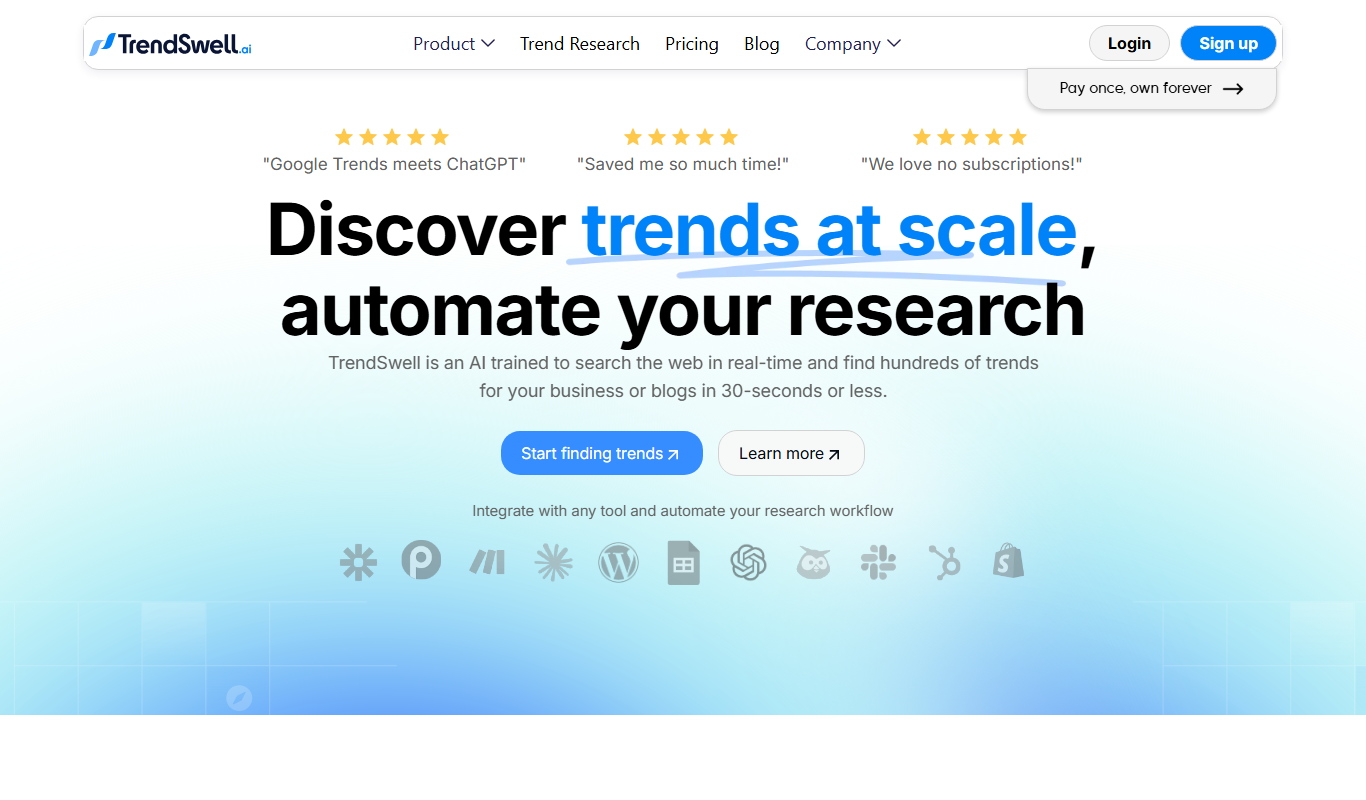
TrendSwell
TrendSwell.ai uses AI to automate the trend discovery process: search any topic and it finds trends directly related to that search.

Free
Vizzy
Vizzy is a free web-based AI tool that transforms CSV data into interactive charts and graphs, enabling easy data exploration without coding.

Free Trial
Reviewly AI
Reviewly is an AI-powered platform that collects Google reviews through SMS requests and drafts responses to them with AI.