

Free
biblical-ai
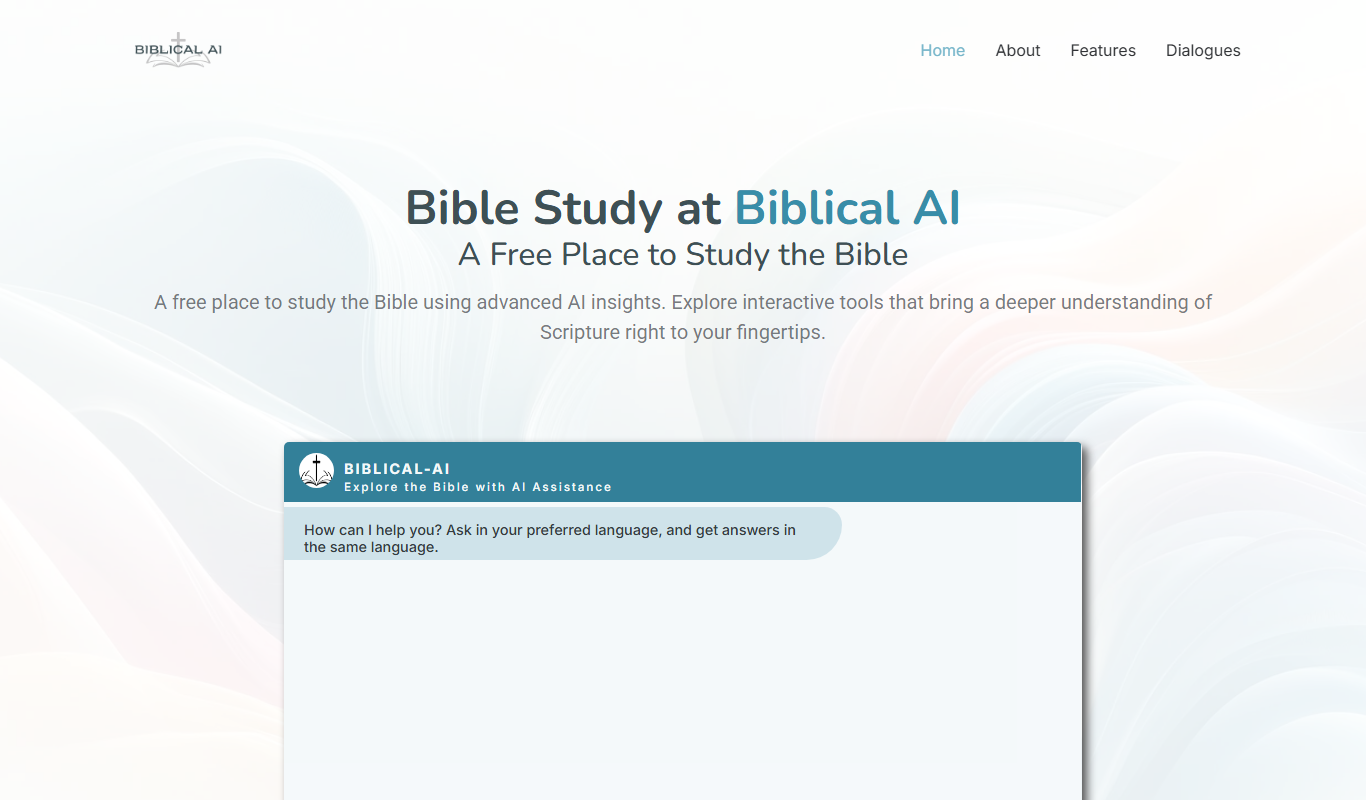
Biblical AI is an AI-driven platform that helps users study the Bible by providing detailed verse explanations, contextual insights, and answers to scripture-related questions.
Every AI tool we track, with pricing, platform and category on each entry. Filter down to a shortlist, then open the ones worth a closer look.
Filter 8,929 AI tools by pricing, category, platform and language.
Biblical AI is an AI-driven platform that helps users study the Bible by providing detailed verse explanations, contextual insights, and answers to scripture-related questions.
AI Bible Verse Studies is a free web tool that uses artificial intelligence to provide detailed explanations and contextual insights for any Bible verse, supporting personal and group scripture study.

Magisterium AI is a free Catholic AI that answers questions from Magisterial teachings, the Church Fathers and other Church sources.

TajweedMate is a free AI tajweed app for iOS and Android that teaches Tajweed rules and gives instant AI feedback on recorded Quran recitation.

PrayerPath is a Christian app for prayer and devotionals on the web, Android and iOS.
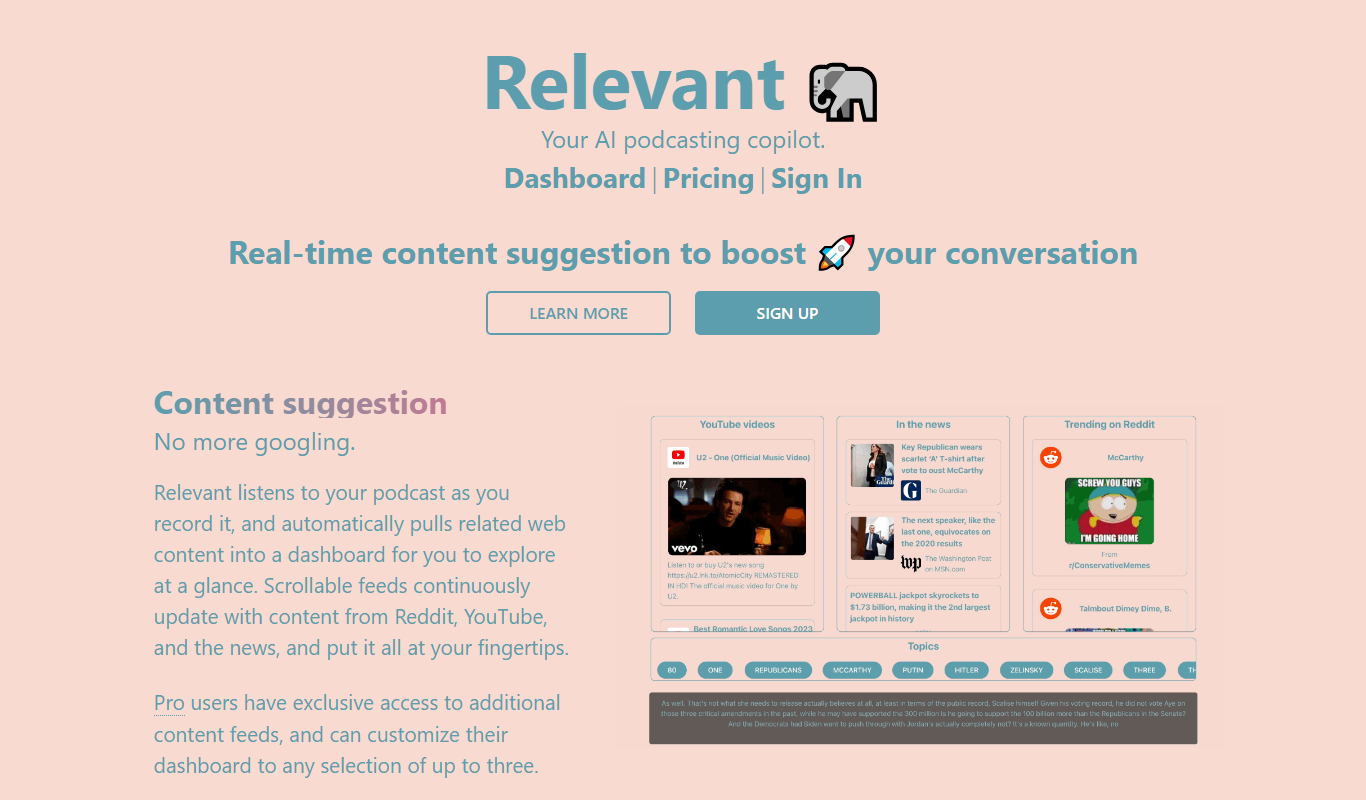
Relevant is an AI podcasting copilot that listens as you record and pulls related web content into a dashboard in real time.

Accent Guesser is a free online AI tool that identifies English accents from voice recordings by analyzing speech patterns and matching them to known regional accents.

ThetaWave is an AI note taker for college students that turns lectures into notes, mindmaps, quizzes and flashcards in real-time.
Mictoo is a free AI audio and video transcription tool: no signup, MP3, MP4, WAV and M4A support, and 50+ languages.

VOMO turns meetings, interviews, voice memos and YouTube videos into accurate transcripts, AI summaries, action items and shareable meeting notes in 90+ languages.

Audio2Text is an online speech-to-text converter that automatically transcribes audio files into text in multiple languages, accessible via a web browser with free and pay-as-you-go pricing.

Bluedot is a bot-free AI note taker that generates meeting notes, action items and transcripts for online and in-person meetings.
Page 385 of 745
Ten tools per shortlist, ranked, for when a category is still too many results.
Still deciding
Pricing, supported platforms and what each one is actually good at, laid out in one table. 764 comparisons are written and ready.
Browse comparisonsComparable tools for the products people already use.
Every one of the 8,929 entries here carries the same fields: what the tool does, what it costs, which platforms it runs on, and which categories it belongs to. That is what makes filtering across the whole catalogue possible rather than decorative.
The catalogue is not the point on its own; competitors list the same tools. What is worth your time is what sits on top of it: comparisons that commit to a recommendation, alternative sets that are genuinely comparable, and entries that get corrected when a vendor changes its pricing.
Start from a category rather than the full list: the category index above jumps straight into the twelve largest ones. From there, use the pricing shortcuts to drop anything outside your budget, then open the three or four entries that look closest and compare them side by side.
Free means there is a usable tier at no cost with no time limit. Freemium means a free tier exists but the useful features sit behind a paid plan. Free trial means paid-only after a fixed evaluation window. Subscription means recurring billing with no free tier. Labels come from the vendor and are re-checked when a listing is updated.
Yes. Category, pricing, tech stack, language and platform stack together, and every combination has its own URL, so a filtered view can be bookmarked or shared. Active filters appear above the results and can be removed one at a time.
Around 8% of entries have no captured screenshot, usually because the tool sits behind a login or the site blocks automated capture. Those entries show the tool's initial instead. It is not a signal about the tool's quality.
Newest first, so the front of the directory reflects what has recently shipped. Switch the sort to Top Rated for the highest-scoring entries, or Most Popular to order by real visitor interest across views and outbound clicks.
An alternatives page answers "what else does this job?" and lists comparable tools for one product. A comparison page takes two named tools and works through pricing, capability and fit to reach a recommendation. Both are linked from every tool entry.