

From my experience with ThetaWave AI, I found it excels at making advanced AI-driven data analytics accessible to users without technical backgrounds. The platform’s intuitive dashboards and automated reporting streamline the process of turning complex data into actionable business insights. It’s particularly well-suited for small to medium businesses and marketing teams looking to leverage predictive analytics without investing heavily in data science resources. However, the lack of mobile apps and limited language support may restrict accessibility for some users. Overall, if you need a straightforward yet powerful AI analytics tool, ThetaWave AI delivers solid, practical results.
ThetaWave AI Review: Advanced AI-Powered Data Analytics Platform Features
ThetaWave AI is a web-based AI data analytics platform that enables businesses to perform predictive analytics, visualize data through customizable dashboards, and automate reporting without requiring coding skills.
Your actions
Save ThetaWave AI, follow its updates and vote on it — everything stays in your account.
Sign in or create a free account
What is ThetaWave AI?
ThetaWave AI is an AI-powered data analytics platform designed to help businesses transform raw data into actionable insights. It combines machine learning algorithms with intuitive visualization tools to enable predictive analytics, anomaly detection, and automated reporting. The platform is tailored for business intelligence professionals, data analysts, and decision-makers seeking to leverage AI for smarter data-driven strategies.
Key features of ThetaWave AI
ThetaWave AI offers advanced predictive modeling, customizable dashboards, real-time data processing, and automated report generation. Its user-friendly interface allows users to explore data trends visually and uncover hidden patterns without requiring deep technical expertise.
AI-Powered Predictive Analytics
Leverages machine learning to forecast future trends and outcomes.
Customizable Interactive Dashboards
Enables users to visualize data dynamically with flexible widgets and charts.
Automated Reporting and Alerts
Generates scheduled reports and real-time notifications based on data changes.
Anomaly Detection
Automatically identifies data irregularities to highlight potential risks or opportunities.
Data Integration
Supports multiple data sources including databases, spreadsheets, and cloud services.
Pros and cons of ThetaWave AI
Pros
- User-friendly interface suitable for non-technical users
- Robust AI models for accurate predictive analytics
- Flexible dashboard customization options
- Automated alerts help proactive decision-making
- Supports multiple data integrations
Cons
- Limited language support (English only)
- No mobile app available currently
- Advanced features require paid plans
Sign in to review this tool.
Sign In to ReviewNo reviews yet
Be the first to share how this tool worked for you.
Ask about pricing, limits, or how it compares — or answer someone else.
Sign In to AskNo questions yet
Have a question about using or paying for this tool? Be the first to ask.
Featured on TiorAI



More AI Artificial Intelligence Tools tools
Other tools in the same category, for when this one is not quite the fit.

Freemium
Video Editor AI
Video Editor AI lets you edit any video with AI: remove objects, blur faces, remove backgrounds, upscale and add subtitles. Free, no watermark.

Freemium
Zetta
Zetta automates business intelligence with dashboards, analysis, insights and a conversational AI Analyst, set up by connecting a data warehouse and defining metrics.
Freemium
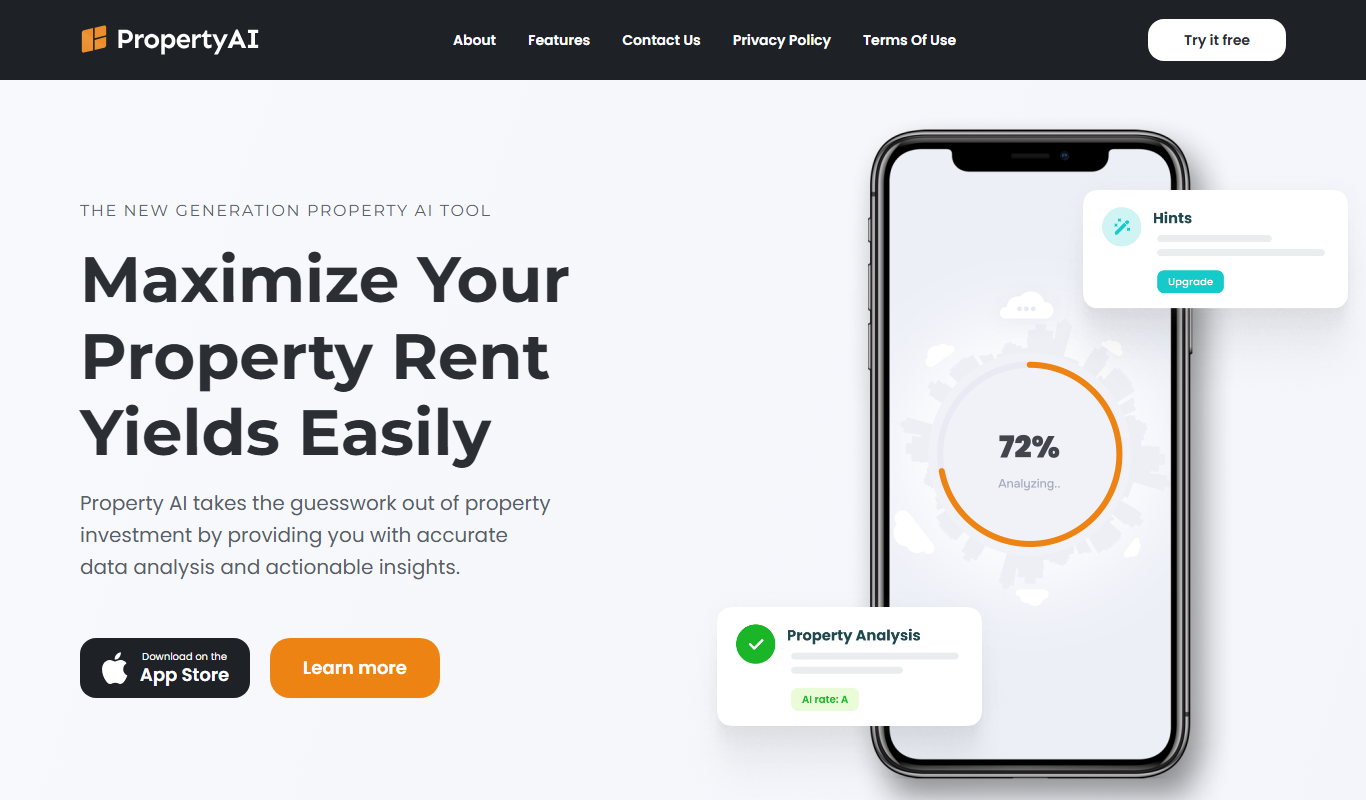
Property AI – Maximize Rental Yield
Property AI takes the guesswork out of property investment by providing accurate data analysis and actionable insights.

Contact for pricing
Fynite.AI
Fynite is an enterprise OS for agentic AI that unifies petabyte-scale data, trains domain-specific models and deploys AI agents that execute outcomes autonomously.

Freemium
EasyTrip AI
EasyTrip AI is an AI-driven travel planner that generates customized trip itineraries based on your travel dates, destinations, and preferences, helping you organize your trip efficiently.

Freemium
Travel Itinerary AI
Travel Itinerary AI is an AI-powered web tool that creates personalized travel itineraries based on your preferences, helping you plan and manage trips efficiently.

Free
aigclist
AIGCList is a free online directory that aggregates and categorizes AI tools, providing detailed information, user reviews, and AI industry news to help users discover and compare AI solutions.

Free
AI Tool Center
AI Tool Center is a free online directory that helps users discover, compare, and review AI tools across various categories and industries.