

Free
WeTransfer
WeTransfer is a cloud-based service that allows users to send large files easily, with a Free plan covering 3GB and 10 transfers and paid Starter and Ultimate plans.
Every AI tool we track, with pricing, platform and category on each entry. Filter down to a shortlist, then open the ones worth a closer look.
Filter 8,929 AI tools by pricing, category, platform and language.
WeTransfer is a cloud-based service that allows users to send large files easily, with a Free plan covering 3GB and 10 transfers and paid Starter and Ultimate plans.
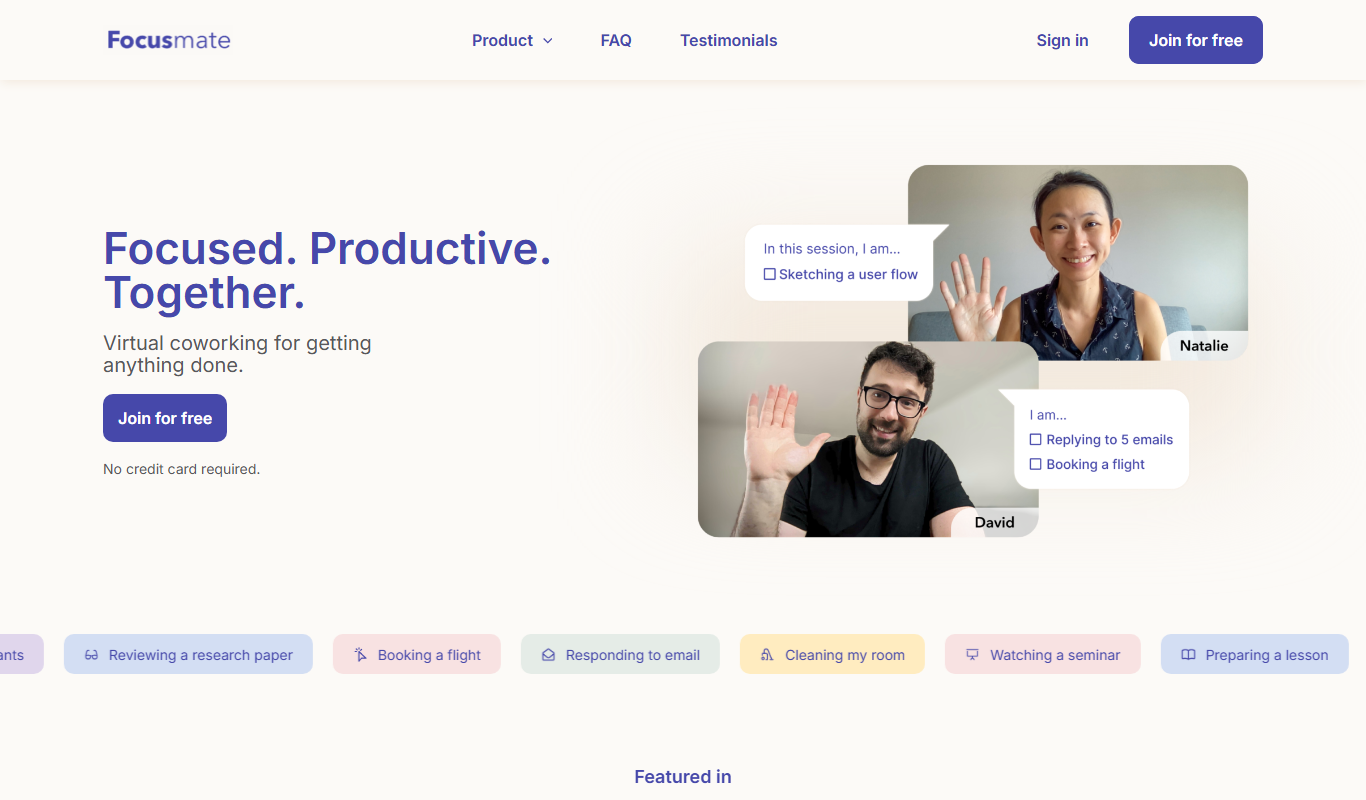
Focusmate is a virtual coworking platform that connects users for live video sessions to increase focus and productivity through social accountability.

ChooseYourStory is a free online platform for creating and sharing interactive branching stories where readers choose their own path.
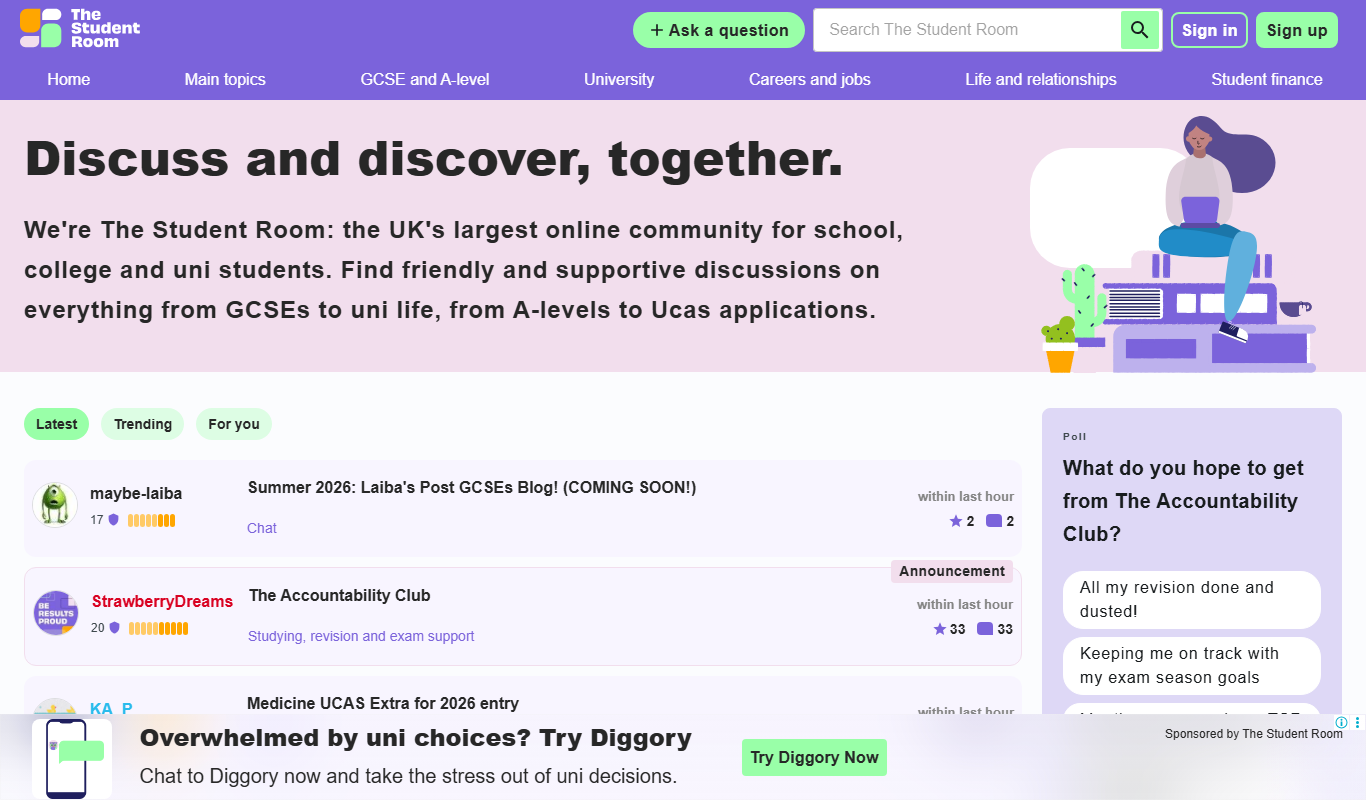
The Student Room is a free UK-based online student community offering forums, study resources, university application advice, and mental health support to students.
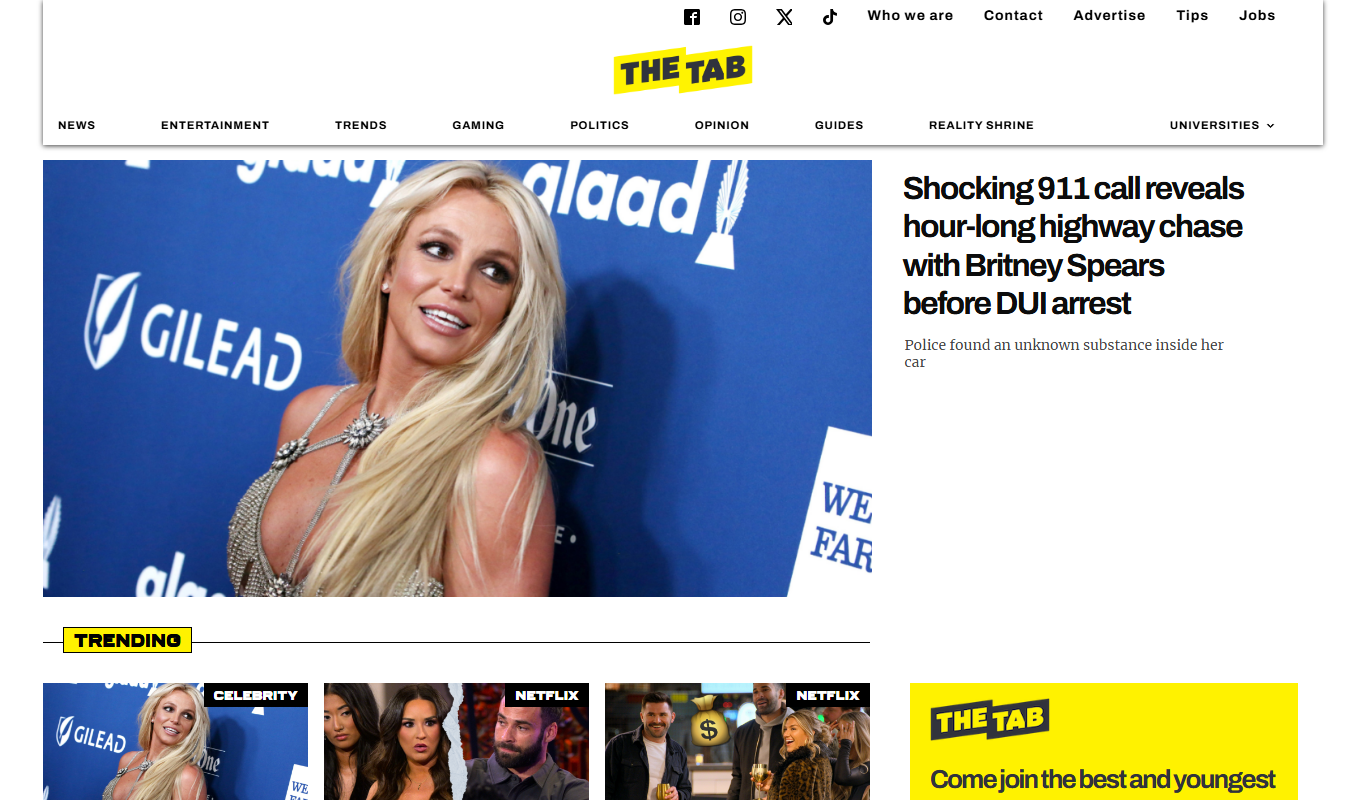
The Tab is a UK-based student news website that publishes campus news and stories written by students from universities across the UK, providing a platform for student journalism and university community engagement.

ClipGrab is a free, open-source video downloader and converter that lets you download videos from popular sites like YouTube and convert them into various formats including MP4 and MP3.

MobX DevTools is a free, open-source debugging tool that helps developers inspect and debug MobX observable state trees, track actions, and optimize application performance, primarily used in React and JavaScript projects.

Proven Skincare Quiz is a free AI-powered tool that provides personalized skincare product recommendations based on your unique skin profile and lifestyle.

TinEye is a reverse image search engine that helps users find where images appear online, verify image authenticity, and track image usage through advanced image recognition technology.

PriceRunner is a free price comparison website and app that helps users find the best prices on products by comparing offers from multiple online retailers, providing price history, reviews, and customizable alerts.

Colorwise.me offers a free color analysis from a selfie that identifies your seasonal color type and creates a personal color palette for clothes, makeup and accessories.

FOSSA is an automated platform that helps organizations manage open source license compliance and security by continuously scanning codebases, detecting vulnerabilities, and integrating with development pipelines.
Page 30 of 265
Ten tools per shortlist, ranked, for when a category is still too many results.
Still deciding
Pricing, supported platforms and what each one is actually good at, laid out in one table. 764 comparisons are written and ready.
Browse comparisonsComparable tools for the products people already use.
Every one of the 8,929 entries here carries the same fields: what the tool does, what it costs, which platforms it runs on, and which categories it belongs to. That is what makes filtering across the whole catalogue possible rather than decorative.
The catalogue is not the point on its own; competitors list the same tools. What is worth your time is what sits on top of it: comparisons that commit to a recommendation, alternative sets that are genuinely comparable, and entries that get corrected when a vendor changes its pricing.
Start from a category rather than the full list: the category index above jumps straight into the twelve largest ones. From there, use the pricing shortcuts to drop anything outside your budget, then open the three or four entries that look closest and compare them side by side.
Free means there is a usable tier at no cost with no time limit. Freemium means a free tier exists but the useful features sit behind a paid plan. Free trial means paid-only after a fixed evaluation window. Subscription means recurring billing with no free tier. Labels come from the vendor and are re-checked when a listing is updated.
Yes. Category, pricing, tech stack, language and platform stack together, and every combination has its own URL, so a filtered view can be bookmarked or shared. Active filters appear above the results and can be removed one at a time.
Around 8% of entries have no captured screenshot, usually because the tool sits behind a login or the site blocks automated capture. Those entries show the tool's initial instead. It is not a signal about the tool's quality.
Newest first, so the front of the directory reflects what has recently shipped. Switch the sort to Top Rated for the highest-scoring entries, or Most Popular to order by real visitor interest across views and outbound clicks.
An alternatives page answers "what else does this job?" and lists comparable tools for one product. A comparison page takes two named tools and works through pricing, capability and fit to reach a recommendation. Both are linked from every tool entry.