AI Tools Directory: 14,702 tools, compared and categorised

Every AI tool we track, with pricing, platform and category on each entry. Filter down to a shortlist, then open the ones worth a closer look.

Browse by category

All 1,751 categories

Explore all AI tools

Filter 14,702 AI tools by pricing, category, platform and language.

10,281 tools

Filtering by
Pricing: Subscription Pricing: Free Trial
Clear all
Screenshot of the ProProctor interface
Custom Pricing

ProProctor

ProProctor is an AI-based online exam proctoring software that provides secure remote testing by monitoring test-takers through webcam, screen sharing, and AI behavior analysis to prevent cheating and ensure exam integrity.

Screenshot of the Karriereguru interface
Freemium

Karriereguru

Karriereguru is an AI-driven platform that helps job seekers in Germany create optimized resumes and cover letters, providing personalized career advice and interview preparation.

Screenshot of the Bewerbung2Go interface
Freemium

Bewerbung2Go

Bewerbung2Go is an AI-driven platform that helps German-speaking users generate customized cover letters and optimize job applications efficiently.

Free

猎聘网

Liepin.com is a Chinese online recruitment platform connecting job seekers and employers with advanced job search, resume tools, and recruitment marketing.

Free

智联招聘

Zhaopin is a major Chinese online recruitment platform that uses AI to connect job seekers with employers, offering job search, resume tools, and recruitment analytics.

Screenshot of the TestDome interface
Pay As You Go

TestDome

TestDome is an online platform that provides customizable skill tests for hiring and employee assessment, supporting multiple programming languages and professional skills with real-time monitoring and detailed reporting.

Screenshot of the Gengo interface
Pay As You Go

Gengo

Gengo is a professional human translation platform that provides accurate, culturally relevant translations for businesses via web and API, supporting over 70 language pairs.

Screenshot of the Sales Navigator interface
Subscription

Sales Navigator

LinkedIn Sales Navigator is a premium sales tool that helps professionals find and engage with B2B leads using advanced search filters, AI-driven recommendations, and CRM integrations.

Screenshot of the Salla interface
Free Trial

Salla

Salla is a Saudi-based e-commerce platform that allows users to create and manage online stores easily with localized payment and shipping solutions.

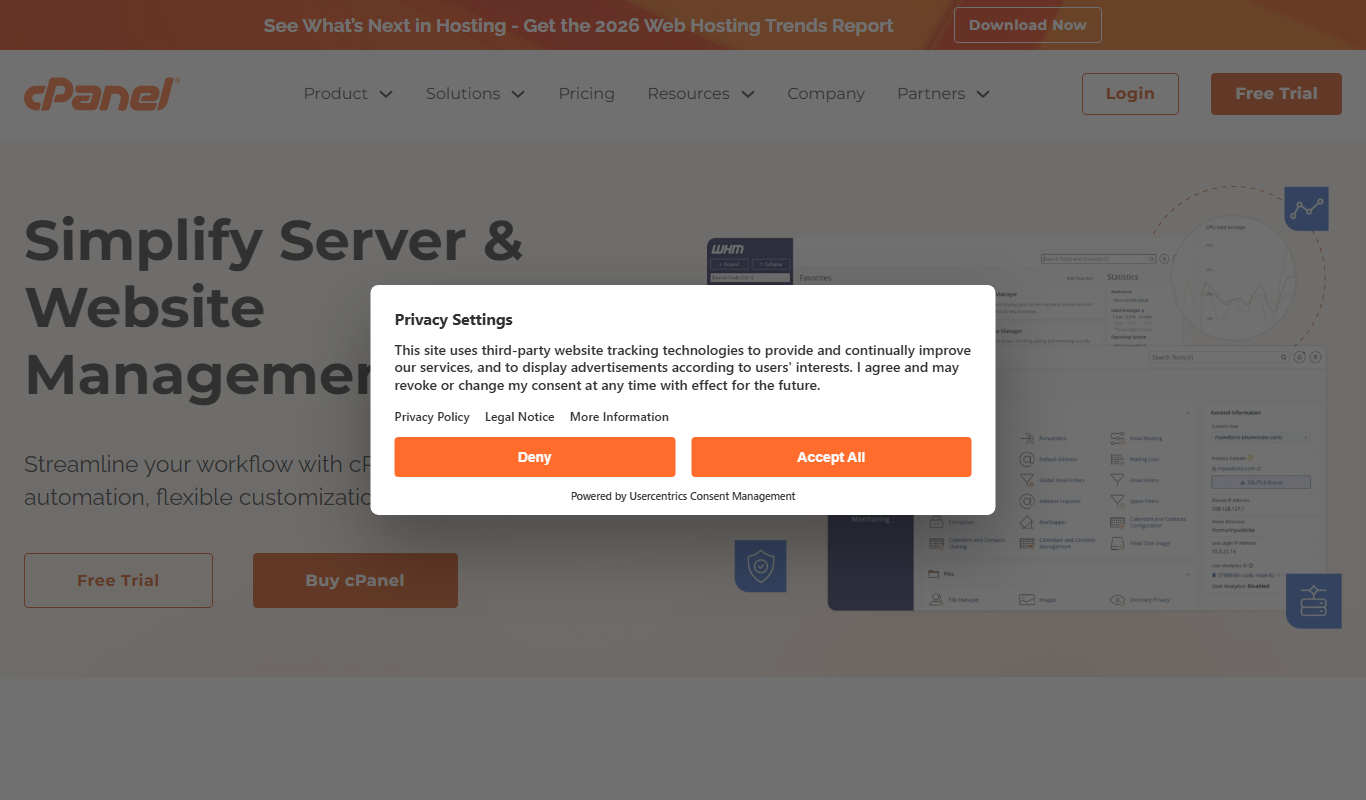
Screenshot of the cPanel interface
Subscription

cPanel

cPanel is a web-based control panel that simplifies website and server management by providing an intuitive interface for managing files, domains, emails, databases, and security settings.

Screenshot of the Plotly interface
Free

Plotly

Plotly is a data visualization platform that enables users to create interactive charts and dashboards using Python, R, and JavaScript, suitable for data analysis, business intelligence, and web app development.

Screenshot of the Perma.cc interface
Free

Perma.cc

Perma.cc is a web archiving tool that creates permanent, unalterable links to web pages, preserving content to prevent link rot and support reliable citations.

Page 21 of 857

Popular AI tool collections

Ten tools per shortlist, ranked, for when a category is still too many results.

All 486 collections

Still deciding

Compare two AI tools side by side

Pricing, supported platforms and what each one is actually good at, laid out in one table. 764 comparisons are written and ready.

Browse comparisons

About the TiorAI AI tools directory

Every one of the 14,702 entries here carries the same fields: what the tool does, what it costs, which platforms it runs on, and which categories it belongs to. That is what makes filtering across the whole catalogue possible rather than decorative.

The catalogue is not the point on its own; competitors list the same tools. What is worth your time is what sits on top of it: comparisons that commit to a recommendation, alternative sets that are genuinely comparable, and entries that get corrected when a vendor changes its pricing.

Common questions

How do I narrow 14,000 tools down to a shortlist?

Start from a category rather than the full list: the category index above jumps straight into the twelve largest ones. From there, use the pricing shortcuts to drop anything outside your budget, then open the three or four entries that look closest and compare them side by side.

What does each pricing label mean?

Free means there is a usable tier at no cost with no time limit. Freemium means a free tier exists but the useful features sit behind a paid plan. Free trial means paid-only after a fixed evaluation window. Subscription means recurring billing with no free tier. Labels come from the vendor and are re-checked when a listing is updated.

Can I combine filters?

Yes. Category, pricing, tech stack, language and platform stack together, and every combination has its own URL, so a filtered view can be bookmarked or shared. Active filters appear above the results and can be removed one at a time.

Why do some tools have no screenshot?

Around 8% of entries have no captured screenshot, usually because the tool sits behind a login or the site blocks automated capture. Those entries show the tool's initial instead. It is not a signal about the tool's quality.

How are tools ordered by default?

Newest first, so the front of the directory reflects what has recently shipped. Switch the sort to Top Rated for the highest-scoring entries, or Most Popular to order by real visitor interest across views and outbound clicks.

What is the difference between an alternative and a comparison?

An alternatives page answers "what else does this job?" and lists comparable tools for one product. A comparison page takes two named tools and works through pricing, capability and fit to reach a recommendation. Both are linked from every tool entry.