AI Tools Directory: 9,501 tools, compared and categorised

Every AI tool we track, with pricing, platform and category on each entry. Filter down to a shortlist, then open the ones worth a closer look.

Browse by category

All 1,619 categories

Explore all AI tools

Filter 9,501 AI tools by pricing, category, platform and language.

9,501 tools

Screenshot of the Pawp interface
Free Trial

Pawp

Pawp is a subscription-based pet insurance service that provides up to $3,000 in vet bill coverage annually with no deductibles or co-pays, combined with unlimited 24/7 access to licensed veterinarians via chat or video for dogs and cats.

Screenshot of the PetDesk interface
Free

PetDesk

PetDesk is a pet care management platform that helps pet owners schedule veterinary appointments, manage health records, and receive medication reminders through an easy-to-use app and web interface.

Free

Papago

Papago is a free AI-powered translation tool by Naver that supports text, voice, and image translation in multiple languages, designed for real-time multilingual communication.

Screenshot of the EyeSpy360 interface
Free Trial

EyeSpy360

EyeSpy360 is a cloud-based platform that enables users to create interactive 360-degree virtual tours for real estate, architecture, and marketing purposes without needing specialized hardware or software.

Screenshot of the Cupix interface
Free Trial

Cupix

Cupix is a cloud platform that converts 360-degree photos into interactive 3D virtual tours for construction, real estate, and facility management, enabling remote monitoring and collaboration.

Screenshot of the Looking Glass Factory interface
Custom Pricing

Looking Glass Factory

Looking Glass Factory offers advanced glasses-free 3D holographic displays that enable users to view and interact with volumetric 3D content without headsets, suitable for design, education, and entertainment.

Screenshot of the Eventable interface
Free

Eventable

Eventable is a calendar marketing platform that helps businesses promote events by sending invitations and reminders directly to users’ personal calendars, increasing attendance and engagement.

Custom Pricing

Oracle AI

Oracle AI is an enterprise-grade AI platform by Oracle Corporation that provides machine learning, natural language processing, and automation services on Oracle Cloud Infrastructure to help businesses build and deploy AI-powered applications.

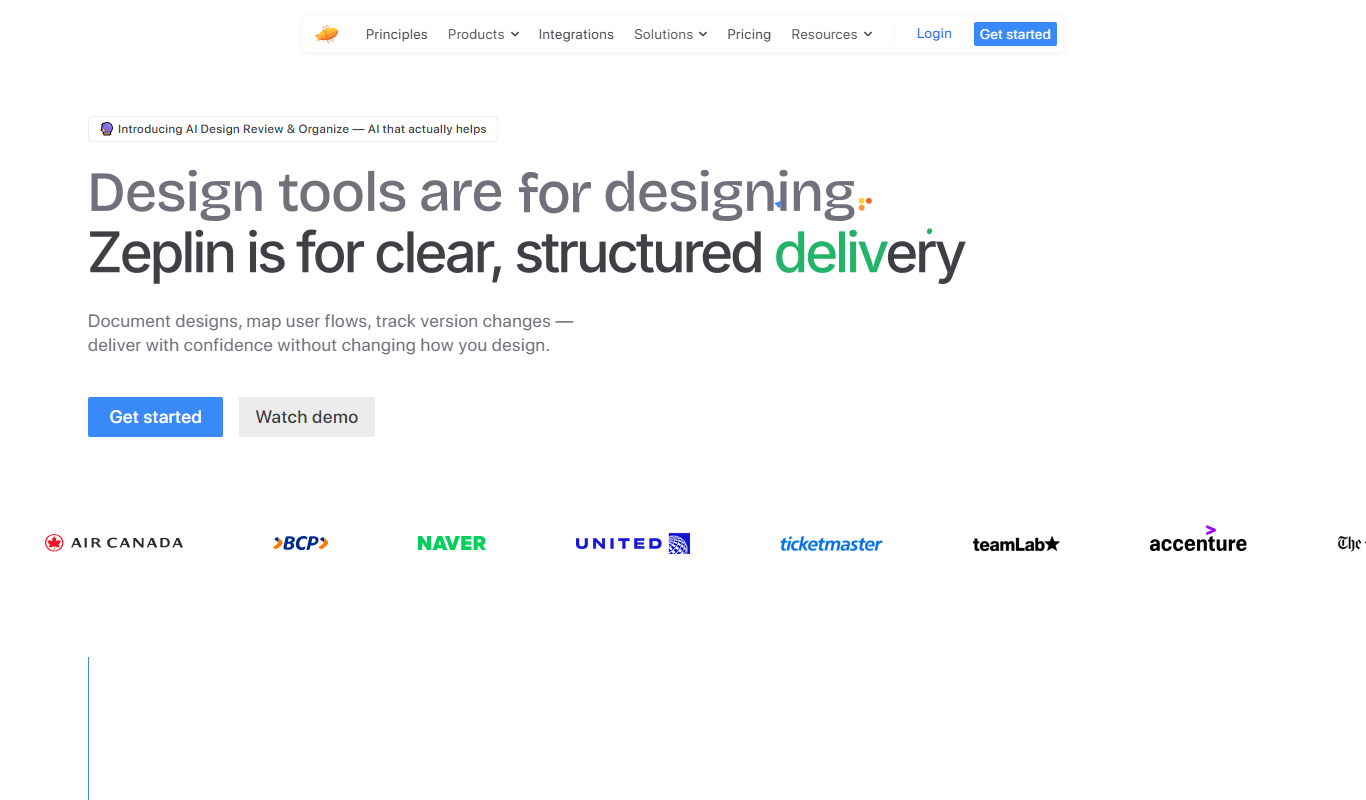
Screenshot of the Zeplin interface
Free

Zeplin

Zeplin is a collaborative platform that simplifies design handoff by generating specs, assets, and code snippets from design files, enabling seamless communication between designers and developers.

Free Trial

Jetpack Workflow

Jetpack Workflow is a web-based platform that helps service businesses automate workflows, manage clients, assign tasks, and track deadlines to improve productivity.

Subscription

Canopy

Canopy is a cloud-based tax resolution and practice management software that helps accounting firms automate workflows, manage clients, and securely handle tax documents.

Screenshot of the Yonyou Invoice Management interface
Custom Quote

Yonyou Invoice Management

Yonyou Invoice Management is an enterprise software that automates electronic invoice issuance, ensures tax compliance, integrates with ERP systems, and supports multi-channel invoice delivery.

Popular AI tool collections

Ten tools per shortlist, ranked, for when a category is still too many results.

All 486 collections

Still deciding

Compare two AI tools side by side

Pricing, supported platforms and what each one is actually good at, laid out in one table. 764 comparisons are written and ready.

Browse comparisons

About the TiorAI AI tools directory

Every one of the 9,501 entries here carries the same fields: what the tool does, what it costs, which platforms it runs on, and which categories it belongs to. That is what makes filtering across the whole catalogue possible rather than decorative.

The catalogue is not the point on its own; competitors list the same tools. What is worth your time is what sits on top of it: comparisons that commit to a recommendation, alternative sets that are genuinely comparable, and entries that get corrected when a vendor changes its pricing.

Common questions

How do I narrow 14,000 tools down to a shortlist?

Start from a category rather than the full list: the category index above jumps straight into the twelve largest ones. From there, use the pricing shortcuts to drop anything outside your budget, then open the three or four entries that look closest and compare them side by side.

What does each pricing label mean?

Free means there is a usable tier at no cost with no time limit. Freemium means a free tier exists but the useful features sit behind a paid plan. Free trial means paid-only after a fixed evaluation window. Subscription means recurring billing with no free tier. Labels come from the vendor and are re-checked when a listing is updated.

Can I combine filters?

Yes. Category, pricing, tech stack, language and platform stack together, and every combination has its own URL, so a filtered view can be bookmarked or shared. Active filters appear above the results and can be removed one at a time.

Why do some tools have no screenshot?

Around 8% of entries have no captured screenshot, usually because the tool sits behind a login or the site blocks automated capture. Those entries show the tool's initial instead. It is not a signal about the tool's quality.

How are tools ordered by default?

Newest first, so the front of the directory reflects what has recently shipped. Switch the sort to Top Rated for the highest-scoring entries, or Most Popular to order by real visitor interest across views and outbound clicks.

What is the difference between an alternative and a comparison?

An alternatives page answers "what else does this job?" and lists comparable tools for one product. A comparison page takes two named tools and works through pricing, capability and fit to reach a recommendation. Both are linked from every tool entry.