

Outwrite AI Writing Assistant for Grammar, Style, and Clarity Improvement
Outwrite is an AI writing assistant that helps improve grammar, style, clarity, and checks for plagiarism across multiple platforms including web and popular document editors.
- Best for
- Academic Writing
- Key capability
- Grammar and Spell Checker
Save outwrite.com, follow its updates and vote on it — everything stays in your account.
Sign in or create a free account
What is outwrite.com?
Outwrite is an AI-powered writing assistant designed to help users improve their writing by checking grammar, enhancing style, and increasing clarity. It integrates advanced natural language processing to suggest corrections and improvements, making writing more effective and polished. The tool supports multiple platforms including web, browser extensions, and popular document editors.
Key features of outwrite.com
Outwrite offers grammar and spell checking, style and clarity suggestions, vocabulary enhancement, plagiarism detection, and multi-platform integration to streamline the writing and editing process for various user needs.
Grammar and Spell Checker
Detects and corrects grammatical errors, typos, and punctuation mistakes.
Style and Clarity Enhancements
Offers suggestions to improve sentence structure, tone, and readability.
Vocabulary Enhancement
Recommends stronger word choices to make writing more engaging.
Plagiarism Checker
Scans text against online sources to detect potential plagiarism.
Multi-Platform Support
Available as a web app, Chrome extension, and add-ons for Microsoft Word and Google Docs.
Pros and cons of outwrite.com
Pros
- User-friendly interface with clear suggestions
- Multi-platform availability including popular editors
- Comprehensive grammar and style improvements
- Includes plagiarism detection in Pro plan
Cons
- Supports English language only
- No offline functionality
- Free plan has limited features
Key use cases for outwrite.com
Academic Writing
Helps students and researchers improve grammar, clarity, and style in essays and papers.
Professional Communication
Enhances emails, reports, and business documents for clear and polished communication.
Creative Writing
Supports writers in refining tone, style, and flow for stories, articles, and blog posts.
Content Editing
Assists content creators and marketers in improving readability and eliminating errors.
Plagiarism Detection
Checks text originality to ensure content is unique and properly cited.
How outwrite.com works
- 1
Input Text
Users paste or type their text into the Outwrite editor or use the browser extension within supported platforms.
- 2
Analyze Writing
The AI analyzes grammar, style, clarity, and originality to identify issues and improvement opportunities.
- 3
Review Suggestions
Users review highlighted corrections and suggestions, choosing which to accept or reject.
- 4
Apply Changes
Accepted suggestions are applied to the text, improving overall quality and readability.
Who is using outwrite.com
outwrite.com pricing
Free
$0/month
Basic grammar and spell checking with limited features.
Pro
$9.95/month
Full access to advanced grammar, style suggestions, vocabulary enhancement, and plagiarism detection.
Plans and prices are as published by the vendor and can change. Check the official site before you buy. Open the pricing page (opens in a new tab)
Frequently asked questions about outwrite.com
Currently, Outwrite supports English only.
Outwrite requires an internet connection as it processes text through its AI servers.
Yes, the Pro plan includes a plagiarism detection feature.
Outwrite is available on the web, as a Chrome extension, and as add-ons for Microsoft Word and Google Docs.
It depends on your specific needs and how you plan to use the tool. The official website and documentation are the best sources for the latest details.
Some tools offer a free plan or trial with limited features. Availability can vary, so confirm on the official website.
Yes, it can help with that use case depending on how you configure it and what features are available. You’ll get the best results with clear inputs and a defined goal.
Yes, it can help with that use case depending on how you configure it and what features are available. You’ll get the best results with clear inputs and a defined goal.
Conclusion
Text goes into the Outwrite editor directly, or the browser extension works inside supported platforms. The AI analyzes grammar, style, clarity and originality, and users review highlighted corrections and suggestions before choosing which to accept or reject. Beyond typos and punctuation mistakes, suggestions address sentence structure, tone and word choices, and a plagiarism checker scans text against online sources.
Its use cases run from academic essays and papers to business emails and reports. Outwrite is available on the web, as a Chrome extension and as add-ons for Microsoft Word and Google Docs.
Sources
Sign in to review this tool.
Sign In to ReviewNo reviews yet
Be the first to share how this tool worked for you.
Ask about pricing, limits, or how it compares — or answer someone else.
Sign In to AskNo questions yet
Have a question about using or paying for this tool? Be the first to ask.
Featured on TiorAI



More AI Grammar Checker Tools tools
Other tools in the same category, for when this one is not quite the fit.
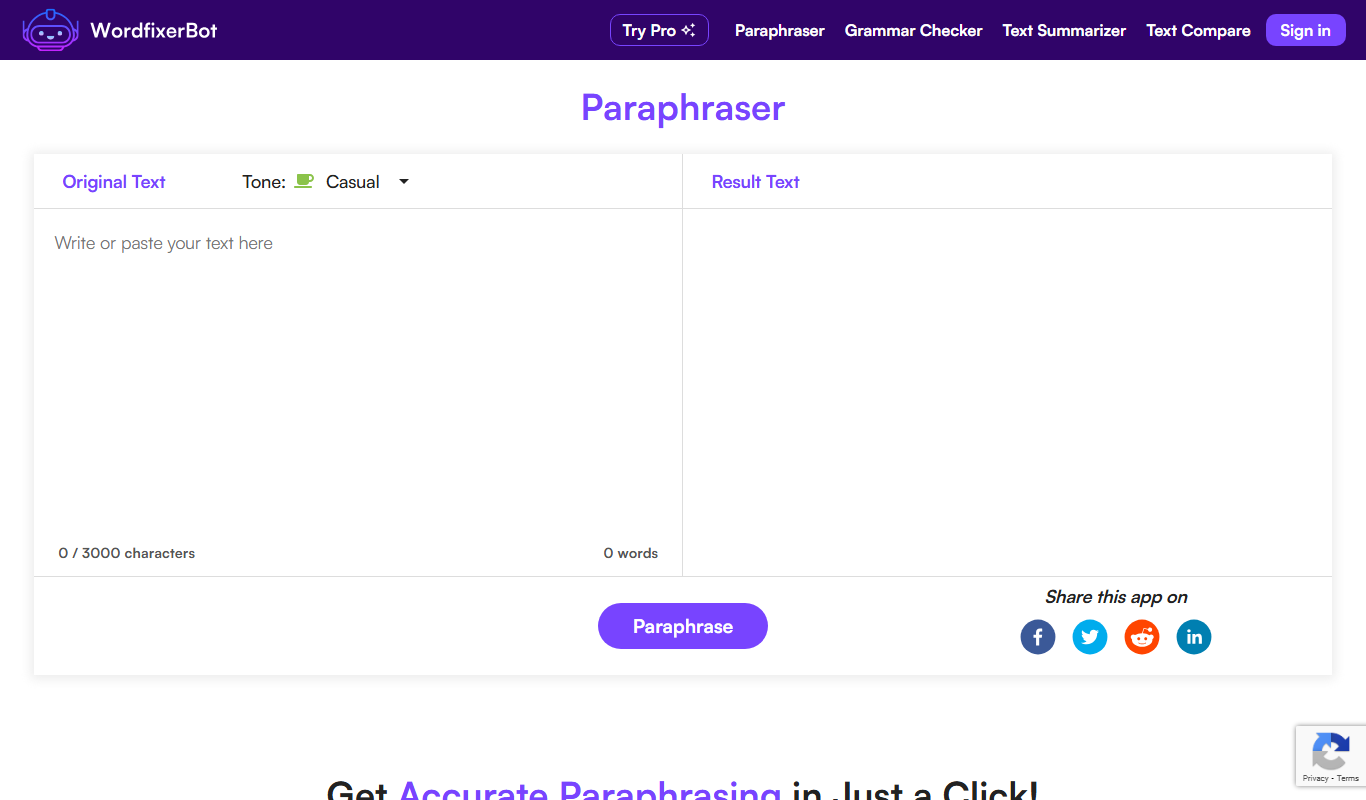
WordfixerBot
WordfixerBot is an AI paraphrasing tool that rephrases any text in a choice of tones, with a grammar checker, text summarizer and text compare tool alongside.

BulkCorrector
BulkCorrector segments long texts into manageable pieces so ChatGPT can correct grammar and spelling, or translate, an entire document in one go.

Trinka AI – Grammar Checker Tool
Trinka AI is an AI-powered grammar checker specialized for academic and professional writing, offering advanced grammar, style, and plagiarism checks with detailed explanations.

Fixkey
Fixkey is a native Mac writing assistant that turns typed or spoken text into polished writing in any app, with AI rewrites, speech-to-text and translation.

Revisely
Revisely is an online writing assistant that provides grammar, spelling, style corrections, and plagiarism detection primarily for English and Dutch texts through a web-based editor.
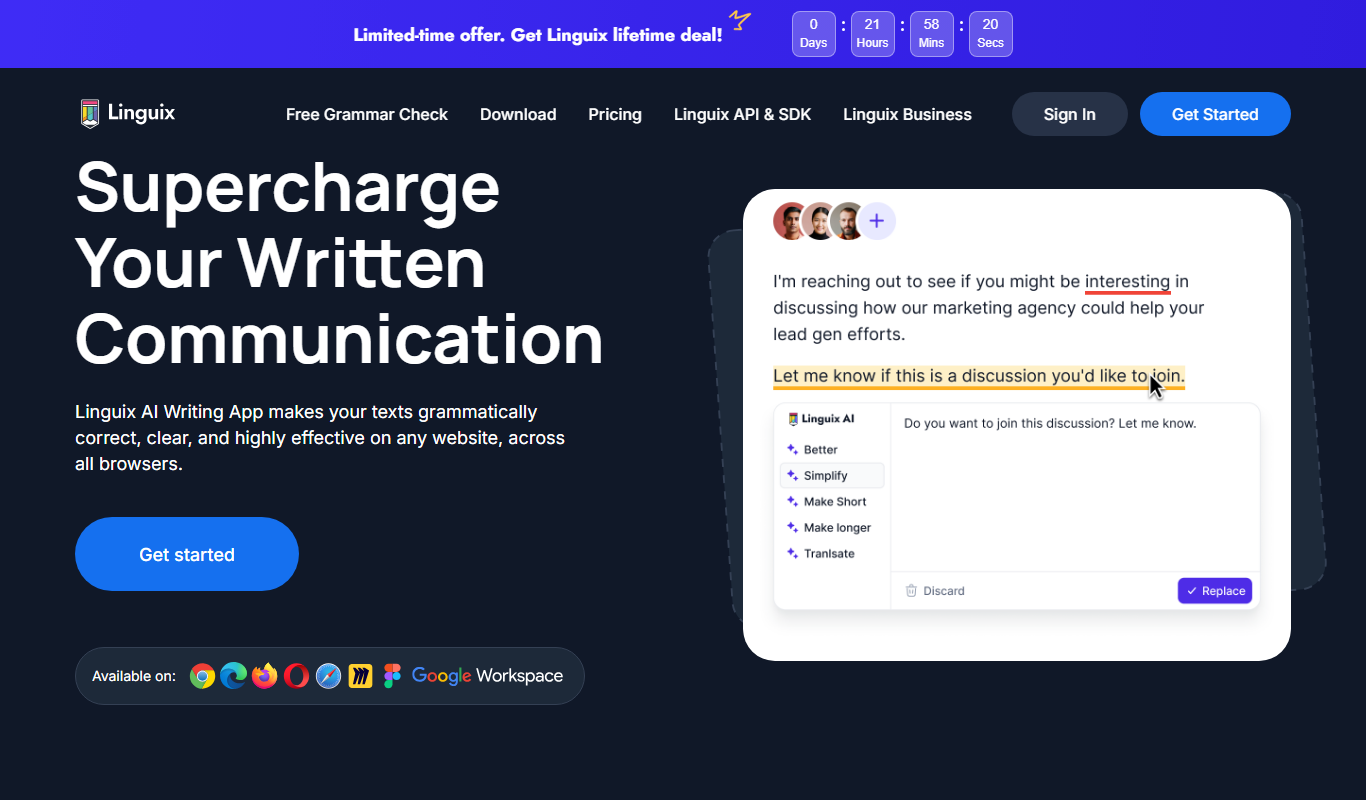
Linguix
Linguix is an AI-based writing assistant that provides real-time grammar, spelling, punctuation, and style corrections to improve English writing via browser extensions, web editor, and API.

editGPT
editGPT is an AI-powered web-based text editor that helps users correct grammar, improve writing style, and enhance clarity with real-time suggestions.

ProWritingAid
ProWritingAid is an AI-powered writing assistant that helps improve grammar, style, readability, and detects plagiarism, integrating with popular writing platforms.