

OneNote Web Clipper - Save and Organize Web Content Efficiently
OneNote Web Clipper is a free Microsoft browser extension that allows users to capture and save web content directly into OneNote notebooks for easy organization and access across devices.
- Best for
- Research and Study
- Key capability
- Multiple Clipping Modes
Save OneNote Web Clipper, follow its updates and vote on it — everything stays in your account.
Sign in or create a free account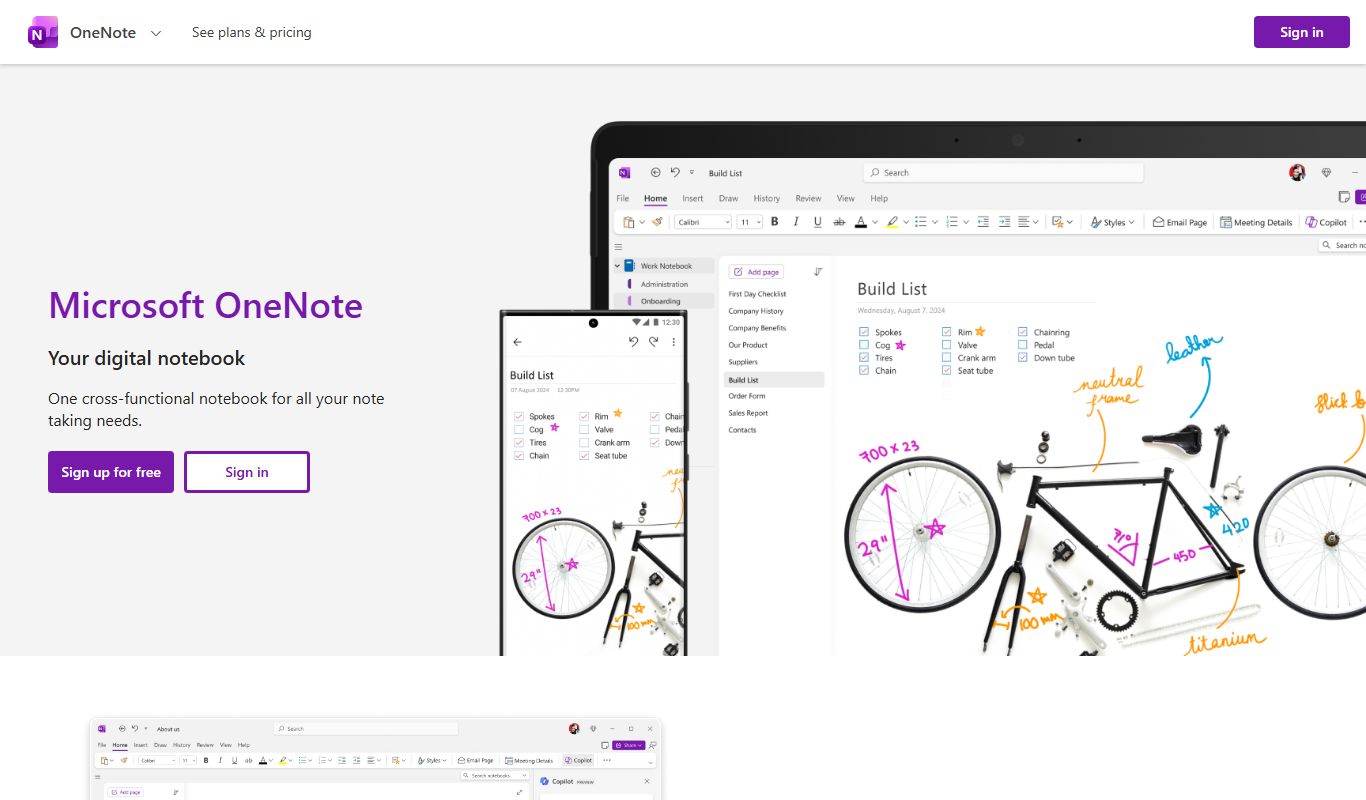
What is OneNote Web Clipper?
OneNote Web Clipper is a free browser extension developed by Microsoft that allows users to quickly capture and save web content directly into their OneNote notebooks. It enables clipping of full pages, regions, or simplified articles, preserving the content for offline access and organization.
Key features of OneNote Web Clipper
The tool offers seamless clipping of web pages, customizable saving options, easy organization within OneNote notebooks, and cross-device synchronization to keep your notes accessible anywhere.
Multiple Clipping Modes
Capture full pages, selected regions, or simplified articles for focused content saving.
Notebook Integration
Save clips directly into specific OneNote notebooks and sections for organized note management.
Cross-Device Sync
Access clipped content on any device with OneNote installed or via the web.
Annotation Tools
Add notes, highlights, and tags to clipped content within OneNote for enhanced context.
Easy Sharing
Share clipped notes with colleagues or friends through OneNote collaboration features.
Pros and cons of OneNote Web Clipper
Pros
- Simple and intuitive clipping interface
- Seamless integration with OneNote notebooks
- Free to use with no hidden costs
- Cross-platform synchronization
- Supports multiple clipping modes
Cons
- Requires a Microsoft account to use
- Limited to OneNote ecosystem for note management
- No advanced editing within the clipper itself
Key use cases for OneNote Web Clipper
Research and Study
Capture and organize web content such as articles, images, and PDFs for academic or professional research.
Content Curation
Save and categorize web pages and snippets for later reference or sharing in projects and presentations.
Project Collaboration
Share clipped content with team members via OneNote notebooks to streamline collaboration and information sharing.
Personal Organization
Collect recipes, travel plans, or shopping lists from the web and organize them efficiently within OneNote.
How OneNote Web Clipper works
- 1
Install Extension
Add the OneNote Web Clipper extension to your preferred web browser.
- 2
Sign In
Log in with your Microsoft account to access your OneNote notebooks.
- 3
Clip Content
Use the clipper to capture full pages, regions, or simplified articles from the web.
- 4
Organize Clips
Choose the destination notebook and section to save your clipped content.
- 5
Access Anywhere
View and edit your clipped notes across devices via OneNote apps or web.
Who is using OneNote Web Clipper
OneNote Web Clipper pricing
Free
$0
Full access to OneNote Web Clipper features with a Microsoft account.
Plans and prices are as published by the vendor and can change. Check the official site before you buy. Open the pricing page (opens in a new tab)
Frequently asked questions about OneNote Web Clipper
Yes, the OneNote Web Clipper is completely free and requires only a Microsoft account.
It supports major browsers including Microsoft Edge, Google Chrome, and Mozilla Firefox.
Yes, you can save clips to specific notebooks and sections for easy organization.
Clipping requires an internet connection, but saved content can be accessed offline via OneNote apps.
It depends on your specific needs and how you plan to use the tool. The official website and documentation are the best sources for the latest details.
Some tools offer a free plan or trial with limited features. Availability can vary, so confirm on the official website.
Yes, it can help with that use case depending on how you configure it and what features are available. You’ll get the best results with clear inputs and a defined goal.
Conclusion
This Microsoft extension for Microsoft Edge, Google Chrome and Mozilla Firefox saves web content directly into OneNote notebooks. After signing in with a Microsoft account, users capture full pages, selected regions or simplified articles and choose the destination notebook and section. Clips can be annotated with notes, highlights and tags inside OneNote and shared with colleagues through its collaboration features. Clipping requires an internet connection, but saved content can be accessed offline via OneNote apps and on any device with OneNote installed.
Students, educators and researchers use it to capture articles, images and PDFs for academic or professional research. It is completely free, and the only requirement is a Microsoft account. Note management is limited to the OneNote ecosystem, and there is no advanced editing within the clipper itself.
Sources
Sign in to review this tool.
Sign In to ReviewNo reviews yet
Be the first to share how this tool worked for you.
Ask about pricing, limits, or how it compares — or answer someone else.
Sign In to AskNo questions yet
Have a question about using or paying for this tool? Be the first to ask.
Featured on TiorAI



Alternative Tools
Explore similar AI tools that might fit your needs
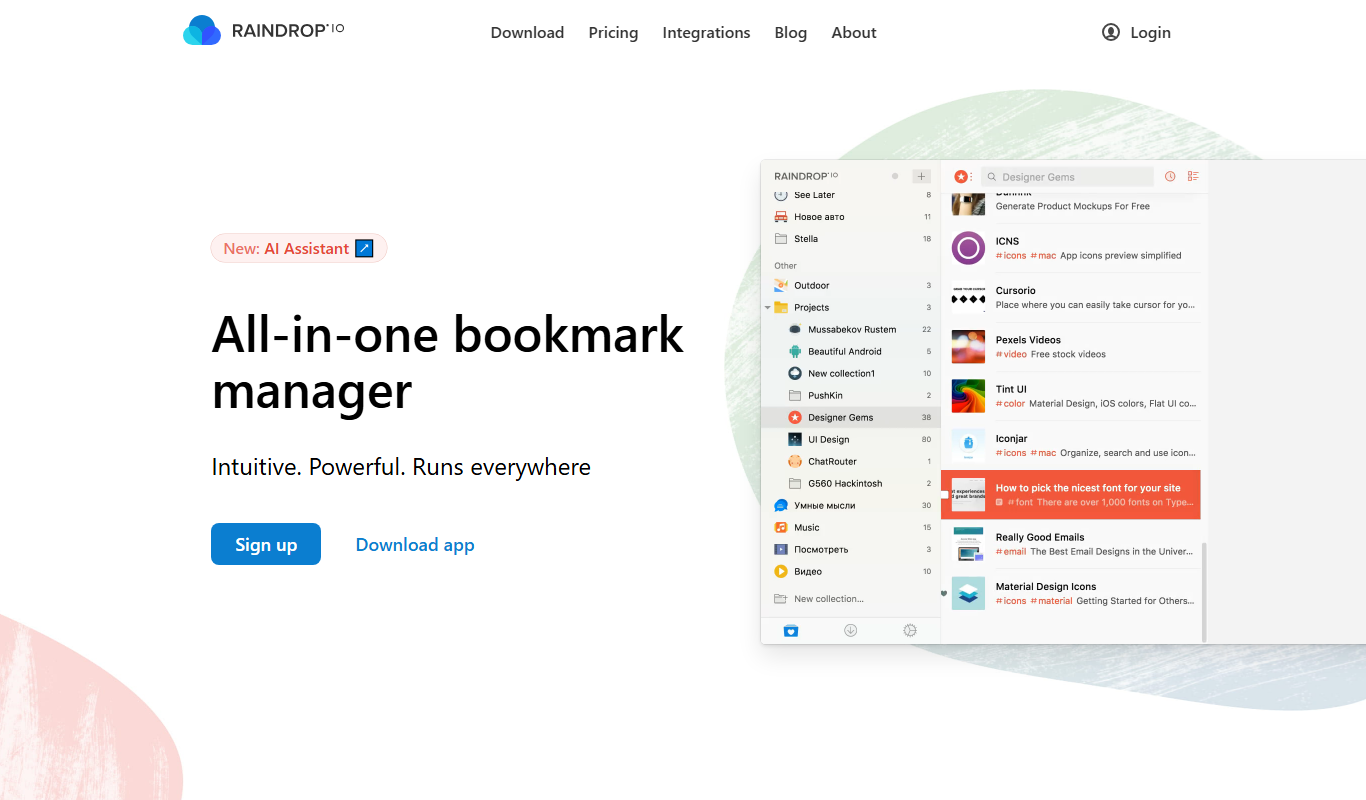
Raindrop.io
Raindrop.io is a cloud bookmark manager that lets users save, organize, and sync web content across devices with collaboration and offline access features.
More Business Management tools
Other tools in the same category, for when this one is not quite the fit.

MinutesLink
MinutesLink records meetings with a bot or an extension, produces speaker-labeled transcripts and writes AI summaries of key topics, decisions and action items.

Fynite.AI
Fynite is an enterprise OS for agentic AI that unifies petabyte-scale data, trains domain-specific models and deploys AI agents that execute outcomes autonomously.

ChartPixel
ChartPixel is a web-based platform that turns messy data into interactive charts, written insights and forecasts with AI assisted analysis, and lets users chat with their data.

Chatterlytics
Chatterlytics is an AI data analytics and BI copilot that connects to your databases and answers business questions in plain English with charts, dashboards and explainable reports.

Formisoft AI
Formisoft helps independent practices get patient paperwork completed before the appointment, with intake forms, signatures, booking, payments and follow-up in one place.

Jobotrak
Jobotrak is a job application tracker for applications, interviews and contacts, with AI resume tailoring and interview prep and a free plan for up to 20 job applications.

Influs
Influs is a talent operations workspace where creator agencies run their roster, campaigns, deliverables, approvals, payments and margin.

BIK
BIK is an agentic AI CRM and marketing automation platform for eCommerce brands, with 100+ AI commerce agents across retention, acquisition and support.