

From my experience with MinutesLink, I found it excels at simplifying the process of documenting and managing meeting minutes while integrating task assignment seamlessly. The platform’s straightforward web interface makes it easy for teams to collaborate in real time and keep track of action items without confusion. It’s particularly well-suited for small to medium-sized teams that need an organized way to run productive meetings and ensure follow-ups. However, the lack of a dedicated mobile app and limited third-party integrations may be a drawback for some users. Overall, if you want a focused meeting management tool that enhances accountability, MinutesLink delivers solid value.
MinutesLink Meeting Management Software for Efficient Team Collaboration
MinutesLink is a web-based meeting management platform that streamlines agenda creation, meeting minutes documentation, task assignment, and follow-up reminders to enhance team collaboration and accountability.
- Best for
- Meeting Minutes Documentation
- Key capability
- Agenda Management
Your actions
Save MinutesLink, follow its updates and vote on it — everything stays in your account.
Sign in or create a free account
What is MinutesLink?
MinutesLink is a web-based meeting management software designed to streamline the process of creating, sharing, and tracking meeting minutes and agendas. It helps teams stay organized and accountable by providing tools for documenting discussions, assigning tasks, and following up on action items.
Key features of MinutesLink
MinutesLink offers features such as agenda creation, real-time note-taking, task assignment, progress tracking, and automated reminders. Its intuitive interface enables teams to conduct efficient meetings and maintain clear records for future reference.
Agenda Management
Create and distribute structured meeting agendas to keep discussions focused.
Real-Time Note Taking
Capture meeting minutes live and collaborate on notes with team members.
Task Assignment and Tracking
Assign tasks during meetings and monitor their progress until completion.
Automated Reminders
Send follow-up notifications to ensure assigned tasks are completed on time.
Meeting History Archive
Store and access past meeting notes and agendas for reference and accountability.
Pros and cons of MinutesLink
Pros
- User-friendly interface for easy meeting management
- Integrated task assignment and tracking
- Automated reminders improve accountability
- Supports collaboration with real-time note taking
Cons
- No dedicated mobile app available
- Limited integrations with third-party tools
Key use cases for MinutesLink
Meeting Minutes Documentation
Create, organize, and share detailed meeting minutes to keep all participants aligned.
Agenda Planning
Prepare and distribute meeting agendas in advance to ensure productive discussions.
Task Assignment and Tracking
Assign action items during meetings and track their progress to completion.
Team Collaboration
Facilitate communication and collaboration among team members through shared meeting notes.
Meeting Follow-ups
Send reminders and follow-up notifications to ensure accountability on assigned tasks.
How MinutesLink works
- 1
Create an Account
Sign up on the MinutesLink website to start managing your meetings.
- 2
Set Up Meeting Agendas
Prepare and share meeting agendas with participants before the meeting.
- 3
Take and Share Meeting Minutes
Document discussions and decisions during meetings and share notes instantly.
- 4
Assign Tasks
Allocate action items to team members directly within the meeting notes.
- 5
Track Progress and Send Reminders
Monitor task completion and send automated follow-ups to ensure accountability.
Who is using MinutesLink
Small to medium-sized businesses
Project managers
Team leaders
Remote teams
Non-profit organizations
MinutesLink pricing
Free
$0/month
Basic meeting management features with limited meetings and users.
Pro
$10/month
Advanced features including unlimited meetings, task tracking, and priority support.
Plans and prices are as published by the vendor and can change. Check the official site before you buy. Open the pricing page (opens in a new tab)
Frequently asked questions about MinutesLink
Yes, MinutesLink offers a free plan with basic features suitable for small teams.
Yes, you can assign tasks during meetings and track their progress within the platform.
Currently, MinutesLink is available as a web application accessible via browsers.
Yes, meeting minutes and agendas can be shared via links or exported for external sharing.
It depends on your specific needs and how you plan to use the tool. The official website and documentation are the best sources for the latest details.
Some tools offer a free plan or trial with limited features. Availability can vary, so confirm on the official website.
Yes, it can help with that use case depending on how you configure it and what features are available. You’ll get the best results with clear inputs and a defined goal.
It depends on your specific needs and how you plan to use the tool. The official website and documentation are the best sources for the latest details.
Sign in to review this tool.
Sign In to ReviewNo reviews yet
Be the first to share how this tool worked for you.
Ask about pricing, limits, or how it compares — or answer someone else.
Sign In to AskNo questions yet
Have a question about using or paying for this tool? Be the first to ask.
Featured on TiorAI



Alternative Tools
Explore similar AI tools that might fit your needs
Free
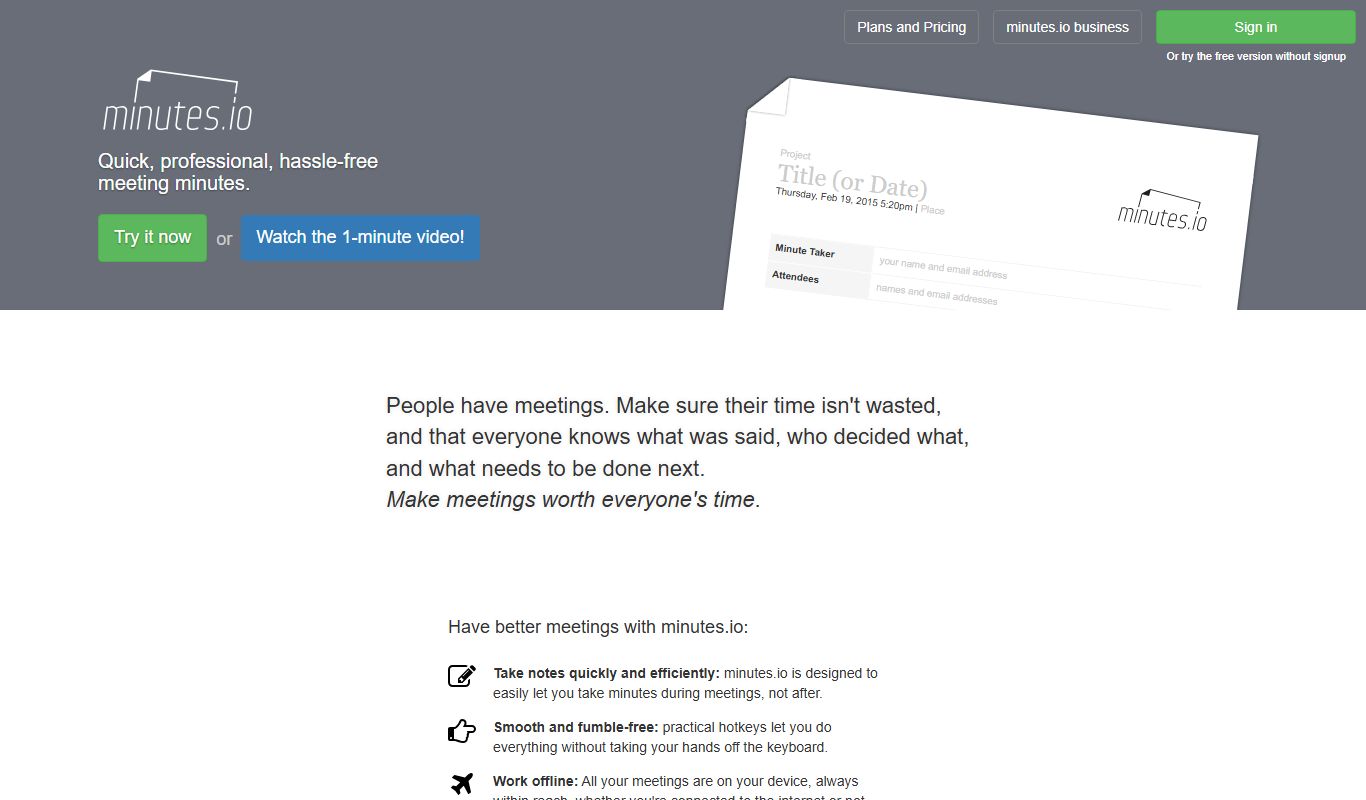
Minutes.io
Minutes.io is a free, web-based meeting minutes tool that allows users to quickly create, organize, and share meeting notes without needing to sign up.
More AI Analytics Assistant tools
Other tools in the same category, for when this one is not quite the fit.
Free
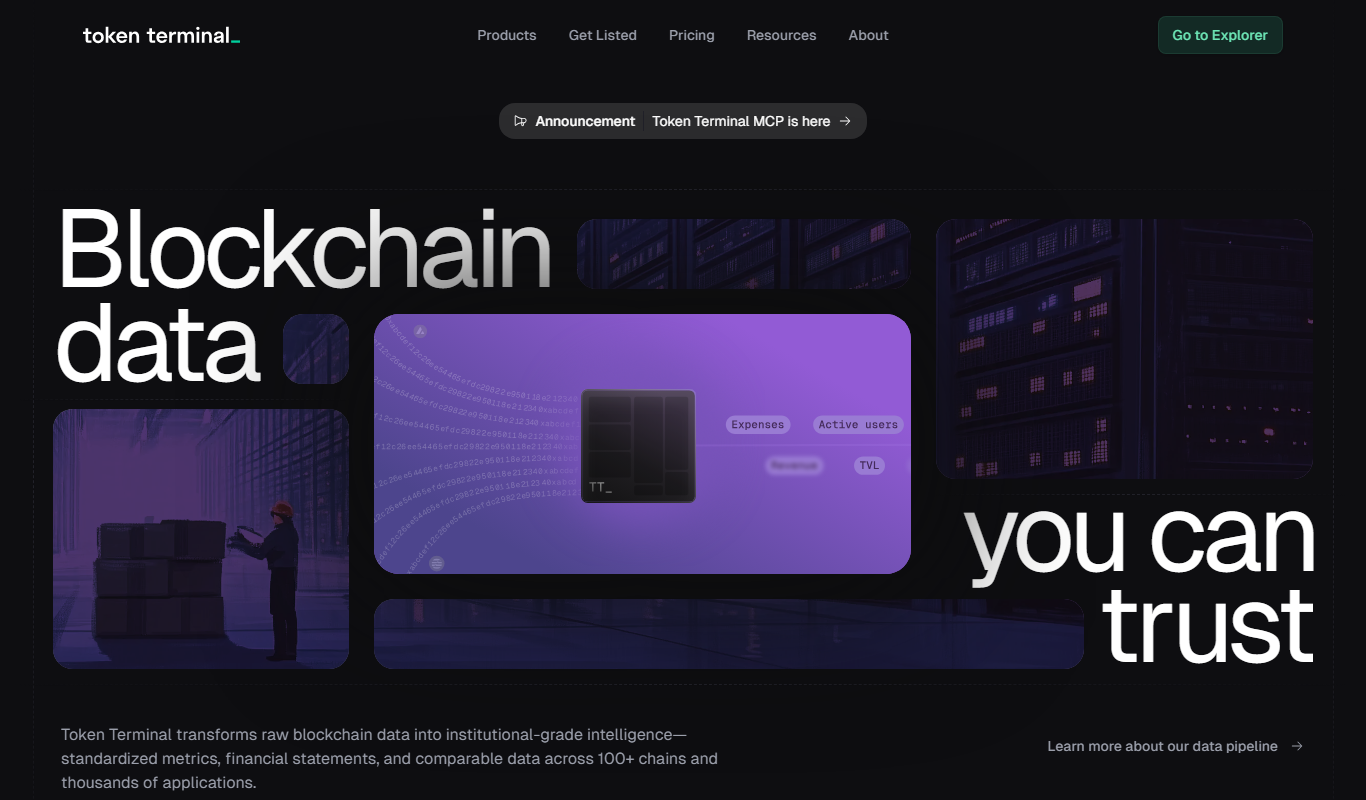
Token Terminal
Token Terminal is a financial analytics platform that provides standardized metrics and dashboards for evaluating blockchain and cryptocurrency projects, including DeFi and NFTs.

Custom Pricing
SlowMist
SlowMist is a blockchain security company providing smart contract audits, threat intelligence, and security consulting to protect blockchain projects from vulnerabilities and attacks.

Subscription
Panjiva
Panjiva is a global trade data platform that provides detailed shipment records, supplier and buyer profiles, and analytics to help businesses manage supply chains, conduct market research, and ensure trade compliance.

Free Trial
Klipfolio
Klipfolio is a cloud-based dashboard software that enables real-time business data visualization, custom reporting, and integration with multiple data sources to help teams make data-driven decisions.

Contact for pricing
Pecan AI
Pecan AI is a no-code predictive analytics platform that automates machine learning to help businesses forecast outcomes like sales and customer churn, enabling data-driven decisions without requiring data science expertise.
Custom Pricing
Viseum
Viseum is an AI-driven surveillance platform that provides real-time video analytics, automated threat detection, and remote monitoring to enhance security operations.

Freemium
Payscale
Payscale is a compensation software platform providing real-time salary data, pay equity analysis, and workforce analytics to help organizations manage employee compensation effectively.

Enterprise
Planet Labs
Planet Labs operates a large fleet of small satellites providing daily high-resolution Earth imagery accessible via web and API for industries like agriculture, environmental monitoring, and disaster response.