
From my experience with Omnes.link, I found it excels at providing a straightforward and efficient way to create branded short URLs with custom domains, which is essential for professional marketing campaigns. The detailed analytics and QR code generation add valuable layers for tracking and offline engagement. After spending time with the platform, I can say it’s particularly well-suited for marketers and small businesses looking for an affordable and user-friendly link management solution. However, the free plan has limited features, and the lack of a mobile app might be a drawback for users needing on-the-go access. Overall, if you need reliable URL shortening with branding and analytics, Omnes.link delivers solid results.

Omnes.link URL Shortener with Custom Domains and Analytics Features
Omnes.link is a web-based URL shortener that allows users to create branded short links using custom domains, track link analytics, and generate QR codes for marketing and sharing purposes.
What is Omnes.link?
Omnes.link is a web-based URL shortening and link management platform that enables users to create short, branded links with custom domains. It provides detailed analytics on link performance, including click statistics, geographic data, and device types. The tool also supports QR code generation for each shortened link, facilitating offline and mobile marketing efforts. Omnes.link is designed to help marketers, businesses, and individuals optimize link sharing and track engagement effectively.
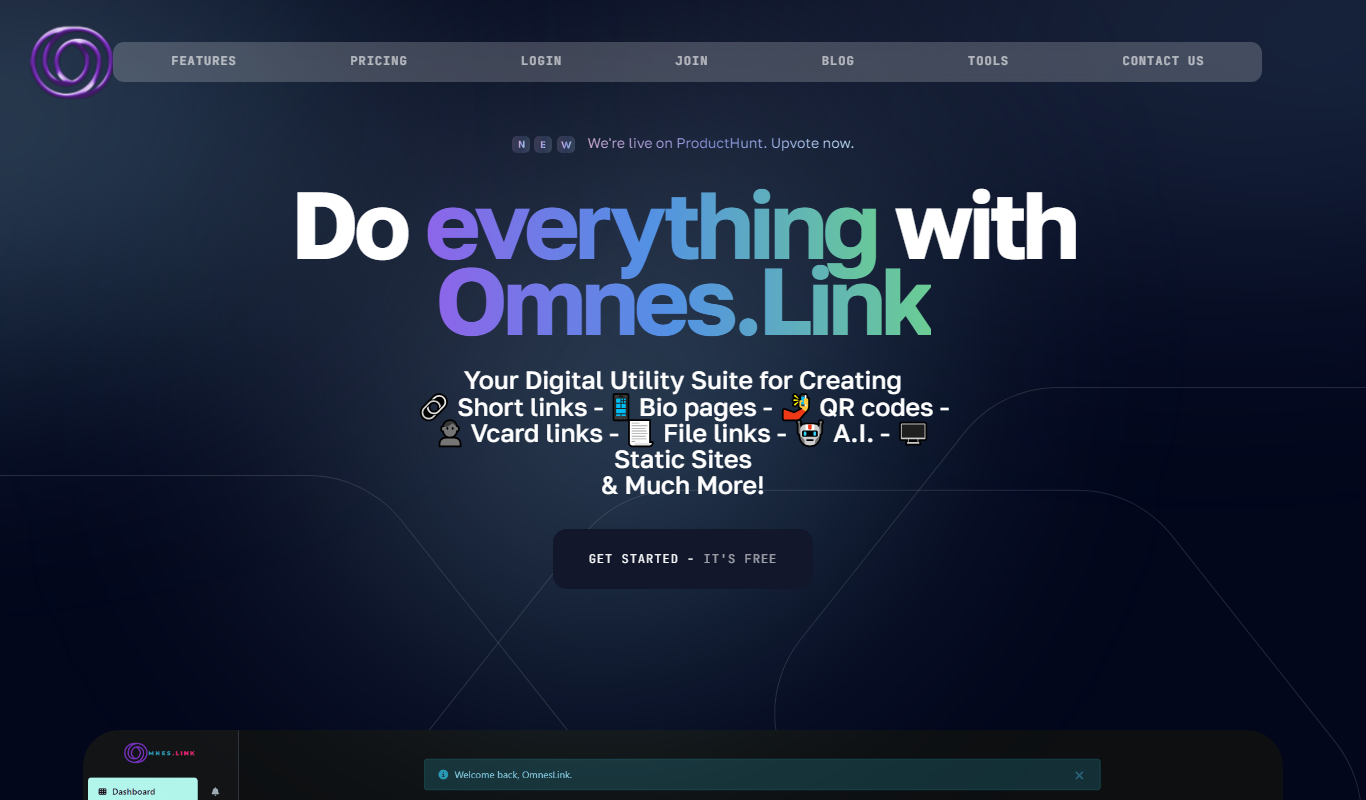
Key Features of Omnes.link
Custom Domains
Use your own domain names to create branded, trustworthy short links.
Detailed Analytics
Access real-time data on clicks, geographic locations, devices, and referrers.
QR Code Generation
Automatically generate QR codes for each shortened URL for versatile sharing.
Link Management Dashboard
Organize, edit, and manage all your short links in one intuitive interface.
API Access
Integrate Omnes.link shortening capabilities into your own applications via API.
Pros and Cons of Omnes.link
Pros
- Supports custom branded domains
- Comprehensive link analytics
- Includes QR code generation
- User-friendly dashboard
- API available for integration
Cons
- Limited features on free plan
- No mobile app available
Key Use Cases for Omnes.link
Marketing Campaigns
Create branded short links to track and optimize marketing campaigns effectively.
Social Media Sharing
Share concise, branded URLs on social platforms to improve click-through rates and brand recognition.
Link Analytics
Monitor detailed statistics on link clicks, geographic data, and device types to understand audience behavior.
QR Code Generation
Generate QR codes linked to shortened URLs for offline marketing and easy mobile access.
Custom Domain Usage
Use your own domain names to create branded short links that reinforce your brand identity.
How Omnes.link Works
-
1
Sign Up
Create a free account on the Omnes.link website to access the dashboard.
-
2
Add Custom Domain
Connect your own domain to create branded short links.
-
3
Shorten URL
Enter the long URL you want to shorten and generate a branded short link.
-
4
Share and Track
Distribute your short links and monitor their performance through detailed analytics.
-
5
Generate QR Code
Create QR codes for your short links to facilitate offline sharing.
Who's Using Omnes.link
Digital marketers
Small and medium businesses
Social media managers
Content creators
E-commerce stores
Omnes.link Pricing
Free
$0/month
Basic URL shortening with limited custom domains and analytics.
Pro
$15/month
Advanced features including unlimited custom domains, detailed analytics, and API access.
Frequently Asked Questions About Omnes.link
Yes, Omnes.link supports custom domains to create branded short URLs.
Yes, it offers detailed analytics including click counts, geographic data, and device types.
Yes, Omnes.link offers a free plan with basic features and limited usage.
Yes, QR code generation is included for all shortened URLs.
It depends on your specific needs and how you plan to use the tool. The official website and documentation are the best sources for the latest details.
Yes, it can help with that use case depending on how you configure it and what features are available. You’ll get the best results with clear inputs and a defined goal.
It depends on your specific needs and how you plan to use the tool. The official website and documentation are the best sources for the latest details.
Some tools offer a free plan or trial with limited features. Availability can vary, so confirm on the official website.
Share your review
Reviews are limited to one per logged-in user and are published after moderation.
You need an account to review this tool.
0.0
★
★
★
★
★
0 reviews
5 star
0
4 star
0
3 star
0
2 star
0
1 star
0
No reviews yet
Be the first to share how this tool worked for you.
Questions from the community
Read questions and answers about this tool, or ask your own.
No questions yet
Start the conversation by asking the first question about this tool.
Is this tool helpful?

Freemium
linkshieldapi.com
LinkShieldAPI is an API service that scans URLs in real time to detect malware, phishing, and other threats, helping developers secure links before users access them.
Free
Short Generator
Short Generator is an online tool that shortens long URLs into concise links, offers link customization, and provides click analytics to track performance.
Freemium
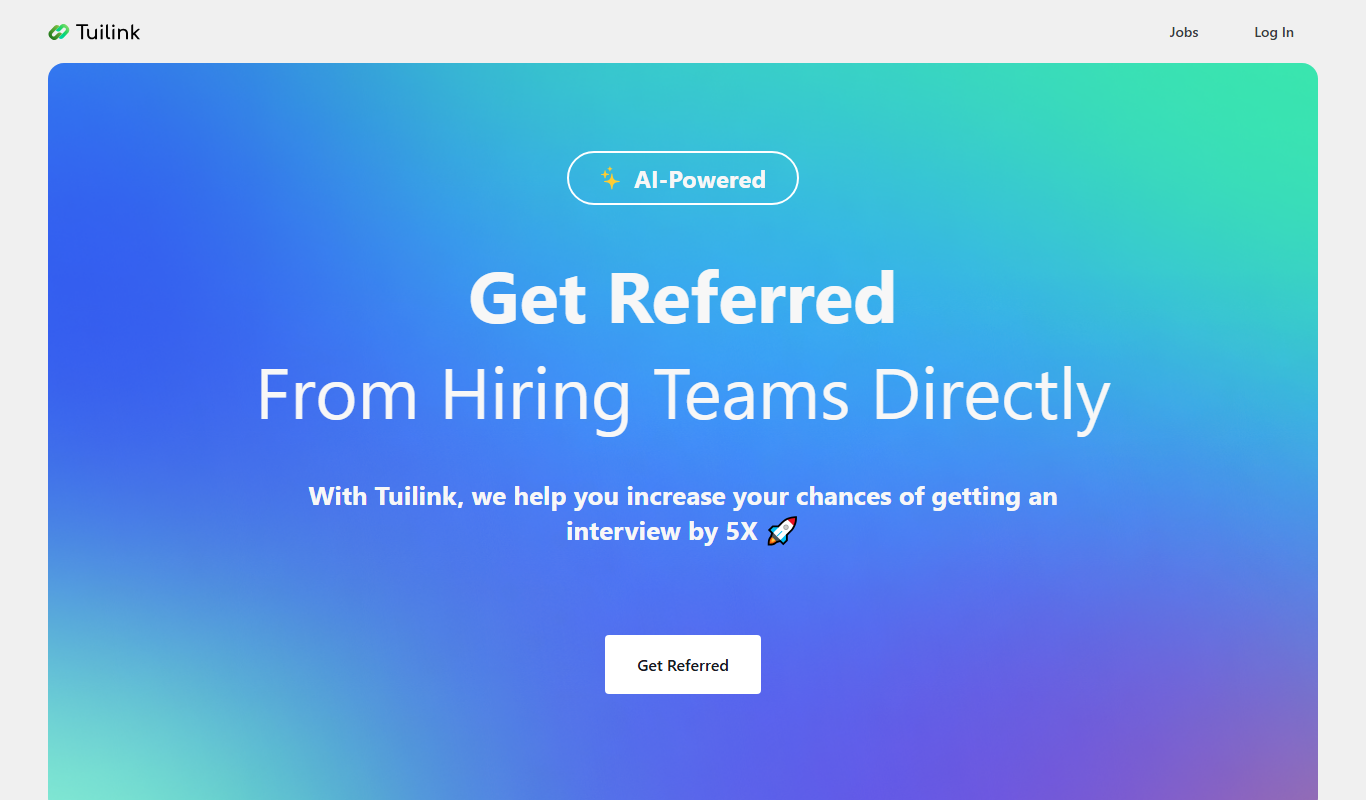
Tuilink
Tuilink is a web-based platform that enables users to shorten URLs, create branded links with custom domains, and track link performance through real-time analytics to optimize marketing efforts.
Free
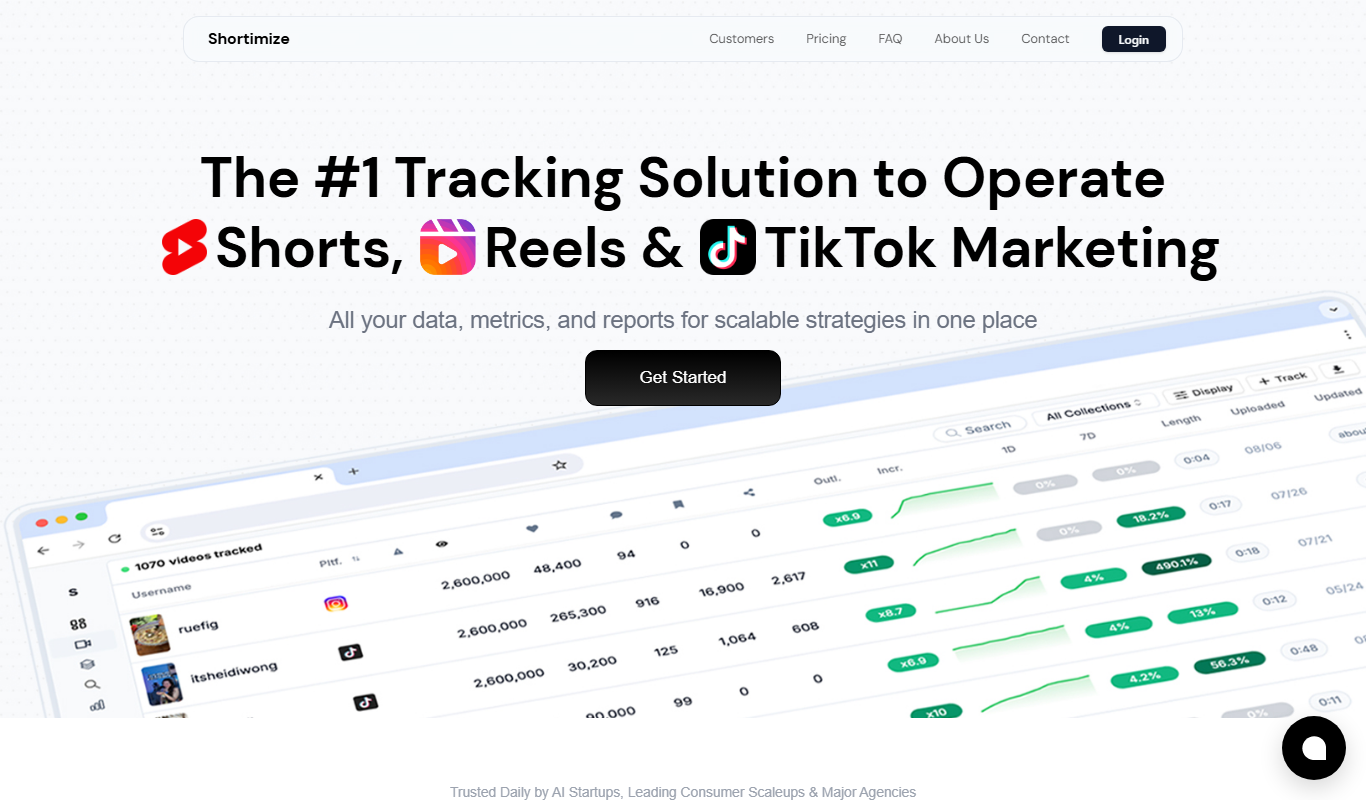
Shortimize
Shortimize is a web-based URL shortener that enables users to create custom branded short links, manage URLs, and track detailed analytics to optimize marketing campaigns.

Free
Linkly.AI
Linkly.AI is a link management platform that provides branded URL shortening, detailed click analytics, dynamic QR codes, and retargeting pixel integration to optimize marketing campaigns.
Freemium
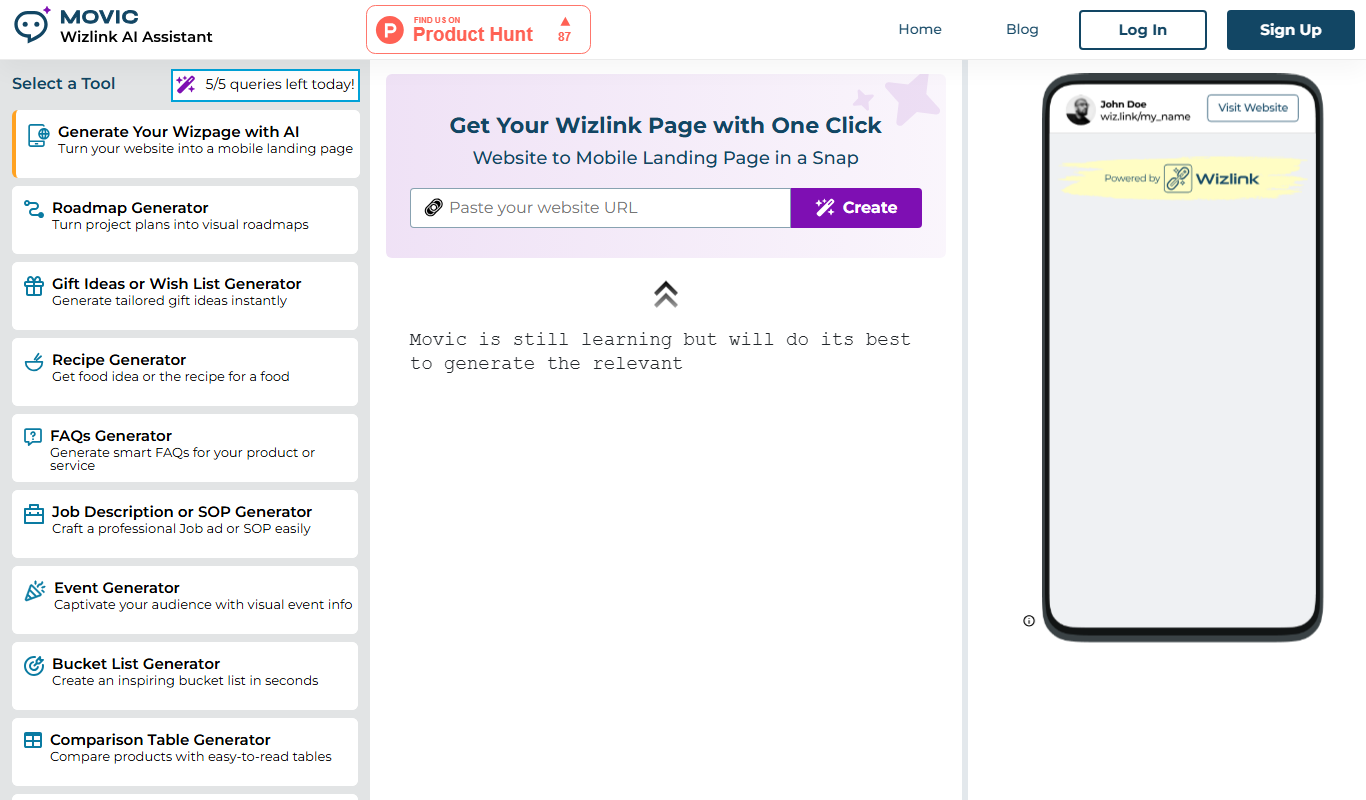
Wizlink AI
Wizlink AI is an AI-driven link management tool that offers smart URL shortening, branded links, and detailed analytics to optimize link performance for marketers and businesses.
Free
fyu.se
fyu.se is a free online tool that shortens long URLs into compact links and generates QR codes for easy sharing, without requiring user registration.
Free
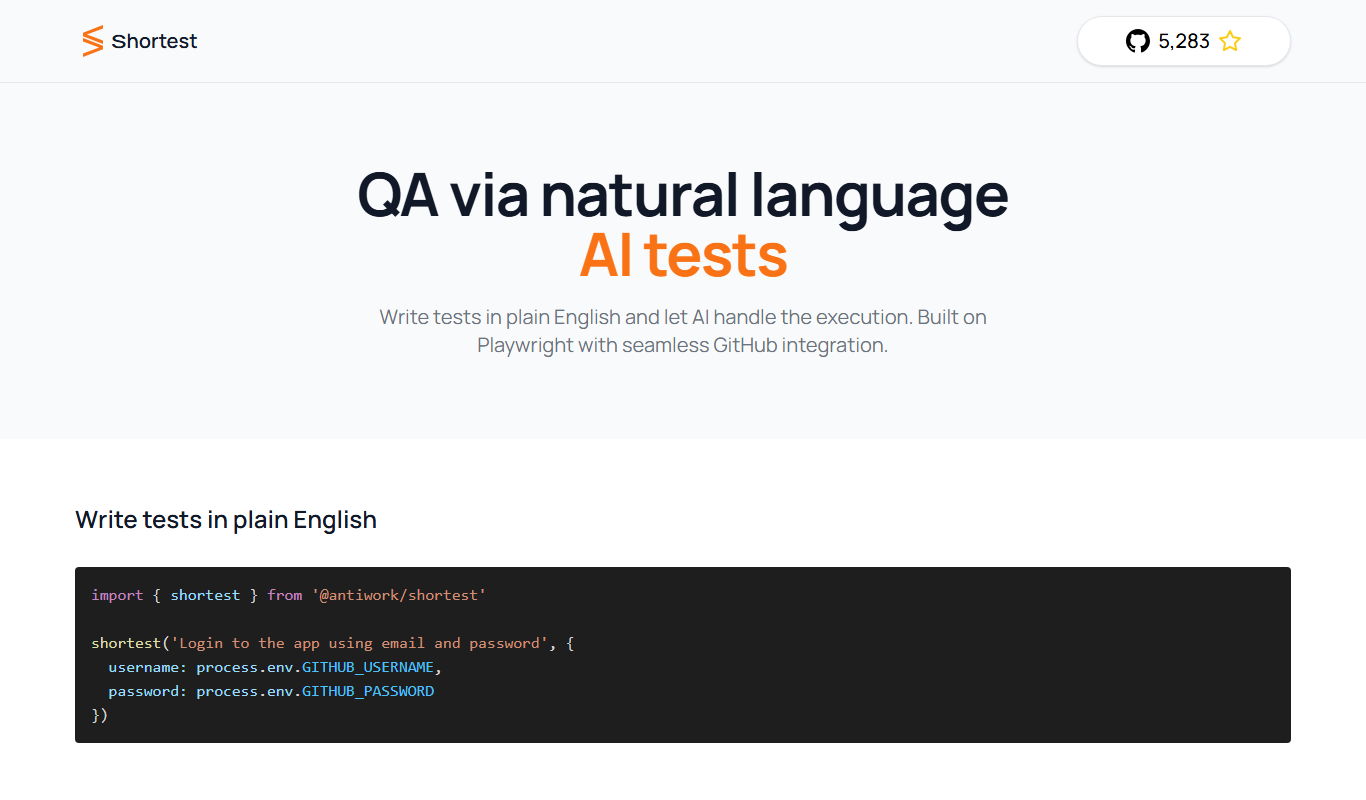
Shortest
Shortest is a URL shortening platform that enables users to create custom branded short links with detailed analytics, ideal for marketing and link management.