

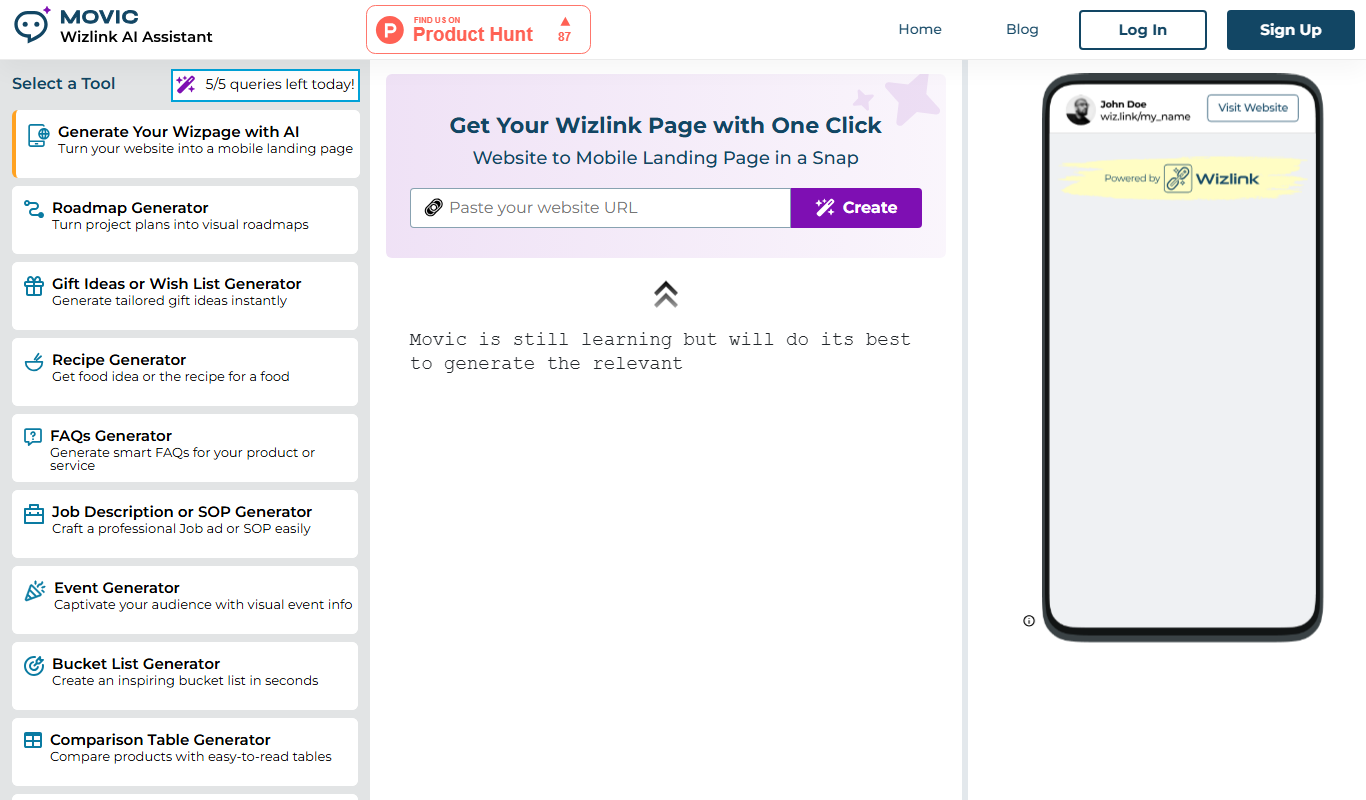
From my experience with Wizlink AI, the platform stands out for its AI-driven approach to link management, which genuinely helps improve link engagement and tracking accuracy. The intuitive dashboard makes managing multiple links straightforward, and the ability to create branded short URLs adds a professional touch to marketing campaigns. While it lacks a mobile app and API access, its web-based interface is robust and reliable. Overall, Wizlink AI is well-suited for marketers and small businesses looking for smart URL shortening combined with actionable analytics to optimize their digital outreach.
Wizlink AI Review: AI-Powered Link Management and Smart URL Shortening
Wizlink AI is an AI-driven link management tool that offers smart URL shortening, branded links, and detailed analytics to optimize link performance for marketers and businesses.
- Best for
- Smart URL Shortening
- Key capability
- AI-Optimized URL Shortening
Do you recommend this tool?
What is Wizlink AI?
Wizlink AI is an AI-powered link management platform designed to help users create, manage, and analyze shortened URLs. It leverages artificial intelligence to optimize link performance, provide detailed analytics, and enable marketers and businesses to enhance their digital campaigns through smart, branded links.
Key features of Wizlink AI
The platform offers smart URL shortening, branded link creation, comprehensive link management, real-time analytics, and seamless social media integration. Its AI capabilities help optimize link engagement and provide actionable insights for marketing strategies.
AI-Optimized URL Shortening
Uses AI to enhance link engagement and optimize redirection.
Branded Links
Allows creation of custom branded short URLs to maintain brand identity.
Comprehensive Analytics
Provides detailed metrics such as clicks, geographic data, and device types.
Link Management Dashboard
Centralized interface to organize, edit, and monitor all links.
Social Media Integration
Facilitates easy sharing with optimized previews for social platforms.
Pros and cons of Wizlink AI
Pros
- Intuitive and user-friendly interface
- AI-powered optimization improves link engagement
- Supports custom branded domains
- Detailed and actionable analytics
- Flexible pricing plans including a free tier
Cons
- Limited mobile app support; primarily web-based
- Some advanced features require higher-tier plans
- No disclosed API access for developers
Key use cases for Wizlink AI
Smart URL Shortening
Create shortened URLs that are optimized for engagement and tracking.
Link Management
Organize, edit, and manage multiple links from a centralized dashboard.
Marketing Analytics
Track link performance with detailed analytics to optimize campaigns.
Custom Branded Links
Generate branded short links to enhance brand recognition and trust.
Social Media Sharing
Easily share links across social media platforms with optimized previews.
How Wizlink AI works
- 1
Sign Up
Create an account on Wizlink AI’s website to access the platform.
- 2
Create Short Links
Input long URLs and generate AI-optimized shortened links.
- 3
Customize Links
Add branding elements or customize the link slug for better recognition.
- 4
Share and Track
Distribute links across channels and monitor performance through analytics.
Who is using Wizlink AI
Digital marketers
Social media managers
Small to medium businesses
Content creators
Affiliate marketers
Wizlink AI pricing
Free
$0/month
Basic link shortening and limited analytics with usage caps.
Pro
$15/month
Advanced analytics, branded links, and higher usage limits.
Business
$49/month
Full feature set with priority support and team collaboration tools.
Plans and prices are as published by the vendor and can change. Check the official site before you buy. Open the pricing page (opens in a new tab)
Frequently asked questions about Wizlink AI
Yes, Wizlink AI supports custom domains for branded URL shortening.
Yes, the platform offers real-time tracking and detailed link performance data.
Yes, there is a free plan with basic features and usage limits.
Absolutely, the dashboard allows centralized management of all your links.
This tool is designed to help users accomplish its core tasks more efficiently. It is typically used by individuals or teams looking to improve productivity and workflow.
Yes, it can help with that use case depending on how you configure it and what features are available. You’ll get the best results with clear inputs and a defined goal.
Some tools offer a free plan or trial with limited features. Availability can vary, so confirm on the official website.
It depends on your specific needs and how you plan to use the tool. The official website and documentation are the best sources for the latest details.
Sign in to review this tool.
Sign In to ReviewNo reviews yet
Be the first to share how this tool worked for you.
Ask about pricing, limits, or how it compares — or answer someone else.
Sign In to AskNo questions yet
Have a question about using or paying for this tool? Be the first to ask.
Featured on TiorAI



More AI Landing Page Builder tools
Other tools in the same category, for when this one is not quite the fit.

Free
Free Landing Page Generator
Free Landing Page Generator by GPT Console is a web tool that uses AI to create customizable, mobile-responsive landing pages quickly and without coding, ideal for marketers and small businesses.

Custom Pricing
Meiro
Meiro is a Customer Data Platform that helps businesses unify customer data from multiple sources, perform advanced analytics, and manage data governance to improve marketing personalization and compliance.

Freemium
TeamSmart AI
TeamSmart AI is an AI-powered collaboration platform that automates task management, provides meeting summaries, and optimizes team productivity through workflow analytics.

Free Trial
Entry Point AI
Entry Point AI is an AI-driven platform that automates customer support using conversational chatbots, lead qualification, and ticket routing to improve efficiency and customer experience.

Free
Studio
Studio is a collaborative design platform that enables UI/UX designers to create interactive prototypes with vector-based tools and timeline animations, supporting real-time team collaboration.

Free Trial
Sitekick
Sitekick is an AI-driven website builder that helps users create professional, responsive websites quickly without coding, featuring drag-and-drop editing and SEO optimization.
Freemium
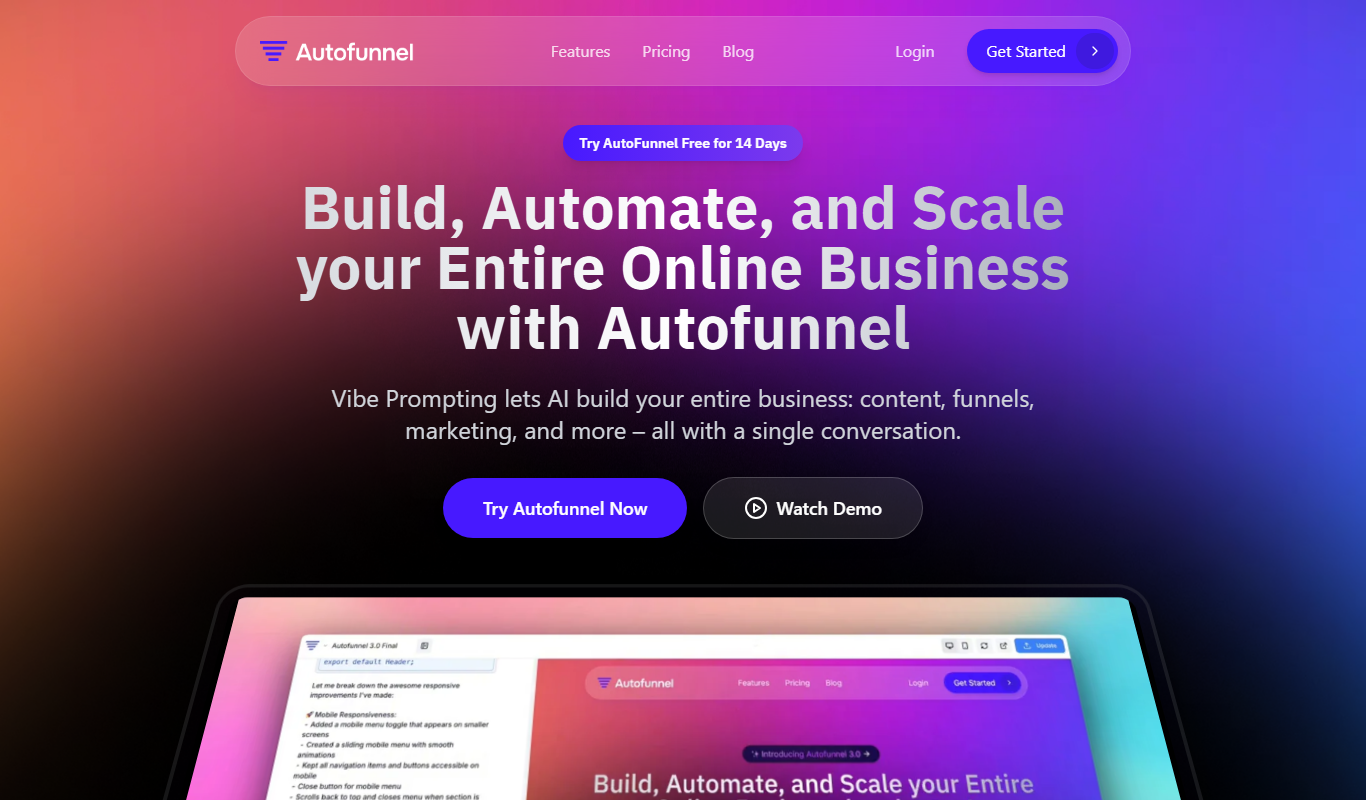
AutoFunnel
AutoFunnel is an AI-driven platform that helps marketers build and automate sales funnels, capture leads, and optimize conversions with ease.

Free
griddo
Griddo is a web-based collaborative whiteboard platform that enables remote teams to brainstorm, organize ideas, and collaborate visually in real time using sticky notes, voting, and templates.