

From my experience with Shortimize, I found it excels at providing an intuitive platform for creating custom branded short links combined with robust analytics. The ability to connect your own domain and customize slugs helps maintain brand consistency, which is crucial for marketing campaigns. While the free plan is somewhat limited, the paid tiers offer valuable features like bulk shortening and team collaboration. However, the lack of a mobile app might be a drawback for users needing on-the-go access. Overall, Shortimize is a solid choice for marketers and businesses looking to manage and track their URLs effectively.
Shortimize URL Shortener with Custom Branded Links and Analytics
Shortimize is a web-based URL shortener that enables users to create custom branded short links, manage URLs, and track detailed analytics to optimize marketing campaigns.
- Best for
- Marketing Campaigns
- Key capability
- Custom Branded Links
Your actions
Save Shortimize, follow its updates and vote on it — everything stays in your account.
Sign in or create a free account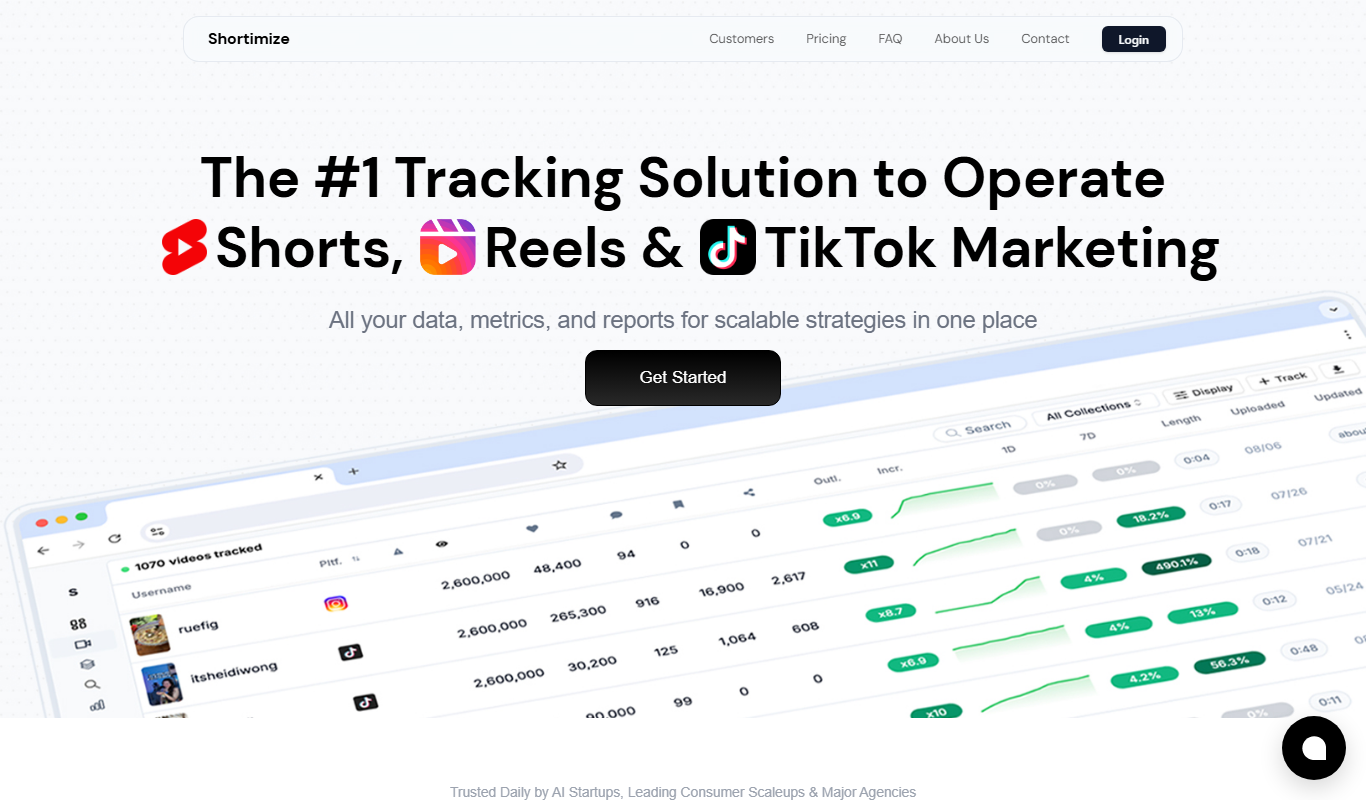

What is Shortimize?
Shortimize is a web-based URL shortening service that allows users to create short, branded links with custom domains. It provides link management features and detailed analytics to track link performance, making it a useful tool for marketers, businesses, and individuals who want to share concise URLs while maintaining brand identity and monitoring engagement.
Key features of Shortimize
Shortimize offers custom branded URLs, link tracking and analytics, easy link management, and integration options. Users can shorten any URL, customize the slug, use their own domain for branding, and access real-time click data to optimize their marketing efforts.
Custom Branded Links
Use your own domain to create branded short URLs that reinforce your brand.
Link Analytics
Access detailed reports on clicks, geographic data, devices, and referrers.
Link Management Dashboard
Organize, edit, and manage all your shortened URLs in one place.
Customizable Slugs
Personalize the ending of your short URLs for better recognition.
Bulk URL Shortening
Shorten multiple URLs at once to save time on large campaigns.
Pros and cons of Shortimize
Pros
- Easy to use with a clean interface
- Supports custom branded domains
- Provides detailed link analytics
- Bulk URL shortening saves time
- Affordable pricing tiers
Cons
- Limited features on free plan
- No mobile app available
- Some advanced features require higher-tier plans
Key use cases for Shortimize
Marketing Campaigns
Create branded short links to promote campaigns and track engagement.
Social Media Sharing
Shorten and customize URLs for easy sharing on social platforms.
Link Analytics
Monitor click statistics and user engagement through detailed analytics.
Brand Awareness
Use custom domains and branded links to enhance brand recognition.
Affiliate Marketing
Manage and track affiliate links with shortened URLs.
How Shortimize works
- 1
Sign Up
Create an account on Shortimize’s website to access the dashboard.
- 2
Add Custom Domain
Connect your own domain to create branded short links.
- 3
Shorten URL
Paste the long URL, customize the slug if desired, and generate a short link.
- 4
Share and Track
Distribute the short link and monitor clicks and engagement through analytics.
Who is using Shortimize
Digital marketers
Social media managers
Affiliate marketers
Small to medium businesses
Content creators
Shortimize pricing
Free
$0/month
Basic URL shortening with limited features and Shortimize branding.
Pro
$15/month
Custom domains, advanced analytics, and no Shortimize branding.
Business
$49/month
All Pro features plus team collaboration and priority support.
Plans and prices are as published by the vendor and can change. Check the official site before you buy. Open the pricing page (opens in a new tab)
Frequently asked questions about Shortimize
Yes, Shortimize allows you to connect custom domains to create branded short URLs.
Yes, Shortimize offers a free plan with basic features and Shortimize branding.
Yes, detailed click analytics including location, device, and referrer data are available.
Yes, bulk URL shortening is supported in paid plans.
It depends on your specific needs and how you plan to use the tool. The official website and documentation are the best sources for the latest details.
Yes, it can help with that use case depending on how you configure it and what features are available. You’ll get the best results with clear inputs and a defined goal.
It depends on your specific needs and how you plan to use the tool. The official website and documentation are the best sources for the latest details.
Some tools offer a free plan or trial with limited features. Availability can vary, so confirm on the official website.
Sign in to review this tool.
Sign In to ReviewNo reviews yet
Be the first to share how this tool worked for you.
Ask about pricing, limits, or how it compares — or answer someone else.
Sign In to AskNo questions yet
Have a question about using or paying for this tool? Be the first to ask.
Featured on TiorAI



More AI Video Summarizer tools
Other tools in the same category, for when this one is not quite the fit.
Free
YouTube Summarizer for Slack
YouTube Summarizer for Slack is an AI-powered tool that automatically creates concise summaries of YouTube videos shared within Slack channels, helping teams save time and improve communication.

Subscription
NutshellPro
NutshellPro is a CRM software that helps businesses automate sales processes, manage pipelines, and organize contacts to improve sales efficiency.

Free
Summify
Summify is an AI-based tool that summarizes long texts and web pages into concise summaries, helping users quickly understand key information.
Freemium
BiteSyzed
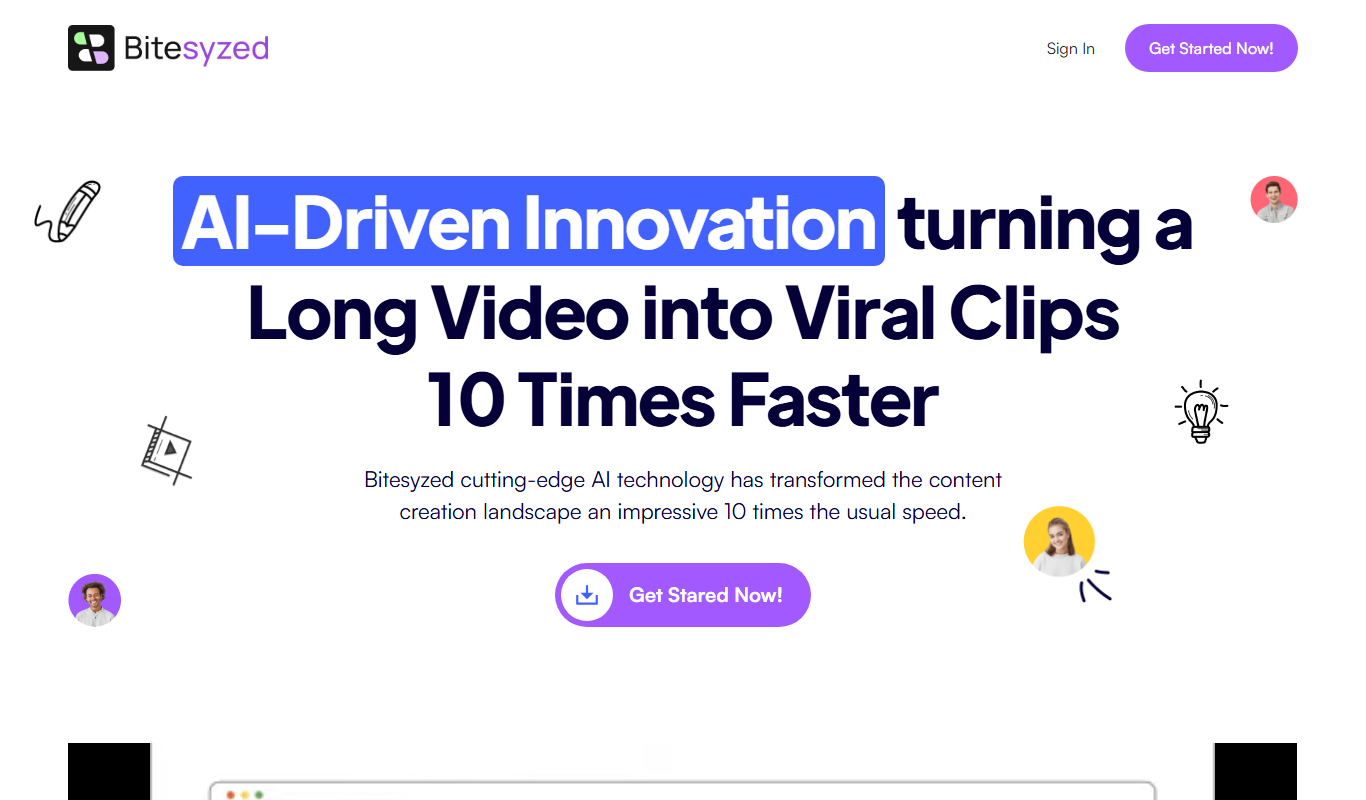
BiteSyzed is an AI-powered tool that generates short-form social media and marketing content to help users create engaging posts efficiently.
Free
Hellometer
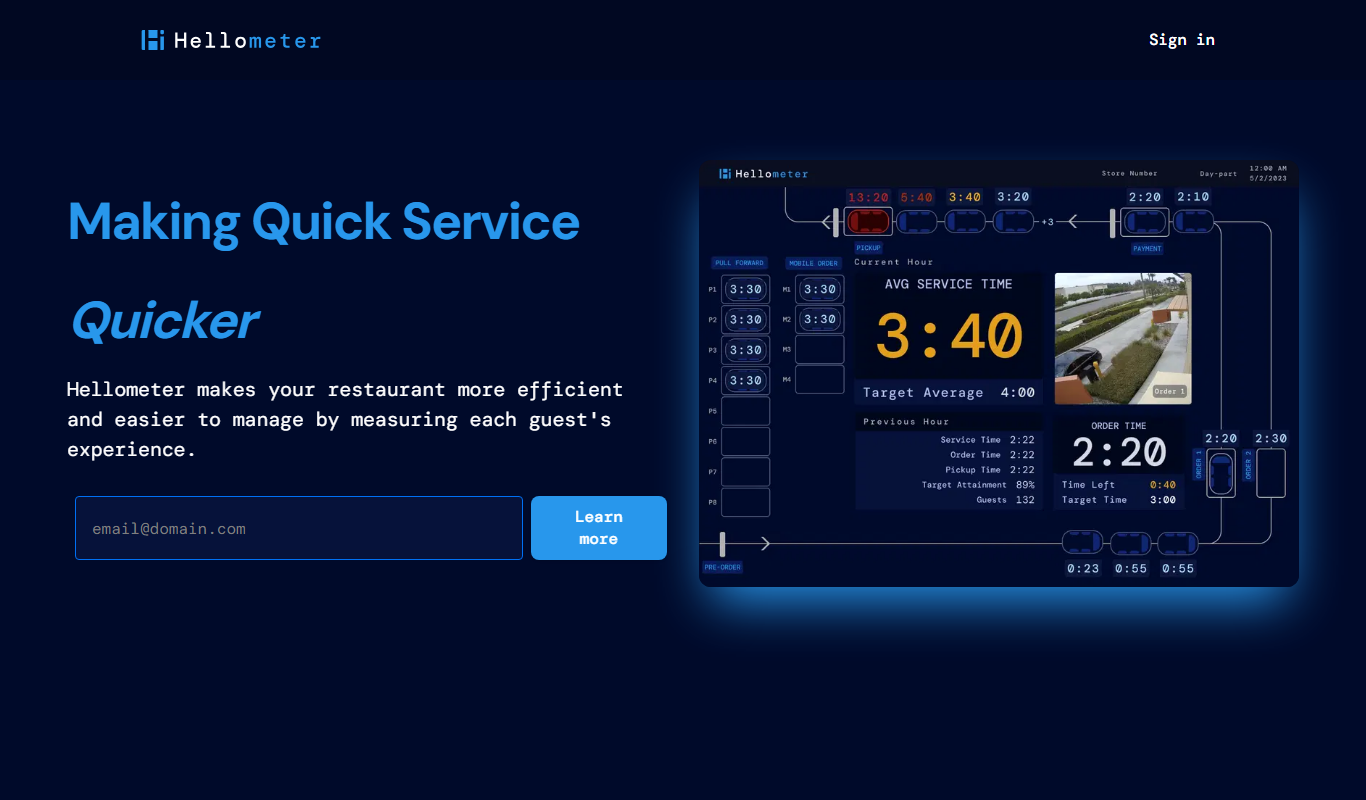
Hellometer is an AI writing detection tool that analyzes text to determine if it was generated by AI and checks for plagiarism, helping users verify content originality.
Free Trial
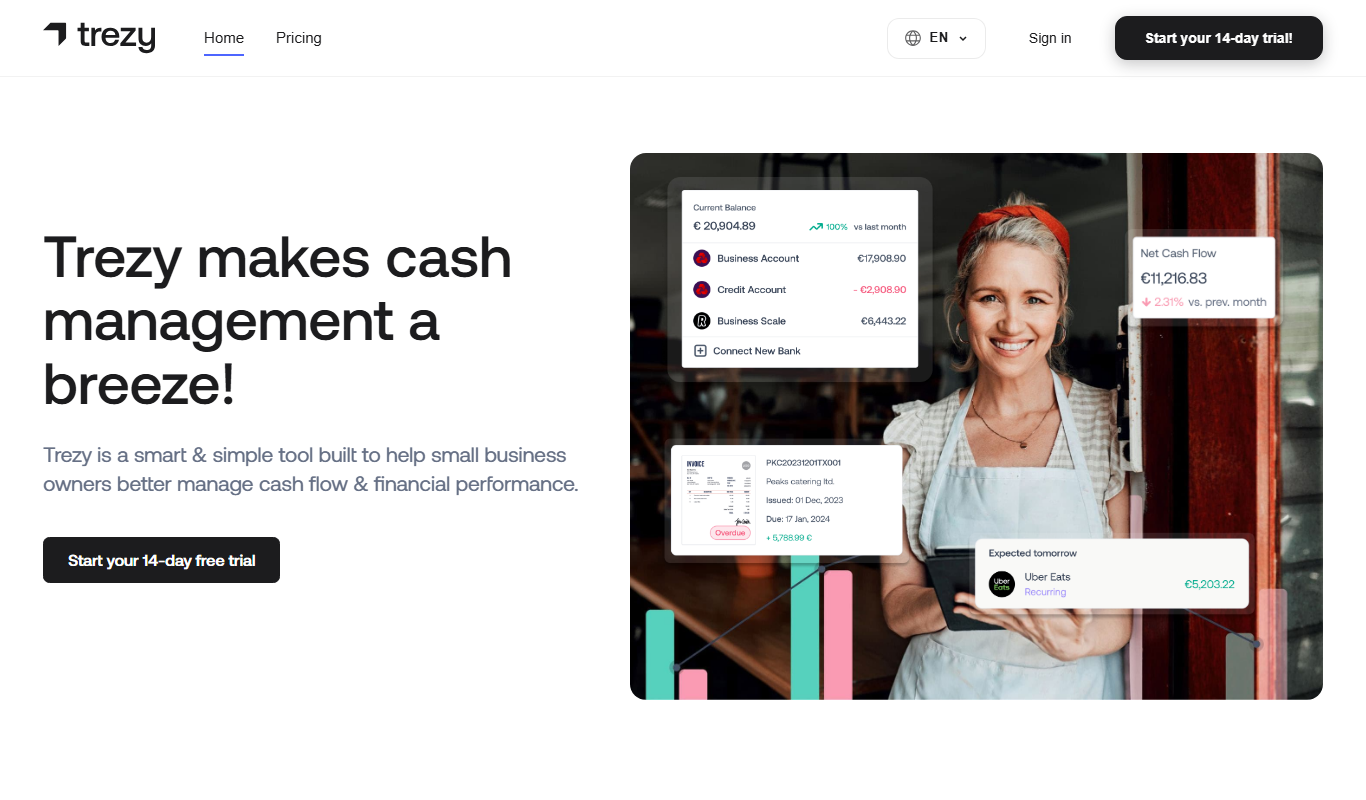
Trezy
Trezy is a web-based virtual event platform that creates immersive 3D environments with avatar interaction, enabling organizations to host engaging online conferences, trade shows, and networking events without software downloads.
Free
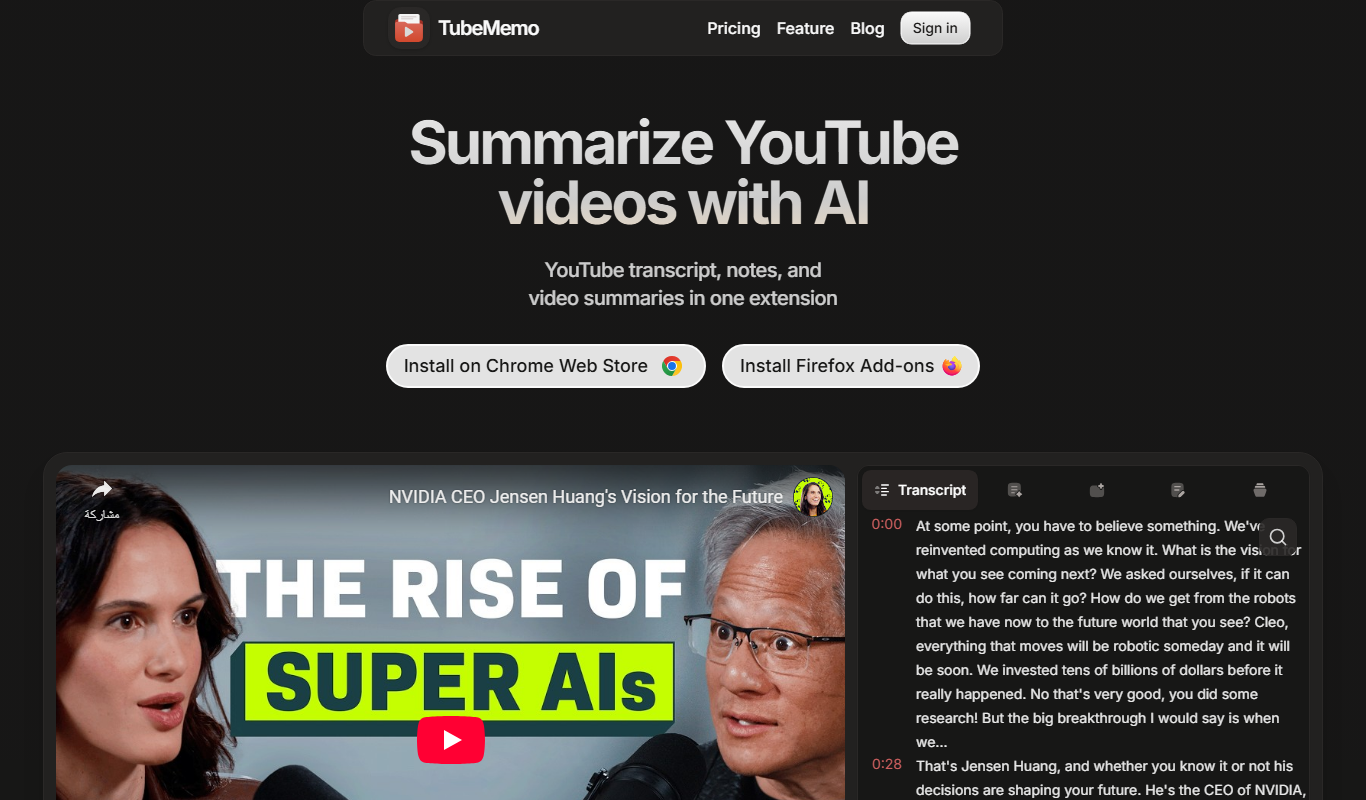
Tube Memo
Tube Memo is an AI tool that summarizes YouTube videos and generates notes automatically, enabling users to quickly understand video content without watching it fully.
Free Trial
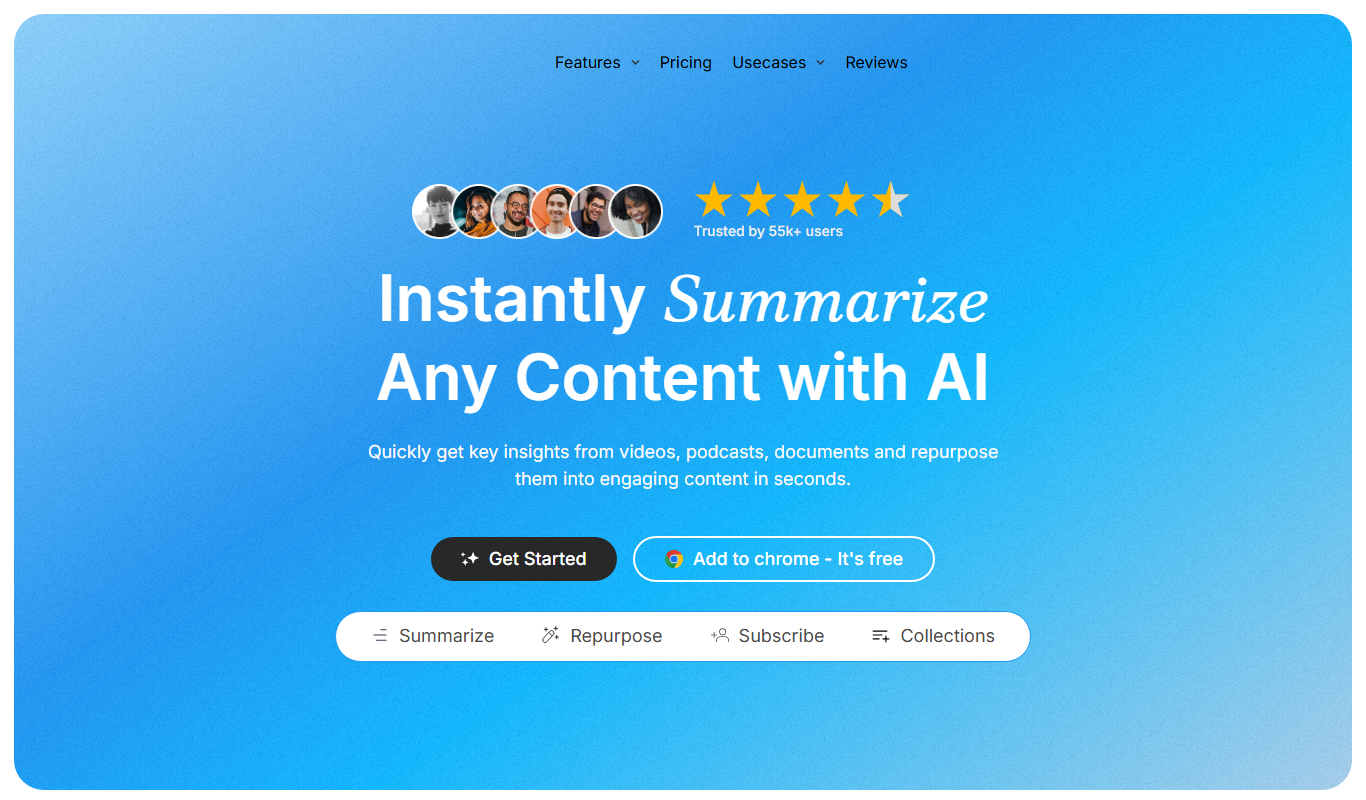
TubeOnAI
TubeOnAI is an AI-driven platform that generates YouTube video scripts to help creators produce engaging and SEO-optimized content efficiently.