

From my experience with BiteSyzed, I found it excels at quickly generating concise and engaging social media content that fits various marketing needs. The platform’s straightforward interface makes it accessible even for users without technical expertise, which is a big plus for busy marketers and small business owners. However, the tool currently supports only English and lacks a mobile app, which might limit flexibility for some users. Overall, if you need an efficient way to automate short-form content creation for social media and marketing, BiteSyzed offers solid value with its freemium model and customization options.
BiteSyzed AI Content Generator for Social Media and Marketing Posts
BiteSyzed is an AI-powered tool that generates short-form social media and marketing content to help users create engaging posts efficiently.
- Best for
- Social Media Content Creation
- Key capability
- AI-Powered Text Generation
Your actions
Save BiteSyzed, follow its updates and vote on it — everything stays in your account.
Sign in or create a free account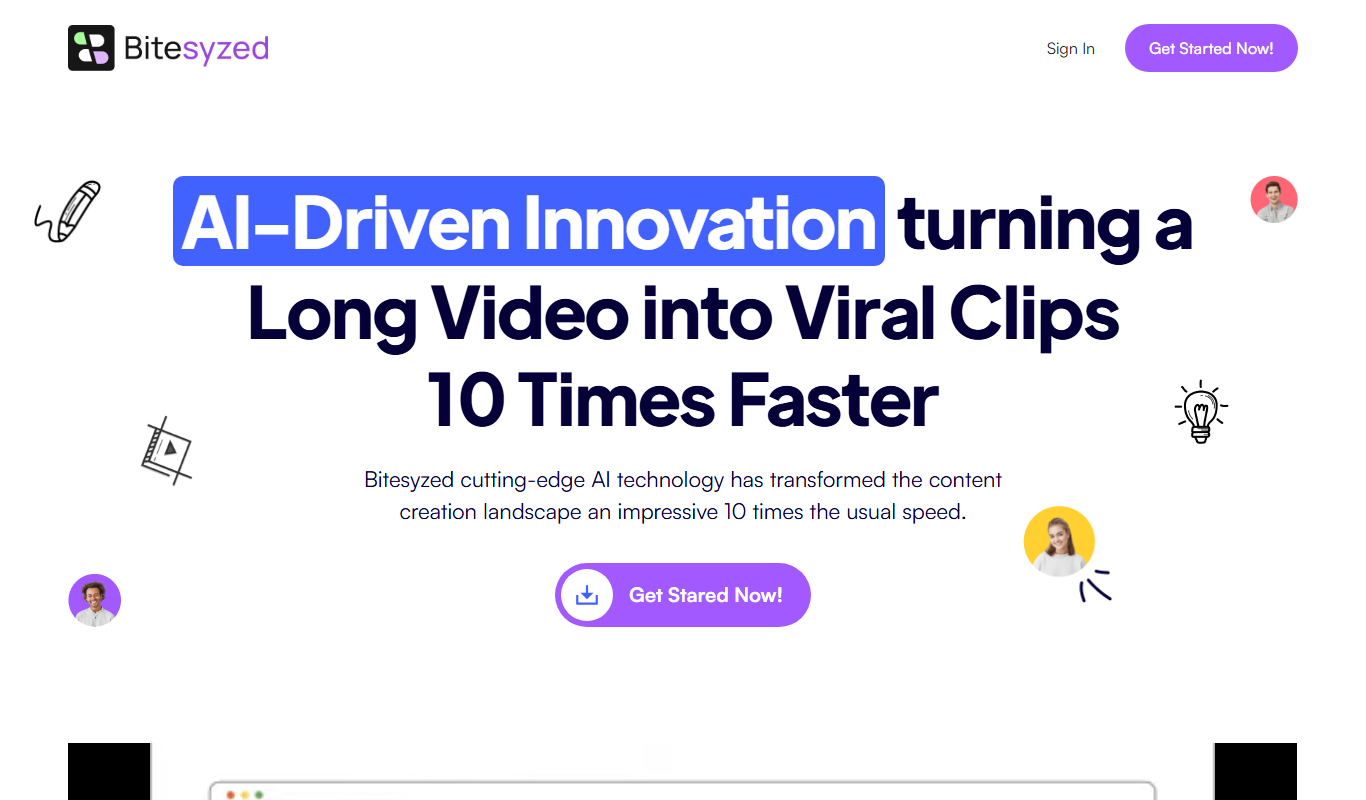
What is BiteSyzed?
BiteSyzed is an AI-powered content generation platform designed to help marketers, social media managers, and content creators produce short-form, engaging text for social media posts and marketing purposes. It leverages natural language processing to craft concise, relevant, and creative copy that fits various social channels.
Key features of BiteSyzed
The tool offers AI-driven text generation optimized for social media, customizable tone and style options, and a user-friendly interface that streamlines content creation workflows. It supports multiple content types including posts, ads, and captions.
AI-Powered Text Generation
Creates concise and engaging social media posts and marketing copy automatically.
Customizable Tone and Style
Allows users to tailor the voice and style of generated content to match brand identity.
Multiple Content Formats
Supports creation of posts, captions, ads, and other short-form marketing texts.
User-Friendly Interface
Simplifies content creation with an intuitive design and easy-to-navigate workflow.
Pros and cons of BiteSyzed
Pros
- Easy to use with minimal setup
- Generates diverse content variations quickly
- Affordable pricing with a free tier
Cons
- Limited language support (English only)
- No mobile app available
- Customization options could be more advanced
Key use cases for BiteSyzed
Social Media Content Creation
Generate engaging and concise posts tailored for platforms like Twitter, Facebook, and LinkedIn.
Marketing Copywriting
Create promotional text and ad copy to support marketing campaigns efficiently.
Content Idea Generation
Brainstorm fresh content ideas and variations to keep social media feeds active and relevant.
Time-saving Content Automation
Automate repetitive writing tasks to save time and maintain consistent posting schedules.
How BiteSyzed works
- 1
Sign Up
Create a free account on BiteSyzed’s website to access the platform.
- 2
Input Content Details
Provide keywords, topics, or brief descriptions to guide the AI in generating relevant content.
- 3
Generate Content
Use the AI engine to produce multiple text variations tailored for social media or marketing.
- 4
Edit and Customize
Review generated content and make adjustments to tone, length, or style as needed.
- 5
Export and Publish
Copy or download the finalized content for use on social media platforms or marketing channels.
Who is using BiteSyzed
Social media managers
Digital marketers
Small business owners
Content creators
Marketing agencies
BiteSyzed pricing
Free
$0/month
Limited access with a set number of content generations per month.
Pro
$19/month
Unlimited content generation with advanced customization features.
Plans and prices are as published by the vendor and can change. Check the official site before you buy. Open the pricing page (opens in a new tab)
Frequently asked questions about BiteSyzed
Yes, BiteSyzed generates content suitable for various platforms like Twitter, Facebook, and LinkedIn.
Yes, the free plan allows limited usage so you can try the tool before upgrading.
Yes, you can adjust tone and style settings to better fit your brand voice.
It depends on your specific needs and how you plan to use the tool. The official website and documentation are the best sources for the latest details.
Some tools offer a free plan or trial with limited features. Availability can vary, so confirm on the official website.
Yes, it can help with that use case depending on how you configure it and what features are available. You’ll get the best results with clear inputs and a defined goal.
Sign in to review this tool.
Sign In to ReviewNo reviews yet
Be the first to share how this tool worked for you.
Ask about pricing, limits, or how it compares — or answer someone else.
Sign In to AskNo questions yet
Have a question about using or paying for this tool? Be the first to ask.
Featured on TiorAI



More AI Automation & Workflow Tools tools
Other tools in the same category, for when this one is not quite the fit.

Free Trial
Leadspicker
Leadspicker turns news posts and job listings into actionable leads and automates outreach with AI-powered lead generation.

Freemium
Zetta
Zetta automates business intelligence with dashboards, analysis, insights and a conversational AI Analyst, set up by connecting a data warehouse and defining metrics.
Free
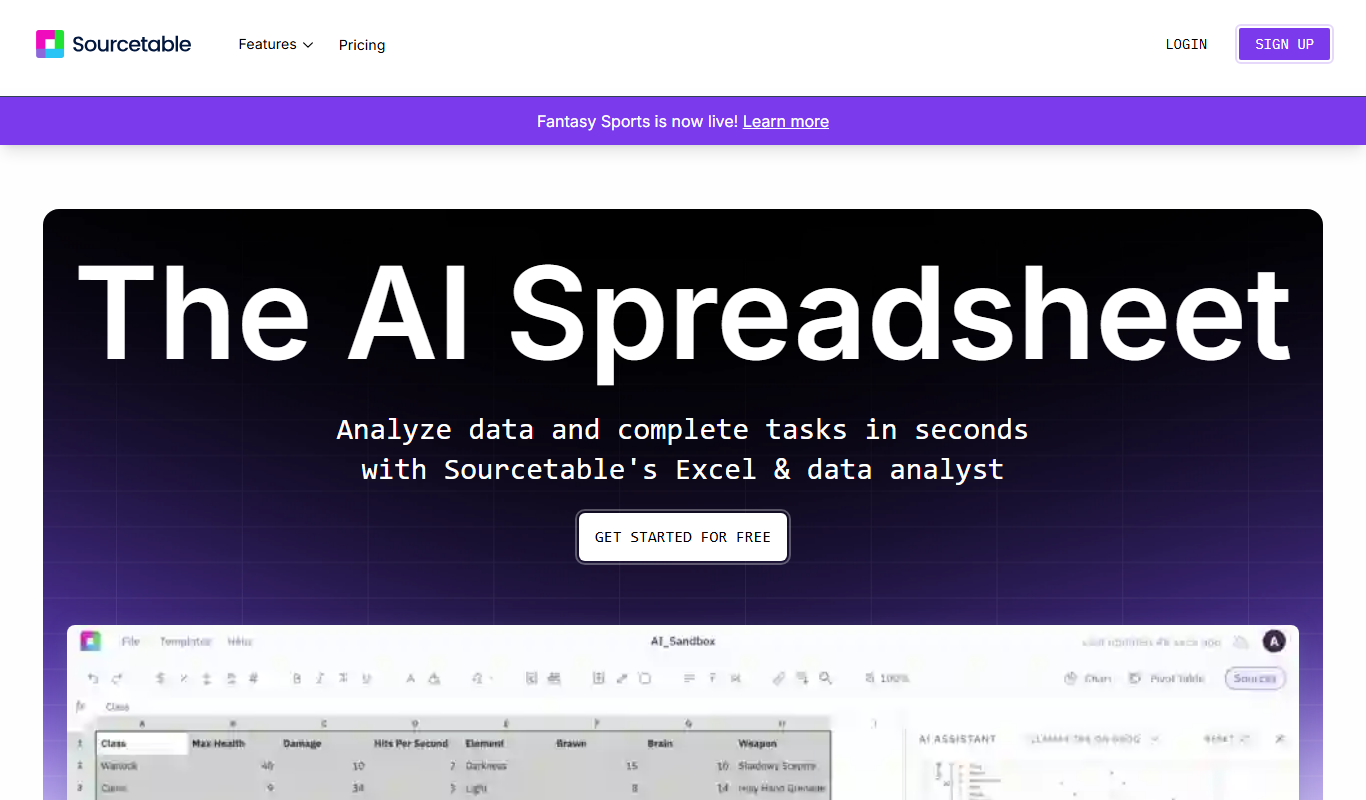
Sourcetable: AI Spreadsheet and Data Analyst
Sourcetable is an AI-driven spreadsheet platform that connects multiple data sources, offers real-time collaboration, and automates data workflows without coding.

Credit-based
Thunderbit
Thunderbit is an agentic AI web scraper Chrome extension that turns any webpage into a spreadsheet and exports to Google Sheets, Airtable or Notion.
Subscription
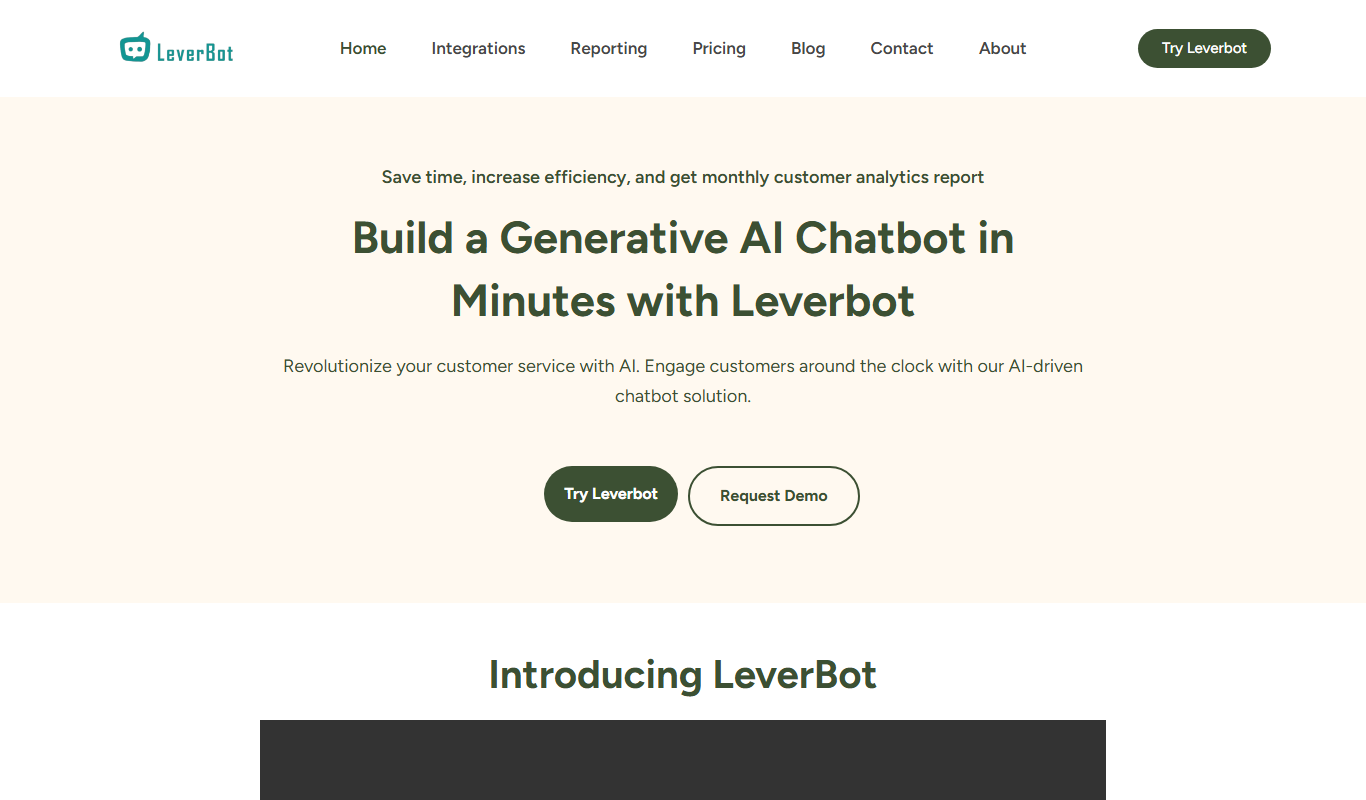
Leverbot
Leverbot is an AI chatbot platform that enables businesses to build no-code conversational bots for customer support and automation.
Free Trial
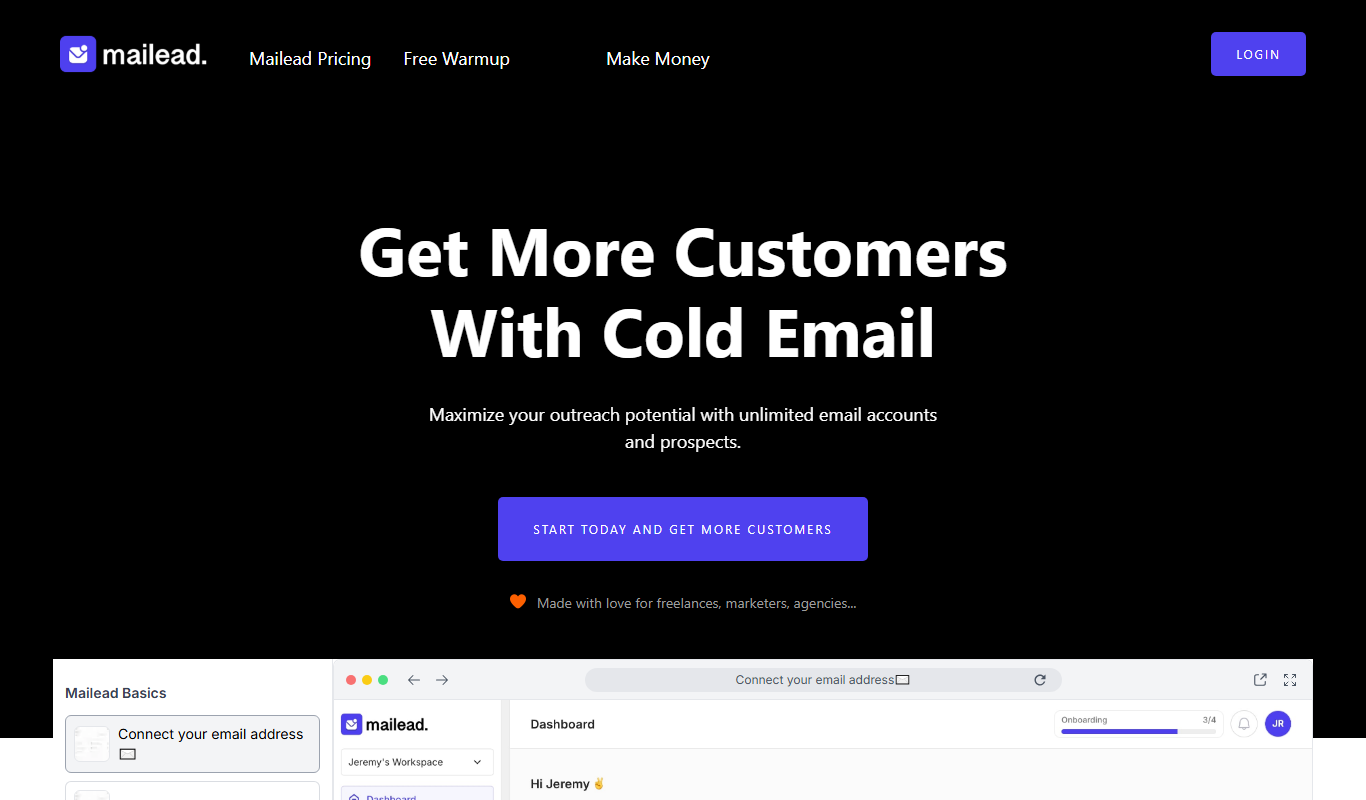
Mailead.io
Mailead.io is a cold email tool that enhances outreach campaigns with unlimited email sending accounts, warmup and generative AI, sold for a one time price.

Free Trial
PlanPost AI – Best AI Content Generator
PlanPost AI is an all-in-one AI marketing assistant that generates social media posts, ad copy, graphics, videos and SEO-optimized content, with ad campaign tools and post scheduling.

Free Trial
adwisely.com
Adwisely is an app that automates Facebook and Google ads for Shopify stores with AI-powered campaigns and human ad experts.