
From my experience with Shortest, it stands out for its straightforward approach to creating branded short links combined with useful real-time analytics. The platform’s clean dashboard makes managing and tracking links simple, which is a big plus for marketers who want quick insights without complexity. However, the free plan is somewhat limited, and there’s no mobile app, which might be a drawback for users needing on-the-go access. Overall, if you want to enhance your brand presence through custom short URLs and monitor link performance effectively, Shortest offers a solid, user-friendly solution.
Shortest URL Shortener for Custom Branded Links and Analytics
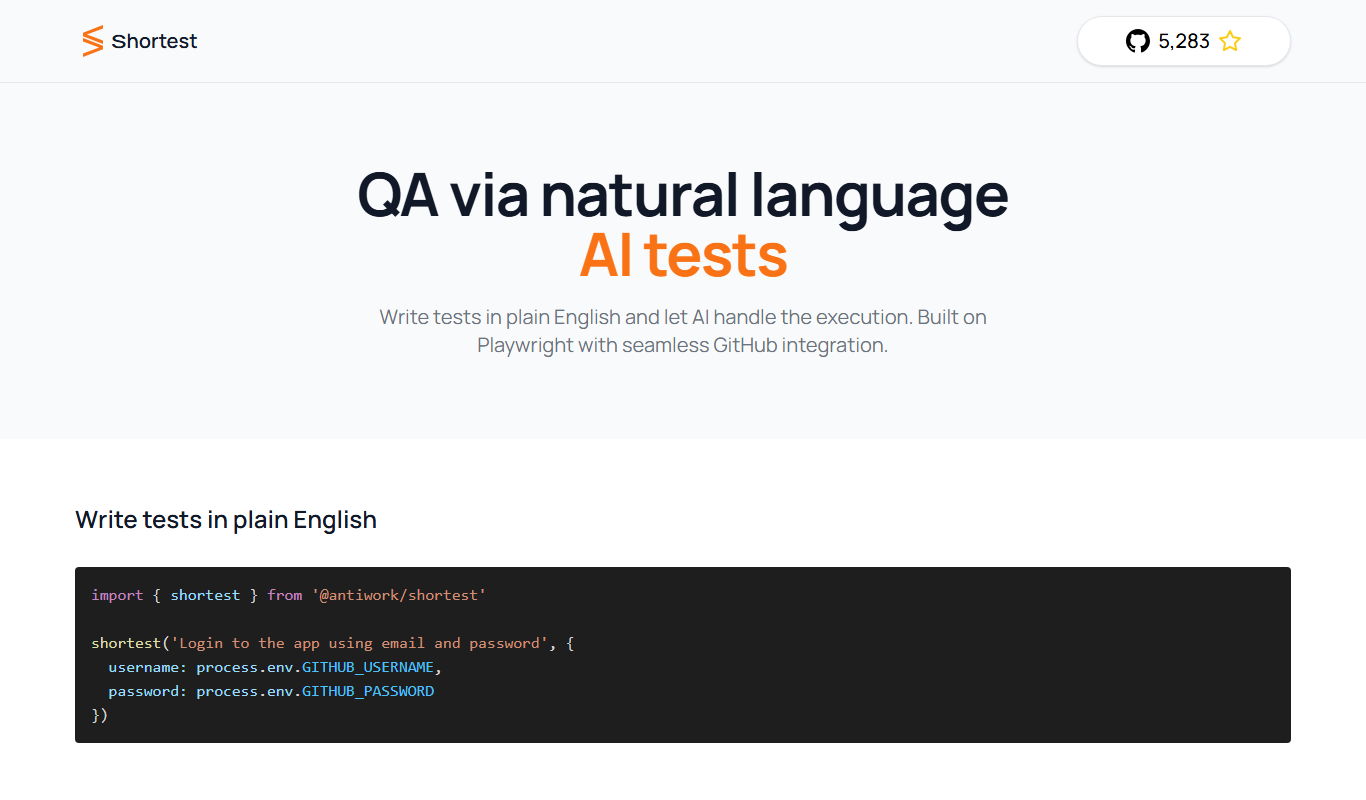
Shortest is a URL shortening platform that enables users to create custom branded short links with detailed analytics, ideal for marketing and link management.
What is Shortest?
Shortest is a web-based URL shortening service that enables users to create custom branded short links. It provides detailed analytics on link performance, helping marketers and businesses track engagement and optimize campaigns. The platform focuses on simplicity and branding, allowing users to replace long URLs with concise, memorable links that reflect their brand identity.
Key Features of Shortest
Custom Branded Domains
Use your own domain to create branded short links that reinforce your brand identity.
Real-Time Analytics
Access detailed reports on link clicks, locations, devices, and referrers.
Link Management Dashboard
Organize and edit your short links easily from a centralized interface.
API Access
Integrate Shortest’s URL shortening capabilities into your own applications.
Bulk Link Shortening
Shorten multiple URLs at once to save time managing large campaigns.
Pros and Cons of Shortest
Pros
- Easy to use with intuitive dashboard
- Supports custom branded domains
- Provides detailed real-time analytics
- API available for integration
- Bulk link shortening saves time
Cons
- Limited features on free plan
- No mobile app available
- Pricing may be high for small users
Key Use Cases for Shortest
Branded Link Creation
Create custom branded short links to enhance brand recognition and trust.
Link Analytics
Track clicks, geographic data, and device types to analyze link performance.
Marketing Campaigns
Use shortened links in marketing campaigns to improve click-through rates and monitor engagement.
Social Media Sharing
Share concise, branded links on social media platforms for better user experience.
Link Management
Organize, edit, and manage multiple short links from a centralized dashboard.
How Shortest Works
-
1
Sign Up
Create an account on the Shortest website to access the dashboard.
-
2
Create Short Link
Enter a long URL and customize the short link with your brand domain or preferred alias.
-
3
Share Link
Distribute the shortened link across marketing channels or social media.
-
4
Monitor Analytics
Use the dashboard to track clicks, geographic data, and device types.
Who's Using Shortest
Digital marketers
Small and medium businesses
Social media managers
Content creators
Marketing agencies
Shortest Pricing
Free
$0/month
Basic URL shortening with limited branded domains and analytics.
Pro
$15/month
Advanced features including multiple branded domains, detailed analytics, and API access.
Business
$49/month
Full feature set with priority support, team collaboration, and bulk link management.
Frequently Asked Questions About Shortest
Yes, Shortest allows you to connect your own custom domains to create branded short links.
Yes, it offers real-time analytics including click counts, geographic data, and device types.
Yes, API access is available on paid plans for integrating URL shortening into your applications.
Yes, bulk URL shortening is supported on higher-tier plans.
It depends on your specific needs and how you plan to use the tool. The official website and documentation are the best sources for the latest details.
Yes, it can help with that use case depending on how you configure it and what features are available. You’ll get the best results with clear inputs and a defined goal.
It depends on your specific needs and how you plan to use the tool. The official website and documentation are the best sources for the latest details.
Share your review
Reviews are limited to one per logged-in user and are published after moderation.
You need an account to review this tool.
0.0
★
★
★
★
★
0 reviews
5 star
0
4 star
0
3 star
0
2 star
0
1 star
0
No reviews yet
Be the first to share how this tool worked for you.
Questions from the community
Read questions and answers about this tool, or ask your own.
No questions yet
Start the conversation by asking the first question about this tool.
Is this tool helpful?
Free
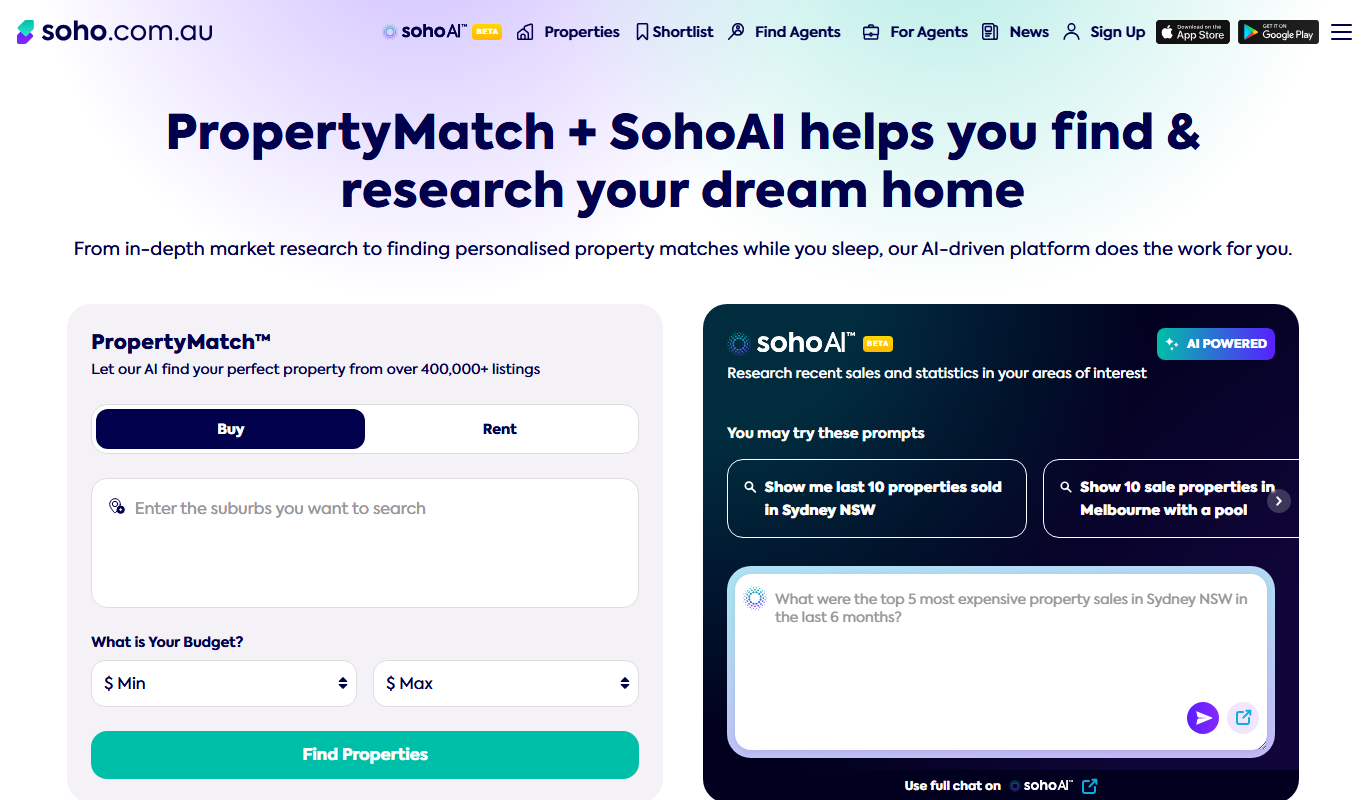
homesales.com.au
Homesales.com.au is a free Australian real estate platform offering comprehensive property listings, market data, and agent contacts to help users buy, rent, or research properties.

Freemium
QuickSEO
QuickSEO is an online SEO tool that provides website audits, keyword tracking, backlink analysis, and competitor insights to help improve search engine rankings.

Freemium
Marevo
Marevo is an AI-driven video creation platform that automates video production from text or scripts, enabling users to generate professional videos quickly without manual editing skills.
Free
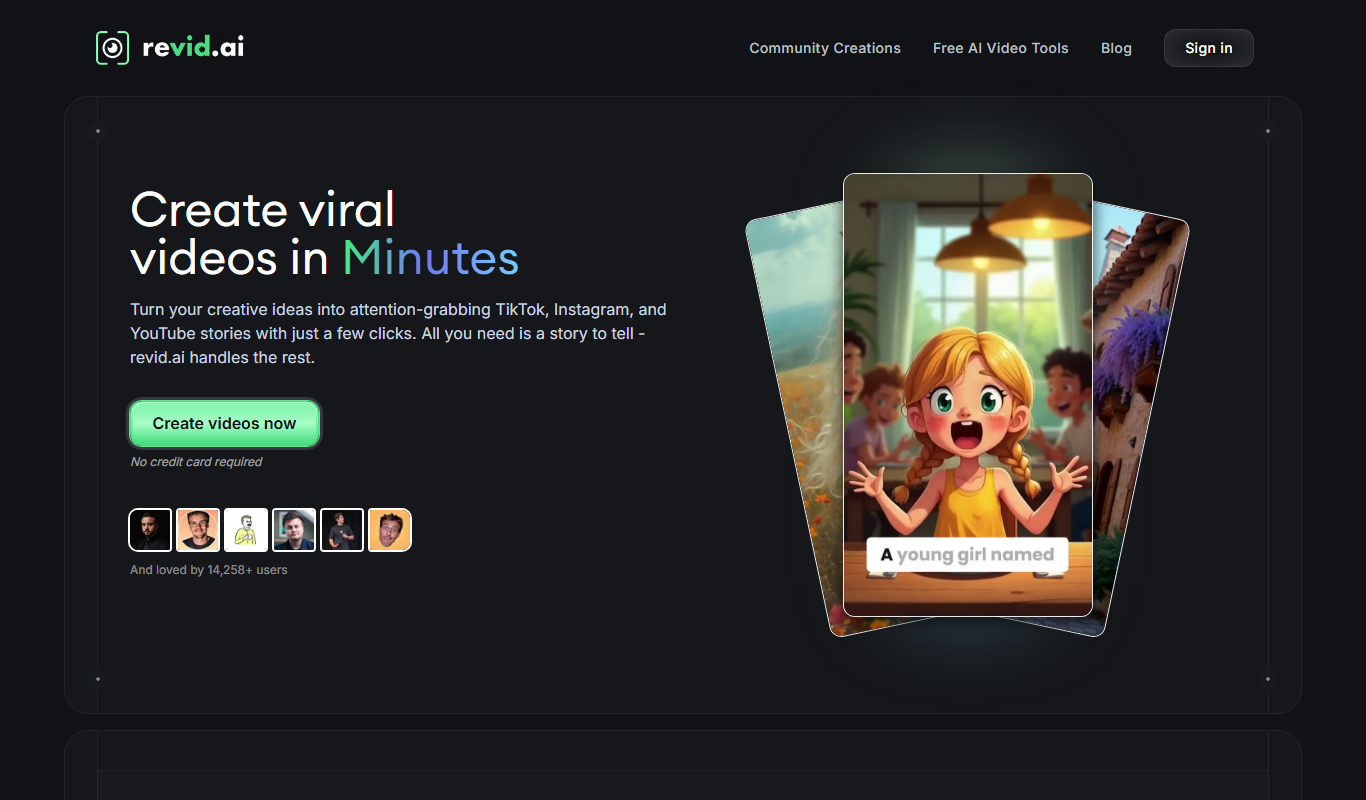
Typeframes
Typeframes is an AI tool that transforms text descriptions into UI wireframes, helping users quickly prototype and visualize app or website interfaces without design skills.
Freemium
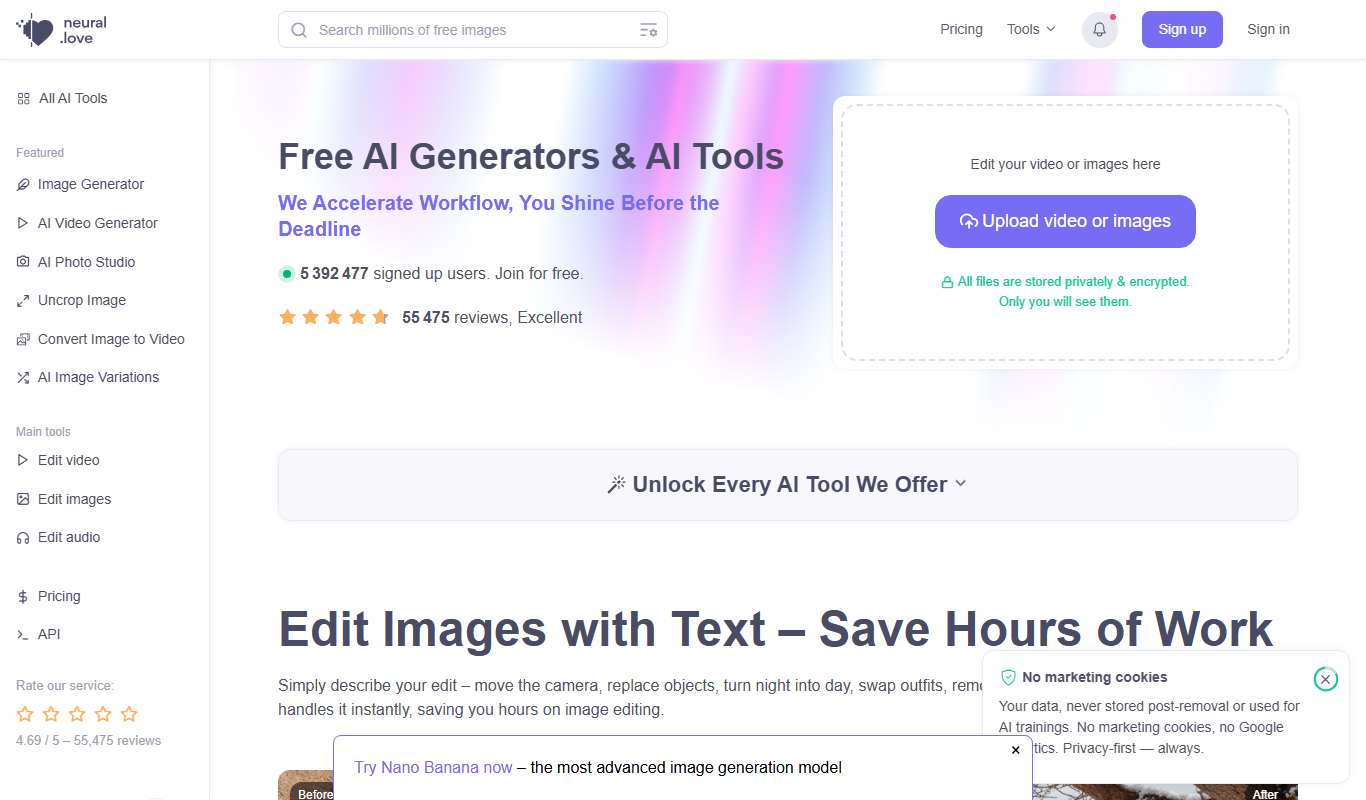
LittleStory.io
LittleStory.io is an AI-driven platform that helps users create visually engaging stories optimized for social media and marketing by generating narrative text combined with customizable visuals.
Free Trial
Latte
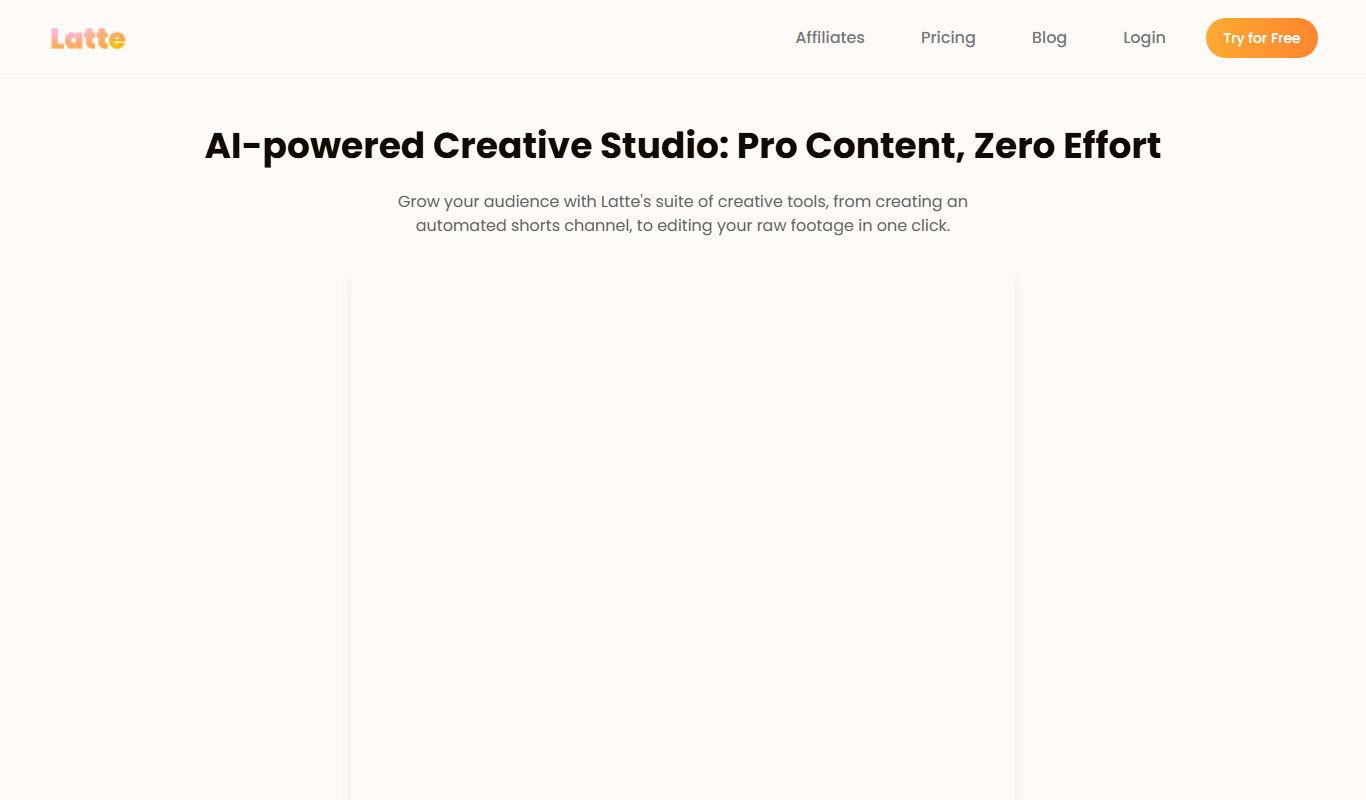
Latte is a web-based social media management tool designed for teams and agencies to schedule content, collaborate, manage clients, and analyze social media performance.

Freemium
Submagic
Submagic is an AI-powered tool that automatically generates accurate subtitles and transcripts for videos, supporting multiple languages and easy editing.
Free
swifterm.com
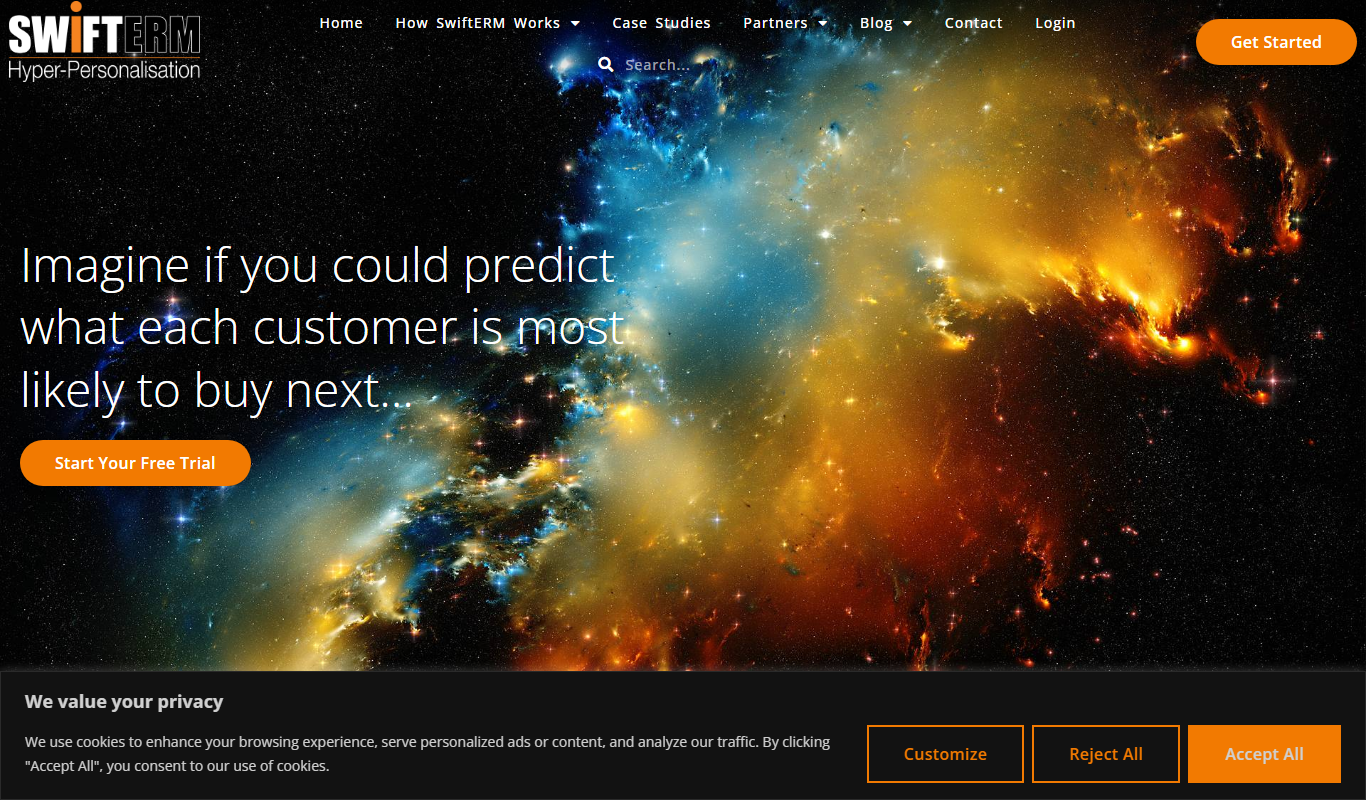
Swifterm is an AI email assistant that integrates with Gmail via a Chrome extension to help users draft, reply, and personalize emails faster using AI-generated suggestions.