

From my experience with Offorte, I found it excels at simplifying the creation and management of professional sales proposals with an intuitive interface and useful real-time tracking features. After spending time with the platform, I can say it’s particularly well-suited for sales teams and small to medium businesses looking to streamline their sales workflows and improve client engagement. However, there’s a trade-off: Offorte is limited to a web platform without mobile apps, which may be a drawback for users needing on-the-go access. Overall, if you need a reliable tool to create, send, and track sales proposals efficiently, Offorte delivers solid results.
Offorte Proposal Software for Creating Professional Sales Quotes Online
Offorte is an online sales proposal software that enables businesses to create customizable proposals, track client engagement in real time, integrate with CRM systems, and collaborate with sales teams to streamline the sales process.
- Best for
- Create Professional Sales Proposals
- Key capability
- Customizable Proposal Templates
Your actions
Save Offorte, follow its updates and vote on it — everything stays in your account.
Sign in or create a free account
What is Offorte?
Offorte is a cloud-based sales proposal software designed to help businesses create, send, and manage professional sales proposals and quotes online. It streamlines the sales process by enabling users to build customizable proposals quickly, track client interactions, and integrate with CRM systems for seamless data management.
Key features of Offorte
Offorte offers customizable proposal templates, real-time tracking of proposals, CRM integrations, team collaboration tools, and analytics to improve sales efficiency and close rates.
Customizable Proposal Templates
Create proposals tailored to your brand and sales needs with easy-to-edit templates.
Real-Time Proposal Tracking
Monitor when clients open and interact with your proposals to time follow-ups effectively.
CRM Integrations
Connect Offorte with CRM platforms to synchronize contacts and sales data.
Team Collaboration Tools
Enable multiple users to collaborate on proposals and share feedback within the platform.
Analytics and Reporting
Gain insights into proposal performance and sales metrics to optimize your sales process.
Pros and cons of Offorte
Pros
- User-friendly interface with customizable templates
- Real-time tracking of client interactions
- Seamless CRM integrations
- Collaboration features for sales teams
- Detailed analytics to improve sales performance
Cons
- Limited to web platform only
- Pricing may be high for small businesses
- No mobile app available
Key use cases for Offorte
Create Professional Sales Proposals
Generate visually appealing and customizable sales proposals quickly to impress clients and close deals faster.
Sales Quote Management
Manage and track sales quotes efficiently with real-time updates and status tracking.
CRM Integration
Integrate with popular CRM systems to synchronize customer data and streamline sales workflows.
Team Collaboration
Collaborate with sales teams by sharing proposals and gathering feedback within the platform.
Analytics and Reporting
Analyze proposal performance and sales metrics to optimize sales strategies.
How Offorte works
- 1
Sign Up
Create an account on Offorte’s web platform to start building proposals.
- 2
Create Proposal
Use customizable templates to design your sales proposal with your branding and content.
- 3
Send to Client
Send the proposal via email directly from Offorte and track when it is opened.
- 4
Collaborate and Revise
Work with your team to update and improve proposals based on feedback.
- 5
Close Deal
Use analytics and client interactions to follow up and close sales efficiently.
Who is using Offorte
Sales teams
Small to medium-sized businesses
Marketing agencies
Freelancers and consultants
Customer relationship managers
Offorte pricing
Free Trial
$0 for 14 days
Access all features with a 14-day free trial to evaluate the platform.
Professional
€29/month
Full access to proposal creation, tracking, and integrations for individual users.
Team
€59/month
Includes collaboration features and multi-user access for sales teams.
Plans and prices are as published by the vendor and can change. Check the official site before you buy. Open the pricing page (opens in a new tab)
Frequently asked questions about Offorte
Yes, Offorte offers fully customizable templates to match your branding and content requirements.
Yes, Offorte supports integration with popular CRM platforms to streamline your sales workflow.
Yes, Offorte provides a 14-day free trial with access to all features.
Yes, the Team plan allows multiple users to collaborate and share proposals.
This tool is designed to help users accomplish its core tasks more efficiently. It is typically used by individuals or teams looking to improve productivity and workflow.
Integration support depends on the tool and its available connectors or API. Check the official documentation or integrations page to confirm what is supported.
Some tools offer a free plan or trial with limited features. Availability can vary, so confirm on the official website.
Yes, it can help with that use case depending on how you configure it and what features are available. You’ll get the best results with clear inputs and a defined goal.
Sign in to review this tool.
Sign In to ReviewNo reviews yet
Be the first to share how this tool worked for you.
Ask about pricing, limits, or how it compares — or answer someone else.
Sign In to AskNo questions yet
Have a question about using or paying for this tool? Be the first to ask.
Featured on TiorAI



Alternative Tools
Explore similar AI tools that might fit your needs
Free
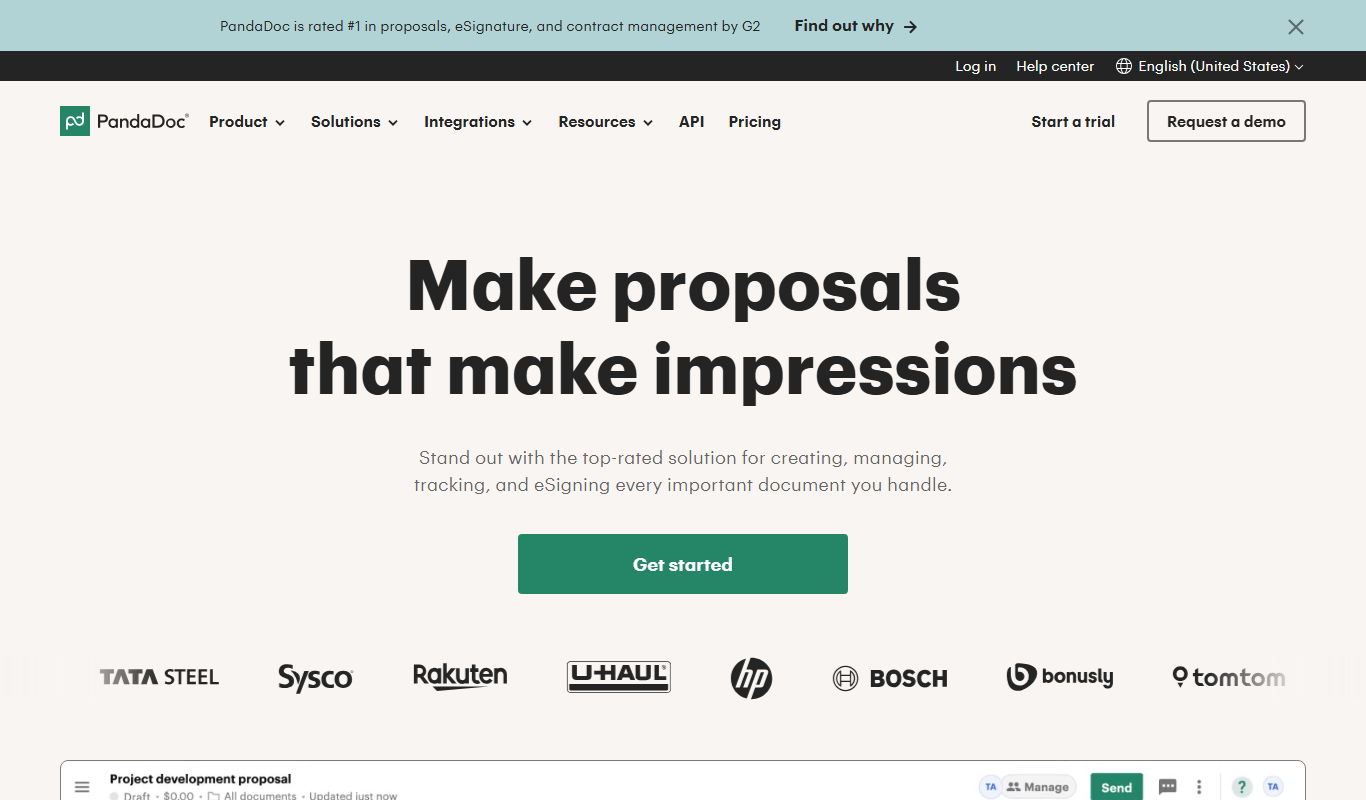
PandaDoc
PandaDoc is a cloud-based platform that automates document creation, approval workflows, and electronic signatures to help businesses streamline proposals, contracts, and payments.
Free Trial
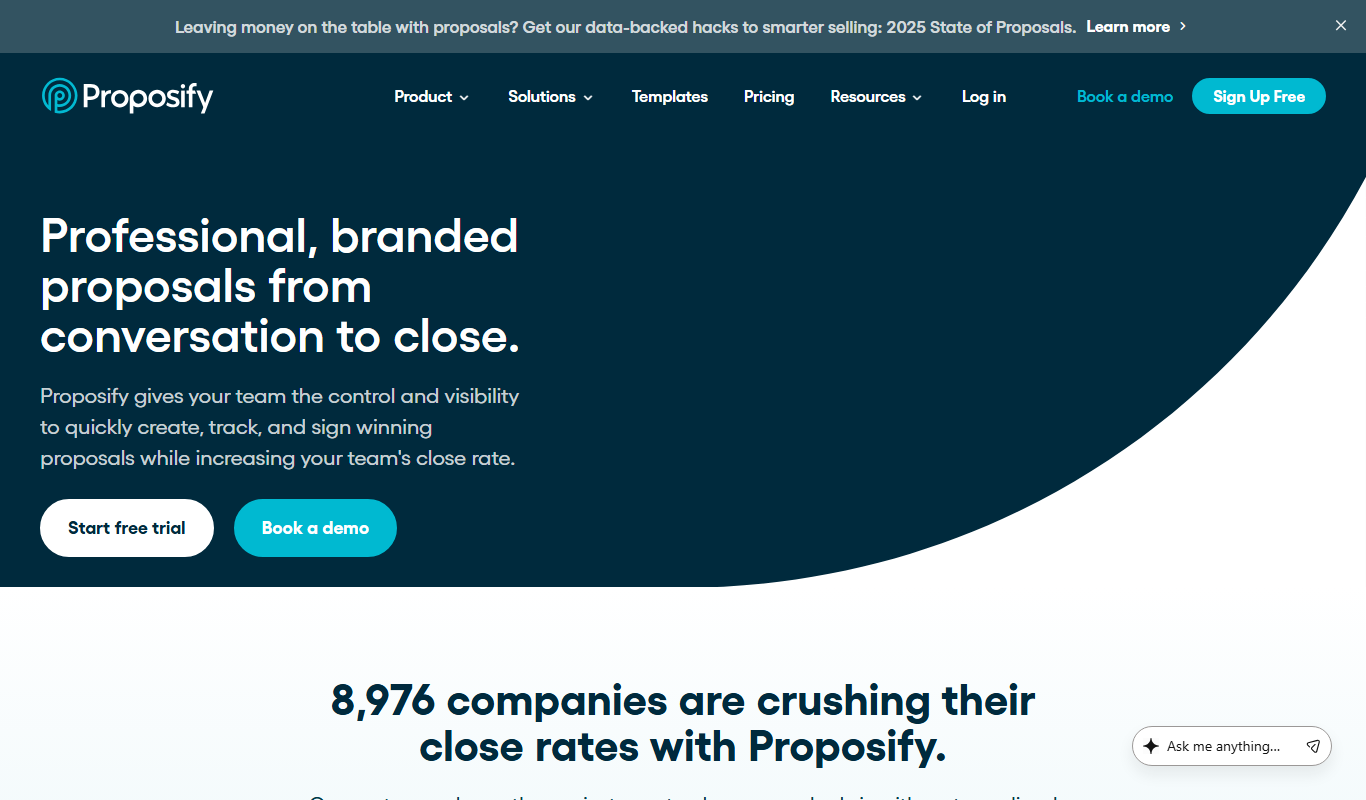
Proposify
Proposify is a cloud-based proposal software that enables businesses to create, customize, send, and track professional proposals with features like e-signatures and analytics to close deals faster.

Free Trial
Qwilr
Qwilr is a cloud-based platform that helps businesses create interactive, branded proposals, quotes, and presentations with e-signatures and real-time analytics to improve client engagement and sales efficiency.
More AI Automation & Workflow Tools tools
Other tools in the same category, for when this one is not quite the fit.

Free Trial
adwisely.com
Adwisely is an app that automates Facebook and Google ads for Shopify stores with AI-powered campaigns and human ad experts.

Custom Pricing
ADfixer
ADfixer is an ad optimization platform that runs Amazon PPC on autopilot and moves budget across Amazon and Google Ads, with Meta and Kaufland next.

Free Trial
Omneky
Omneky is an AI creative platform that generates image, video and UGC ads and launches them across Meta, Google, TikTok and more.

Free
Automate Your Image with Bannerify
Bannerify is an image generation API that turns JSON data into finished images such as social posts, product banners, OG images and certificates from one template, in one request.

Freemium
Sendwo
Sendwo is a WhatsApp-first marketing and AI chatbot platform for bulk broadcasts, automated follow-ups, a shared inbox and ecommerce workflows on the official WhatsApp API.

Free Trial
ExcelMaster.ai
ExcelMaster.ai is an Excel AI agent that writes complex formulas, generates VBA, runs Python and cleans data inside Excel.

Free Trial
Manifestly 3.0
Manifestly 3.0 is a workflow automation platform that helps teams create, manage, and optimize recurring tasks and standard operating procedures through customizable checklists, automated scheduling, and real-time progress tracking.

Contact for pricing
serviceaide.com
ServiceAide is an AI-driven platform that automates IT and enterprise service management through virtual agents, automated workflows, and analytics to improve efficiency and user experience.