

From my experience with nOps, I found it excels at providing a unified view of AWS cloud costs and security risks, making it easier to manage complex environments. The platform’s integration with DevOps workflows and automated policy enforcement helps teams maintain governance without excessive manual effort. However, nOps currently supports only AWS, which limits its use for organizations with multi-cloud strategies. Additionally, while it offers detailed recommendations, remediation actions require manual implementation. Overall, if your focus is on optimizing and securing AWS infrastructure with actionable insights, nOps delivers a robust and user-friendly solution.
Cloud Infrastructure Optimization and Cost Management Platform nOps Review
nOps is a cloud management platform focused on AWS that provides cost optimization, security compliance monitoring, and governance automation to help organizations reduce cloud spend and improve operational control.
- Best for
- Cloud Cost Optimization
- Key capability
- Cost Analytics and Recommendations

Do you recommend this tool?
What is nOps?
nOps is a cloud infrastructure management platform designed to help organizations optimize their AWS environments. It provides real-time cost monitoring, security compliance checks, and governance automation to improve cloud efficiency and reduce waste. By combining cost management with security and operational insights, nOps enables teams to maintain control over complex cloud deployments.
Key features of nOps
Key features include detailed cost analytics, automated security and compliance monitoring, policy enforcement, and integration with DevOps workflows. The platform offers dashboards and alerts that help teams identify risks and opportunities for savings in their cloud infrastructure.
Cost Analytics and Recommendations
Detailed breakdowns of cloud spending with actionable suggestions to optimize costs.
Security and Compliance Monitoring
Automated checks against best practices and compliance frameworks with real-time alerts.
Policy and Governance Automation
Define policies and automate enforcement to maintain cloud standards.
Multi-Account Visibility
Centralized view across multiple AWS accounts for consolidated management.
DevOps Integration
Seamlessly integrate with CI/CD pipelines and DevOps tools to embed governance.
Pros and cons of nOps
Pros
- Comprehensive AWS cost and security insights in one platform
- Easy integration with existing AWS accounts and DevOps tools
- Automated policy enforcement improves governance
- Detailed, actionable recommendations for cost savings
Cons
- Supports only AWS, no multi-cloud capabilities
- Pricing is custom and may be costly for smaller teams
- No direct automated remediation; relies on user action
Key use cases for nOps
Cloud Cost Optimization
Identify and reduce unnecessary cloud spending by analyzing usage patterns and recommending cost-saving actions.
Cloud Security and Compliance
Continuously monitor cloud environments for security risks and compliance violations with automated alerts and remediation guidance.
DevOps Automation
Integrate cloud governance and cost controls into DevOps workflows to automate best practices and improve operational efficiency.
Cloud Infrastructure Visibility
Gain comprehensive insights into cloud resource utilization, configurations, and performance across AWS accounts.
Governance and Policy Enforcement
Define and enforce cloud policies to maintain compliance and operational standards across teams and projects.
How nOps works
- 1
Connect AWS Accounts
Integrate your AWS accounts with nOps to enable data collection and analysis.
- 2
Analyze Cloud Usage
nOps continuously scans your cloud environment to identify cost inefficiencies, security risks, and compliance issues.
- 3
Receive Insights and Alerts
Get actionable recommendations and alerts through dashboards and notifications.
- 4
Implement Optimizations
Use nOps guidance to adjust configurations, enforce policies, and reduce costs.
Who is using nOps
Cloud architects and engineers
DevOps teams
IT security and compliance officers
Finance teams managing cloud budgets
Enterprises with complex AWS environments
nOps pricing
Free Trial
$0 for 14 days
Full access to all features for evaluation purposes.
Subscription
Custom pricing
Tailored plans based on cloud spend and organizational needs.
Plans and prices are as published by the vendor and can change. Check the official site before you buy. Open the pricing page (opens in a new tab)
Frequently asked questions about nOps
Currently, nOps focuses exclusively on AWS environments.
nOps provides recommendations and alerts but does not automate remediation directly; it integrates with DevOps workflows to facilitate action.
nOps offers a free 14-day trial but does not have a permanently free tier.
This tool is designed to help users accomplish its core tasks more efficiently. It is typically used by individuals or teams looking to improve productivity and workflow.
Yes, it can help with that use case depending on how you configure it and what features are available. You’ll get the best results with clear inputs and a defined goal.
Pricing depends on the plan and included features. For the most accurate and up-to-date details, check the official pricing page.
Sign in to review this tool.
Sign In to ReviewNo reviews yet
Be the first to share how this tool worked for you.
Ask about pricing, limits, or how it compares — or answer someone else.
Sign In to AskNo questions yet
Have a question about using or paying for this tool? Be the first to ask.
Featured on TiorAI



Alternative Tools
Explore similar AI tools that might fit your needs

Contact Sales
Cloudability
Cloudability is a cloud cost management platform by Apptio that helps organizations monitor, analyze, and optimize their cloud spending across multiple providers with budgeting, forecasting, and cost allocation features.
Custom Pricing
Turbonomic
Turbonomic is an AI-driven platform that automates application resource management to optimize performance and reduce costs across hybrid and multi-cloud environments.
More AI Charting tools
Other tools in the same category, for when this one is not quite the fit.

Free
Anania AI
Anania AI is a web-based platform that allows users to query databases and spreadsheets using natural language, providing instant answers and visualizations without requiring SQL knowledge.

Free
Gorilla Terminal
Gorilla Terminal is a web platform providing real-time stock market data, customizable stock scanners, and integrated trading capabilities for active traders.

Freemium
DressPlay
DressPlay is an AI-driven virtual try-on platform that creates realistic 3D avatars and uses augmented reality to help users visualize clothing before purchase.

Subscription
TradeUI
TradeUI is a web-based platform that provides customizable stock scanning, real-time trading alerts, and a market dashboard to help investors identify trading opportunities and manage portfolios efficiently.

Custom Pricing
Bodh
Bodh is a web-based data annotation platform that supports multi-modal data labeling including images, videos, text, and audio to help teams create accurate datasets for machine learning models.

Free Trial
Analytics Model
Analytics Model is a web-based AI platform that automates data analysis and predictive modeling, enabling users to generate insights and visualizations without coding expertise.
Free
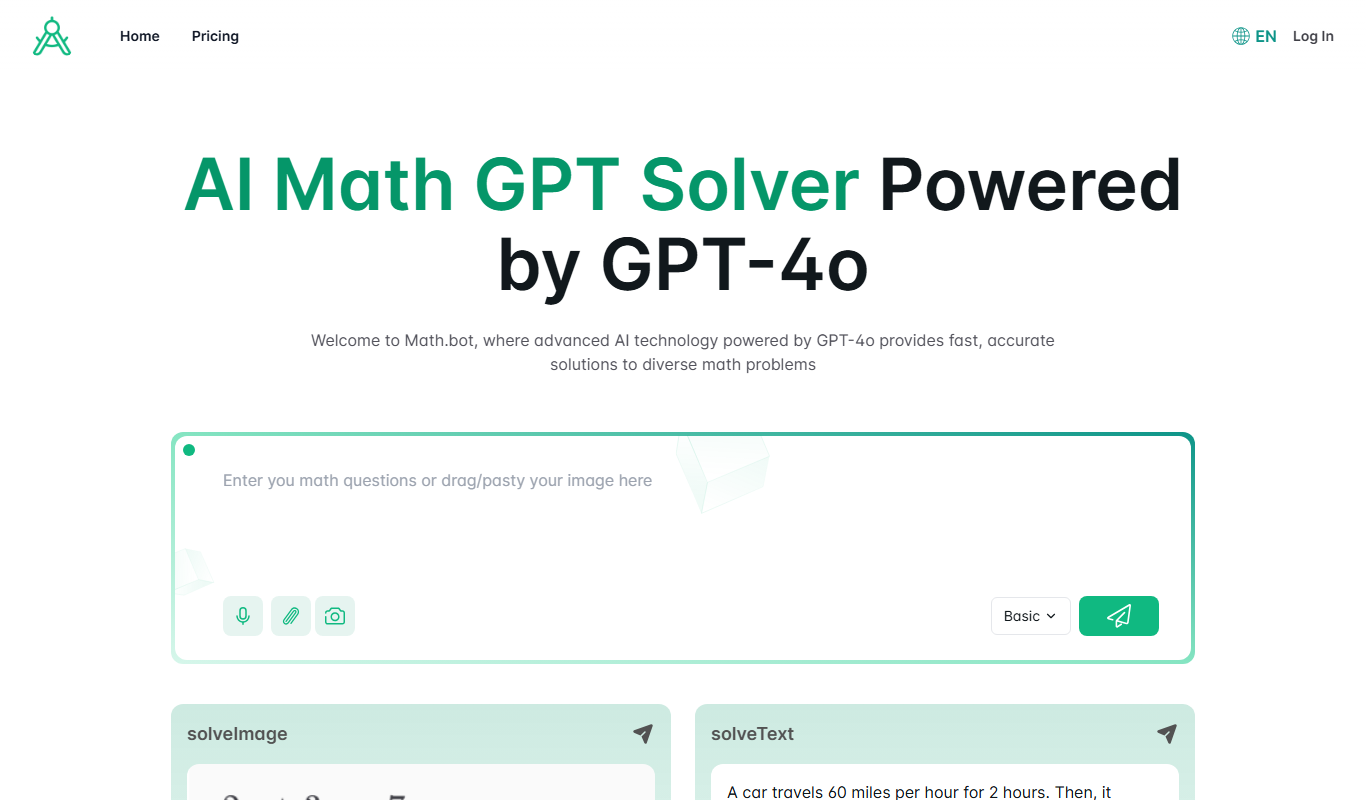
Math.bot: AI Math Solver by GPT-4o
Math.bot is an AI-powered math solver using GPT-4o that provides detailed step-by-step solutions to a wide range of math problems via a web interface.

Freemium
Mest
Mest is an AI writing assistant that helps users generate and edit content efficiently with grammar and style suggestions.