

From my experience with NoDial.io, I found it excels at automating repetitive cold calling tasks through its AI voice agents, which engage prospects naturally and qualify leads efficiently. The platform is particularly well-suited for sales teams and marketing agencies aiming to scale outreach without increasing headcount. However, the tool currently supports only English, which may limit its use in multilingual markets. Additionally, pricing might be a consideration for smaller businesses. Overall, if you need to boost your sales outreach with automated, conversational AI calls, NoDial.io delivers reliable and insightful results.
NoDial.io AI Sales Assistant for Automated Cold Calling and Lead Generation
NoDial.io is an AI-powered platform that automates cold calling and lead qualification by engaging prospects with natural voice conversations, helping sales teams scale outreach and schedule appointments efficiently.
- Best for
- Automated Cold Calling
- Key capability
- AI-Powered Voice Agent

Do you recommend this tool?
What is NoDial.io?
NoDial.io is an AI-powered sales assistant platform designed to automate cold calling and lead generation processes. It uses advanced voice AI technology to engage prospects in natural conversations, qualify leads, and schedule appointments without requiring manual dialing. The platform helps sales teams increase efficiency by automating repetitive outreach tasks and integrating seamlessly with existing CRM systems.
Key features of NoDial.io
NoDial.io offers automated outbound calling powered by AI voice agents, real-time conversation analytics, lead qualification through natural dialogue, appointment scheduling capabilities, and CRM integrations to streamline sales workflows.
AI-Powered Voice Agent
Engages prospects in human-like conversations to qualify leads and set appointments.
Automated Outbound Calling
Eliminates manual dialing by automating the entire cold calling process.
Real-Time Conversation Analytics
Provides insights and transcripts to evaluate call effectiveness and improve messaging.
CRM Integration
Syncs call data and lead information with popular CRM platforms for seamless workflow.
Customizable Call Scripts
Allows users to tailor AI conversations to match their sales pitch and objectives.
Pros and cons of NoDial.io
Pros
- Automates repetitive cold calling tasks effectively
- Improves lead qualification with natural AI conversations
- Integrates smoothly with CRM platforms
- Provides detailed call analytics and transcripts
Cons
- Limited language support (English only)
- Pricing may be high for small businesses
- Dependent on quality of lead data for best results
Key use cases for NoDial.io
Automated Cold Calling
Use AI to automate outbound cold calls, reducing manual dialing and increasing call volume.
Lead Qualification
Automatically qualify leads by engaging prospects in natural conversations and gathering key information.
Sales Outreach Scaling
Scale sales outreach efforts by automating repetitive calling tasks, freeing sales reps to focus on closing deals.
Appointment Setting
Schedule meetings and appointments automatically through AI-driven conversations with prospects.
CRM Integration
Integrate with CRM systems to sync call data and streamline sales workflows.
How NoDial.io works
- 1
Create an Account
Sign up on the NoDial.io platform to access the AI sales assistant tools.
- 2
Upload Lead List
Import your list of prospects or leads to be contacted by the AI assistant.
- 3
Configure Campaign
Set up your calling campaign parameters, including call scripts and scheduling.
- 4
Launch AI Calls
The AI assistant automatically dials and engages prospects using natural language.
- 5
Review Results
Analyze call outcomes, lead qualification data, and schedule appointments through the dashboard.
Who is using NoDial.io
Sales teams in B2B companies
Marketing agencies focusing on lead generation
Small to medium-sized businesses scaling outreach
Customer success teams needing appointment setting
Startups looking to automate sales processes
NoDial.io pricing
Free Trial
$0
Limited access to test the platform with a set number of calls.
Standard
$99/month
Includes a higher call volume, basic CRM integrations, and standard support.
Pro
$299/month
Offers advanced features, priority support, and expanded call limits.
Plans and prices are as published by the vendor and can change. Check the official site before you buy. Open the pricing page (opens in a new tab)
Frequently asked questions about NoDial.io
NoDial.io automates cold calling and lead qualification using AI voice agents to increase sales outreach efficiency.
Yes, NoDial.io supports integration with popular CRM systems to sync call and lead data.
Yes, NoDial.io offers a free trial with limited calls to test the platform.
Currently, NoDial.io primarily supports English language calls.
It depends on your specific needs and how you plan to use the tool. The official website and documentation are the best sources for the latest details.
Integration support depends on the tool and its available connectors or API. Check the official documentation or integrations page to confirm what is supported.
Some tools offer a free plan or trial with limited features. Availability can vary, so confirm on the official website.
Yes, it can help with that use case depending on how you configure it and what features are available. You’ll get the best results with clear inputs and a defined goal.
Sign in to review this tool.
Sign In to ReviewNo reviews yet
Be the first to share how this tool worked for you.
Ask about pricing, limits, or how it compares — or answer someone else.
Sign In to AskNo questions yet
Have a question about using or paying for this tool? Be the first to ask.
Featured on TiorAI



Alternative Tools
Explore similar AI tools that might fit your needs

Free Trial
Aircall
Aircall is a cloud-based VoIP phone system that helps businesses manage inbound and outbound calls with CRM integrations, call routing, and analytics.
More AI Assistant tools
Other tools in the same category, for when this one is not quite the fit.

Free Trial
PagerGPT
PagerGPT is an AI assistant that integrates with PagerDuty to automate incident triage, provide contextual summaries, and assist engineers in resolving incidents faster.

Freemium
Phew AI Tab
Phew AI Tab is a Chrome browser extension that integrates AI-powered research, note-taking, and summarization tools directly into your browsing experience to enhance productivity and streamline information management.

Freemium
Owl at Work – AI Companion for Businesses
Owl at Work is an AI-powered business companion that automates workflows, manages tasks, and improves team collaboration through intelligent automation and integrations.

Freemium
Vivas.AI
Vivas.AI is an AI meeting assistant that transcribes meetings in real time, extracts action items, and generates summaries to improve team productivity.
Free
WorkMagic
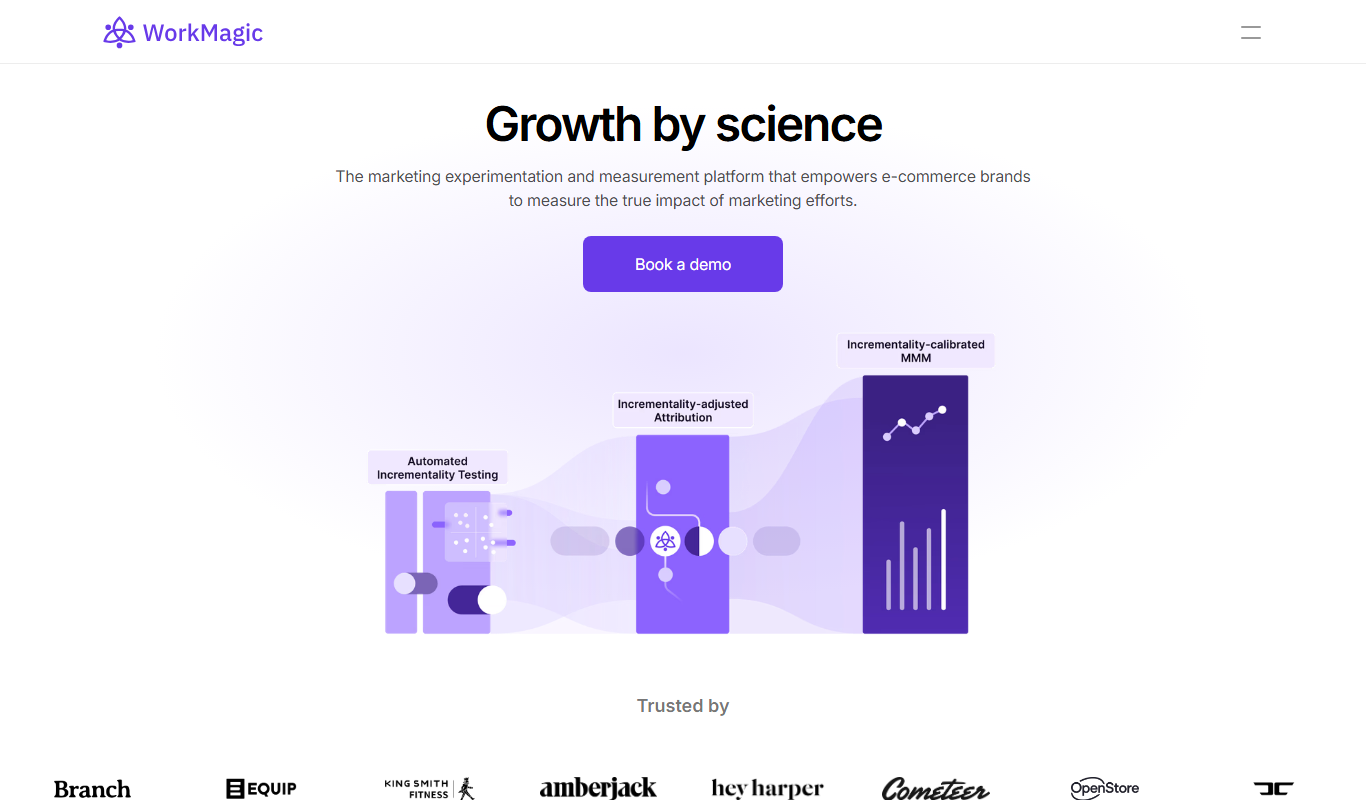
WorkMagic is an AI-powered productivity assistant that automates tasks, manages workflows, and supports team collaboration through a web platform.

Free
Blue Bot
Blue Bot is a free web-based AI chatbot designed for fun and casual conversations, offering instant chat without registration.

Free Trial
Voxpad
Voxpad is an AI voice assistant that transcribes meetings in real-time and generates summaries to improve productivity and collaboration.

Free Trial
HubbleIQ
HubbleIQ is an AI meeting assistant that automates transcription, action item detection, and meeting summaries to enhance team collaboration.