

Nextcloud Secure Cloud Storage and Collaboration Platform for Teams
Nextcloud is a self-hosted, open-source cloud platform that provides secure file storage, sharing, and collaboration tools designed to keep your data private and under your control.
- Best for
- Secure File Storage
- Key capability
- Self-Hosted Cloud Storage
Save Nextcloud, follow its updates and vote on it — everything stays in your account.
Sign in or create a free account
What is Nextcloud?
Nextcloud is an open-source, self-hosted cloud platform designed to provide secure file storage, sharing, and collaboration for individuals and organizations. It enables users to maintain full control over their data by hosting it on their own servers or trusted infrastructure, ensuring privacy and compliance with regulations. Nextcloud combines file synchronization, collaborative document editing, communication tools, and workflow management into a unified platform accessible via web, desktop, and mobile applications.
Key features of Nextcloud
Nextcloud offers a comprehensive suite of features including secure file sharing, real-time collaborative editing, calendar and contacts management, end-to-end encryption, activity monitoring, and integration with external services. Its modular architecture allows customization through apps and plugins to fit diverse organizational needs.
Self-Hosted Cloud Storage
Full control over data by hosting on-premises or private cloud infrastructure.
File Sync and Sharing
Synchronize files across devices and share securely with granular permissions.
Collaborative Editing
Real-time document collaboration with integration of office suites like OnlyOffice and Collabora.
End-to-End Encryption
Protect sensitive data with client-side encryption ensuring privacy.
Integrated Communication
Built-in chat, video calls, and email integration to enhance team collaboration.
Pros and cons of Nextcloud
Pros
- Complete control over data with self-hosting
- Rich collaboration features integrated in one platform
- Strong focus on security and privacy
- Open-source with active community support
- Flexible and extensible through apps and plugins
Cons
- Requires technical knowledge to set up and maintain
- Enterprise features require paid subscription
- Performance depends on hosting infrastructure
Key use cases for Nextcloud
Secure File Storage
Store and access files securely on private or company servers with full control over data.
Team Collaboration
Collaborate on documents, calendars, and tasks with real-time editing and sharing.
Data Privacy Compliance
Maintain compliance with data protection regulations by hosting data on-premises or trusted clouds.
File Synchronization
Synchronize files across multiple devices seamlessly with desktop and mobile clients.
Communication Integration
Integrate chat, video calls, and email to streamline team communication within the platform.
How Nextcloud works
- 1
Install Nextcloud Server
Set up the Nextcloud server on your own hardware or cloud infrastructure.
- 2
Create User Accounts
Add users and assign permissions to control access to files and collaboration tools.
- 3
Upload and Sync Files
Users upload files via web or sync clients; files are synchronized across devices.
- 4
Collaborate and Communicate
Use integrated apps for document editing, chat, video calls, and calendar management.
- 5
Manage and Monitor
Administrators monitor activity, enforce security policies, and extend functionality with apps.
Who is using Nextcloud
Nextcloud pricing
Community Edition
Free
Open-source version with full features for self-hosting and community support.
Enterprise Subscription
Contact for pricing
Professional support, additional security features, and scalability options for businesses.
Plans and prices are as published by the vendor and can change. Check the official site before you buy. Open the pricing page (opens in a new tab)
Frequently asked questions about Nextcloud
Yes, the Community Edition is free and open-source. Enterprise subscriptions offer additional support.
Absolutely, Nextcloud is designed for self-hosting on your own hardware or cloud infrastructure.
Yes, Nextcloud offers mobile apps for iOS and Android for file access and collaboration on the go.
By allowing self-hosting and offering end-to-end encryption, Nextcloud ensures your data remains private.
This tool is designed to help users accomplish its core tasks more efficiently. It is typically used by individuals or teams looking to improve productivity and workflow.
It depends on your specific needs and how you plan to use the tool. The official website and documentation are the best sources for the latest details.
Yes, it can help with that use case depending on how you configure it and what features are available. You’ll get the best results with clear inputs and a defined goal.
Yes, it can help with that use case depending on how you configure it and what features are available. You’ll get the best results with clear inputs and a defined goal.
Conclusion
The Nextcloud server is set up on self-owned hardware or cloud infrastructure, and administrators add users and assign permissions to control access. Users then upload files via the web or sync clients, and files are synchronized across devices, with mobile apps for iOS and Android. Integrated apps cover document editing with office suites like OnlyOffice and Collabora, as well as chat, video calls and calendars. Client-side encryption protects sensitive data.
This model may suit privacy-conscious organizations that need to host data on-premises or on trusted clouds for compliance with data protection regulations. The Community Edition is free and open source, while an Enterprise Subscription adds professional support, security features and scalability options for businesses. It requires technical knowledge to set up and maintain, and performance depends on the hosting infrastructure.
Sources
Sign in to review this tool.
Sign In to ReviewNo reviews yet
Be the first to share how this tool worked for you.
Ask about pricing, limits, or how it compares — or answer someone else.
Sign In to AskNo questions yet
Have a question about using or paying for this tool? Be the first to ask.
Featured on TiorAI



More Business Management tools
Other tools in the same category, for when this one is not quite the fit.
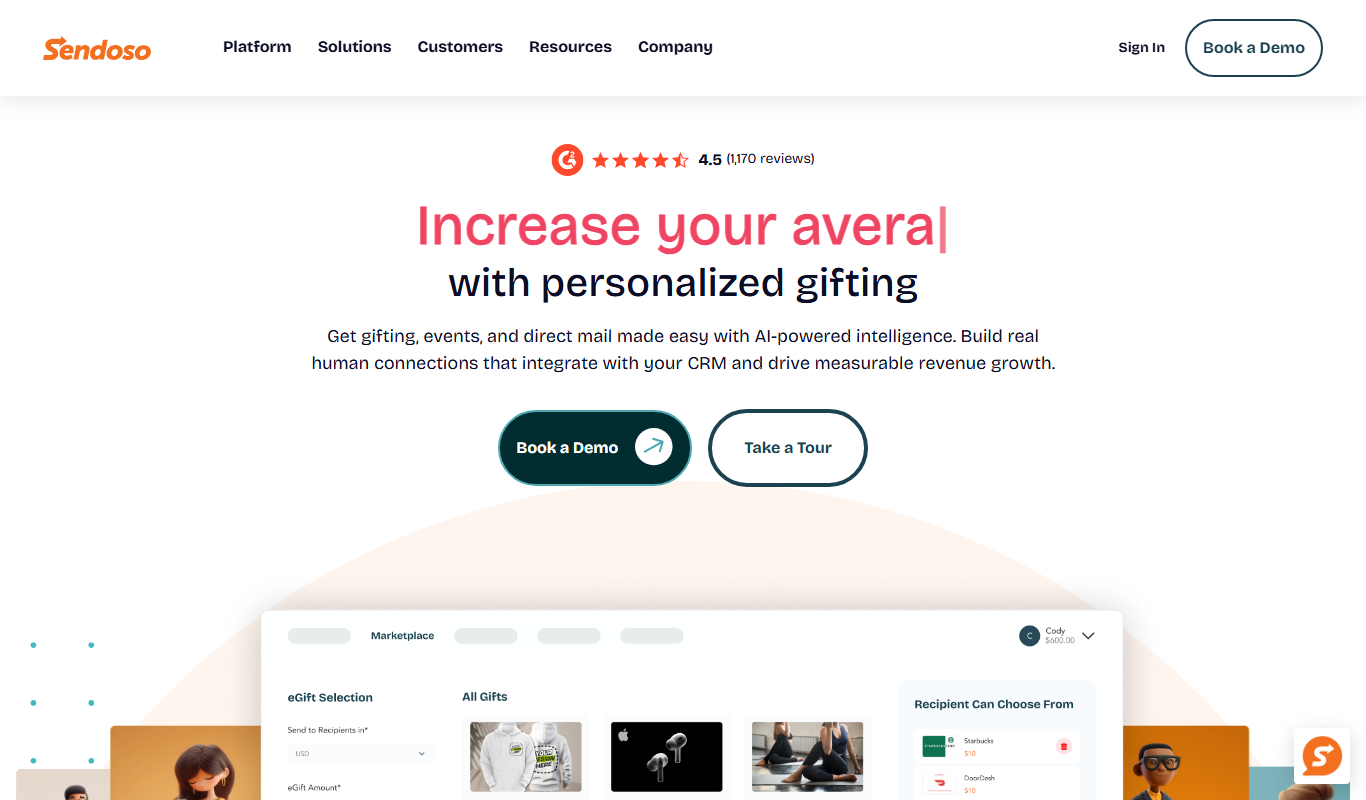
Sendoso
Sendoso is a platform that helps businesses automate sending personalized gifts and direct mail to prospects and customers, integrating with CRM tools to improve engagement and sales outcomes.

Giftogram
Giftogram is a corporate gifting platform that enables businesses to send customizable digital gift cards to employees, clients, and partners for rewards and recognition.
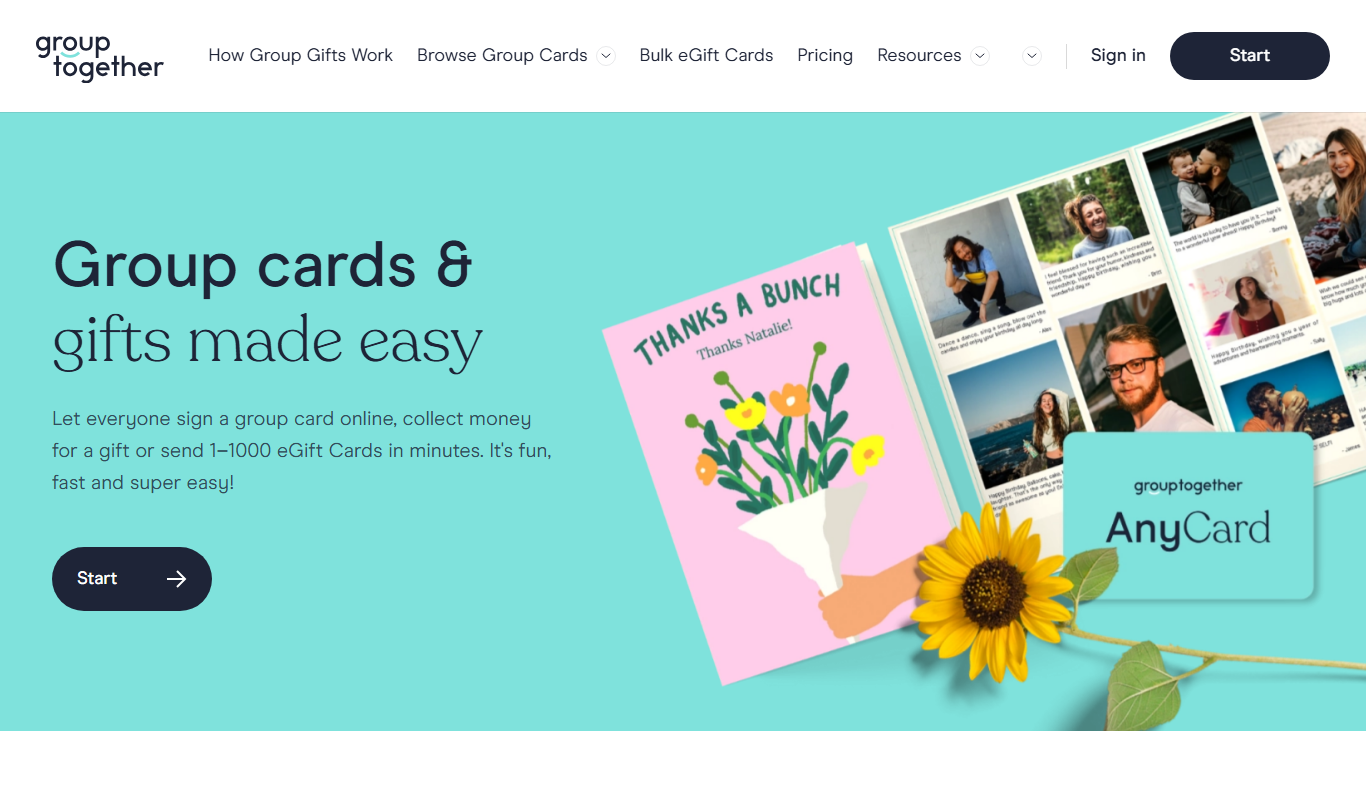
GroupTogether
GroupTogether is an online platform that helps groups collect money easily and securely for shared gifts or fundraising campaigns by creating customizable collection pages and managing contributions.

Webs-Automation Job Application Bots
AI Jobs Automation is a web-based tool that automates filling and submitting job applications across multiple portals, helping job seekers save time and increase efficiency.
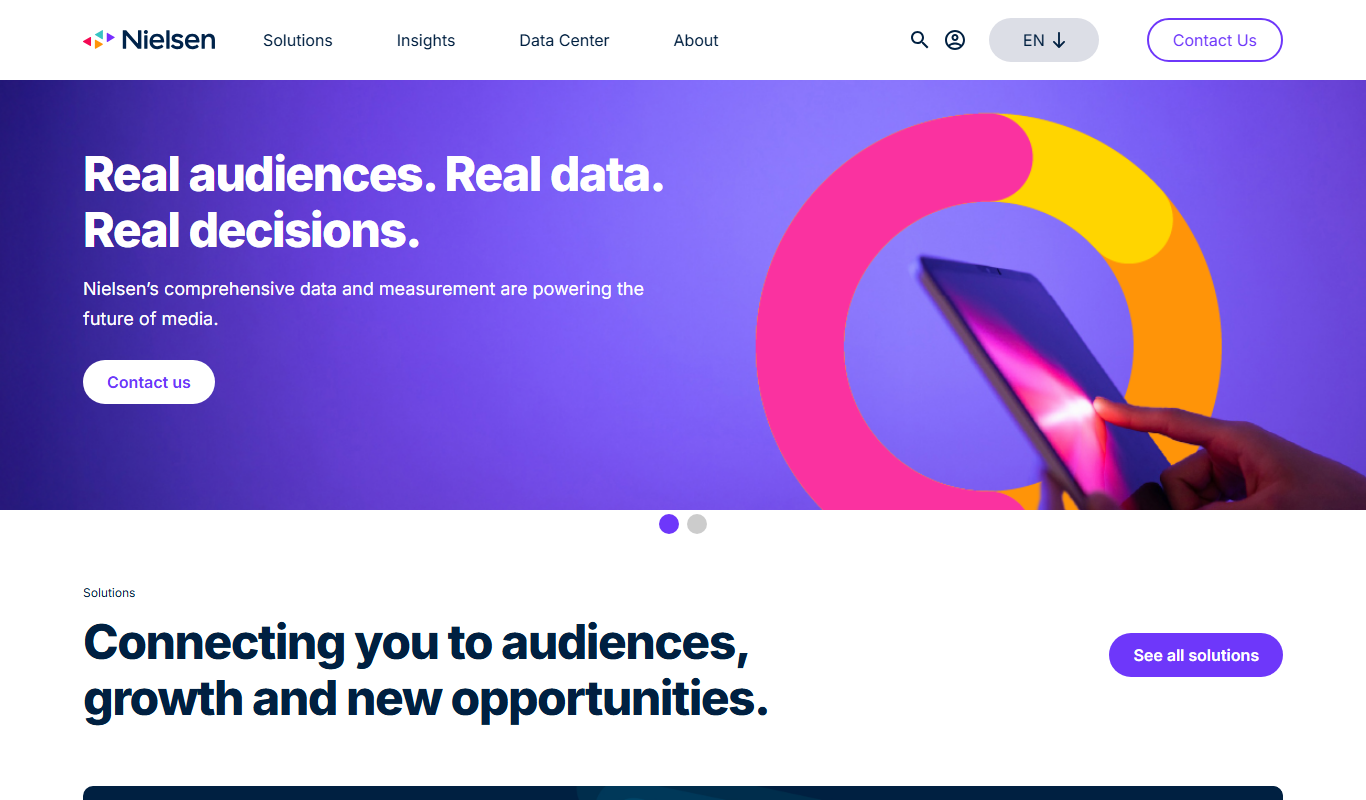
Nielsen Market Research
Nielsen Market Research provides detailed consumer and media data analytics to help businesses understand market trends, measure audience engagement, and optimize marketing strategies.

Coupler.io
Coupler.io is a no-code data integration tool that automates importing and syncing data between apps and data warehouses, enabling scheduled data refreshes and streamlined reporting without coding.

China Briefing
China Briefing is an online platform offering business intelligence, legal updates, and market entry guidance for foreign companies operating in China, managed by Dezan Shira & Associates.
Tonic.ai
Tonic.ai is a synthetic data platform that creates realistic, privacy-compliant test data for software development and testing, helping organizations protect sensitive information while accelerating development.