

Newton Mail Email Client with Read Receipts and Cross-Platform Support
Newton Mail is an email client with a Free plan and paid Pro and Team plans that provides read receipts, send later, snooze and cross-platform support for managing multiple email accounts.
- Best for
- Email Management
- Key capability
- Read Receipts and Email Tracking
Save Newton Mail, follow its updates and vote on it — everything stays in your account.
Sign in or create a free account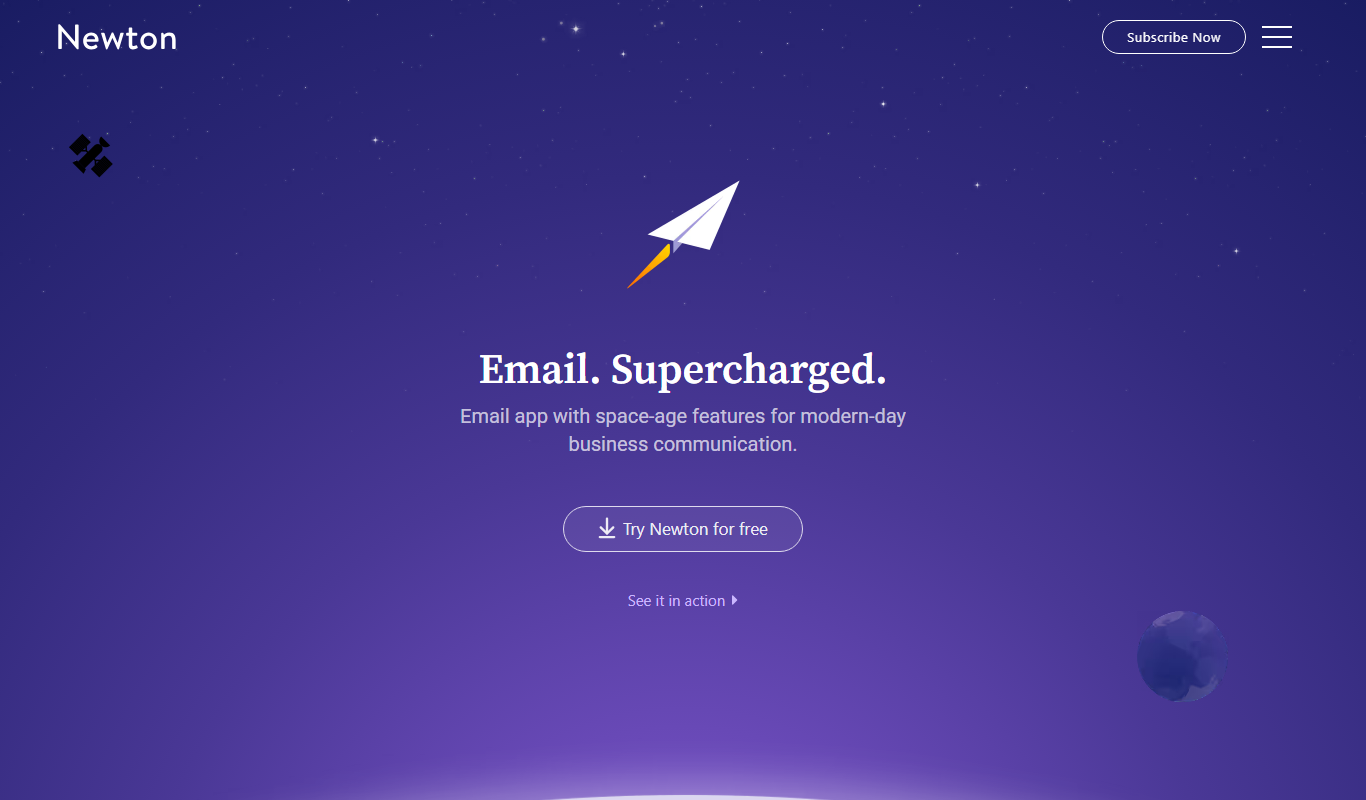
What is Newton Mail?
Newton Mail is an email client with a Free plan and paid Pro and Team plans, designed to provide a unified and efficient email experience across multiple platforms. It offers features such as read receipts, send later, snooze and connected apps integration to help users manage their email communication more effectively.
Key features of Newton Mail
Newton Mail’s main features include cross-platform support, email tracking with read receipts, send later scheduling, snooze functionality, and integration with popular productivity apps, all aimed at enhancing email management and communication.
Read Receipts and Email Tracking
Know when your emails are opened and links are clicked to improve follow-ups.
Send Later and Snooze
Schedule emails to send at optimal times and snooze messages to handle later.
Unified Inbox
Manage multiple email accounts in one place with a clean, organized interface.
Cross-Platform Support
Available on Windows, macOS, iOS, Android, and web for seamless email access.
Connected Apps Integration
Integrate with apps like Evernote, Trello, and OneNote to streamline workflows.
Pros and cons of Newton Mail
Pros
- Clean and intuitive user interface
- Powerful email tracking with read receipts
- Cross-platform availability ensures access anywhere
Cons
- Limited to English language support
Key use cases for Newton Mail
Email Management
Organize, send, and receive emails efficiently across multiple accounts and devices.
Email Tracking
Track when recipients open emails with read receipts and link tracking features.
Productivity Enhancement
Use features like snooze, send later, and unified inbox to improve email workflow.
Cross-Platform Synchronization
Access and manage emails seamlessly on desktop and mobile platforms.
Customer Communication
Enhance customer engagement by knowing when emails are read and responding promptly.
How Newton Mail works
- 1
Sign Up
Create a Newton Mail account and choose the Free plan or a paid Pro or Team plan.
- 2
Connect Email Accounts
Add your email accounts (Gmail, Outlook, Yahoo, etc.) to Newton Mail for unified access.
- 3
Use Advanced Features
Leverage features like read receipts, send later, and snooze to manage emails efficiently.
- 4
Access Anywhere
Use Newton Mail on your preferred devices including desktop and mobile apps.
Who is using Newton Mail
Newton Mail pricing
Free
$0
Free forever plan for two accounts.
Pro
$6.99/month (28% off billed annually)
Paid plan at $6.99 per month, with a 28% discount on annual billing.
Team
$15/user/month
Team plan at $15 per user per month.
Plans and prices are as published by the vendor and can change. Check the official site before you buy. Open the pricing page (opens in a new tab)
Frequently asked questions about Newton Mail
Yes, Newton Mail allows you to connect and manage multiple email accounts in a unified inbox.
Yes, Newton Mail has a Free forever plan for two accounts, alongside paid Pro and Team plans.
Newton Mail supports Windows, macOS, iOS, Android, and web browsers.
Yes, Newton Mail includes a send later feature to schedule emails for future delivery.
This tool is designed to help users accomplish its core tasks more efficiently. It is typically used by individuals or teams looking to improve productivity and workflow.
It depends on your specific needs and how you plan to use the tool. The official website and documentation are the best sources for the latest details.
Some tools offer a free plan or trial with limited features. Availability can vary, so confirm on the official website.
Yes, it can help with that use case depending on how you configure it and what features are available. You’ll get the best results with clear inputs and a defined goal.
Conclusion
Several email accounts, such as Gmail, Outlook or Yahoo, can be connected and handled together in a unified inbox. With read receipts and email tracking, users know when emails are opened and links are clicked, which is intended to improve follow-ups. Send later schedules emails for future delivery, and snooze sets messages aside to handle later. Connected apps such as Evernote, Trello and OneNote extend those workflows.
The client is aimed at sales and marketing teams, customer support agents and business professionals. Apps are available on iOS, Android, Mac and Windows. A Free plan covers two accounts permanently, while Pro costs $6.99 per month with a 28% discount on annual billing and Team costs $15 per user per month.
Sources
Sign in to review this tool.
Sign In to ReviewNo reviews yet
Be the first to share how this tool worked for you.
Ask about pricing, limits, or how it compares — or answer someone else.
Sign In to AskNo questions yet
Have a question about using or paying for this tool? Be the first to ask.
Featured on TiorAI



More AI Customer Service tools
Other tools in the same category, for when this one is not quite the fit.

Percepto Autonomous Inspection
Percepto Autonomous Inspection is an AI-powered autonomous drone platform that automates industrial site inspections, providing real-time anomaly detection, 3D mapping, and remote asset monitoring to enhance safety and operational efficiency.
NewsBlur
NewsBlur is a personal RSS reader and news aggregator that collects and filters news from multiple sources, allowing users to customize their news feed and read across web and mobile platforms.
Global Sources
Global Sources is a B2B sourcing platform that connects buyers with verified suppliers worldwide, offering product catalogs, trade show access, and communication tools to facilitate global trade.
DHgate
DHgate is a global online wholesale marketplace connecting international buyers with Chinese manufacturers and suppliers, offering bulk purchasing, dropshipping, and buyer protection services.

Alibaba
Alibaba is a global B2B wholesale marketplace that connects buyers with verified suppliers worldwide, offering trade assurance and custom manufacturing services.

SideChef
SideChef is a cooking app that provides step-by-step recipe guidance, meal planning tools, and smart kitchen integration to simplify home cooking.

ClearSale AI
ClearSale AI is a fraud prevention platform that uses artificial intelligence and manual review to protect e-commerce merchants from fraudulent transactions and chargebacks.

UpKeep
UpKeep is a cloud-based maintenance management software that helps organizations manage work orders, assets, and preventive maintenance through a mobile-friendly platform.