

Napkin AI - Turn Text into AI Diagrams and Visuals
Napkin AI turns pasted text into flowcharts, mind maps, infographics, diagrams, data charts and slides, with no design skills needed.
- Best for
- Presentations
- Key capability
- Text to visuals
Save napkin, follow its updates and vote on it — everything stays in your account.
Sign in or create a free account
What is napkin?
Napkin AI is a visual communication platform that turns your text into flowcharts, mind maps, infographics, diagrams, data charts and slides. You paste or import your text and Napkin generates editable visuals, with no design skills needed.
Key features of napkin
Napkin AI generates visuals from your text, lets you change colors, fonts, layouts and icons, and turns ideas into ready-to-present decks with Napkin Slides.
Text to visuals
Turns pasted text into flowcharts, mind maps, infographics, diagrams and data charts.
Napkin Slides
Turns your ideas into complete, ready-to-present decks.
Fully editable
Change colors, fonts, layouts and icons or reshape individual elements to match your brand.
Export anywhere
Export visuals as .ppt, .png, .pdf or .svg files.
API
Automate visual generation at scale, directly in your workflow.
Pros and cons of napkin
Pros
- No design skills needed
- Visuals and presentations in 60+ languages
- Everything stays editable
- Free plan with 500 AI credits per week
Cons
- Visual generation is not available on mobile yet
- Free plan visuals carry Napkin branding
Key use cases for napkin
Presentations
Make impactful slides with auto-generated visuals.
Blog posts
Add infographics and diagrams to blog content.
Social media
Engage your audience with generated visuals.
Docs
Write easy to read docs with diagrams and charts.
Team collaboration
Edit visuals together in a shared Teamspace with comments and highlights.
How napkin works
- 1
Import or paste your text
Napkin works directly from your text, no prompting needed.
- 2
Click to generate visuals
Napkin generates the most relevant visuals for your text and you pick the one that fits.
- 3
Polish it up
Change colors, fonts, layouts and icons until the visual matches your brand.
- 4
Take it anywhere
Export the visual as .ppt, .png, .pdf or .svg.
Who is using napkin
napkin pricing
Free
$0
500 AI credits per week, unlimited visuals editing, unlimited file import, unlimited PNG and PDF export, Napkin branding on visuals.
Plus
$9 per person/month
Everything in Free plus 10,000 AI credits per month, unlimited PPT and SVG export, 3 brand styles, bold icons and no Napkin branding.
Pro
$22 per person/month
Everything in Plus plus 30,000 AI credits per month, exclusive designs, unlimited custom branding, font upload and optional credit top ups.
Plans and prices are as published by the vendor and can change. Check the official site before you buy. Open the pricing page (opens in a new tab)
Frequently asked questions about napkin
A visual communication platform that helps you turn ideas into visuals and presentations.
No. Write, paste or import your text, then click the Autospark icon to generate your visuals.
Yes. The Free plan is $0 with 500 AI credits per week, unlimited editing and unlimited PNG and PDF export.
Visuals can be exported as .ppt, .png, .pdf or .svg.
You can view your work and create and edit presentations on your phone, but visual generation is not available on mobile yet.
Visuals and presentations can be created in 60+ languages, and the interface is available in English, French, Spanish, Italian, Korean and Portuguese.
Yes. Invite team members to a shared Teamspace, edit together in real time and comment directly on Visuals and Slides.
Conclusion
Text is the starting point rather than a prompt: users paste or import their writing, and the tool generates several visuals based on it for the user to pick from. Output ranges from flowcharts and mind maps to infographics, data charts and, through Napkin Slides, complete decks. Every element stays editable, and finished visuals export as PPT, PNG, PDF or SVG files for use elsewhere.
Visuals can be created in 60+ languages, and teams can edit together in a shared Teamspace with comments. Generation runs on AI credits charged at roughly one per selected word; the Free plan refills weekly, while Plus and Pro add monthly credits, branding control and PPT and SVG export. Visual generation is not available on mobile yet, although presentations can be created and edited from a phone.
Sources
Sign in to review this tool.
Sign In to ReviewNo reviews yet
Be the first to share how this tool worked for you.
Ask about pricing, limits, or how it compares — or answer someone else.
Sign In to AskNo questions yet
Have a question about using or paying for this tool? Be the first to ask.
Featured on TiorAI



Alternative Tools
Explore similar AI tools that might fit your needs

Sourcegraph
Sourcegraph is a universal code search and intelligence platform that enables developers to search, navigate, and understand code across multiple repositories and languages, improving productivity and collaboration.
More AI Design & Creative Tools tools
Other tools in the same category, for when this one is not quite the fit.

Draph Art
Draph Art creates e-commerce product pages, thumbnails, AI model shots and ad videos from one product photo, without writing prompts.
AI Poster Generator
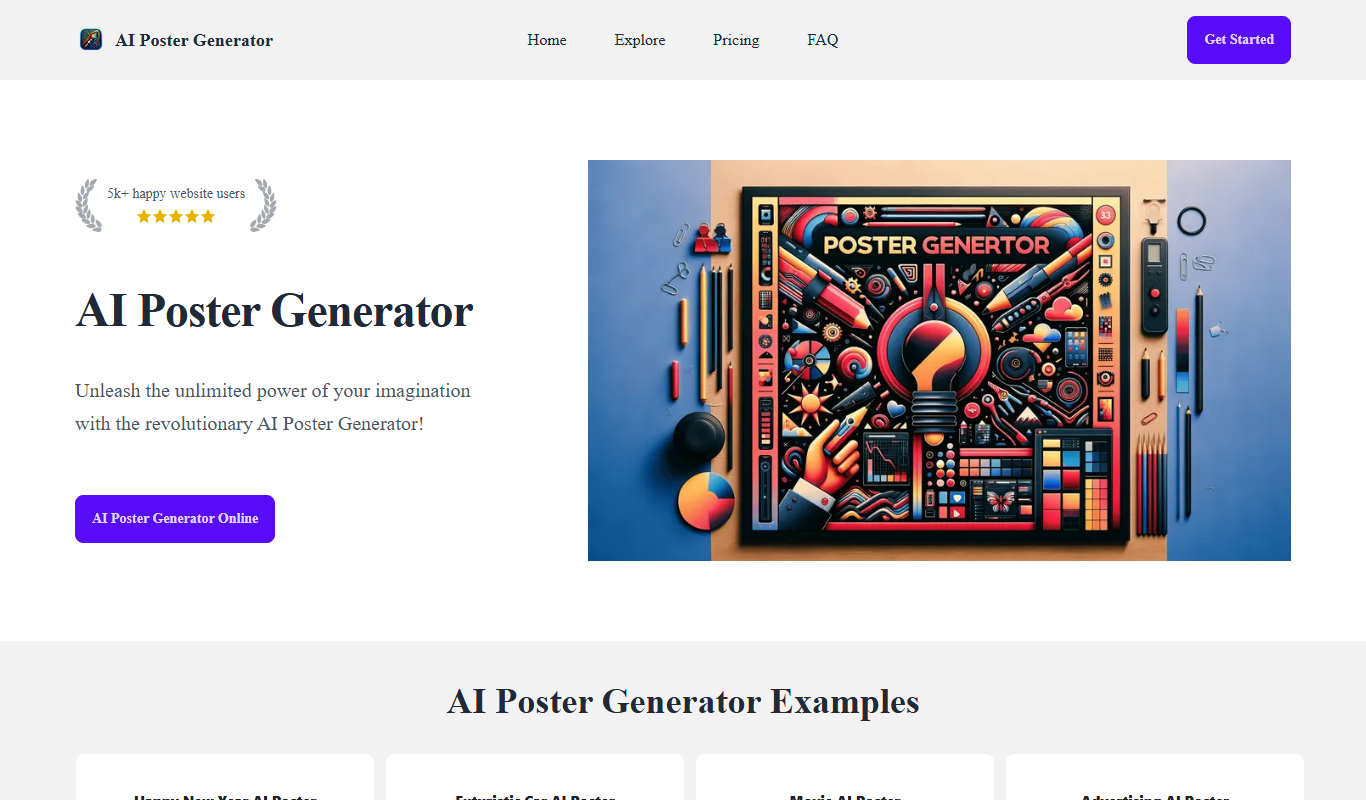
AI Poster Generator creates posters from prompt words using AI, with 1 free credit and paid credit plans.

Output
Output is a music software company offering virtual instruments and plugins designed for creative sound design and music production, compatible with major DAWs on MacOS and Windows.

Splotch
Splotch is the knowledge graph on top of your core systems, giving humans and agents a trusted map for painless change management.
Pixel GPT
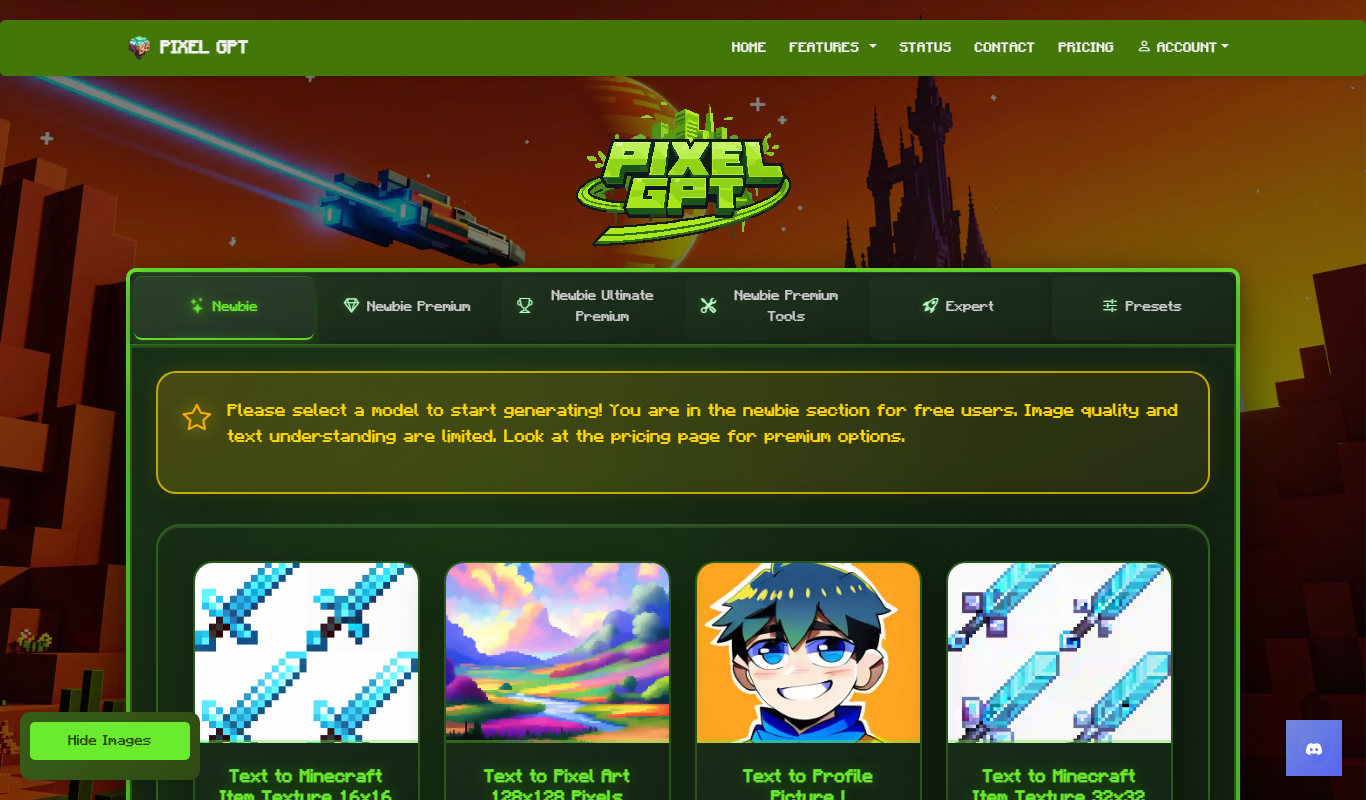
Pixel GPT by Deep Pixels generates Minecraft item textures and pixel art from text prompts, with true pixel-art output and direct PNG download.

Deckster
Deckster transforms raw ideas, notes and files into a presentation foundation shaped for the audience, then turns it into polished, consistent slides.
Depix AI
Depix is the AI-native design platform for industrial designers and product teams: go from concept to photorealistic 3D render in minutes with AI agents, CMF Vision and Video Lab.

ImgGen AI
ImgGen AI is a web-based platform that uses artificial intelligence to generate images from text descriptions, enabling users to create unique visuals quickly and easily.