

MyScript Math Handwriting Recognition Software for Math Input and Conversion
MyScript Math is a handwriting recognition app for iOS and Android that converts handwritten mathematical expressions into digital, editable math content.
- Best for
- Math Handwriting Recognition
- Key capability
- High Accuracy Handwriting Recognition
Save MyScript Math, follow its updates and vote on it — everything stays in your account.
Sign in or create a free account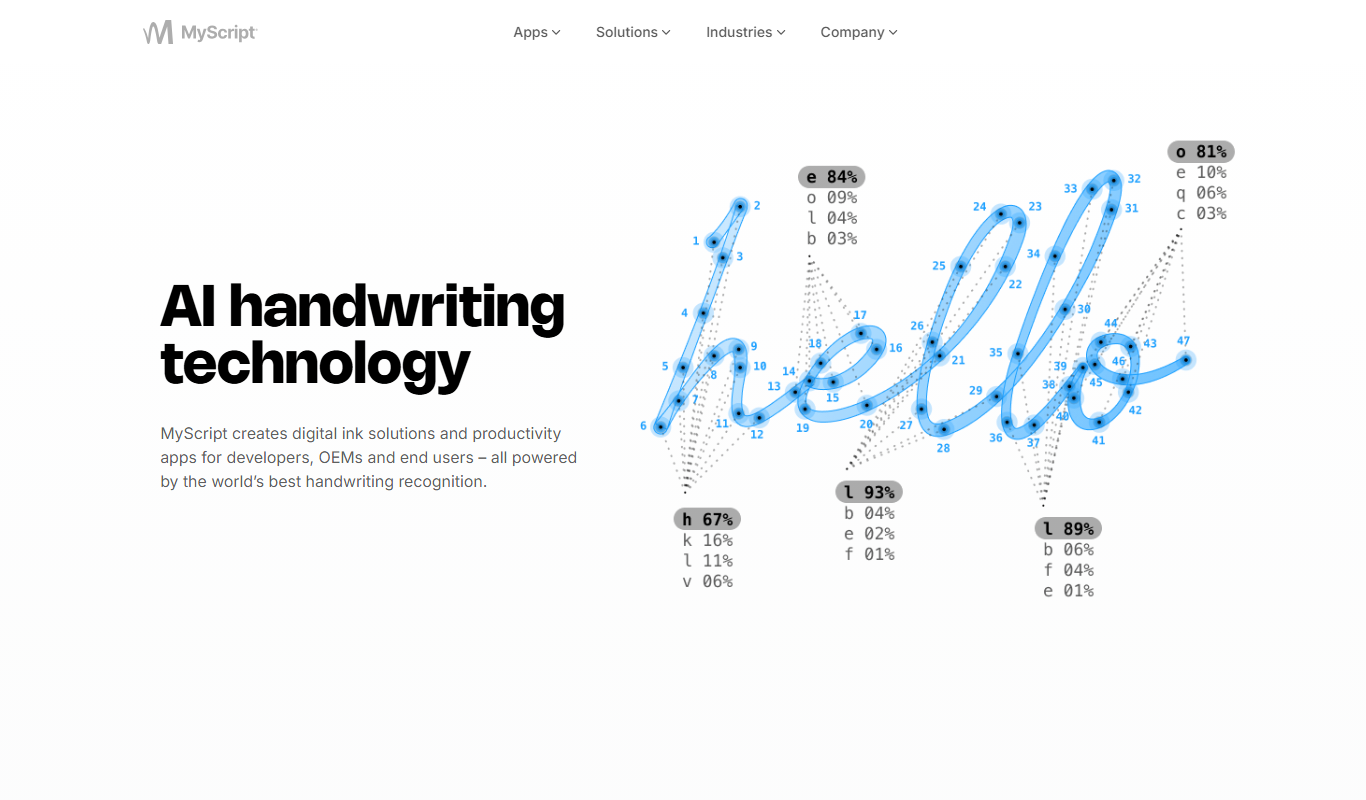
What is MyScript Math?
MyScript Math is an advanced handwriting recognition software designed to convert handwritten mathematical expressions into digital, editable math content. It supports a wide range of math symbols and notations, enabling seamless input of complex formulas on various devices. The tool is ideal for educational, scientific, and technical applications where accurate math input is essential.
Key features of MyScript Math
MyScript Math offers real-time handwriting recognition, multi-platform support, extensive math symbol coverage, and integration capabilities via API. It transforms natural handwriting into digital math expressions that can be exported to formats like LaTeX, MathML, or images.
High Accuracy Handwriting Recognition
Supports a broad range of mathematical symbols and expressions with precise recognition.
Multi-Platform Support
Available on iOS and Android.
Real-Time Conversion
Instantly converts handwritten math to digital format as you write.
Export Options
Export recognized math expressions to LaTeX, MathML, SVG, or bitmap images.
API Integration
Easily integrate handwriting recognition into custom applications and educational tools.
Pros and cons of MyScript Math
Pros
- Highly accurate math handwriting recognition
- Available on iOS and Android
- Flexible export formats for math content
- API available for seamless integration
- Real-time conversion enhances user experience
Cons
- No publicly available pricing details
- Requires integration effort for custom applications
- Limited language support focused on major languages
Key use cases for MyScript Math
Math Handwriting Recognition
Convert handwritten mathematical expressions into digital text for easy editing and processing.
Educational Tools Integration
Integrate handwriting math recognition into educational apps to facilitate interactive learning.
Scientific and Technical Documentation
Enable scientists and engineers to input complex math formulas quickly and accurately.
Math Content Creation
Assist content creators in generating digital math content for websites, eBooks, and presentations.
Mobile Math Input
Allow users to write math expressions naturally on mobile devices for note-taking or problem solving.
How MyScript Math works
- 1
Write Math Expression
Users write mathematical formulas naturally using a stylus, finger, or mouse.
- 2
Real-Time Recognition
The software instantly recognizes and converts handwriting into digital math notation.
- 3
Edit and Correct
Users can edit recognized expressions to correct any misinterpretations.
- 4
Export or Integrate
Export the math content to various formats or integrate it into other applications via API.
Who is using MyScript Math
MyScript Math pricing
Monthly or Yearly subscription
Subscription with a 7-day free trial
Monthly and Yearly subscriptions with a 7-day free trial through the App Store and Google Play.
Plans and prices are as published by the vendor and can change. Check the official site before you buy. Open the pricing page (opens in a new tab)
Frequently asked questions about MyScript Math
MyScript Math is available on iOS and Android.
Yes, it supports a wide range of math symbols and complex expressions including fractions, integrals, and matrices.
MyScript Math is sold as a Monthly or Yearly subscription with a 7-day free trial through the App Store and Google Play.
Integration is possible through the MyScript Developer API, which allows embedding handwriting recognition features.
It depends on your specific needs and how you plan to use the tool. The official website and documentation are the best sources for the latest details.
Yes, it can help with that use case depending on how you configure it and what features are available. You’ll get the best results with clear inputs and a defined goal.
It depends on your specific needs and how you plan to use the tool. The official website and documentation are the best sources for the latest details.
Integration support depends on the tool and its available connectors or API. Check the official documentation or integrations page to confirm what is supported.
Conclusion
Handwritten math is the input here: formulas are written naturally with a stylus, finger or mouse, and the software converts them into digital math notation as they are written. Recognized expressions can be edited to correct any misinterpretations, then exported to LaTeX, MathML, SVG or bitmap images. Recognition covers complex expressions including fractions, integrals and matrices.
It is aimed at math educators and students, scientific researchers and engineers, and developers of educational technology. On mobile devices, users can write expressions naturally for note-taking or problem solving. The app runs on iOS and Android and is sold as a Monthly or Yearly subscription with a 7-day free trial through the App Store and Google Play.
Sources
Sign in to review this tool.
Sign In to ReviewNo reviews yet
Be the first to share how this tool worked for you.
Ask about pricing, limits, or how it compares — or answer someone else.
Sign In to AskNo questions yet
Have a question about using or paying for this tool? Be the first to ask.
Featured on TiorAI



Alternative Tools
Explore similar AI tools that might fit your needs

Mathpix Snip
Mathpix Snip is an AI-powered OCR tool that accurately converts images containing mathematical and scientific content into editable LaTeX, MathML, or text formats, supporting students, educators, and researchers.
More Education tools
Other tools in the same category, for when this one is not quite the fit.

Quino
Quino is the LMS that marks every exam: courses, lessons, online exams and diplomas, with AI that marks handwritten answers in seconds and writes tests from your notes.

Pedagogue AI
Pedagogue helps UK schools lead on AI with staff training, a maintained resource library and a clear AI strategy, through a 12-month whole-school programme.

Slice Knowledge
Slice is a private AI environment for organizations that turns internal docs, recordings and expert knowledge into SCORM-compliant courses, adaptive learning paths and a private AI assistant.

LitGrades
LitGrades uses AI to create flashcards, notes, worksheets and quizzes in seconds: just type what you want to study.

LessonShip
LessonShip is an AI education platform that lets teachers generate lesson plans, homework, quizzes and rubrics from simple AI-powered forms.
gnow
Gnow is an AI study companion that crafts personalized study guides with visualizations, real-world examples, quizzes and flash cards.

SmartPrep.ai
SmartPrep.AI is an AI lesson plan generator that gives teachers templates, PBL and UbD activities, teaching resources, assessments and rubrics instantly.

SimplifiedIQ
SimplifiedIQ is trusted assessment infrastructure that helps organizations, institutions and regulators evaluate capability, reduce malpractice and defend every decision.