

From my experience with Movavi Video Editor, I found it excels at providing an accessible and straightforward video editing experience for beginners and casual users. The intuitive timeline and helpful built-in effects make it easy to produce polished videos without prior expertise. After spending time with the platform, I can say it’s particularly well-suited for content creators looking to quickly edit social media videos or educators producing tutorials. However, there’s a trade-off: it lacks some advanced features that professional editors might need, and the free trial exports videos with a watermark. Overall, if you need simple, effective video editing on Windows or Mac, Movavi Video Editor delivers solid results.
Movavi Video Editor Review – Easy Video Editing Software for Beginners
Movavi Video Editor is an easy-to-use video editing software designed for beginners and casual users, offering features like cutting, transitions, chroma key, and 4K video support on Windows and Mac platforms.
- Best for
- Basic Video Editing
- Key capability
- Intuitive Timeline Interface

Do you recommend this tool?
What is Movavi Video Editor?
Movavi Video Editor is a user-friendly video editing software designed for beginners and casual users who want to create polished videos without a steep learning curve. It offers a range of editing tools including cutting, trimming, adding transitions, filters, titles, and audio editing. The software supports a wide variety of video formats and provides features like chroma key, slow motion, and video stabilization to enhance video quality.
Key features of Movavi Video Editor
Movavi Video Editor provides an intuitive timeline interface, a library of built-in effects and transitions, support for 4K video, screen recording capabilities, and easy export options. It balances simplicity with powerful features, making it suitable for hobbyists and small business content creators.
Intuitive Timeline Interface
Easy drag-and-drop timeline for arranging clips and editing sequences.
Wide Format Support
Supports popular video, audio, and image formats including MP4, AVI, MOV, MP3, and more.
Built-in Effects and Transitions
Includes filters, transitions, titles, and stickers to enhance video creativity.
Chroma Key (Green Screen)
Allows background replacement for creative video compositions.
Screen Recording
Capture desktop activity, webcam, and audio for tutorials or gameplay videos.
4K Video Support
Edit and export videos in high-resolution 4K quality.
Pros and cons of Movavi Video Editor
Pros
- User-friendly interface suitable for beginners
- Supports a wide range of video formats including 4K
- Includes useful features like chroma key and screen recording
- Affordable pricing with both one-time and subscription options
- Regular updates and customer support
Cons
- Free trial exports videos with watermark
- Lacks advanced features found in professional editors
- No mobile app version available
Key use cases for Movavi Video Editor
Basic Video Editing
Cut, trim, and merge video clips easily for personal or professional projects.
Content Creation for Social Media
Create engaging videos with filters, transitions, and titles optimized for platforms like YouTube and Instagram.
Educational Video Production
Produce tutorial videos or presentations with voiceover and screen recording features.
Home Video Enhancement
Enhance family videos with effects, music, and color correction.
Marketing and Promotional Videos
Design short promotional clips with animated titles and overlays.
How Movavi Video Editor works
- 1
Install and Launch
Download and install Movavi Video Editor on your Windows or Mac computer, then open the application.
- 2
Import Media
Add your video clips, photos, and audio files to the media bin.
- 3
Edit Your Video
Drag media onto the timeline, cut and trim clips, add transitions, filters, titles, and adjust audio.
- 4
Enhance and Customize
Apply effects like chroma key, slow motion, or stabilization to improve your video.
- 5
Export and Share
Choose the desired output format and resolution, then export your finished video for sharing or uploading.
Who is using Movavi Video Editor
Beginner video editors
Content creators for social media
Small business marketers
Educators creating tutorial videos
Home users enhancing personal videos
Movavi Video Editor pricing
Free Trial
$0
Limited features with watermark on exported videos.
One-time Purchase
Starting at $39.95
Full access to features with lifetime license for one device.
Subscription
Starting at $7.99/month
Access to updates and support with monthly or annual billing.
Plans and prices are as published by the vendor and can change. Check the official site before you buy. Open the pricing page (opens in a new tab)
Frequently asked questions about Movavi Video Editor
Yes, it is designed with an intuitive interface and simple tools ideal for users new to video editing.
Yes, Movavi Video Editor supports 4K video editing and export.
There is a free trial version available with limited features and watermark on exports.
It is available for Windows and Mac operating systems.
It depends on your specific needs and how you plan to use the tool. The official website and documentation are the best sources for the latest details.
Yes, it can help with that use case depending on how you configure it and what features are available. You’ll get the best results with clear inputs and a defined goal.
Some tools offer a free plan or trial with limited features. Availability can vary, so confirm on the official website.
Yes, it can help with that use case depending on how you configure it and what features are available. You’ll get the best results with clear inputs and a defined goal.
Sign in to review this tool.
Sign In to ReviewNo reviews yet
Be the first to share how this tool worked for you.
Ask about pricing, limits, or how it compares — or answer someone else.
Sign In to AskNo questions yet
Have a question about using or paying for this tool? Be the first to ask.
Featured on TiorAI



More AI Avatar Video Generator tools
Other tools in the same category, for when this one is not quite the fit.
Free
EpocCam
EpocCam is a mobile app by Elgato that converts your smartphone into a high-quality wireless or wired webcam for Windows and macOS, supporting HD video and background removal.
Free Trial
Depthkit
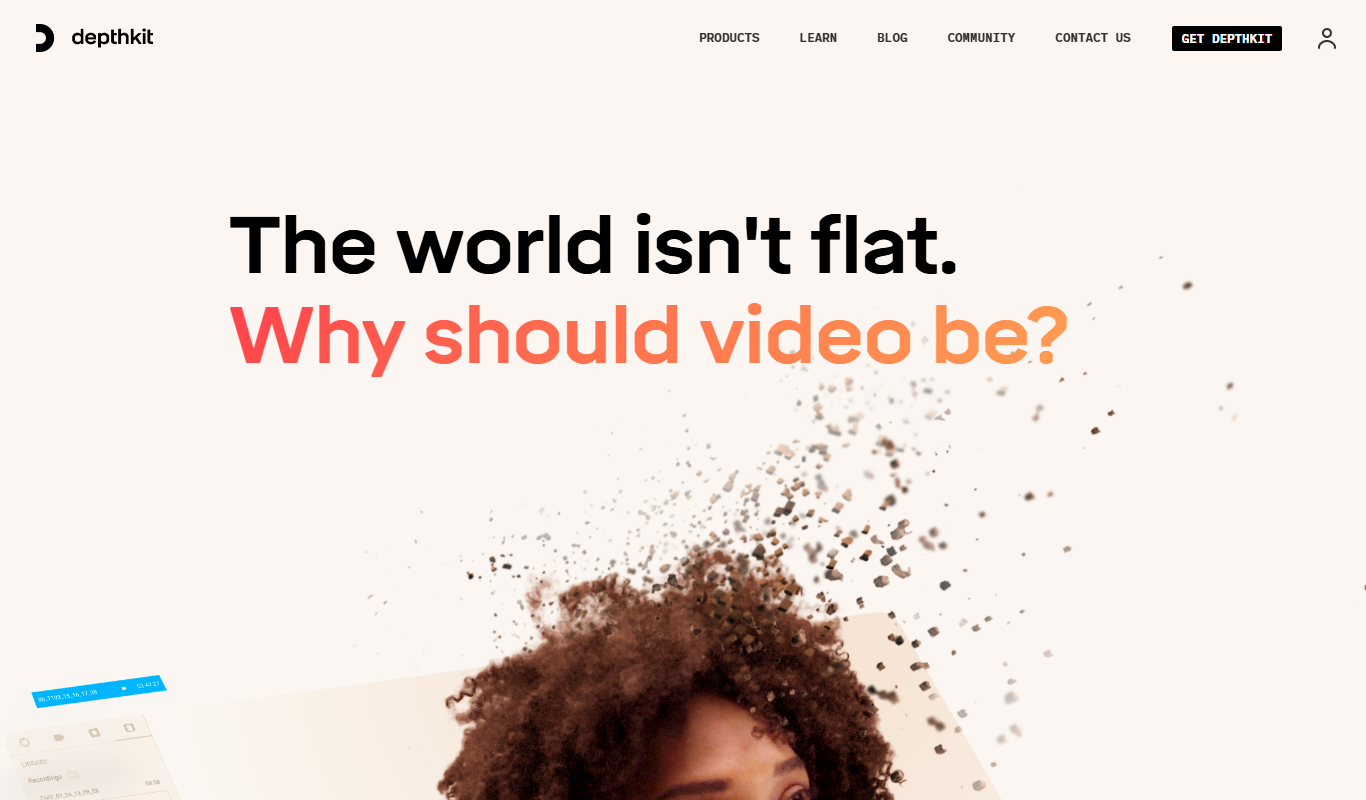
Depthkit is a software platform that captures volumetric video using depth sensors and RGB cameras, allowing creators to produce 3D video content for AR, VR, and digital media.

Freemium
Didimo
Didimo is an AI-powered platform that creates realistic 3D digital human avatars from a single photo, supporting gaming, VR, animation, and social media use cases.

Free
Spatial.io
Spatial.io is a virtual reality and augmented reality platform that enables remote teams to collaborate in immersive 3D workspaces using customizable avatars and spatial audio, accessible via VR headsets, mobile devices, and web browsers.

Freemium
Plotagon
Plotagon is a user-friendly animated video creation tool that allows users to produce 3D animated stories by scripting dialogues and customizing characters without needing animation skills.
Free
VTuber Studio
VTuber Studio is a desktop application that allows users to animate 2D avatars in real-time using facial and hand tracking, ideal for live streaming and virtual presentations.
Freemium
Content Samurai
Content Samurai, now part of Synthesia, is an AI-powered platform that transforms text scripts into videos featuring AI avatars and voiceovers, simplifying video production for marketing, education, and business use.
Free
Zepeto
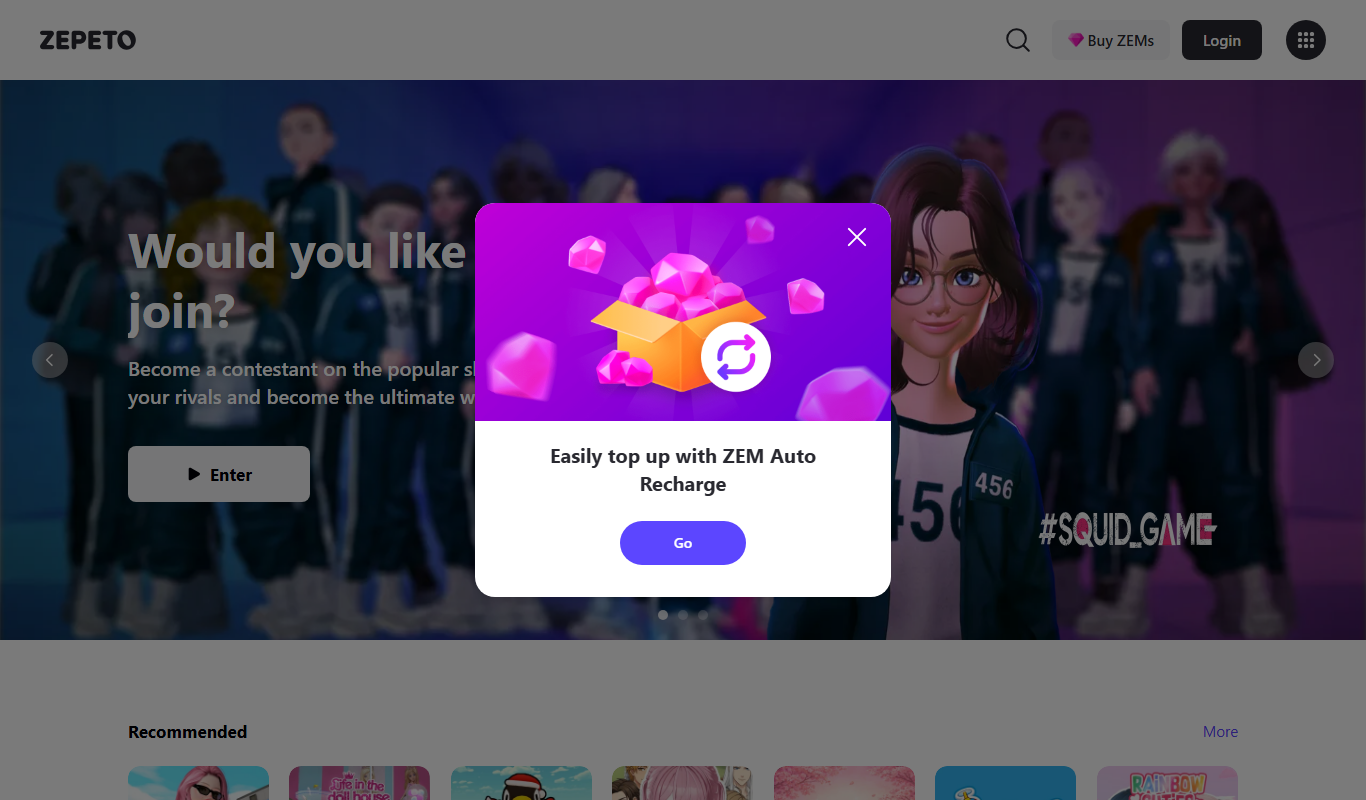
Zepeto is a social app that lets users create customizable 3D avatars and interact in virtual worlds through chat, games, and avatar-based videos.