

From my experience with Microsoft HoloLens 2, I found it excels at delivering a highly immersive and intuitive mixed reality experience tailored for professional and enterprise environments. The natural interaction through eye and hand tracking makes complex tasks feel more manageable, especially in training and remote collaboration scenarios. However, the device’s high cost and limited consumer applications mean it’s best suited for businesses and developers rather than casual users. Overall, if your work involves spatial computing or augmented reality for industry use, HoloLens 2 offers a robust and well-supported platform.
Microsoft HoloLens 2 Mixed Reality Headset for Enterprise and Development
Microsoft HoloLens 2 is a standalone mixed reality headset that overlays digital content onto the real world, primarily used for enterprise applications like training, remote assistance, and 3D design.
- Best for
- Enterprise Training and Simulation
- Key capability
- Spatial Mapping and Understanding
Your actions
Do you recommend this tool?
What is HoloLens 2?
Microsoft HoloLens 2 is an advanced mixed reality headset that blends digital content with the physical world. It uses spatial mapping, eye tracking, and hand gesture recognition to provide an immersive, interactive experience. Designed primarily for enterprise and development use, it enables professionals to visualize 3D holograms, collaborate remotely, and enhance workflows through augmented reality.
Key features of HoloLens 2
HoloLens 2 offers improved comfort, a wider field of view, and enhanced sensors compared to its predecessor. Key features include real-time spatial mapping, eye and hand tracking, voice commands via Microsoft Cortana, and integration with Azure cloud services for AI and data processing.
Spatial Mapping and Understanding
Accurately maps the physical environment to place holograms that interact naturally with real-world objects.
Eye and Hand Tracking
Enables intuitive control through natural gestures and gaze, improving user interaction without controllers.
Enhanced Field of View
Offers a larger holographic display area for more immersive experiences.
Integrated Voice Commands
Supports voice control via Microsoft Cortana for hands-free operation.
Enterprise-Grade Security
Built on Windows Holographic OS with enterprise security features and Azure Active Directory integration.
Pros and cons of HoloLens 2
Pros
- High-quality mixed reality experience with natural interaction
- Standalone device with no tethering required
- Strong enterprise security and cloud integration
- Comfortable design for extended use
- Robust developer ecosystem and SDK support
Cons
- High cost limits accessibility for casual users
- Limited consumer-focused applications
- Battery life may require frequent recharging during intensive use
Key use cases for HoloLens 2
Enterprise Training and Simulation
HoloLens 2 enables immersive training environments for industries such as manufacturing, healthcare, and aerospace, allowing employees to practice complex tasks safely.
Remote Assistance and Collaboration
Users can collaborate remotely with experts who see their environment in real time, facilitating troubleshooting and guidance without physical presence.
3D Design and Visualization
Designers and engineers can visualize 3D models in real space, improving prototyping, spatial understanding, and iterative design processes.
Healthcare and Surgery Planning
Medical professionals use HoloLens 2 to overlay patient imaging data during surgery planning and procedures, enhancing precision and outcomes.
Field Service and Maintenance
Technicians receive step-by-step holographic instructions and real-time data overlays to perform maintenance and repairs efficiently.
How HoloLens 2 works
- 1
Wear the Device
Put on the HoloLens 2 headset, which fits comfortably with adjustable straps and balanced weight.
- 2
Set Up Environment
The device scans and maps your physical surroundings to anchor holograms accurately in space.
- 3
Interact with Holograms
Use hand gestures, eye tracking, and voice commands to manipulate digital objects and navigate applications.
- 4
Connect to Cloud Services
Leverage Azure AI and cloud computing for data processing, remote collaboration, and enhanced application capabilities.
Who is using HoloLens 2
Enterprise professionals
Developers building mixed reality applications
Healthcare practitioners
Manufacturing and field service technicians
Architects and designers
HoloLens 2 pricing
Enterprise Licensing
Custom pricing
Tailored licensing and support plans for businesses and developers.
Plans and prices are as published by the vendor and can change. Check the official site before you buy. Open the pricing page (opens in a new tab)
Frequently asked questions about HoloLens 2
HoloLens 2 is primarily designed for enterprise and professional use cases rather than consumer gaming.
Manufacturing, healthcare, architecture, education, and field service industries are key beneficiaries.
No, HoloLens 2 is a standalone device with onboard processing but can connect to PCs or cloud services for extended capabilities.
Battery life typically ranges from 2 to 3 hours depending on usage.
This tool is designed to help users accomplish its core tasks more efficiently. It is typically used by individuals or teams looking to improve productivity and workflow.
It depends on your specific needs and how you plan to use the tool. The official website and documentation are the best sources for the latest details.
It depends on your specific needs and how you plan to use the tool. The official website and documentation are the best sources for the latest details.
Sign in to review this tool.
Sign In to ReviewNo reviews yet
Be the first to share how this tool worked for you.
Ask about pricing, limits, or how it compares — or answer someone else.
Sign In to AskNo questions yet
Have a question about using or paying for this tool? Be the first to ask.
Featured on TiorAI



Alternative Tools
Explore similar AI tools that might fit your needs

Enterprise Licensing
Magic Leap 2
Magic Leap 2 is a standalone augmented reality headset designed for enterprise applications, featuring advanced optics, spatial computing, and natural interaction capabilities.
More AI Avatar Generator tools
Other tools in the same category, for when this one is not quite the fit.

Free
SoulGen AI
SoulGen AI is a web-based platform that uses artificial intelligence to generate realistic and artistic digital avatars from text prompts or images, ideal for social media and creative projects.
Free
Viveport
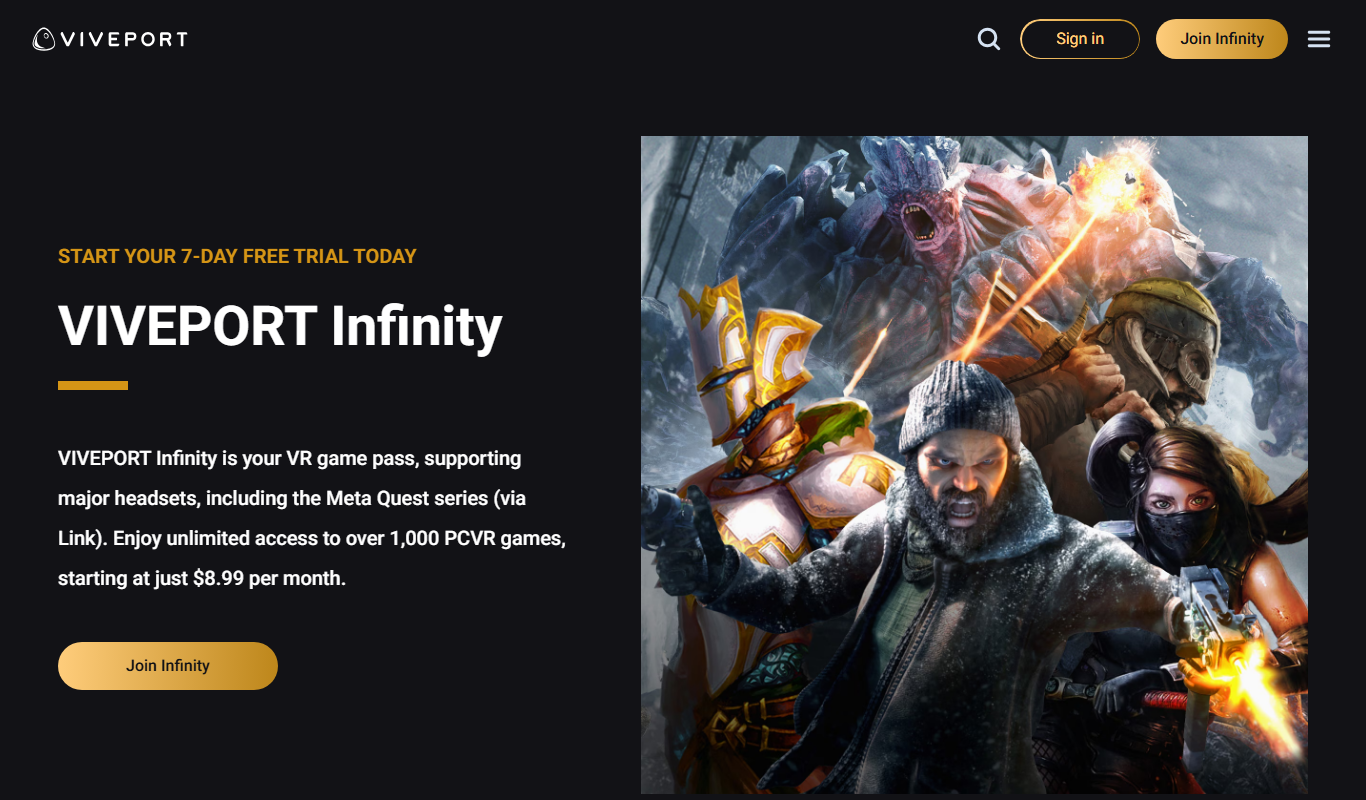
Viveport is HTC's virtual reality content platform providing access to VR games and experiences, including a subscription service called Viveport Infinity for unlimited VR content.
Freemium
HeadshotsPro
HeadshotsPro is an AI-based online tool that converts selfies into professional-quality headshots with customizable backgrounds and styles, ideal for business and social media profiles.

Freemium
Portrait AI
Portrait AI is a web-based AI avatar generator that creates realistic and artistic digital portraits from user photos using advanced AI technology.
Free
ThisPersonDoesNotExist
ThisPersonDoesNotExist is a free web tool that uses AI to generate photorealistic human faces that do not belong to real people, useful for creative and privacy-conscious applications.

Freemium
DeepAR SDK
DeepAR SDK is a cross-platform augmented reality development kit that enables real-time face tracking, AI avatar creation, and 3D AR effects for mobile apps, games, and live streaming.

Custom Pricing
Banuba SDK
Banuba SDK is an AI-powered augmented reality software development kit that enables developers to integrate real-time face tracking, 3D masks, beauty filters, and avatar effects into mobile and desktop applications.

Custom Pricing
FaceTec
FaceTec is an AI-driven biometric authentication platform specializing in 3D facial recognition and liveness detection to securely verify user identities and prevent fraud.