

From my experience with Makr.io, the platform stands out for its structured approach to rapid web app development, especially for non-technical founders and startup teams. The 30-day challenge provides a clear roadmap that keeps users motivated and productive, which is often a missing piece in no-code tools. While it’s limited to web apps and lacks mobile app building capabilities, its drag-and-drop interface and templates make it accessible and practical for quickly validating ideas. If you’re looking to build multiple MVPs or prototypes without coding, Makr.io offers a focused and affordable solution.
Makr.io Web Apps Builder - Create 15 Apps in 30 Days for Startups
Makr.io is a no-code platform that guides users through building 15 web apps in 30 days using drag-and-drop tools and templates, ideal for startups and entrepreneurs.
- Best for
- Rapid MVP Development
- Key capability
- 15 Web Apps in 30 Days Program
Your actions
Save Makr.io – 15 web apps in 30 days, follow its updates and vote on it — everything stays in your account.
Sign in or create a free account
What is Makr.io – 15 web apps in 30 days?
Makr.io is a no-code web app builder designed to help entrepreneurs and startups create 15 web applications in 30 days. It provides a structured, step-by-step program combined with a platform to rapidly build, test, and launch web apps without writing code. The tool focuses on accelerating the product development cycle for early-stage startups and individuals looking to validate ideas quickly.
Key features of Makr.io – 15 web apps in 30 days
Makr.io offers a guided 30-day challenge to build multiple web apps, templates to jumpstart projects, drag-and-drop app building interfaces, and deployment tools to launch apps live on the web. It emphasizes speed, simplicity, and practical learning for no-code development.
15 Web Apps in 30 Days Program
A structured challenge that encourages building multiple web apps rapidly to gain practical experience.
No-Code Drag-and-Drop Builder
Visual interface for creating web apps without writing code.
Pre-Built Templates
Starter templates to accelerate app creation and reduce setup time.
Live Deployment
Tools to publish and host your web apps directly from the platform.
Pros and cons of Makr.io – 15 web apps in 30 days
Pros
- Structured program encourages consistent progress
- No coding required, accessible to beginners
- Templates speed up app creation
- Affordable subscription pricing
Cons
- Limited to web apps only
- Some advanced features may require learning curve
- No mobile app builder currently
Key use cases for Makr.io – 15 web apps in 30 days
Rapid MVP Development
Build minimum viable products quickly without coding to validate startup ideas.
Startup Prototyping
Create functional prototypes of web apps to demonstrate concepts to investors or users.
Learning No-Code Development
Use the platform to learn how to build web apps with no-code tools and workflows.
Launching Multiple Web Apps
Develop and deploy multiple web applications efficiently within a short timeframe.
How Makr.io – 15 web apps in 30 days works
- 1
Sign Up and Access the Platform
Create an account on Makr.io to access the web app builder and 30-day challenge materials.
- 2
Follow the 30-Day Challenge
Engage with daily lessons and tasks designed to guide you through building 15 web apps.
- 3
Use Templates and Drag-and-Drop Tools
Leverage pre-built templates and intuitive interfaces to quickly assemble your web applications.
- 4
Test and Deploy Your Apps
Preview your apps in real-time and deploy them to the web when ready.
Who is using Makr.io – 15 web apps in 30 days
Early-stage startups
Entrepreneurs validating ideas
Non-technical founders
Product managers
No-code learners
Makr.io – 15 web apps in 30 days pricing
Free Trial
$0 for 7 days
Access to the platform and challenge materials for a limited trial period.
Monthly Subscription
$29/month
Full access to all features, templates, and ongoing support.
Plans and prices are as published by the vendor and can change. Check the official site before you buy. Open the pricing page (opens in a new tab)
Frequently asked questions about Makr.io – 15 web apps in 30 days
No, Makr.io is designed for users without coding skills using no-code drag-and-drop tools.
Makr.io allows you to deploy apps live, but custom domain support depends on your subscription plan.
The challenge is optional but recommended to maximize learning and productivity.
You can build a variety of web apps such as MVPs, prototypes, landing pages, and simple SaaS products.
It depends on your specific needs and how you plan to use the tool. The official website and documentation are the best sources for the latest details.
It depends on your specific needs and how you plan to use the tool. The official website and documentation are the best sources for the latest details.
Yes, it can help with that use case depending on how you configure it and what features are available. You’ll get the best results with clear inputs and a defined goal.
Sign in to review this tool.
Sign In to ReviewNo reviews yet
Be the first to share how this tool worked for you.
Ask about pricing, limits, or how it compares — or answer someone else.
Sign In to AskNo questions yet
Have a question about using or paying for this tool? Be the first to ask.
Featured on TiorAI



Alternative Tools
Explore similar AI tools that might fit your needs

Free
Bubble
Bubble is a no-code AI app builder for creating web and mobile apps visually, switching between AI prompting and visual editing for design, database, logic and privacy rules.

Free
Adalo
Adalo is a no-code platform that lets you create mobile and web applications visually without programming, supporting native app publishing and database integration.

Free
Glide
Glide is a no-code app builder that lets you create mobile and web apps by visually designing interfaces connected to spreadsheet data, enabling fast app development without coding.
More AI Developer & Coding Tools tools
Other tools in the same category, for when this one is not quite the fit.
Free Trial
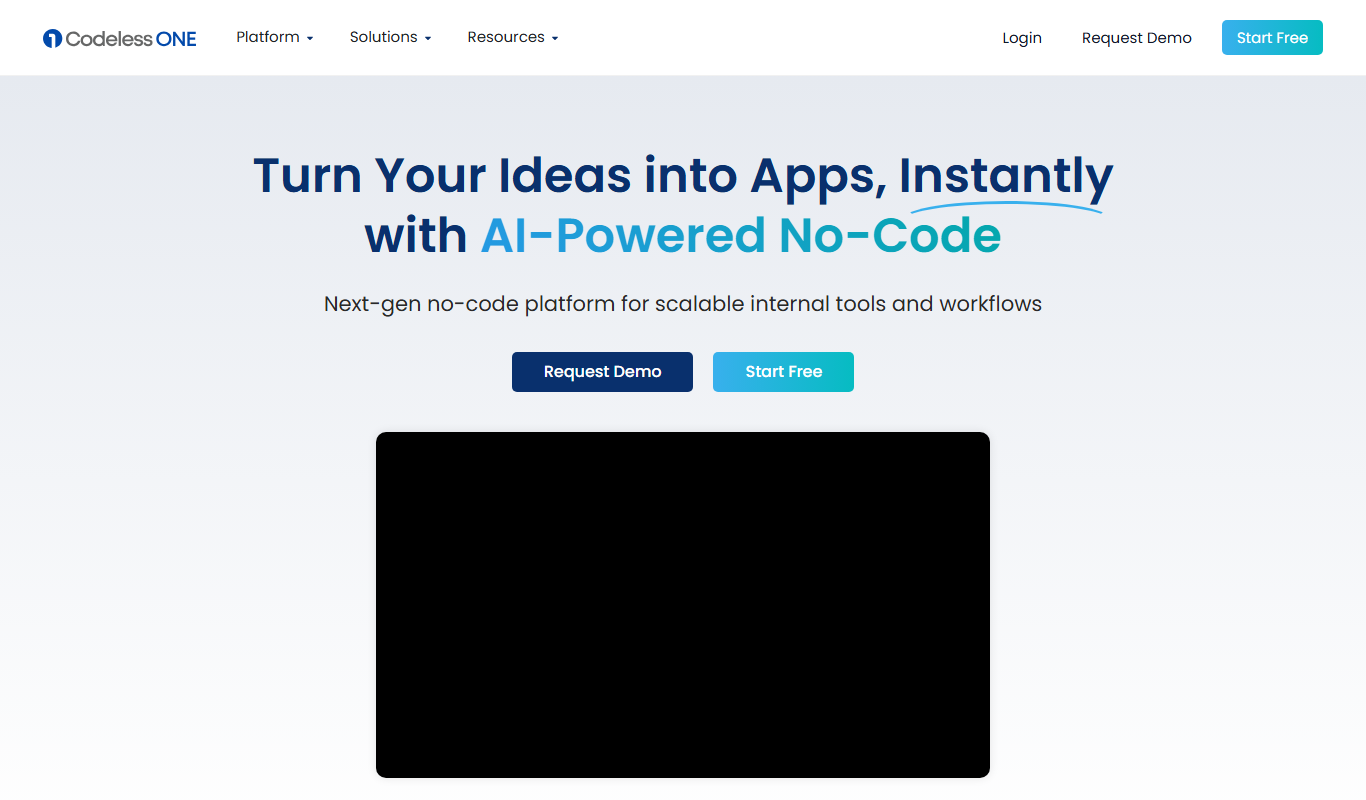
Codeless ONE
Codeless ONE is a no-code AI app builder where AI agents build internal business apps, portals and workflows from a plain-language description.

Free Trial
Brizy AI Website Builder
Brizy AI Website Builder is a web-based platform that uses artificial intelligence to help users create professional, responsive websites quickly without coding skills. It offers AI-generated content, drag-and-drop design, and hosting services.

Free
Pico
Pico is an AI-powered text-to-app platform that lets entrepreneurs, consultants and small business owners build web apps that harness ChatGPT and other AI models by describing their idea.
Free
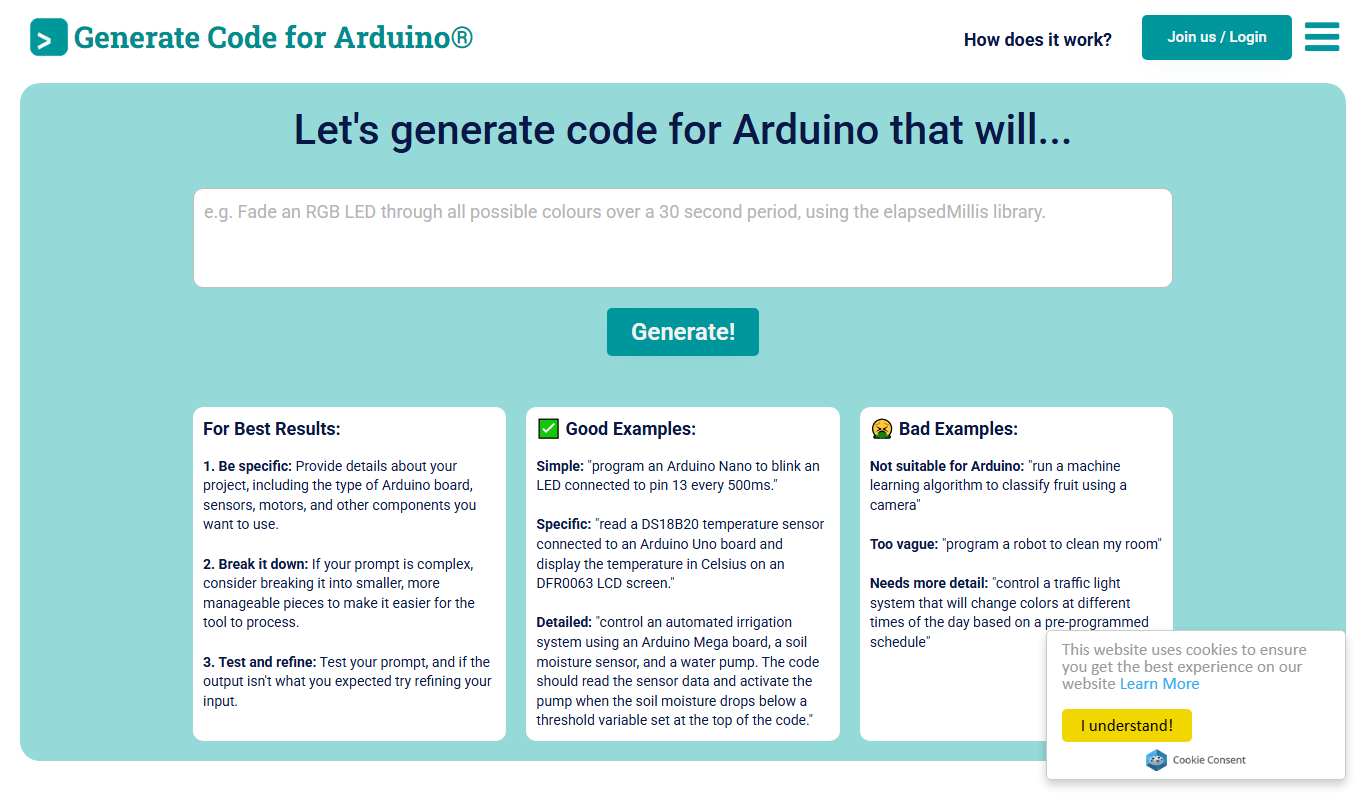
Duino Code Generator
Duino Code Generator is a free online tool that helps users automatically generate Arduino code for various sensors and actuators, simplifying microcontroller programming and speeding up IoT project development.

Free Trial
Low-Code Development and AI
Amoga's Low-Code Development and AI platform enables rapid application building with drag-and-drop tools and AI automation, suitable for users with minimal coding skills.

Free
Blokay
Blokay is an AI builder that turns a prompt into production-ready web components to create dashboards and backoffices.

Free
Locofy.ai
Locofy.ai converts Figma and Penpot designs into frontend code for React, React Native, HTML-CSS, Flutter, Vue, Angular and Next.js.

Free
Webo.AI
Webo.AI is an AI-powered no-code website builder that automates website design and content creation, enabling users to launch responsive websites quickly without coding skills.