

From my experience with Lunchclub, I found it excels at facilitating meaningful professional connections through AI-driven matchmaking. The platform’s focus on quality over quantity makes networking more efficient and purposeful, especially for those seeking mentorship or career growth. After spending time with Lunchclub, I can say it’s particularly well-suited for professionals who want to expand their network without the overwhelm of traditional networking events. However, the premium subscription is necessary to unlock its full potential, which might be a limitation for some users. Overall, if you want personalized introductions and streamlined scheduling, Lunchclub delivers solid results.
Lunchclub AI Networking Platform for Professional Connections and Mentorship
Lunchclub is an AI-driven platform that matches professionals for networking, mentorship, and collaboration based on shared goals and interests.
- Best for
- Professional Networking
- Key capability
- AI-Powered Matchmaking

Do you recommend this tool?
What is Lunchclub?
Lunchclub is an AI-powered professional networking platform designed to facilitate meaningful connections between individuals based on shared interests, goals, and industries. It uses machine learning algorithms to match users for virtual or in-person meetings, helping professionals grow their network, find mentors, explore job opportunities, and collaborate effectively.
Key features of Lunchclub
Lunchclub offers AI matchmaking for personalized introductions, scheduling tools for seamless meetings, and a user-friendly interface to manage connections and conversations. It emphasizes quality over quantity by focusing on relevant, goal-oriented networking.
AI-Powered Matchmaking
Uses machine learning to connect you with professionals aligned to your goals and interests.
Automated Scheduling
Simplifies meeting coordination with integrated calendar syncing and reminders.
Personalized Networking
Focuses on quality introductions tailored to your career development needs.
Virtual and In-Person Meetings
Supports both online video calls and face-to-face meetings depending on user preferences.
Privacy and Control
Users control who they meet and can manage their availability and connection settings.
Pros and cons of Lunchclub
Pros
- AI-driven personalized networking saves time
- Supports both virtual and in-person meetings
- User-friendly interface with automated scheduling
- Focus on meaningful, goal-oriented connections
Cons
- Premium features require subscription
- Limited language support (English only)
- Some users may experience variability in match quality
Key use cases for Lunchclub
Professional Networking
Connect with relevant professionals in your industry to expand your network efficiently.
Mentorship Matching
Find mentors or mentees tailored to your career goals using AI-driven matchmaking.
Business Development
Identify potential collaborators, partners, or clients through curated introductions.
Job Search and Recruiting
Leverage AI to meet recruiters or candidates aligned with your professional needs.
Knowledge Sharing
Engage in meaningful conversations to exchange insights and industry knowledge.
How Lunchclub works
- 1
Create Profile
Sign up and complete your professional profile highlighting your interests and goals.
- 2
Set Preferences
Specify what types of connections you want, such as mentors, collaborators, or job leads.
- 3
AI Matchmaking
The platform’s AI analyzes your profile and preferences to suggest relevant matches.
- 4
Schedule Meetings
Coordinate meeting times directly through the platform for virtual or in-person chats.
- 5
Build Relationships
Engage in conversations and expand your professional network with meaningful connections.
Who is using Lunchclub
Professionals seeking career growth
Entrepreneurs and business developers
Job seekers and recruiters
Mentors and mentees
Networking event organizers
Lunchclub pricing
Free
$0/month
Basic access with limited monthly connections and meetings.
Premium
$30/month
Enhanced features including unlimited connections, priority matchmaking, and advanced scheduling.
Plans and prices are as published by the vendor and can change. Check the official site before you buy. Open the pricing page (opens in a new tab)
Frequently asked questions about Lunchclub
Lunchclub uses machine learning algorithms to analyze your profile, goals, and preferences to suggest relevant professional connections.
Lunchclub offers a free plan with limited features and a premium subscription for enhanced access.
Yes, you can specify your preferences to meet professionals from various industries for diverse networking.
The platform integrates with your calendar to coordinate meeting times and sends reminders.
This tool is designed to help users accomplish its core tasks more efficiently. It is typically used by individuals or teams looking to improve productivity and workflow.
It depends on your specific needs and how you plan to use the tool. The official website and documentation are the best sources for the latest details.
Some tools offer a free plan or trial with limited features. Availability can vary, so confirm on the official website.
Yes, it can help with that use case depending on how you configure it and what features are available. You’ll get the best results with clear inputs and a defined goal.
Sign in to review this tool.
Sign In to ReviewNo reviews yet
Be the first to share how this tool worked for you.
Ask about pricing, limits, or how it compares — or answer someone else.
Sign In to AskNo questions yet
Have a question about using or paying for this tool? Be the first to ask.
Featured on TiorAI



Alternative Tools
Explore similar AI tools that might fit your needs
Free
Shapr
Shapr is an AI-driven professional networking app that connects users with relevant professionals daily to foster meaningful business relationships and career growth.

Free
LinkedIn is a professional networking platform that helps users connect with industry professionals, search for jobs, recruit candidates, and develop skills through LinkedIn Learning.
More AI Recruiting tools
Other tools in the same category, for when this one is not quite the fit.

Commission-based
Pathrise
Pathrise is a career coaching platform that provides personalized mentorship, interview preparation, resume reviews, and salary negotiation guidance to help job seekers, especially in tech, secure employment. It operates on a commission-based payment model where users pay only after getting hired.

Custom Pricing
Talentsoft
Talentsoft is a cloud-based talent management software that integrates recruitment, learning, performance management, and succession planning to help organizations manage their workforce effectively.

Free
Liepin Resume Service
Liepin Resume Service is an online platform that helps users create professional resumes, search for jobs, and access career development resources, primarily serving the Chinese market.

Free
Zhilian Resume Builder
Zhilian Resume Builder is a free online tool by Zhaopin that helps users create professional resumes using AI-powered templates and apply directly to jobs on the Zhaopin platform.

Custom Pricing
Mursion
Mursion is an AI-driven simulation platform that uses virtual human avatars and live human interaction to provide immersive training for workforce development, focusing on soft skills, leadership, and customer service.
Custom Pricing
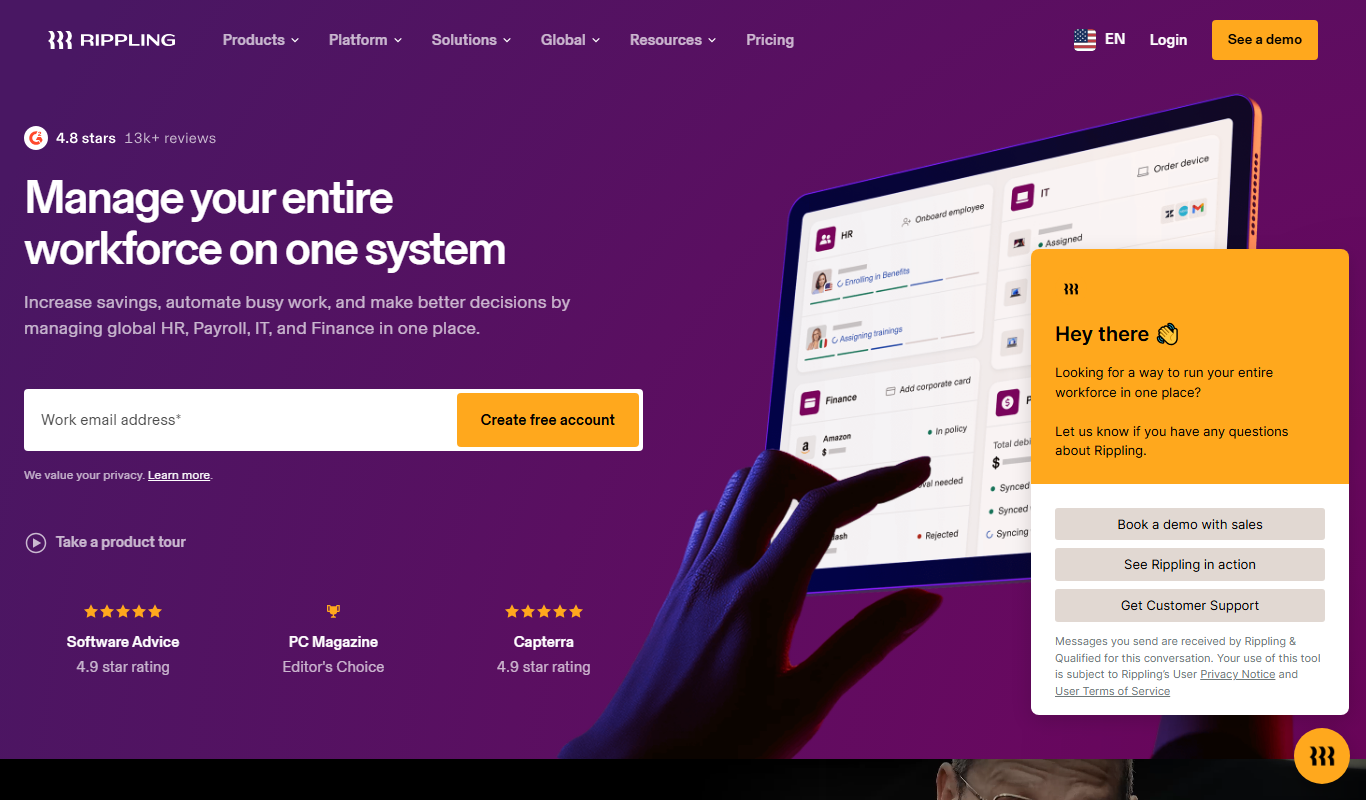
Rippling
Rippling is a unified workforce platform that automates HR, payroll, benefits, and IT management to streamline employee operations for businesses.

Free
Jobberbase
Jobberbase is an open source job board software that enables organizations to create customizable job listing websites for free.
Free Trial
Recruity
Recruity is an AI-powered recruiting platform that automates candidate screening, interview scheduling, and applicant tracking to help businesses hire more efficiently.