

LinkedIn Professional Networking Platform for Career Growth and Job Search
LinkedIn is a professional networking platform that helps users connect with industry professionals, search for jobs, recruit candidates, and develop skills through LinkedIn Learning.
- Best for
- Professional Networking
- Key capability
- Professional Profiles
Save LinkedIn, follow its updates and vote on it — everything stays in your account.
Sign in or create a free account
What is LinkedIn?
LinkedIn is a professional networking platform designed to help individuals and businesses connect, share content, and advance their careers. It combines social media features with job search and recruitment tools, enabling users to build professional relationships, discover job opportunities, and enhance their skills through educational content.
Key features of LinkedIn
LinkedIn offers profile creation, networking, job listings, AI-driven job and candidate recommendations, content publishing, messaging, LinkedIn Learning courses, and company pages for business promotion.
Professional Profiles
Create detailed profiles showcasing work history, skills, endorsements, and recommendations.
AI-Powered Job and Candidate Matching
Leverages AI to suggest relevant jobs to seekers and suitable candidates to recruiters.
LinkedIn Learning
Offers a vast library of courses for skill development and professional growth.
Content Publishing and Sharing
Enables users to publish articles and share updates to build thought leadership.
Messaging and Networking Tools
Facilitates direct communication and networking through messages and groups.
Pros and cons of LinkedIn
Pros
- Extensive professional network with millions of users worldwide
- Robust job search and recruitment features
- Integrated learning platform for skill development
- User-friendly interface with mobile and web access
- AI-driven recommendations improve relevance
Cons
- Premium features can be costly for individual users
- Occasional spam connection requests
- Algorithmic feed may limit content diversity
Key use cases for LinkedIn
Professional Networking
Connect with colleagues, industry professionals, and potential business partners to expand your professional network.
Job Search and Recruitment
Search and apply for jobs, and for recruiters to find suitable candidates using advanced filters and AI-powered recommendations.
Personal Branding and Content Sharing
Publish articles, share updates, and showcase skills to build a professional personal brand.
Learning and Skill Development
Access LinkedIn Learning courses to develop new skills and stay updated with industry trends.
Business Development
Identify potential clients, partners, and market opportunities through targeted outreach and company pages.
How LinkedIn works
- 1
Create a Profile
Sign up and build a detailed professional profile highlighting your experience, skills, and education.
- 2
Connect with Professionals
Send and accept connection requests to grow your network.
- 3
Explore Jobs or Candidates
Use search filters and AI recommendations to find relevant job openings or potential hires.
- 4
Engage and Share Content
Post updates, articles, and participate in groups to increase visibility.
- 5
Upgrade for Premium Features
Subscribe to premium plans for enhanced insights, InMail messaging, and advanced job or candidate search.
Who is using LinkedIn
LinkedIn pricing
Basic
$0/month
Free access to create a profile, connect, and apply for jobs with limited features.
Premium Career
$39.99/month
Who's viewed your profile for the past 365 days, 5 InMails per month, AI-powered insights on job posts, profile writing assistance and LinkedIn Learning with 25,000+ courses.
Premium Business
$59.99/month
Expanded business insights, unlimited people browsing, and advanced search filters.
Recruiter Lite
$140/month
Simple sourcing tool for individuals hiring just a few people a year: 20+ smart filters, search across 1st, 2nd and 3rd-degree connections and 30 InMail credits per month.
Plans and prices are as published by the vendor and can change. Check the official site before you buy. Open the pricing page (opens in a new tab)
Frequently asked questions about LinkedIn
Yes, LinkedIn offers a free Basic plan with essential networking and job search features.
LinkedIn Premium is a subscription service providing additional features like InMail, advanced insights, and LinkedIn Learning access.
Yes, LinkedIn offers specialized recruiting tools and plans to help find and manage candidates.
LinkedIn provides privacy settings to control profile visibility and data sharing, complying with data protection regulations.
Yes, it can help with that use case depending on how you configure it and what features are available. You’ll get the best results with clear inputs and a defined goal.
It depends on your specific needs and how you plan to use the tool. The official website and documentation are the best sources for the latest details.
This tool is designed to help users accomplish its core tasks more efficiently. It is typically used by individuals or teams looking to improve productivity and workflow.
Conclusion
A profile records work history, skills, endorsements and recommendations, and the network grows through connection requests and direct messages. Job seekers can switch on Open To Work to tell recruiters privately, or the wider community publicly, that they are looking for new opportunities. Posts, newsletters and live videos keep members current on their industry, and LinkedIn Learning adds courses for skill development.
Job seekers, recruiters and HR professionals, and business owners are its core users. The basic account is free, while Premium Career adds who viewed a profile over the past 365 days, 5 InMails per month and LinkedIn Learning access, with a free trial for eligible members. For occasional hiring, Recruiter Lite gives 30 InMail credits per month and search across 1st, 2nd and 3rd-degree connections.
Sources
Sign in to review this tool.
Sign In to ReviewNo reviews yet
Be the first to share how this tool worked for you.
Ask about pricing, limits, or how it compares — or answer someone else.
Sign In to AskNo questions yet
Have a question about using or paying for this tool? Be the first to ask.
Featured on TiorAI



More AI Recruiting tools
Other tools in the same category, for when this one is not quite the fit.

Criteria Corp
Criteria Corp is a pre-employment testing platform that provides cognitive aptitude, personality, and skills assessments to help employers make data-driven hiring decisions and improve talent management.

Zippia
Zippia is a free AI-powered platform that helps job seekers find jobs, build resumes, and access detailed career insights including salary and employer data.

JobDiva
JobDiva is an AI-powered applicant tracking system and CRM platform designed to help staffing agencies manage candidate sourcing, job orders, and client relationships efficiently.

Bullhorn
Bullhorn is a cloud-based CRM and applicant tracking software designed to streamline recruiting and staffing workflows with automation and analytics.

Built In NYC
Built In NYC is a free online platform connecting tech professionals with startups and companies in New York City through job listings, company profiles, and local tech news.

GradLeaders
GradLeaders is a web-based career services platform that helps universities manage student job placement, employer recruiting, and campus events efficiently.

Symplicity
Symplicity is a career services and campus management software platform that helps higher education institutions manage student career development, employer recruiting, and alumni relations through an integrated web and mobile solution.
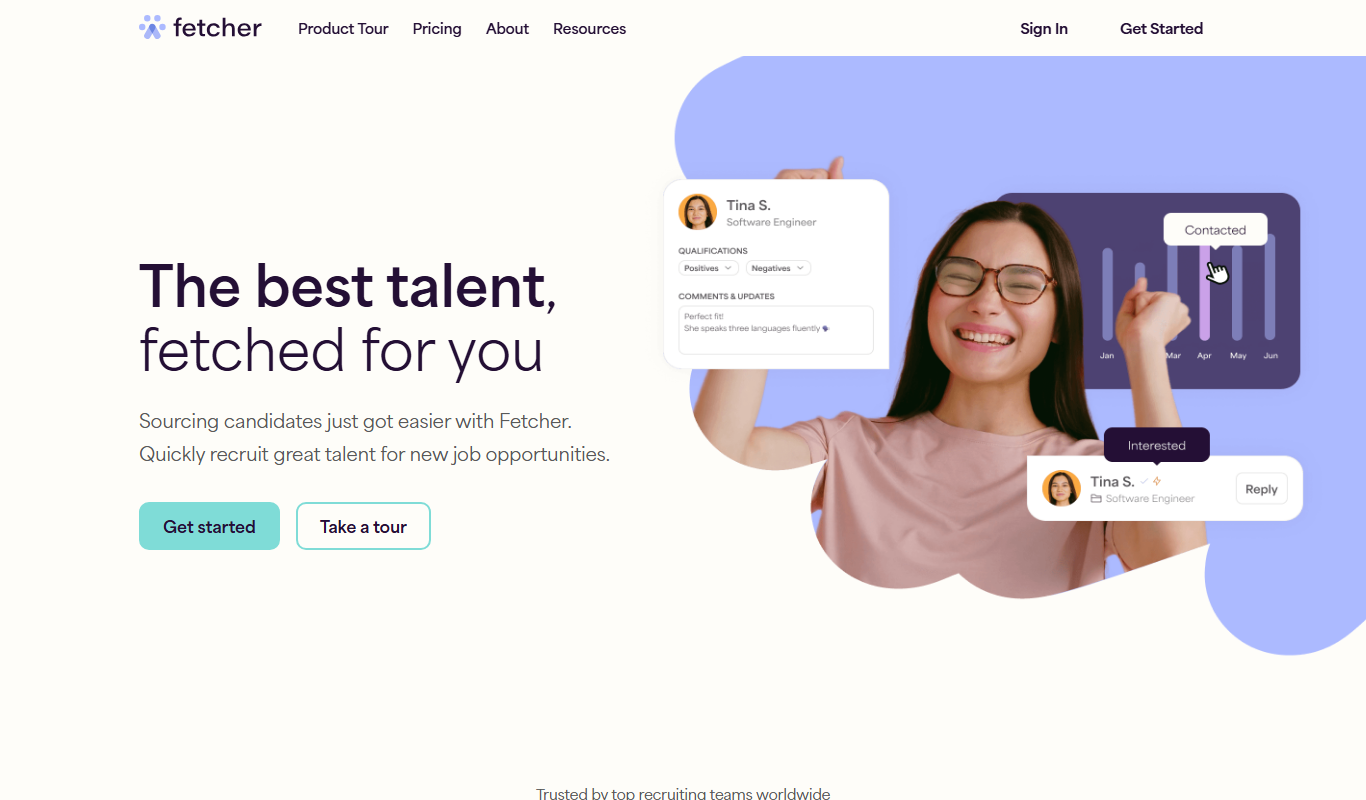
Fetcher
Fetcher is an AI-powered recruiting platform that automates candidate sourcing and personalized outreach to help recruiters find and engage qualified talent efficiently.