

From my experience with Lucyd smart glasses, I found they offer a practical blend of augmented reality and open-ear audio in a stylish, lightweight frame. The hands-free access to calls, music, and notifications makes them convenient for everyday use, especially for those who want to stay connected without bulky headphones. However, the AR features are relatively basic compared to specialized AR headsets, and battery life can be a limiting factor for heavy users. Overall, Lucyd is well-suited for tech enthusiasts and professionals seeking discreet wearable tech that balances functionality with fashion.
Lucyd Smart Glasses with AR and Audio Features for Everyday Use
Lucyd smart glasses are wearable devices that combine augmented reality displays with open-ear audio, allowing users to access digital content, music, and calls hands-free through stylish eyewear.
- Best for
- Augmented Reality Experiences
- Key capability
- Augmented Reality Display


Do you recommend this tool?
What is Lucyd?
Lucyd is a brand of smart glasses that integrate augmented reality (AR) and audio technology into stylish eyewear. Designed for everyday use, Lucyd glasses provide hands-free access to digital content, music, calls, and notifications through built-in AR displays and speakers. They aim to blend technology seamlessly with fashion, offering users a practical and connected wearable device.
Key features of Lucyd
Lucyd smart glasses feature AR displays for overlaying digital information, open-ear audio speakers for immersive sound without blocking ambient noise, Bluetooth connectivity for pairing with smartphones, and a companion app for customization and control. The glasses also support voice commands and have a lightweight design for comfort.
Augmented Reality Display
Projects digital information onto lenses for navigation, notifications, and interactive content.
Open-Ear Audio
Built-in speakers deliver sound without covering ears, allowing awareness of surroundings.
Bluetooth Connectivity
Seamlessly connects to smartphones for calls, music, and voice assistant access.
Lightweight and Stylish Design
Frames designed for comfort and everyday wear with a modern aesthetic.
Companion Mobile App
Allows customization of settings, firmware updates, and feature management.
Pros and cons of Lucyd
Pros
- Combines AR and audio in stylish frames
- Hands-free access to calls and music
- Lightweight and comfortable for daily wear
- Customizable via companion app
- Open-ear audio maintains environmental awareness
Cons
- Battery life may be limited for heavy users
- AR features are basic compared to high-end AR headsets
- Subscription required for some premium features
Key use cases for Lucyd
Augmented Reality Experiences
Use Lucyd glasses to overlay digital information onto the real world for navigation, notifications, and interactive content.
Hands-Free Audio
Listen to music, take calls, and access voice assistants without needing headphones, thanks to built-in speakers.
Fitness and Outdoor Activities
Track your activity and stay connected while on the move with lightweight, durable smart glasses.
Workplace Productivity
Enhance productivity by receiving notifications and information discreetly during meetings or tasks.
Style and Everyday Wear
Wear smart glasses that combine technology with fashionable frames suitable for daily use.
How Lucyd works
- 1
Purchase and Setup
Buy Lucyd glasses from the official website or authorized retailers and charge them fully before first use.
- 2
Connect to Device
Pair the glasses with your smartphone via Bluetooth using the Lucyd app available on iOS and Android.
- 3
Customize Settings
Use the app to adjust audio levels, AR display preferences, and enable voice assistant integration.
- 4
Use Features
Access music, calls, notifications, and AR content hands-free while wearing the glasses.
Who is using Lucyd
Tech enthusiasts interested in wearable AR
Outdoor and fitness users wanting hands-free audio
Professionals seeking discreet notifications
Fashion-conscious consumers wanting smart eyewear
Early adopters of augmented reality technology
Lucyd pricing
Standard Lucyd Glasses
$299 one-time
Includes smart glasses with AR and audio features, charging case, and app access.
Lucyd Pro Subscription
$9.99/month
Offers enhanced AR content, cloud storage, and premium app features.
Plans and prices are as published by the vendor and can change. Check the official site before you buy. Open the pricing page (opens in a new tab)
Frequently asked questions about Lucyd
Lucyd glasses are compatible with most iOS and Android smartphones that support Bluetooth connectivity.
Some features require smartphone connectivity, but basic audio playback can work independently if content is stored on the glasses.
Battery life typically lasts up to 6 hours of continuous use, depending on features used.
Lucyd offers options to fit prescription lenses or wear over existing glasses.
It depends on your specific needs and how you plan to use the tool. The official website and documentation are the best sources for the latest details.
It depends on your specific needs and how you plan to use the tool. The official website and documentation are the best sources for the latest details.
It depends on your specific needs and how you plan to use the tool. The official website and documentation are the best sources for the latest details.
Sign in to review this tool.
Sign In to ReviewNo reviews yet
Be the first to share how this tool worked for you.
Ask about pricing, limits, or how it compares — or answer someone else.
Sign In to AskNo questions yet
Have a question about using or paying for this tool? Be the first to ask.
Featured on TiorAI



Alternative Tools
Explore similar AI tools that might fit your needs
Vuzix Blade
Vuzix Blade is an augmented reality smart glasses device designed for hands-free access to digital content, featuring a transparent display, integrated camera, and voice control, primarily used in enterprise settings.

One-time purchase
Bose Frames
Bose Frames are smart audio sunglasses that combine high-quality open-ear sound with UV protection and voice assistant integration, allowing hands-free music, calls, and commands while staying aware of your surroundings.
More AI Wearable Technology Tools tools
Other tools in the same category, for when this one is not quite the fit.

Freemium
Leo AI
Leo AI is an AI-powered personal assistant designed for smartwatches that enables hands-free voice commands to manage tasks, retrieve information, and control wearable devices.

One-time purchase
AIO
AIO is a wearable AI assistant device that provides hands-free voice-controlled communication, smart notifications, and AI-powered productivity features through a compact wearable paired with a mobile app.
One-time purchase
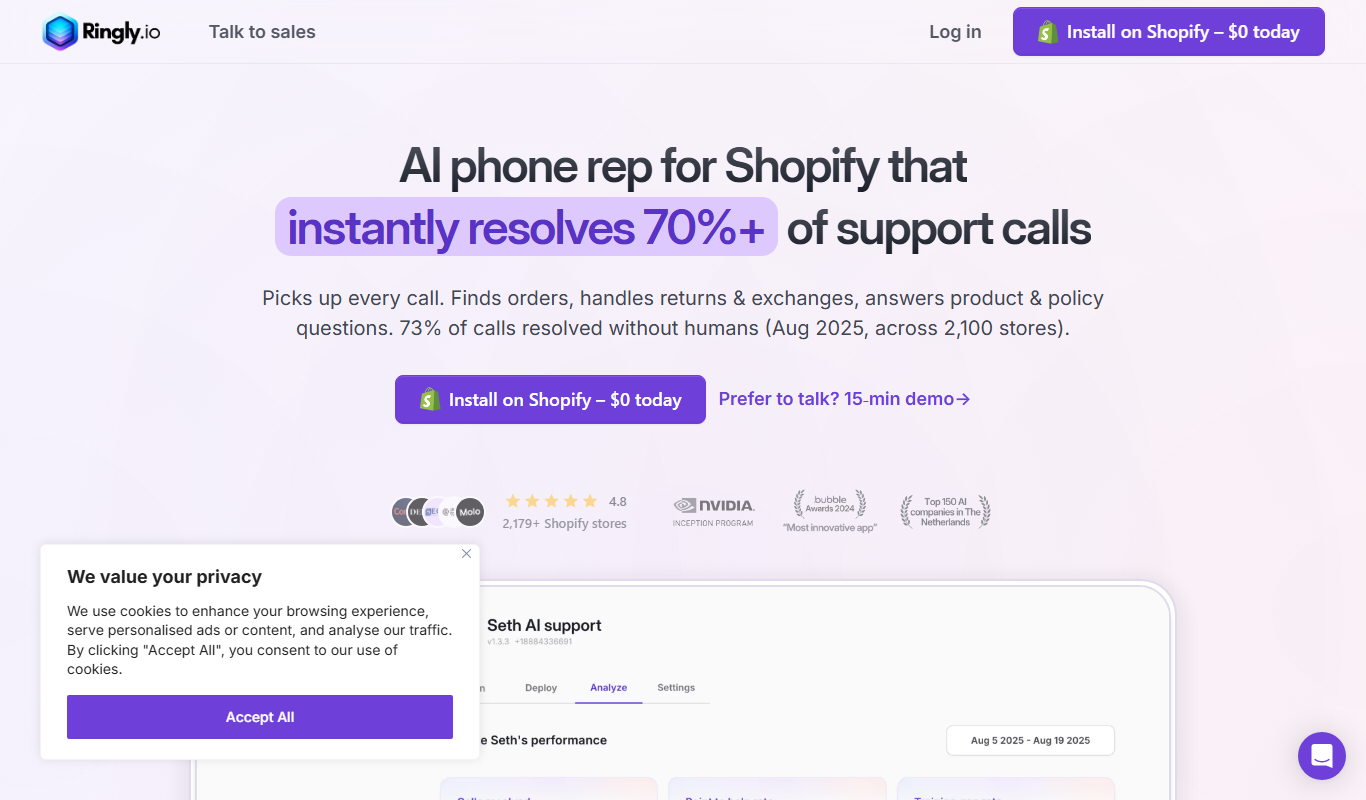
Ringly.io
Ringly.io is a smart ring that provides discreet vibration alerts for smartphone notifications and tracks your daily activity, combining wearable technology with elegant design.

One-time purchase
RunComfy
RunComfy is a smart insole system that tracks running biomechanics in real time to help runners improve form and prevent injuries through a connected mobile app.
One-time purchase
AIO
AIO is a wearable AI device that provides real-time multilingual translation and voice-activated personal assistant features, designed to facilitate communication and daily tasks.

Freemium
KONFIWEAR
KONFIWEAR is a smart wearable technology brand providing devices that monitor health metrics like heart rate, blood oxygen, sleep, and fitness activities, syncing data to mobile apps for detailed insights.

Subscription
PawTrack
PawTrack is a GPS tracking collar designed specifically for cats, offering real-time location tracking, geofence alerts, and activity monitoring through mobile and web apps.
One-time purchase
Lucyd
Lucyd offers AR smart glasses that combine stylish eyewear with augmented reality features, Bluetooth connectivity, and voice control for hands-free communication and media.