

From my experience with Leo AI, I found it excels at delivering seamless hands-free voice assistance tailored for smartwatch users. The integration with Wear OS and intuitive natural language processing make managing tasks and retrieving information effortless right from the wrist. After spending time with the platform, I can say it’s particularly well-suited for busy professionals and fitness enthusiasts who rely on wearables for productivity and health tracking. However, there’s a trade-off: it currently supports only English and requires an internet connection for most features. Overall, if you want a convenient AI assistant on your smartwatch, Leo AI delivers solid, practical functionality.
Leo AI Watch - AI-Powered Personal Assistant for Smartwatch Users
Leo AI is an AI-powered personal assistant designed for smartwatches that enables hands-free voice commands to manage tasks, retrieve information, and control wearable devices.
- Best for
- Voice-Activated Assistance
- Key capability
- Natural Language Processing


Do you recommend this tool?
What is Leo AI?
Leo AI is an AI-powered personal assistant designed specifically for smartwatch users. It enables hands-free interaction through voice commands, allowing users to manage daily tasks, retrieve information, and control their devices seamlessly from their wrist. The tool leverages natural language processing to understand and respond to user queries efficiently, enhancing productivity and convenience on wearable platforms.
Key features of Leo AI
Leo AI offers voice-activated commands, quick access to reminders and calendar events, real-time information retrieval, and integration with smartwatch sensors for health and fitness tracking. Its intuitive interface and AI capabilities make it a versatile assistant for wearable technology users.
Natural Language Processing
Understands and processes conversational voice commands accurately.
Hands-Free Operation
Enables users to interact without touching the device, ideal for on-the-go scenarios.
Smartwatch Integration
Seamlessly works with Wear OS and other smartwatch platforms.
Task and Reminder Management
Helps organize daily schedules and reminders directly from the wrist.
Pros and cons of Leo AI
Pros
- Hands-free voice interaction enhances convenience
- Seamless integration with popular smartwatch platforms
- Affordable premium plan with useful advanced features
Cons
- Limited language support currently (English only)
- Requires internet connection for most functionalities
Key use cases for Leo AI
Voice-Activated Assistance
Use Leo AI to perform tasks hands-free on your smartwatch through natural voice commands.
Productivity Management
Manage reminders, calendar events, and notes quickly via your wearable device.
Information Retrieval
Ask Leo AI questions and get instant answers without needing to pull out your phone.
Fitness and Health Tracking Support
Integrate with smartwatch sensors to provide insights and assistance related to fitness goals.
How Leo AI works
- 1
Install the App
Download and install Leo AI on your compatible smartwatch and paired smartphone.
- 2
Set Up Voice Activation
Configure voice command settings to activate Leo AI hands-free.
- 3
Interact via Voice
Use natural language to ask questions, set reminders, or control your smartwatch features.
- 4
Receive Instant Responses
Leo AI processes your requests and provides quick, relevant answers or actions.
Who is using Leo AI
Smartwatch users seeking AI assistance
Busy professionals needing quick task management
Fitness enthusiasts using wearables
Tech-savvy individuals interested in voice control
Leo AI pricing
Free
$0/month
Basic access with limited features and usage.
Premium
$4.99/month
Unlocks advanced features, unlimited usage, and priority support.
Plans and prices are as published by the vendor and can change. Check the official site before you buy. Open the pricing page (opens in a new tab)
Frequently asked questions about Leo AI
Leo AI supports Wear OS devices and is compatible with most Android and iOS paired smartwatches.
Yes, Leo AI requires an active internet connection to process voice commands and retrieve information.
Yes, Leo AI can create, update, and notify you about calendar events and reminders.
This tool is designed to help users accomplish its core tasks more efficiently. It is typically used by individuals or teams looking to improve productivity and workflow.
Yes, it can help with that use case depending on how you configure it and what features are available. You’ll get the best results with clear inputs and a defined goal.
It depends on your specific needs and how you plan to use the tool. The official website and documentation are the best sources for the latest details.
Sign in to review this tool.
Sign In to ReviewNo reviews yet
Be the first to share how this tool worked for you.
Ask about pricing, limits, or how it compares — or answer someone else.
Sign In to AskNo questions yet
Have a question about using or paying for this tool? Be the first to ask.
Featured on TiorAI



More AI Personal Assistant Tools tools
Other tools in the same category, for when this one is not quite the fit.
Free
Personal GPT
Personal GPT is a web platform that enables users to create personalized AI chatbots by integrating their own documents and preferences, enhancing productivity and communication.

Freemium
Imagine Me
Imagine Me is an AI-powered platform that generates personalized avatars from user photos, ideal for social media, gaming, and digital identity.
Free
Rizz!
Rizz! is an AI chatbot that creates personalized, context-aware messages to improve conversations across social and professional platforms.
Free
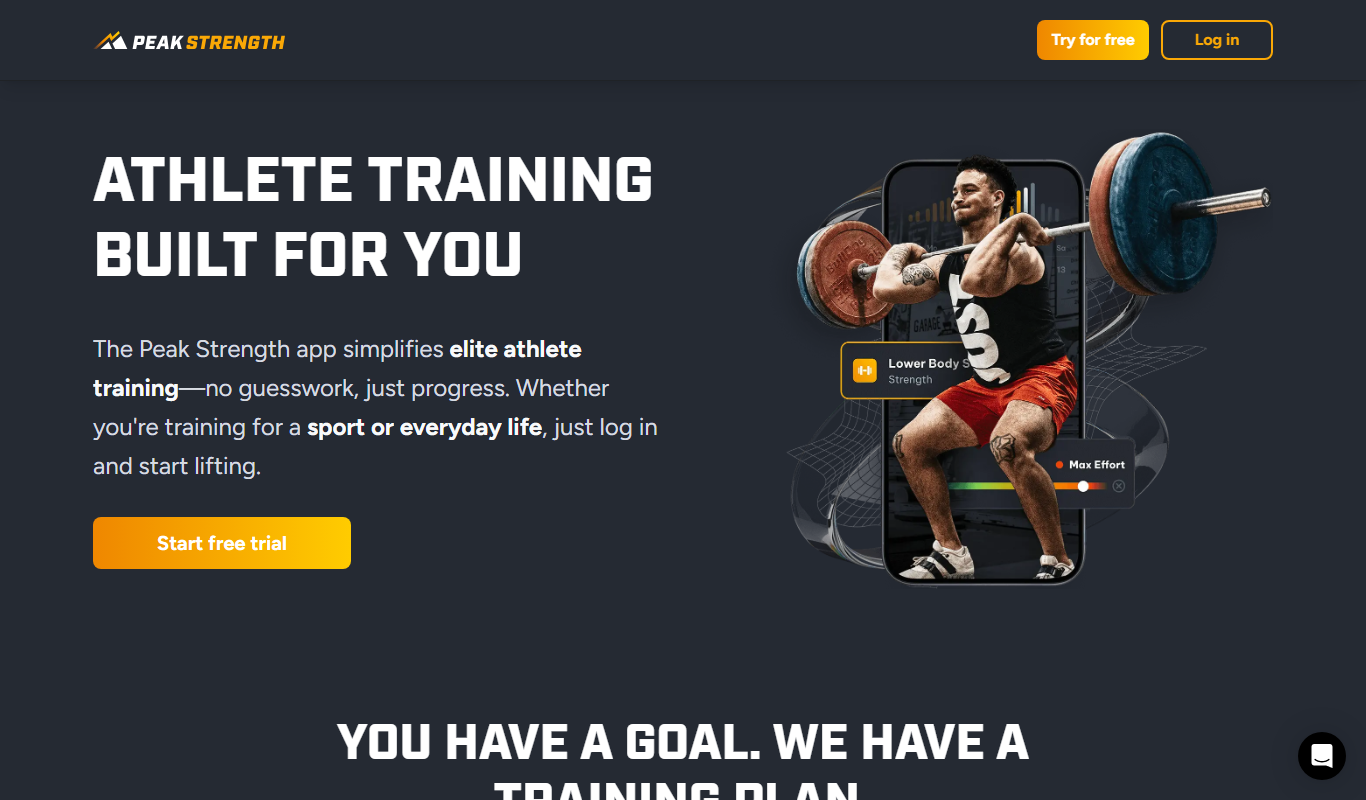
Peak Strength
Peak Strength is a mobile app designed to help users create personalized strength training plans, log workouts, and track progress with detailed analytics.

Free Trial
RecoFeed
RecoFeed is an AI-driven platform that personalizes content recommendations in real-time to enhance user engagement and marketing effectiveness.

Free
Roxy
Roxy is an AI-powered personal assistant app for iOS that helps users manage tasks, reminders, and notes with smart scheduling and voice input.

Custom Pricing
unless.com
Unless.com is a platform that enables businesses to deliver personalized website content by segmenting visitors in real-time and integrating with marketing automation tools to improve engagement and conversions.
Free
Roxy
Roxy is an AI-powered personal assistant app for iOS that helps users manage tasks, schedules, and retrieve information using voice commands.