

From my experience with Lock Over Codes, I found it excels at providing a straightforward and secure way to share code snippets without worrying about unauthorized access. The platform’s end-to-end encryption and access controls give peace of mind when handling sensitive or proprietary code. It’s particularly well-suited for developers and teams who need private collaboration without complex setups. However, the tool is currently limited to a web platform and lacks integrations with popular developer tools, which could be a drawback for some workflows. Overall, if you need a simple, secure code sharing solution, Lock Over Codes delivers reliable protection and ease of use.
Lock Over Codes - Secure Code Sharing and Encryption Platform
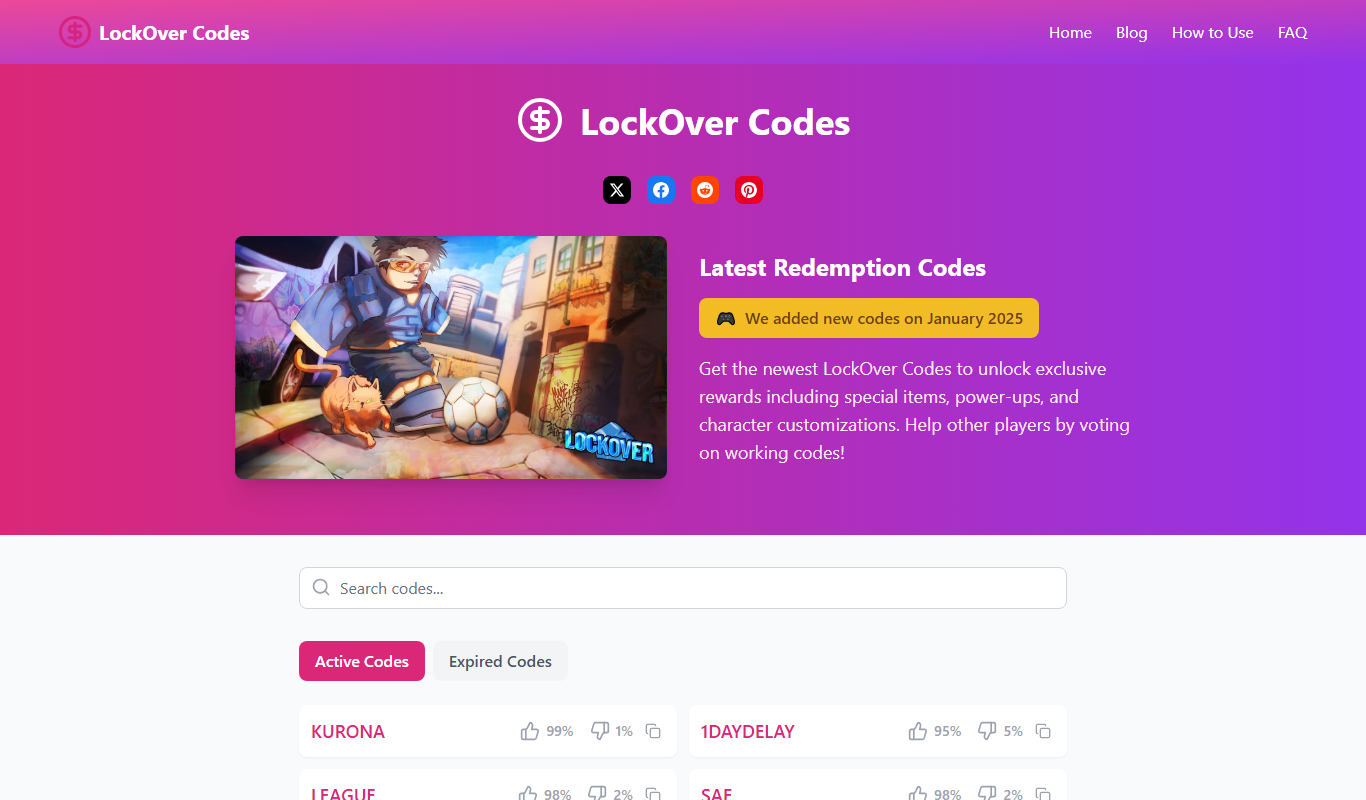
Lock Over Codes is a web platform that enables developers to securely share, store, and collaborate on code snippets using end-to-end encryption and access controls.
- Best for
- Secure Code Sharing
- Key capability
- End-to-End Encryption

Do you recommend this tool?
What is lock over codes?
Lock Over Codes is a web-based platform designed to provide secure code sharing and encryption services. It allows developers and teams to share, store, and collaborate on code snippets while ensuring privacy and protection against unauthorized access. The tool encrypts code snippets and provides controlled access, making it ideal for sensitive or proprietary code.
Key features of lock over codes
The platform offers encrypted code sharing, private storage, secure collaboration, and easy access management. Users can generate encrypted links to share code snippets safely and control who can view or edit the content.
End-to-End Encryption
Ensures that code snippets are encrypted during storage and transmission, protecting them from unauthorized access.
Secure Link Sharing
Generate encrypted links that can be shared with specific users for secure code access.
Private Code Repository
Store code snippets in a private, encrypted repository accessible only to authorized users.
Access Control
Set permissions to manage who can view or edit your shared code snippets.
Pros and cons of lock over codes
Pros
- Strong encryption ensures code privacy
- Easy to share encrypted code snippets
- Simple and clean web interface
- Access control for secure collaboration
Cons
- Limited platform availability (web only)
- No disclosed integrations with other developer tools
Key use cases for lock over codes
Secure Code Sharing
Share sensitive code snippets securely with team members or clients without exposing them publicly.
Code Encryption
Encrypt code snippets to protect intellectual property and prevent unauthorized access.
Private Code Storage
Store code snippets privately in an encrypted environment accessible only to authorized users.
Collaboration
Collaborate on code snippets securely with teammates by sharing encrypted links.
How lock over codes works
- 1
Create an Account
Sign up on the Lock Over Codes website to start using secure code sharing features.
- 2
Upload or Paste Code
Add your code snippets to the platform by uploading files or pasting code directly.
- 3
Encrypt and Share
Encrypt your code snippets and generate secure links to share with authorized users.
- 4
Manage Access
Control who can view or edit your code snippets through access permissions.
Who is using lock over codes
Software developers
Development teams
Freelance programmers
Security-conscious organizations
Startups with proprietary code
lock over codes pricing
Free
$0/month
Basic secure code sharing with limited storage and features.
Pro
$9.99/month
Advanced features including increased storage, priority support, and enhanced access controls.
Plans and prices are as published by the vendor and can change. Check the official site before you buy. Open the pricing page (opens in a new tab)
Frequently asked questions about lock over codes
Yes, Lock Over Codes uses end-to-end encryption to ensure your code snippets are protected from unauthorized access.
Yes, you can generate secure links that allow non-registered users to view the encrypted code snippets.
Lock Over Codes supports all programming languages since it focuses on secure sharing rather than language-specific features.
It depends on your specific needs and how you plan to use the tool. The official website and documentation are the best sources for the latest details.
Yes, it can help with that use case depending on how you configure it and what features are available. You’ll get the best results with clear inputs and a defined goal.
Some tools offer a free plan or trial with limited features. Availability can vary, so confirm on the official website.
Sign in to review this tool.
Sign In to ReviewNo reviews yet
Be the first to share how this tool worked for you.
Ask about pricing, limits, or how it compares — or answer someone else.
Sign In to AskNo questions yet
Have a question about using or paying for this tool? Be the first to ask.
Featured on TiorAI



Alternative Tools
Explore similar AI tools that might fit your needs

Free
PrivateBin
PrivateBin is a free, open-source encrypted pastebin service that encrypts text in the browser before storing it on the server, ensuring privacy and secure sharing. It supports self-hosting and configurable expiration for pastes.
More Code Sharing tools
Other tools in the same category, for when this one is not quite the fit.

Free
BraidTry
BraidTry is a web-based tool that enables developers to collaborate on code in real time, supporting pair programming, code review, and teaching without installation.
Free
MyPaste
MyPaste is a free online pastebin tool that allows users to quickly create and share code snippets or text anonymously with syntax highlighting and optional expiration times.