

PrivateBin Secure Online Pastebin for Encrypted Text Sharing and Collaboration
PrivateBin is a free, open-source encrypted pastebin service that encrypts text in the browser before storing it on the server, ensuring privacy and secure sharing. It supports self-hosting and configurable expiration for pastes.
- Best for
- Secure Text Sharing
- Key capability
- End-to-End Encryption
Save PrivateBin, follow its updates and vote on it — everything stays in your account.
Sign in or create a free account
What is PrivateBin?
PrivateBin is an open-source, web-based pastebin service that emphasizes privacy and security by encrypting data in the user’s browser before it is sent to the server. This means the server stores only encrypted content and cannot read the pasted data. Users can share text, code, or any sensitive information securely with others via encrypted links. It supports self-hosting, allowing full control over data and privacy.
Key features of PrivateBin
PrivateBin offers end-to-end encrypted pastes, configurable expiration times, optional password protection, and self-hosting capabilities. Its minimalistic interface focuses on privacy without sacrificing usability, making it suitable for secure communication and temporary data sharing.
End-to-End Encryption
All pastes are encrypted in the browser, ensuring the server never sees unencrypted data.
Self-Hosting Option
Users can deploy PrivateBin on their own servers for maximum privacy and control.
Configurable Expiration
Set pastes to expire after a defined time or number of views to limit data exposure.
Password Protection
Optionally add a password to pastes for an additional layer of security.
Minimalistic Interface
Clean and simple UI focused on usability and privacy without unnecessary features.
Pros and cons of PrivateBin
Pros
- Strong end-to-end encryption for privacy
- Open-source and free to use
- Self-hosting option for full control
- Simple and clean user interface
- Configurable paste expiration and password protection
Cons
- Requires technical knowledge to self-host
- Limited to text and code pastes only
- No native mobile apps, web-only interface
Key use cases for PrivateBin
Secure Text Sharing
Share sensitive text snippets or code securely with end-to-end encryption to prevent unauthorized access.
Temporary Paste Storage
Create pastes that self-destruct after a set time or number of views, ideal for confidential information.
Anonymous Collaboration
Collaborate anonymously by sharing encrypted pastes without requiring user accounts or personal data.
Self-Hosting for Privacy
Organizations and individuals can self-host PrivateBin to maintain full control over their data and privacy.
Code Snippet Sharing
Developers can share code snippets securely without exposing them to third-party servers.
How PrivateBin works
- 1
Create a Paste
Enter your text or code into the PrivateBin interface on the web.
- 2
Encryption in Browser
The content is encrypted locally in your browser before being sent to the server.
- 3
Paste Storage
The encrypted paste is stored on the server, which cannot decrypt the content.
- 4
Share Encrypted Link
You receive a unique URL containing the decryption key to share with intended recipients.
- 5
Paste Access and Expiry
Recipients access the paste via the link and decrypt it in their browser. The paste can be set to expire after a time or number of views.
Who is using PrivateBin
PrivateBin pricing
Free
$0
Open-source and free to use. Self-hosting requires own server resources.
Plans and prices are as published by the vendor and can change. Check the official site before you buy. Open the pricing page (opens in a new tab)
Frequently asked questions about PrivateBin
Yes, PrivateBin is open-source software and free to use. You can also self-host it without cost besides your own hosting expenses.
PrivateBin encrypts all data in the user’s browser before sending it to the server, so the server only stores encrypted content it cannot read.
Yes, PrivateBin is designed to be self-hosted, giving you full control over your data and privacy.
You can configure pastes to expire after a set time or number of views, after which they are automatically deleted.
Data handling and security practices vary by provider. Review the official privacy policy to understand how your data is stored and used.
Yes, it can help with that use case depending on how you configure it and what features are available. You’ll get the best results with clear inputs and a defined goal.
Data handling and security practices vary by provider. Review the official privacy policy to understand how your data is stored and used.
Conclusion
Pasting into PrivateBin encrypts the text in the browser first, so the server stores only content it cannot read. The sender receives a unique URL containing the decryption key, and recipients open that link to decrypt the paste in their own browser. Pastes can expire after a set time or number of views, and an optional password adds another layer of protection. Sharing works without user accounts or personal data.
The software is open source and free, and it supports self-hosting, where the only cost is one’s own server resources. That model can suit developers sharing code snippets, security professionals and organizations that need secure temporary data sharing. Self-hosting it requires technical knowledge.
Sources
Sign in to review this tool.
Sign In to ReviewNo reviews yet
Be the first to share how this tool worked for you.
Ask about pricing, limits, or how it compares — or answer someone else.
Sign In to AskNo questions yet
Have a question about using or paying for this tool? Be the first to ask.
Featured on TiorAI



More Business Management tools
Other tools in the same category, for when this one is not quite the fit.

KROCK.IO
KROCK.IO is video review and online proofing software for creative teams, with frame-accurate comments, version comparisons, approvals and unlimited reviewers.

TwinMind
TwinMind is an AI second brain that transcribes and summarizes your day, organizes it into memory and powers any AI with the context of your life.

Wren AI Cloud
Wren AI is one governed data agent for people and AI agents: ask your data in plain language with the GenBI agent, or call it from Claude, ChatGPT or your own agents over MCP.
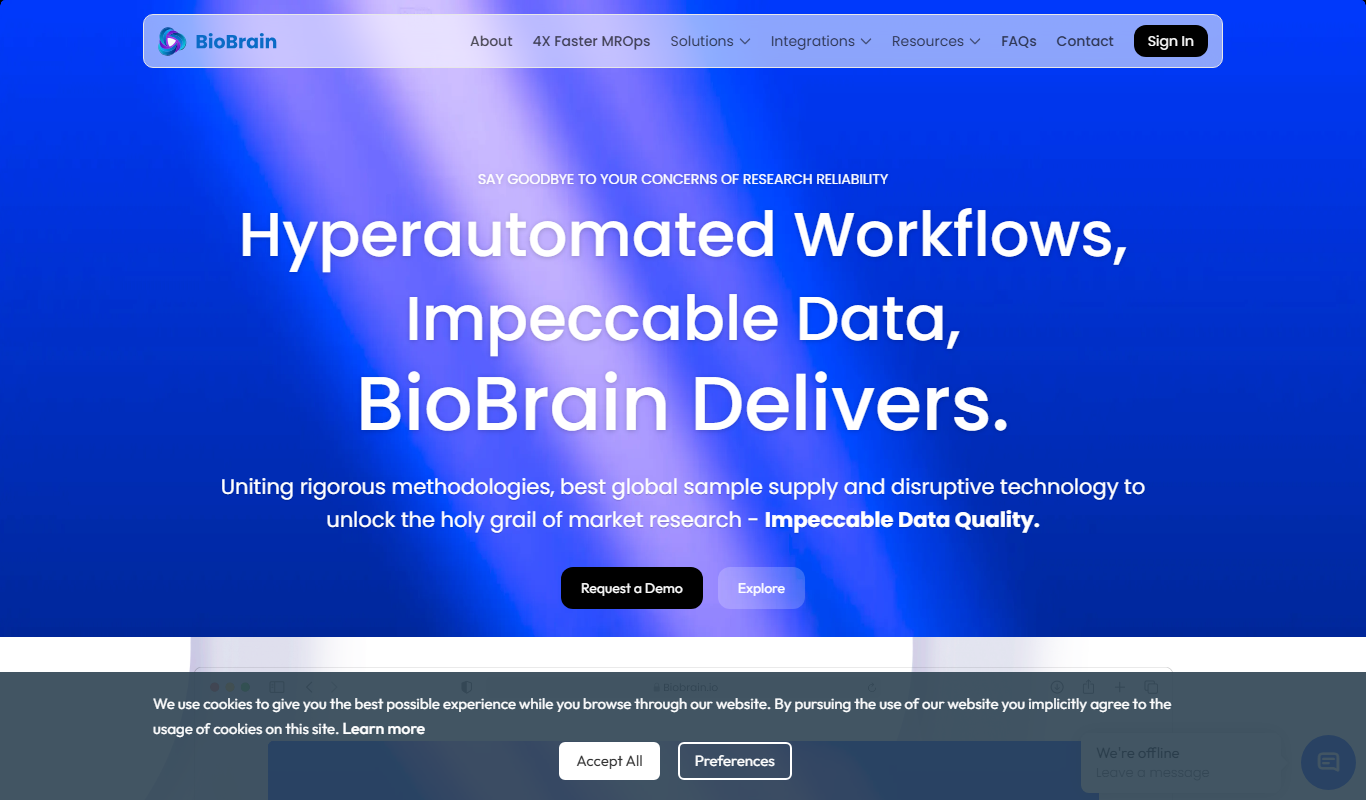
BioBrain Insights MROps Platform
BioBrain Insights unifies all of market research operations in one platform powered by AI and automation, from automated survey programming to boardroom reports.

Justmatch
Justmatch is an AI-driven platform that provides personalized job matching, resume optimization, and career insights to help job seekers find relevant opportunities and grow professionally.

Storytide.io – Corporate Influencing
Storytide is a LinkedIn content workflow platform with strategy, writing with AI support, structured processes and analytics for ghostwriters, communications teams and corporate influencer programs.

TIL bot for Slack
TIL bot for Slack is an AI assistant that gets insights from conversations, summarizes threads, finds action items, sets one time and recurring reminders and gets answers with AI.

VenueLog
VenueLog is restaurant management software that connects POS, rostering and accounting systems for automated reporting, real-time insights and AI-powered tools.