

From my experience with LinkDR, I found it excels at providing a straightforward and efficient way to shorten and brand URLs while offering insightful analytics. The platform’s support for custom domains and QR code generation makes it versatile for both online and offline marketing efforts. After spending time with LinkDR, I can say it’s particularly well-suited for small to medium businesses and digital marketers who need reliable link tracking without complexity. However, the lack of mobile apps and limited third-party integrations might be a drawback for users seeking a more connected marketing stack. Overall, if you want a simple yet powerful link management tool, LinkDR delivers solid results.
LinkDR Link Management Platform for URL Shortening and Analytics
LinkDR is a web-based platform that allows users to shorten URLs, use custom branded domains, track link analytics, and generate QR codes to enhance marketing campaigns.
- Best for
- URL Shortening
- Key capability
- Custom Branded Domains
Your actions
Save LinkDR, follow its updates and vote on it — everything stays in your account.
Sign in or create a free account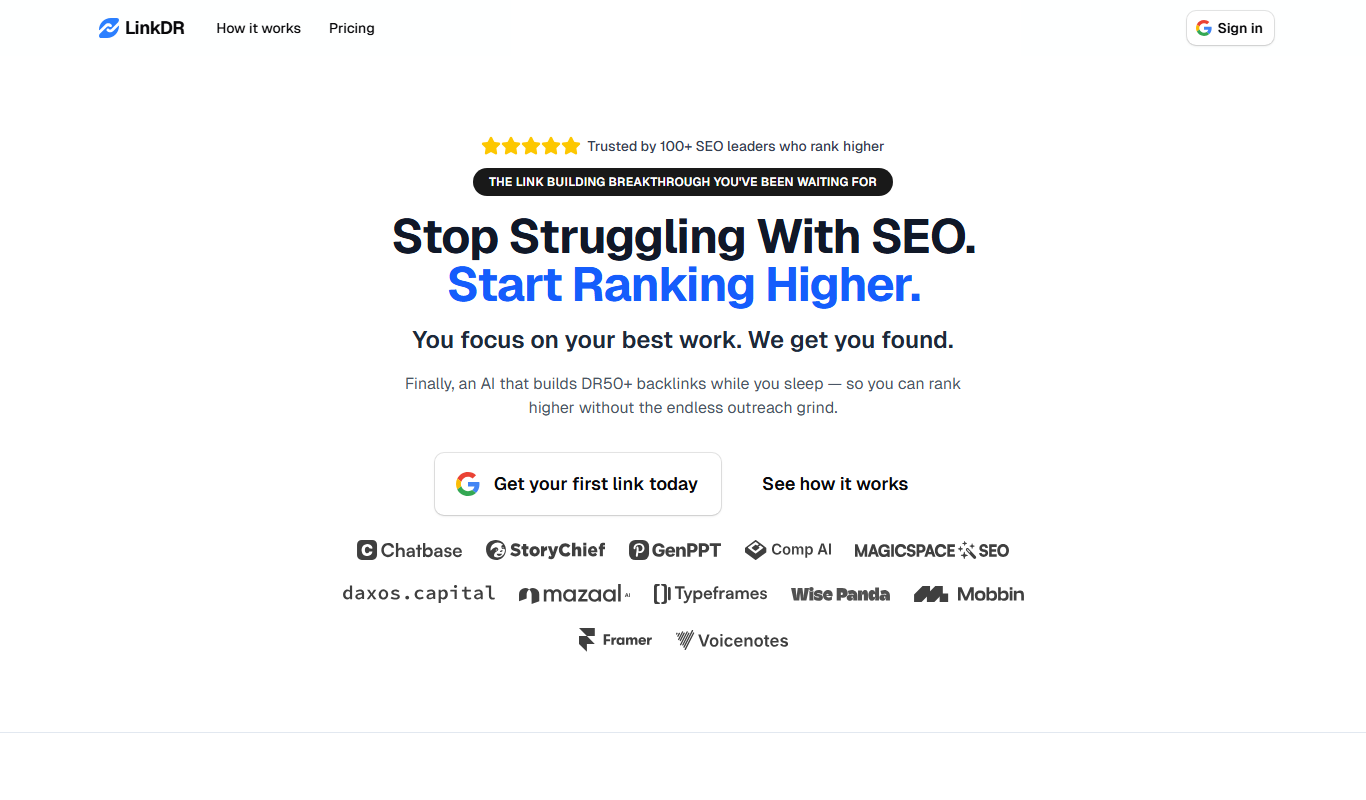
What is LinkDR?
LinkDR is a web-based link management platform designed to help marketers, businesses, and content creators shorten, brand, and track URLs. It provides tools for creating custom short links, monitoring click analytics, and managing campaigns efficiently from a centralized dashboard.
Key features of LinkDR
LinkDR offers URL shortening with branded domains, detailed click analytics, QR code generation, and campaign organization features to optimize link performance and marketing efforts.
Custom Branded Domains
Use your own domain names to create trustworthy, brand-aligned short links.
Real-Time Analytics
Access detailed reports on link clicks, including location and device data.
Bulk Link Creation
Create multiple short links at once to save time on large campaigns.
QR Code Generation
Automatically generate QR codes for each shortened URL.
Campaign Management
Group and manage links by campaign for better organization and insights.
Pros and cons of LinkDR
Pros
- Easy-to-use interface for quick link creation
- Supports custom branded domains for better branding
- Comprehensive analytics to track link performance
Cons
- Limited integrations with third-party marketing tools
- No mobile app available, web-only platform
Key use cases for LinkDR
URL Shortening
Create short, branded links to share across social media, emails, and marketing campaigns.
Link Tracking and Analytics
Track clicks, geographic data, and referral sources to measure link performance.
Branding and Custom Domains
Use custom domains to reinforce brand identity and improve link trustworthiness.
Campaign Management
Organize and manage multiple links and campaigns in one dashboard for streamlined marketing.
QR Code Generation
Generate QR codes linked to shortened URLs for offline marketing and easy mobile access.
How LinkDR works
- 1
Sign Up
Create an account on LinkDR’s website to access the dashboard.
- 2
Create Short Links
Input long URLs and generate shortened versions, optionally using custom branded domains.
- 3
Track Performance
Monitor clicks, geographic locations, and referral sources through the analytics dashboard.
- 4
Manage Campaigns
Organize links into campaigns for easier tracking and reporting.
- 5
Generate QR Codes
Create QR codes linked to your short URLs for offline or mobile marketing.
Who is using LinkDR
Digital marketers
Small and medium businesses
Content creators and influencers
Social media managers
E-commerce businesses
LinkDR pricing
Free
$0/month
Basic link shortening and tracking with limited features.
Pro
$29/month
Advanced features including custom domains, detailed analytics, and bulk link creation.
Plans and prices are as published by the vendor and can change. Check the official site before you buy. Open the pricing page (opens in a new tab)
Frequently asked questions about LinkDR
Yes, LinkDR supports custom branded domains to create personalized short URLs.
Yes, it offers real-time analytics including click counts, geographic data, and referral sources.
Yes, LinkDR offers a free plan with basic link shortening and tracking features.
Yes, QR code generation is included to facilitate offline and mobile marketing.
This tool is designed to help users accomplish its core tasks more efficiently. It is typically used by individuals or teams looking to improve productivity and workflow.
Yes, it can help with that use case depending on how you configure it and what features are available. You’ll get the best results with clear inputs and a defined goal.
Some tools offer a free plan or trial with limited features. Availability can vary, so confirm on the official website.
Yes, it can help with that use case depending on how you configure it and what features are available. You’ll get the best results with clear inputs and a defined goal.
Sign in to review this tool.
Sign In to ReviewNo reviews yet
Be the first to share how this tool worked for you.
Ask about pricing, limits, or how it compares — or answer someone else.
Sign In to AskNo questions yet
Have a question about using or paying for this tool? Be the first to ask.
Featured on TiorAI



More AI Linkedin Photo Generator tools
Other tools in the same category, for when this one is not quite the fit.
Free
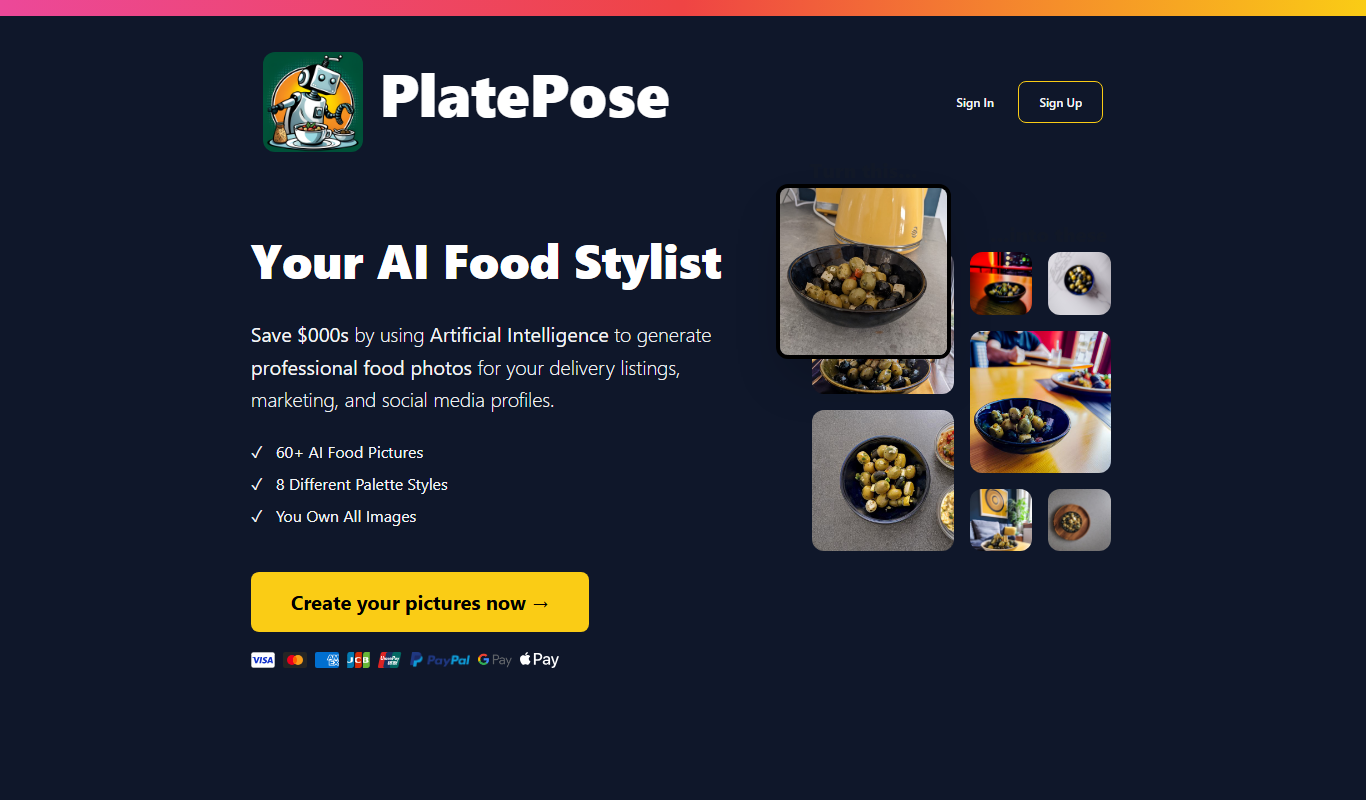
PlatePose
PlatePose is an AI-powered platform that recognizes foods and estimates portion sizes from meal photos to automate nutrition tracking and meal logging.

Free Trial
Lyne.ai
Lyne.ai is an AI-driven SEO tool that automates internal link building and content optimization by providing keyword suggestions and content gap analysis to improve website search rankings.

Free
RealFake
RealFake Photos is a web-based AI tool that generates realistic fake images quickly and easily for creative and professional use.

Freemium
Buzzli
Buzzli is an AI content generation platform designed to help marketers and businesses create social media posts and marketing copy efficiently using AI technology.
Free
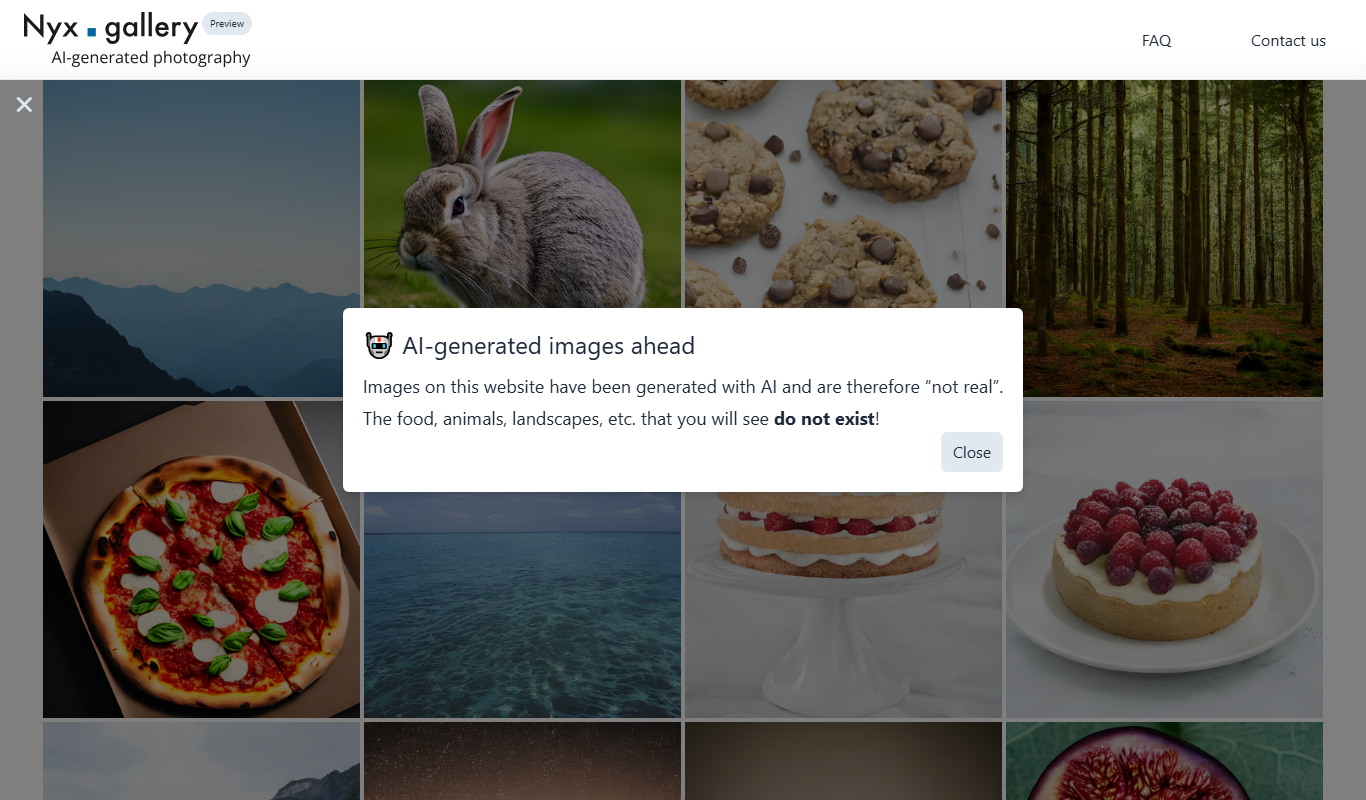
Nyx
Nyx is an AI-powered web tool that generates unique digital art from user text prompts, offering customizable styles and easy downloads.

Subscription
Pawfect Snapshots
Pawfect Snapshots is a web-based booking and management software designed specifically for pet photographers to schedule sessions, manage clients, and track payments.

Free
RBLX/ai
RBLX/ai is an AI assistant designed to help Roblox developers create and debug Lua scripts, offering game design suggestions to accelerate development.
Free Trial
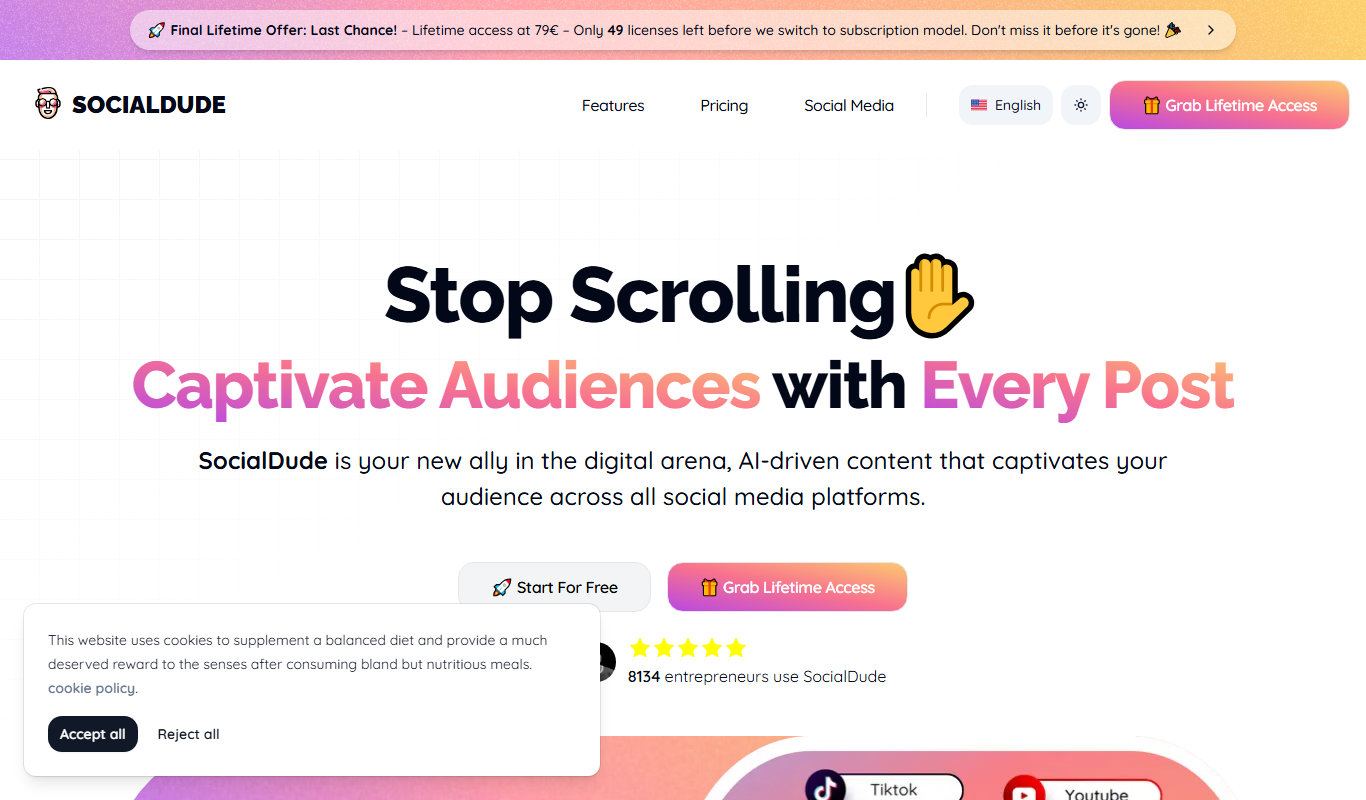
Socialdude.ai
Socialdude.ai is an AI-driven platform that automates social media content creation and scheduling, enabling users to generate captions and post across multiple networks efficiently.