

From my experience with Lex, I found it excels at simplifying the creation and maintenance of technical documentation by integrating AI-generated explanations directly with code snippets. This approach saves developers significant time and improves clarity for readers. The platform’s searchable knowledge base and collaboration features make it well-suited for engineering teams and technical writers aiming to keep documentation up-to-date and accessible. However, the tool currently supports only English and lacks a mobile app, which may limit flexibility for some users. Overall, if you need an AI assistant focused on developer-centric documentation, Lex delivers practical and efficient results.
Lex AI Writing Assistant for Developers and Technical Documentation
Lex is an AI writing assistant tailored for developers and technical writers to generate, organize, and maintain technical documentation with integrated code snippets and collaboration tools.
- Best for
- Technical Documentation
- Key capability
- AI-Powered Technical Writing
Your actions
Save Lex, follow its updates and vote on it — everything stays in your account.
Sign in or create a free account
What is Lex?
Lex is an AI-powered writing assistant designed specifically for developers and technical writers. It helps generate, organize, and maintain technical documentation and developer notes by leveraging advanced language models like GPT-4. The tool integrates code snippets with natural language explanations, making complex technical content easier to understand and maintain.
Key features of Lex
Lex offers features such as AI-generated technical writing, code snippet integration, searchable knowledge bases, and seamless collaboration tools tailored for software development teams. It streamlines the process of creating and updating documentation, reducing the time developers spend on writing and improving knowledge sharing.
AI-Powered Technical Writing
Generate clear and accurate technical explanations and documentation using GPT-4.
Code Snippet Integration
Embed and annotate code snippets directly within your documentation.
Searchable Knowledge Base
Create an organized, searchable repository of technical content for easy access.
Collaboration Tools
Enable team collaboration with shared documents and version control.
Export Options
Export your documentation in formats like Markdown or PDF for distribution.
Pros and cons of Lex
Pros
- Tailored for developers and technical writers
- Integrates code snippets with AI explanations
- Searchable and organized knowledge base
- Supports collaboration and version control
- Affordable pricing with a free tier
Cons
- Limited language support (English only)
- No mobile app available
- AI output may require manual review for accuracy
Key use cases for Lex
Technical Documentation
Create clear, concise, and structured technical documentation for software projects.
Developer Notes
Generate and organize developer notes and explanations alongside code snippets.
Code Explanation
Automatically generate human-readable explanations for complex code segments.
Knowledge Base Creation
Build searchable knowledge bases from code and documentation for team collaboration.
Content Generation for Dev Blogs
Assist in writing technical blog posts and tutorials with AI-powered content suggestions.
How Lex works
- 1
Sign Up
Create an account on the Lex web platform to access AI writing tools.
- 2
Import or Write Content
Add your code snippets or existing documentation into Lex’s editor.
- 3
Generate AI Content
Use AI prompts to generate explanations, summaries, or expand your technical notes.
- 4
Organize and Search
Structure your documentation and use the search feature to quickly find information.
- 5
Collaborate and Export
Share documentation with your team and export content in various formats.
Who is using Lex
Software developers
Technical writers
Engineering teams
DevOps professionals
Technical bloggers
Lex pricing
Free
$0/month
Basic access with limited AI usage and document storage.
Pro
$15/month
Increased AI usage limits, priority support, and advanced collaboration features.
Plans and prices are as published by the vendor and can change. Check the official site before you buy. Open the pricing page (opens in a new tab)
Frequently asked questions about Lex
Lex is optimized for technical content and developers, but non-developers with technical writing needs can also benefit.
Yes, you can import existing documents and code snippets to enhance them with AI-generated content.
Currently, Lex primarily supports English for AI-generated content.
Yes, the Pro plan includes collaboration tools for teams to work on documentation together.
This tool is designed to help users accomplish its core tasks more efficiently. It is typically used by individuals or teams looking to improve productivity and workflow.
Yes, it can help with that use case depending on how you configure it and what features are available. You’ll get the best results with clear inputs and a defined goal.
Some tools offer a free plan or trial with limited features. Availability can vary, so confirm on the official website.
Integration support depends on the tool and its available connectors or API. Check the official documentation or integrations page to confirm what is supported.
Sign in to review this tool.
Sign In to ReviewNo reviews yet
Be the first to share how this tool worked for you.
Ask about pricing, limits, or how it compares — or answer someone else.
Sign In to AskNo questions yet
Have a question about using or paying for this tool? Be the first to ask.
Featured on TiorAI



Alternative Tools
Explore similar AI tools that might fit your needs

Free
ReadMe
ReadMe is a SaaS platform that enables companies to create, manage, and publish interactive API documentation and developer portals with features like API explorers, versioning, and user feedback collection.

Custom Pricing
Document360
Document360 is a cloud-based knowledge base software that helps businesses create, manage, and publish documentation and help centers for both internal teams and customers.
More AI Writing & Content Tools tools
Other tools in the same category, for when this one is not quite the fit.

Free
AI Text Editor
AI Text Editor is an online writing assistant that uses AI to improve grammar, style, and tone, helping users create clearer and more polished text.
Free
Humanize AI Text Converter
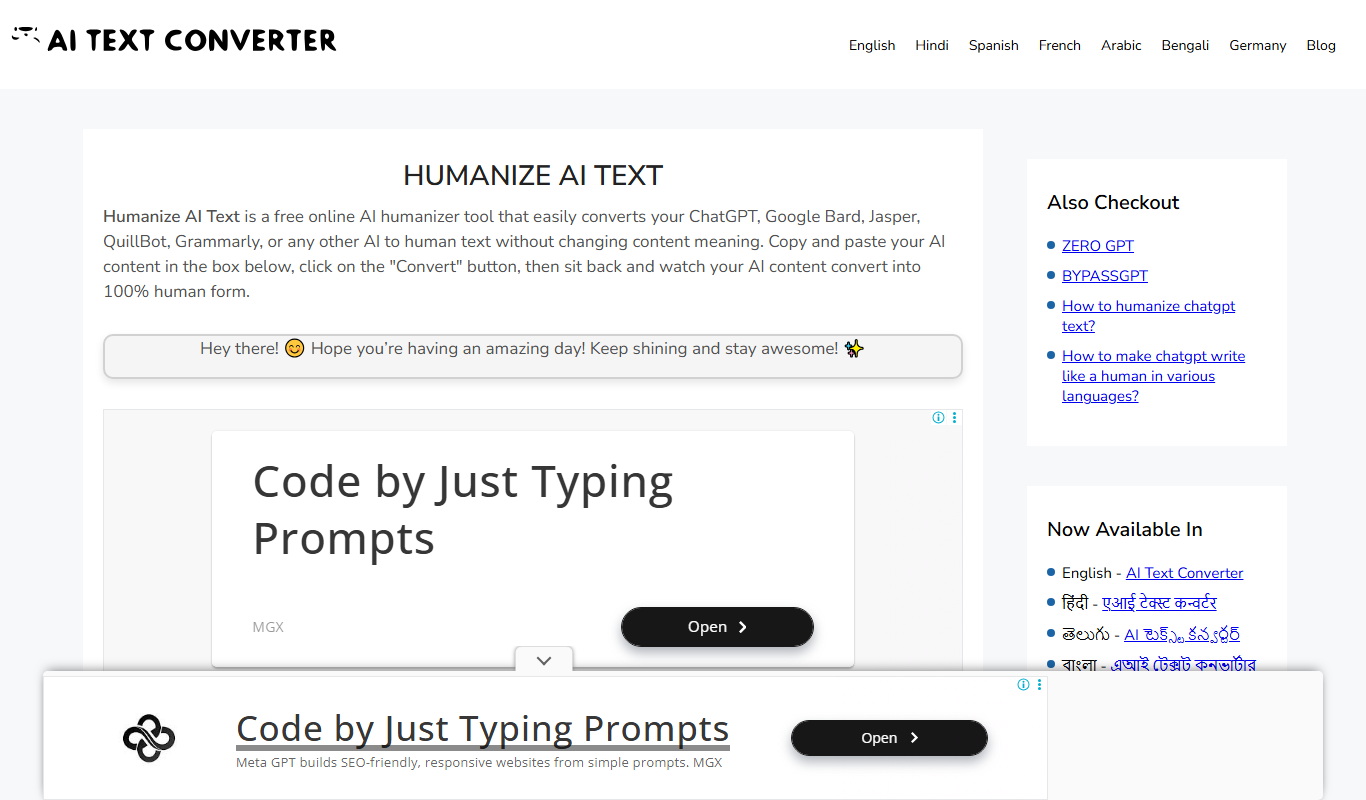
Humanize AI Text Converter is a web tool that rewrites AI-generated text to make it sound more natural and human-like, improving readability and engagement.

Subscription
Textie AI
Textie.ai is an all-in-one AI platform for generating texts and images, chatting with AI, AI agents, document translations, presentations and voice services.

Free
Free Ai text Generator
Free AI Text Generator by Copyson is a web-based AI text generator on copyson.com that supports more than 54 languages and uses a freemium model.

Free
Oscar – bedtime story generator
Oscar is an AI-powered bedtime story generator that creates personalized stories for children based on their name and preferences, helping parents provide engaging and unique stories every night.

Free Trial
TaleStitch
TaleStitch is an AI storytelling tool that generates original stories based on user prompts, supporting creative writing and content creation.

Free Trial
Comment Generator
Comment Generator is an AI Chrome extension that reads a post's caption and drafts a comment that sounds like you on Instagram, LinkedIn and Threads.

Free
AI Blog Articles
AI Blog Articles is a web-based AI content generation tool that helps users create SEO-friendly blog posts efficiently by inputting topics or keywords and customizing tone and length.