

From my experience with LearningStory, it stands out as a specialized digital learning journal tailored for early years educators in the UK. The platform’s focus on multimedia observations and secure parent access makes it a practical tool for documenting and sharing children’s development. It’s particularly well-suited for nurseries and preschools aiming to enhance parental engagement and streamline assessment processes. However, the lack of offline functionality and undisclosed pricing may pose challenges for some users. Overall, LearningStory delivers a focused solution for early years education documentation.
LearningStory UK - Digital Learning Journal for Early Years Educators
LearningStory is a UK-focused digital learning journal platform that helps early years educators document children's learning and share progress securely with parents.
- Best for
- Early Years Learning Documentation
- Key capability
- Multimedia Observation Capture


Do you recommend this tool?
What is LearningStory?
LearningStory is a digital learning journal platform designed specifically for early years educators in the UK. It allows practitioners to capture, document, and share children’s learning and development through multimedia observations and assessments. The platform facilitates better communication between educators and parents by providing a secure, accessible way to view children’s progress and learning stories.
Key features of LearningStory
LearningStory offers features such as multimedia observation capture, secure parent access, developmental milestone tracking, and customizable reporting tools tailored to early years education standards.
Multimedia Observation Capture
Supports photos, videos, and notes to create rich learning stories.
Secure Parent Portal
Parents can safely access their child's learning journal anytime via app or web.
Developmental Milestone Tracking
Tools to track progress against early years frameworks and developmental goals.
Customizable Reporting
Generate reports tailored to specific assessment requirements.
User-friendly Interface
Designed for ease of use by educators with minimal technical skills.
Pros and cons of LearningStory
Pros
- Tailored specifically for early years education
- Enhances parent-educator communication
- Supports multimedia documentation
- Complies with UK data protection standards
Cons
- Pricing details not publicly listed, requiring direct contact
- No offline functionality for observations
- Limited language support (English only)
Key use cases for LearningStory
Early Years Learning Documentation
Educators can document children's learning journeys digitally, capturing observations, photos, and assessments.
Parental Engagement
Parents can access their child's learning stories and progress through a secure app, enhancing communication.
Assessment and Reporting
Supports early years practitioners in tracking developmental milestones and generating reports aligned with frameworks.
Child Development Tracking
Enables monitoring of individual child progress over time to tailor learning experiences effectively.
How LearningStory works
- 1
Create an Account
Early years settings register and set up their LearningStory account online.
- 2
Add Children and Educators
Input profiles for children and assign educators who will document learning.
- 3
Capture Observations
Educators record observations, photos, and notes directly into the digital journal.
- 4
Share with Parents
Parents receive secure access to view their child’s learning stories and progress.
- 5
Track Development
Use built-in tools to monitor milestones and generate reports for assessments.
Who is using LearningStory
Early years educators
Nursery and preschool settings
Childcare providers
Parents of young children
Educational administrators
LearningStory pricing
Standard Subscription
Contact for pricing
Access to full platform features with support for multiple children and educators.
Plans and prices are as published by the vendor and can change. Check the official site before you buy. Open the pricing page (opens in a new tab)
Frequently asked questions about LearningStory
Yes, LearningStory complies with GDPR and ensures secure handling of personal data.
Yes, parents can securely access their child’s learning stories via the app or web portal.
Currently, LearningStory requires an internet connection to capture and sync observations.
Yes, LearningStory offers onboarding support and training resources for educators.
This tool is designed to help users accomplish its core tasks more efficiently. It is typically used by individuals or teams looking to improve productivity and workflow.
It depends on your specific needs and how you plan to use the tool. The official website and documentation are the best sources for the latest details.
Yes, it can help with that use case depending on how you configure it and what features are available. You’ll get the best results with clear inputs and a defined goal.
Yes, it can help with that use case depending on how you configure it and what features are available. You’ll get the best results with clear inputs and a defined goal.
Sign in to review this tool.
Sign In to ReviewNo reviews yet
Be the first to share how this tool worked for you.
Ask about pricing, limits, or how it compares — or answer someone else.
Sign In to AskNo questions yet
Have a question about using or paying for this tool? Be the first to ask.
Featured on TiorAI



Alternative Tools
Explore similar AI tools that might fit your needs

Freemium
Tapestry
Tapestry is an AI-powered writing assistant designed to help users generate creative stories and written content through intuitive prompts and editing tools.

Free Trial
Evidence Me
Evidence Me is an app designed for early years educators to capture and track children's development through multimedia observations, linked to educational frameworks, with secure parent sharing and reporting features.
Free
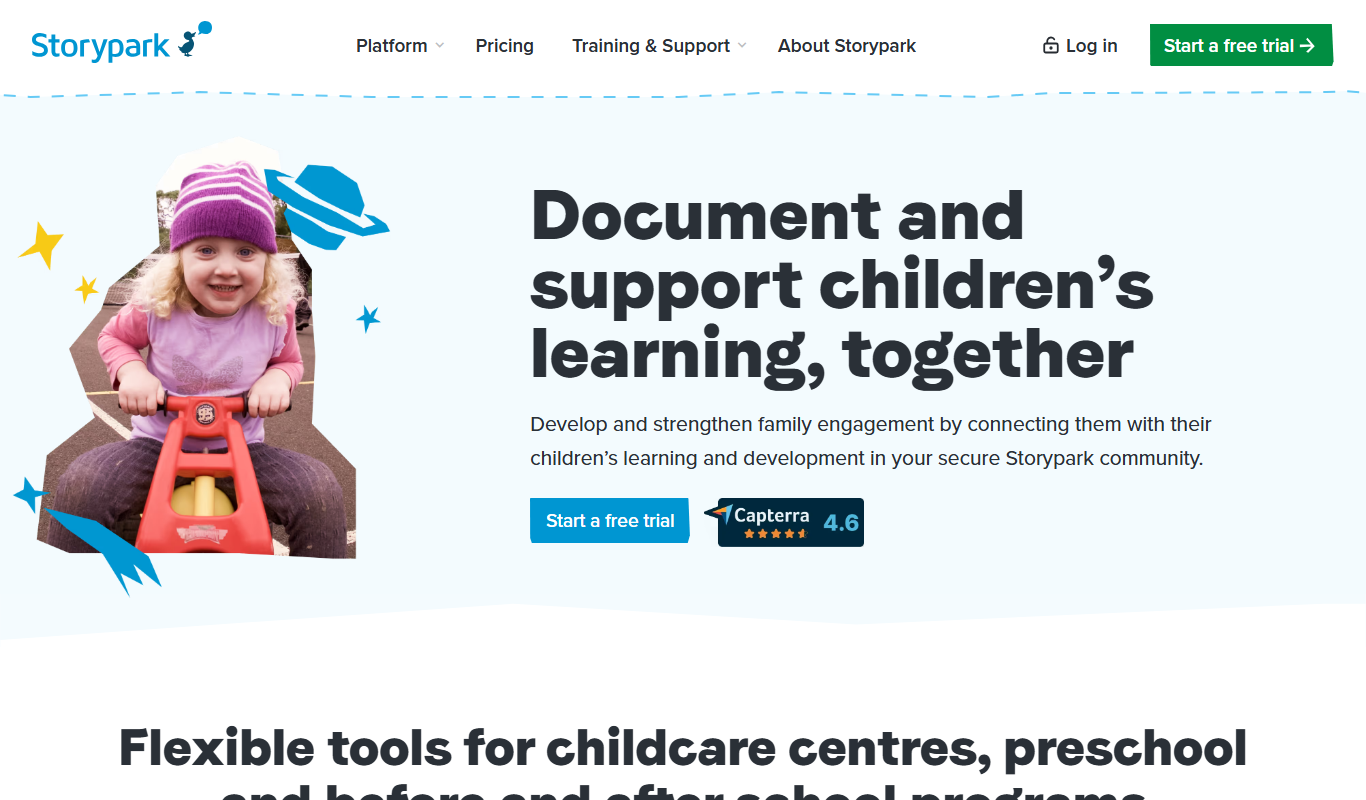
Storypark
Storypark is a cloud-based platform that helps early childhood educators document children's learning and engage parents through digital portfolios and communication tools accessible via web and mobile apps.
More AI Character tools
Other tools in the same category, for when this one is not quite the fit.
Contact Sales
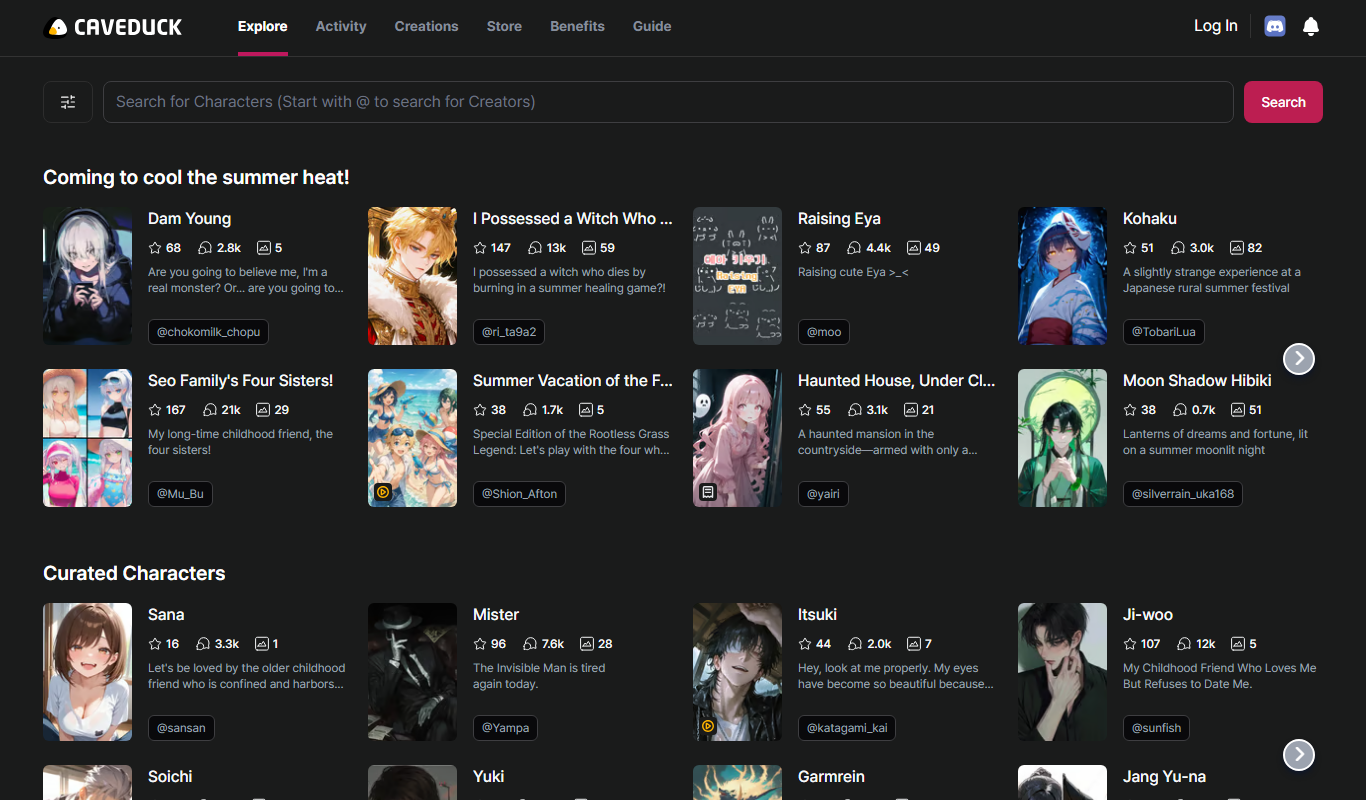
CAVEDUCK
CAVEDUCK is an AI-driven platform that automates data extraction from documents using OCR and machine learning, enabling businesses to streamline workflows and reduce manual data entry.

Free
Chub
Chub AI is an AI-powered chatbot platform designed to automate customer support and engagement by providing customizable conversational workflows and integration options.
Free
Character Headcanon Generator
Character Headcanon Generator is a free web tool that creates random character traits and backstory ideas to help writers and roleplayers develop unique characters.

Freemium
TaleAI
TaleAI is an AI-driven storytelling platform that assists writers by generating story ideas, plots, and creative content to enhance writing productivity.
Free
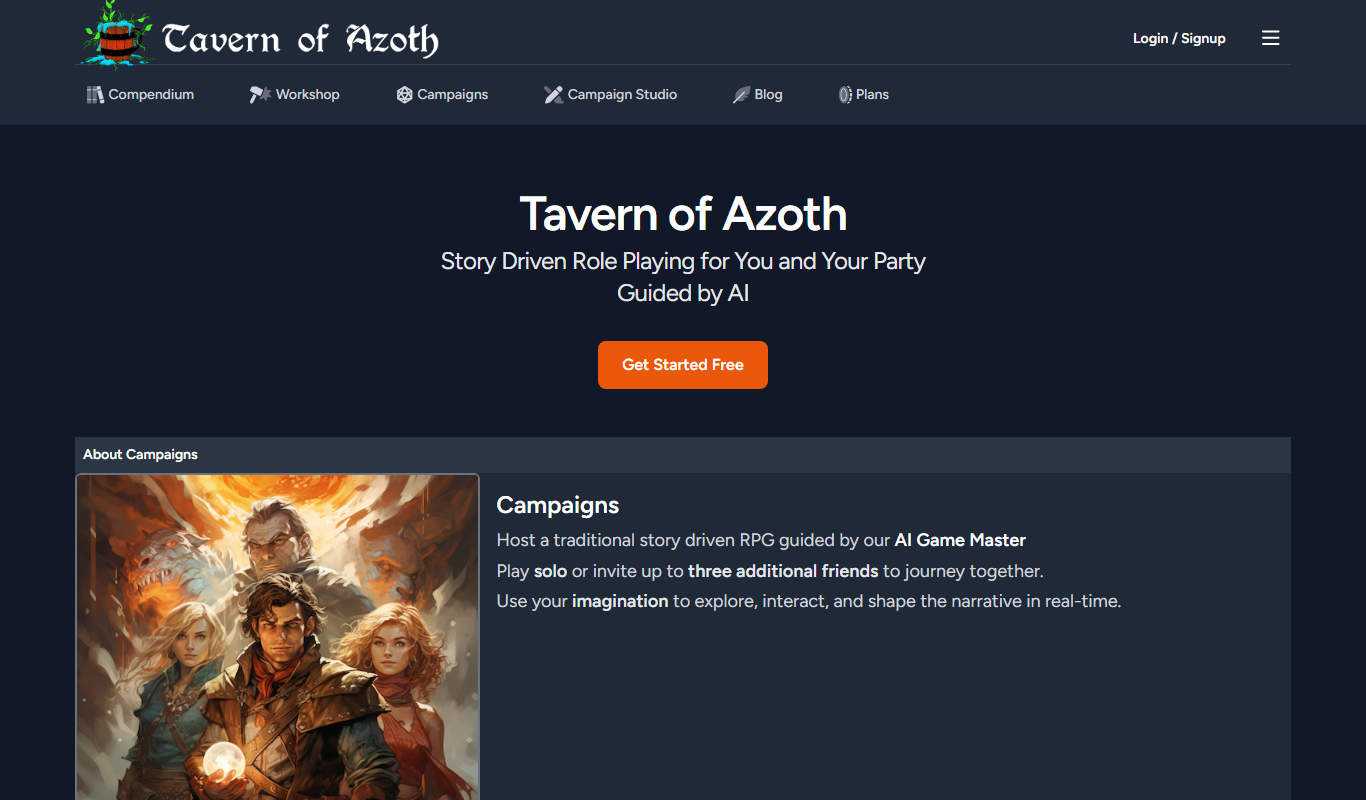
Tavern of Azoth
Tavern of Azoth is an AI-powered Dungeon Master that generates dynamic role-playing game narratives and assists both solo players and tabletop Dungeon Masters with interactive storytelling.

Free Trial
Klones
Klones is an AI-powered platform that automatically generates authentic product reviews and descriptions to help e-commerce businesses improve customer engagement and sales.

Free Trial
Impersona
Impersona is an AI chatbot platform that helps businesses create personalized conversational experiences to automate customer support and engagement.
Freemium
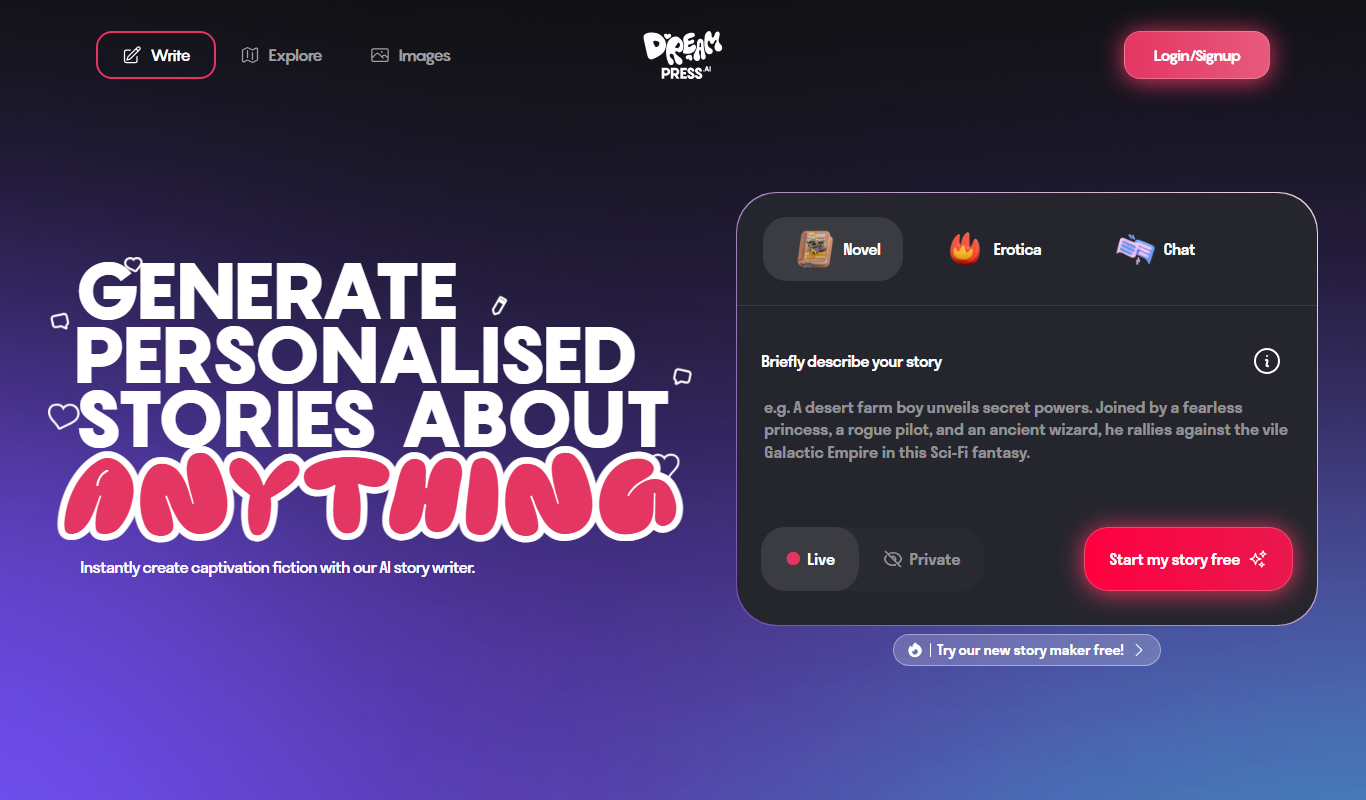
DREAMPRESS
Dreampress is an AI-powered writing assistant designed to generate SEO-friendly content, including blog posts and marketing copy, to help users create high-quality written material efficiently.