

From my experience with Landing.report, I found it excels at providing straightforward and reliable website uptime monitoring with real-time alerts that help minimize downtime impact. The platform’s simple interface and multi-location checks make it easy to keep tabs on website health without complexity. It’s particularly well-suited for small to medium businesses and developers who need affordable, effective monitoring without unnecessary features. However, the lack of mobile apps and limited third-party integrations may be a drawback for users seeking more comprehensive ecosystem connectivity. Overall, if you want a focused uptime and performance monitoring tool with clear reporting, Landing.report delivers solid value.
Landing.report - Website Performance Monitoring and Uptime Tracking Tool
Landing.report is a web-based tool that monitors website uptime and performance, providing real-time alerts and detailed analytics to help maintain website reliability and speed.
- Best for
- Uptime Monitoring
- Key capability
- Real-Time Uptime Monitoring
Your actions

Do you recommend this tool?
What is Landing.report?
Landing.report is a web-based service designed to monitor website uptime and performance. It helps website owners and administrators track the availability and speed of their websites, providing real-time alerts and detailed analytics to maintain optimal site health.
Key features of Landing.report
The tool offers continuous uptime monitoring, performance metrics analysis, instant incident notifications, historical data reporting, and multi-location checks to ensure websites remain accessible and fast for users worldwide.
Real-Time Uptime Monitoring
Continuously checks your website’s availability from multiple locations worldwide.
Performance Metrics
Measures page load times and other key performance indicators to help improve user experience.
Instant Notifications
Alerts you immediately when your website goes down or experiences slowdowns.
Detailed Reporting
Provides historical data and uptime statistics to track website reliability over time.
Multi-Site Support
Allows monitoring of multiple websites or pages within a single account.
Pros and cons of Landing.report
Pros
- Simple and intuitive user interface
- Real-time alerts help minimize downtime impact
- Supports monitoring from multiple global locations
- Affordable pricing tiers with scalable features
Cons
- Limited integrations with third-party tools
- No mobile app available for monitoring on the go
- Advanced analytics features reserved for higher-tier plans
Key use cases for Landing.report
Uptime Monitoring
Track website availability in real-time to ensure your site is always accessible to visitors.
Performance Analysis
Analyze website loading speeds and performance metrics to optimize user experience.
Incident Alerts
Receive instant notifications via email or messaging apps when your website experiences downtime or performance issues.
Historical Reporting
Access detailed reports on uptime and performance trends over time to identify recurring problems.
Multi-URL Monitoring
Monitor multiple websites or web pages simultaneously from various global locations.
How Landing.report works
- 1
Add Your Website
Enter the URL(s) of the website(s) you want to monitor on the Landing.report platform.
- 2
Configure Monitoring Settings
Set monitoring intervals, alert preferences, and select global locations for checks.
- 3
Receive Alerts
Get notified immediately via email or messaging apps if downtime or performance degradation is detected.
- 4
Analyze Reports
Review uptime and performance reports to identify trends and optimize your website.
Who is using Landing.report
Small to medium business website owners
Web developers and IT administrators
Digital marketing agencies
E-commerce site operators
SaaS companies
Landing.report pricing
Free
$0/month
Basic monitoring for one website with limited checks and alert options.
Pro
€9/month
Enhanced monitoring with more URLs, faster check intervals, and advanced alerting.
Business
€29/month
Full-featured monitoring for multiple websites with priority support and detailed analytics.
Plans and prices are as published by the vendor and can change. Check the official site before you buy. Open the pricing page (opens in a new tab)
Frequently asked questions about Landing.report
The monitoring frequency depends on your plan, ranging from every minute on paid plans to less frequent checks on the free plan.
You can receive alerts via email and popular messaging platforms when downtime or performance issues are detected.
Yes, paid plans support monitoring multiple URLs simultaneously.
Landing.report offers a free plan with basic features, but specific free trials for paid plans are not explicitly stated.
This tool is designed to help users accomplish its core tasks more efficiently. It is typically used by individuals or teams looking to improve productivity and workflow.
It depends on your specific needs and how you plan to use the tool. The official website and documentation are the best sources for the latest details.
Yes, it can help with that use case depending on how you configure it and what features are available. You’ll get the best results with clear inputs and a defined goal.
Some tools offer a free plan or trial with limited features. Availability can vary, so confirm on the official website.
Sign in to review this tool.
Sign In to ReviewNo reviews yet
Be the first to share how this tool worked for you.
Ask about pricing, limits, or how it compares — or answer someone else.
Sign In to AskNo questions yet
Have a question about using or paying for this tool? Be the first to ask.
Featured on TiorAI



Alternative Tools
Explore similar AI tools that might fit your needs
Freemium
Pingdom
Pingdom is a website monitoring tool that tracks uptime, performance, and user experience through real user and synthetic monitoring, providing alerts and detailed reports to help maintain website reliability.

Free
StatusCake
StatusCake is a website monitoring service that tracks uptime, performance, and server health, providing instant alerts and detailed analytics to ensure reliable online presence.
More AI Landing Page Builder tools
Other tools in the same category, for when this one is not quite the fit.

Free
Free Landing Page Generator
Free Landing Page Generator by GPT Console is a web tool that uses AI to create customizable, mobile-responsive landing pages quickly and without coding, ideal for marketers and small businesses.

Custom Pricing
Meiro
Meiro is a Customer Data Platform that helps businesses unify customer data from multiple sources, perform advanced analytics, and manage data governance to improve marketing personalization and compliance.

Freemium
TeamSmart AI
TeamSmart AI is an AI-powered collaboration platform that automates task management, provides meeting summaries, and optimizes team productivity through workflow analytics.

Free Trial
Entry Point AI
Entry Point AI is an AI-driven platform that automates customer support using conversational chatbots, lead qualification, and ticket routing to improve efficiency and customer experience.

Free
Studio
Studio is a collaborative design platform that enables UI/UX designers to create interactive prototypes with vector-based tools and timeline animations, supporting real-time team collaboration.

Free Trial
Sitekick
Sitekick is an AI-driven website builder that helps users create professional, responsive websites quickly without coding, featuring drag-and-drop editing and SEO optimization.

Freemium
AutoFunnel
AutoFunnel is an AI-driven platform that helps marketers build and automate sales funnels, capture leads, and optimize conversions with ease.
Freemium
Wizlink AI
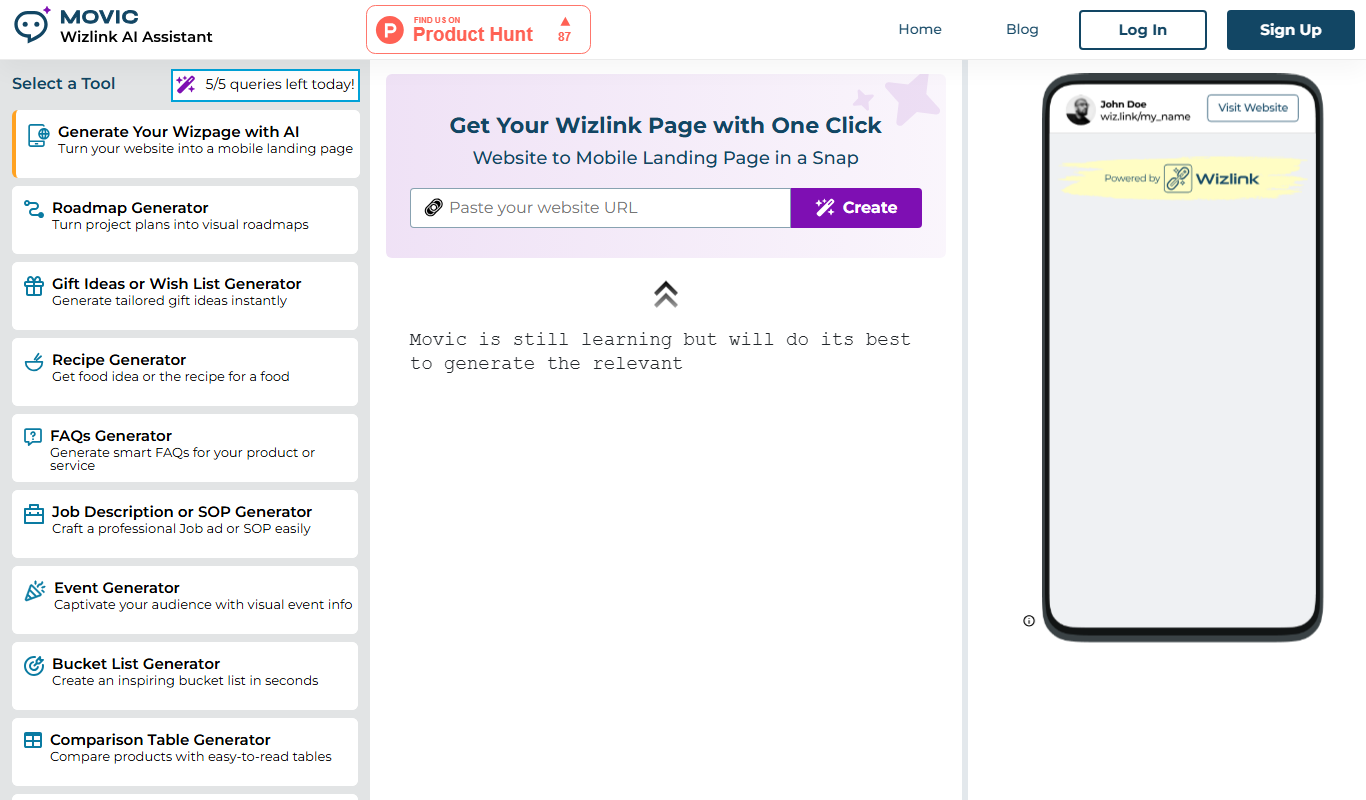
Wizlink AI is an AI-driven link management tool that offers smart URL shortening, branded links, and detailed analytics to optimize link performance for marketers and businesses.