

From my experience with KEPL, I found it excels at providing a seamless way to interact with AI through your smartphone camera, making visual search intuitive and fast. The app is particularly well-suited for users who want quick answers about objects around them, whether for shopping or learning purposes. However, it does require a stable internet connection since all processing happens in the cloud, and the free plan limits daily usage. Overall, if you want an AI assistant that understands your visual environment and answers your questions instantly, KEPL delivers a practical and user-friendly solution.
KEPL AI Camera Assistant for Visual Search and Instant Answers
KEPL is a mobile AI tool that lets you ask questions about objects you see through your smartphone camera, providing instant visual search and answers.
- Best for
- Visual Search
- Key capability
- AI-Powered Visual Recognition
Your actions
Save KEPL – Ask AI with Camera, follow its updates and vote on it — everything stays in your account.
Sign in or create a free account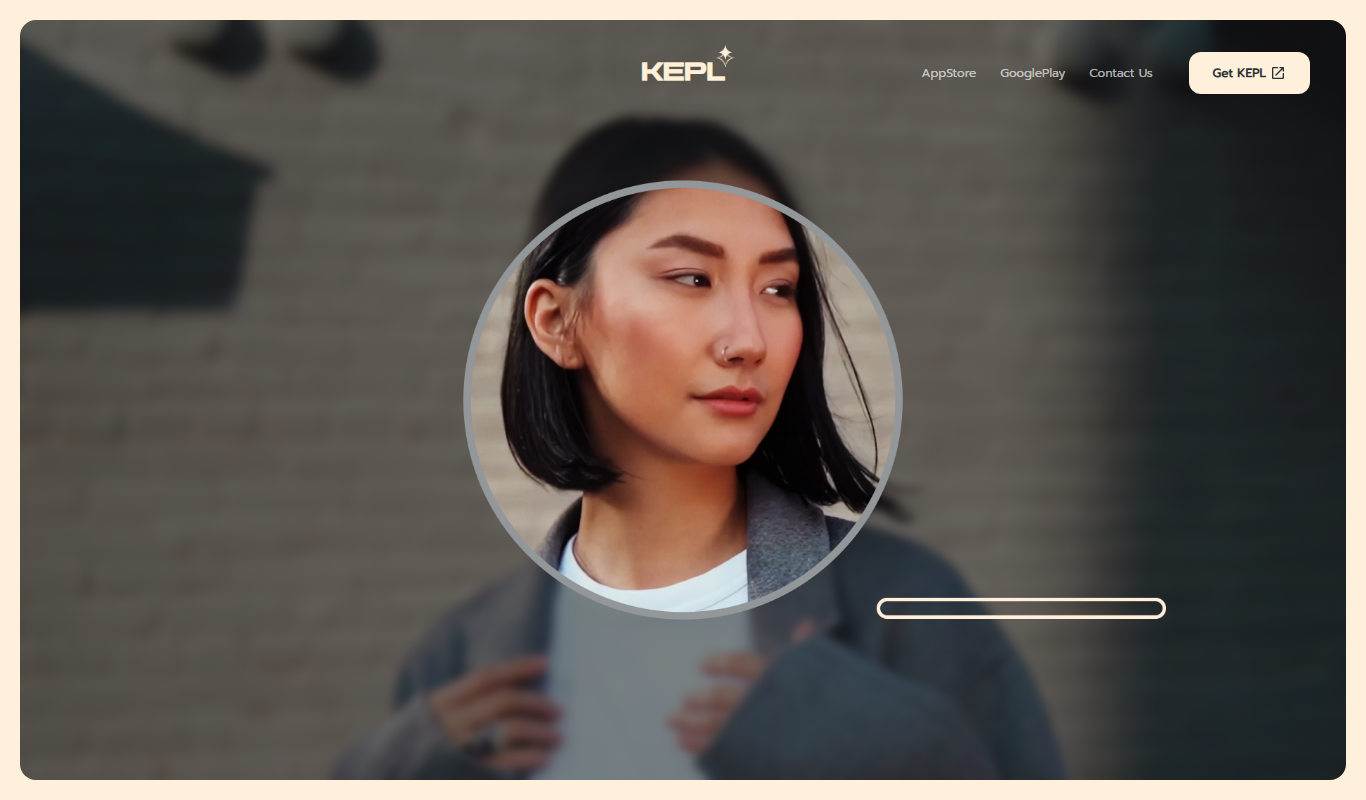
What is KEPL – Ask AI with Camera?
KEPL is a mobile AI assistant that leverages your smartphone camera to provide instant answers and information about the objects or scenes you capture. Instead of typing queries, users can simply point their camera and ask questions, enabling a seamless visual search experience powered by artificial intelligence.
Key features of KEPL – Ask AI with Camera
KEPL offers real-time visual recognition, natural language question answering based on camera input, product identification, and contextual information retrieval, all integrated into an easy-to-use mobile app interface.
AI-Powered Visual Recognition
Identifies objects and scenes captured by your camera instantly.
Natural Language Processing
Understands and answers questions related to the visual content.
Mobile-First Design
Optimized for iOS and Android devices for on-the-go use.
Product Identification and Shopping Links
Helps users find product details and purchase options.
Pros and cons of KEPL – Ask AI with Camera
Pros
- Intuitive camera-based AI interaction
- Quick and accurate visual recognition
- Useful for shopping and educational purposes
Cons
- Requires internet connection for AI processing
- Limited object recognition for very niche items
- Free plan has query limits
Key use cases for KEPL – Ask AI with Camera
Visual Search
Use your smartphone camera to identify objects, products, or scenes instantly by asking questions about what you see.
Instant Information Retrieval
Get immediate AI-generated answers related to the visual content captured by your camera without typing.
Shopping Assistance
Identify products in real life and receive details or purchase options directly through the app.
Educational Tool
Learn about objects, landmarks, or items by simply pointing your camera and asking questions.
How KEPL – Ask AI with Camera works
- 1
Open the App
Launch KEPL on your iOS or Android device.
- 2
Point Your Camera
Aim your smartphone camera at an object, product, or scene you want to learn about.
- 3
Ask a Question
Speak or type a question related to what you see through the camera.
- 4
Receive Instant Answers
KEPL analyzes the visual input and provides AI-generated responses in real time.
Who is using KEPL – Ask AI with Camera
Mobile users seeking visual search tools
Shoppers wanting quick product info
Students and educators using visual learning
Tech enthusiasts interested in AI assistants
KEPL – Ask AI with Camera pricing
Free
$0/month
Basic access with limited daily queries and standard features.
Pro
$9.99/month
Unlimited queries, priority response times, and advanced features.
Plans and prices are as published by the vendor and can change. Check the official site before you buy. Open the pricing page (opens in a new tab)
Frequently asked questions about KEPL – Ask AI with Camera
KEPL is available on both iOS and Android smartphones.
KEPL can recognize a wide range of common objects, products, and scenes, but accuracy may vary with complex or rare items.
Yes, KEPL offers a free tier with limited daily usage.
Yes, KEPL processes visual data and queries through cloud AI services, so an internet connection is necessary.
It depends on your specific needs and how you plan to use the tool. The official website and documentation are the best sources for the latest details.
Some tools offer a free plan or trial with limited features. Availability can vary, so confirm on the official website.
Yes, it can help with that use case depending on how you configure it and what features are available. You’ll get the best results with clear inputs and a defined goal.
Yes, it can help with that use case depending on how you configure it and what features are available. You’ll get the best results with clear inputs and a defined goal.
Sign in to review this tool.
Sign In to ReviewNo reviews yet
Be the first to share how this tool worked for you.
Ask about pricing, limits, or how it compares — or answer someone else.
Sign In to AskNo questions yet
Have a question about using or paying for this tool? Be the first to ask.
Featured on TiorAI



Alternative Tools
Explore similar AI tools that might fit your needs

Free
CamFind
CamFind is a free AI-powered visual search app that identifies objects, products, and landmarks from images captured or uploaded by users, providing relevant information and shopping options.
More AI Image Scanning tools
Other tools in the same category, for when this one is not quite the fit.
Free
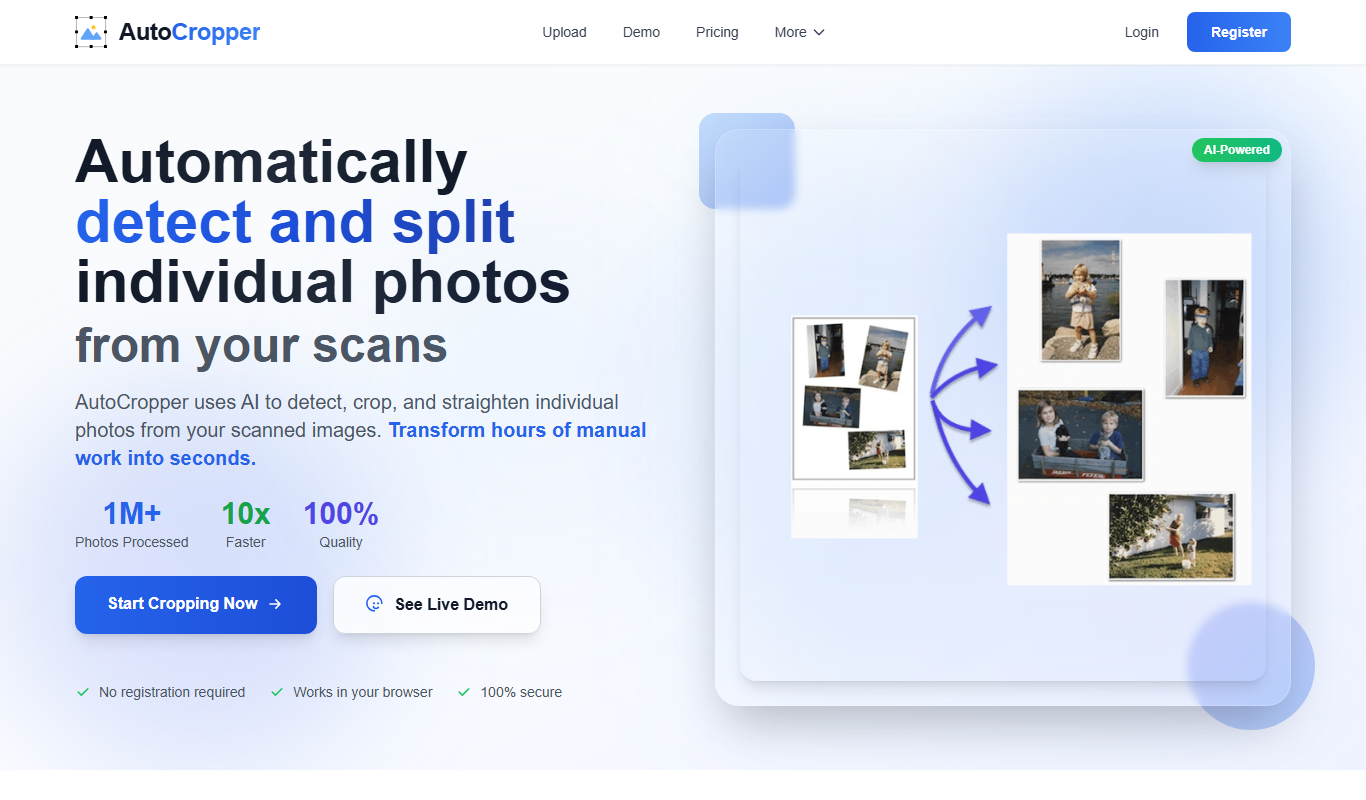
AutoCropper
AutoCropper is a free web-based tool that allows users to crop images quickly using an easy drag-and-drop interface and preset aspect ratios without needing an account.

Contact for pricing
Precheck.ai – AI Face data
Precheck.ai is an AI-driven platform that uses facial recognition and biometric data to verify identities and prevent fraud in real-time, supporting compliance and seamless integration.
Freemium
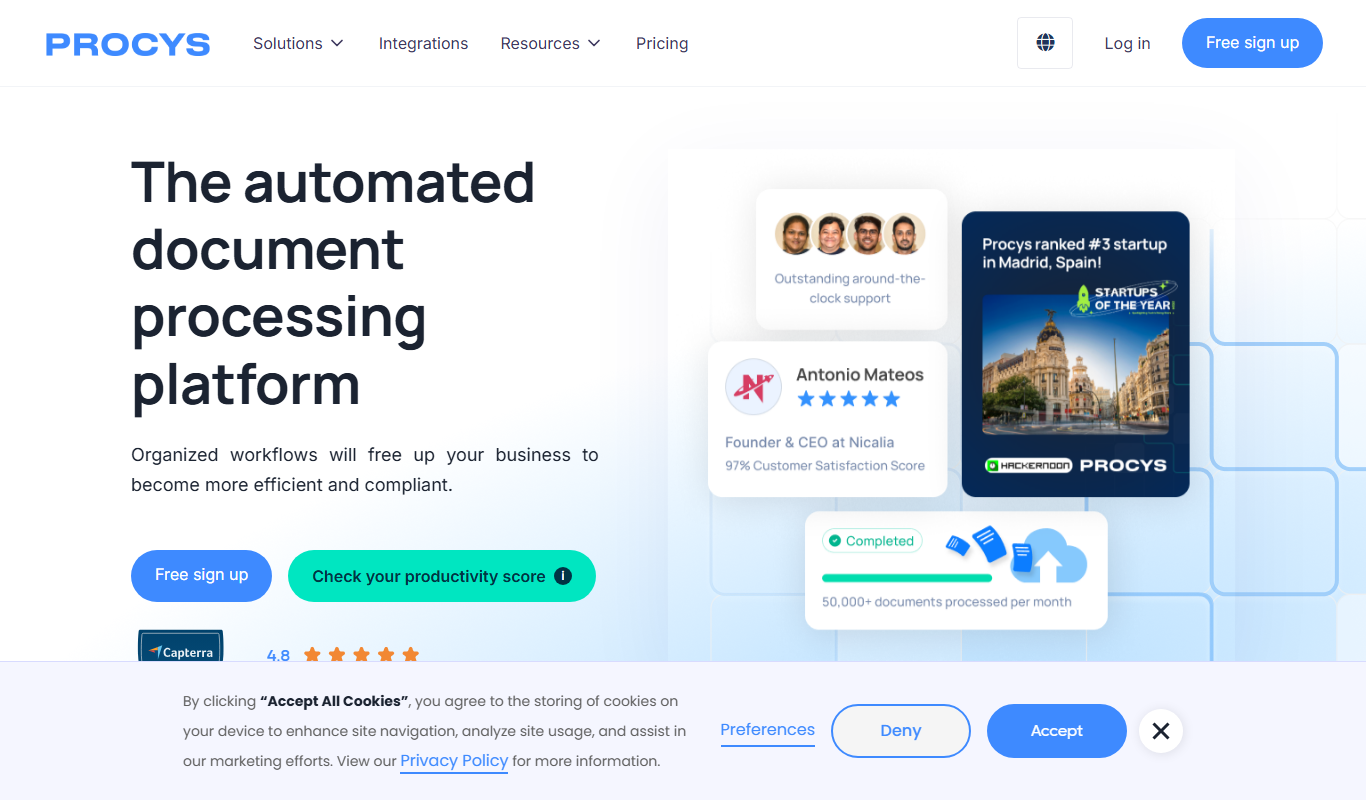
Procys
Procys is an AI-driven platform that automates data analysis and business intelligence reporting, helping organizations gain actionable insights through predictive analytics and customizable dashboards.

Freemium
OpalAi ScanTo3D
OpalAi ScanTo3D is an AI-driven tool that transforms 2D images and scans into high-quality 3D models with texture mapping, supporting multiple input formats and offering API integration.