

From my experience with AutoCropper, I found it excels at providing a no-frills, straightforward way to crop images quickly without the need for software installation or account creation. Its simplicity makes it particularly well-suited for social media managers and content creators who need fast edits on the fly. However, the tool is limited to single image cropping and lacks advanced editing features, which might be a drawback for users seeking more comprehensive photo editing capabilities. Overall, if you need a quick and free solution for cropping images online, AutoCropper delivers reliable and efficient results.
AutoCropper - Online Image Cropping Tool for Precise Photo Editing
AutoCropper is a free web-based tool that allows users to crop images quickly using an easy drag-and-drop interface and preset aspect ratios without needing an account.
- Best for
- Quick Image Cropping
- Key capability
- Simple Drag-and-Drop Interface
Your actions
Save AutoCropper, follow its updates and vote on it — everything stays in your account.
Sign in or create a free account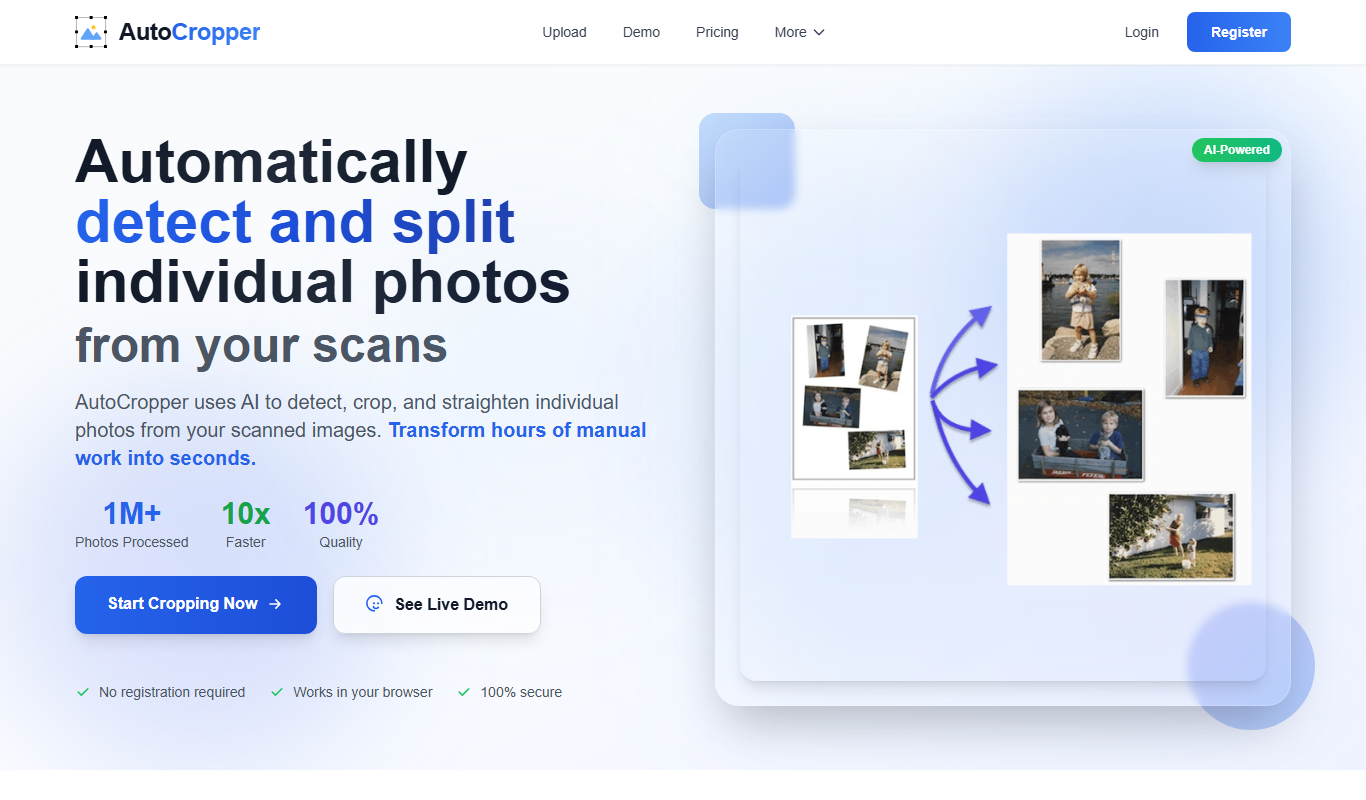
What is AutoCropper?
AutoCropper is a free online tool designed to help users crop images quickly and precisely without the need for complex software. It provides a simple interface where users can upload photos and crop them to desired dimensions or aspect ratios with ease. The tool is accessible via web browsers, making it convenient for anyone needing fast image editing on the go.
Key features of AutoCropper
AutoCropper offers straightforward image cropping functionality with support for various aspect ratios, drag-and-drop image upload, and instant preview of cropped results. It focuses on simplicity and speed, enabling users to crop images without distractions or complicated settings.
Simple Drag-and-Drop Interface
Easily upload images by dragging them into the browser window.
Preset Aspect Ratios
Choose from common aspect ratios like 1:1, 16:9, or custom sizes.
Instant Preview
See the cropped image in real-time before downloading.
No Account Required
Use the tool without signing up or providing personal information.
Pros and cons of AutoCropper
Pros
- Easy and intuitive interface
- No registration or payment required
- Supports common image formats
- Fast cropping with instant preview
Cons
- Limited to single image cropping at a time
- No advanced editing features beyond cropping
- No mobile app or offline version
Key use cases for AutoCropper
Quick Image Cropping
Easily crop images online without installing software, ideal for quick edits.
Preparing Images for Social Media
Crop photos to fit social media dimensions and improve visual appeal.
Optimizing Photos for Websites
Crop images to desired aspect ratios to enhance website loading and layout.
Batch Image Cropping
Process multiple images efficiently by cropping them automatically.
How AutoCropper works
- 1
Upload Image
Drag and drop or select an image file from your device to upload.
- 2
Select Crop Area
Adjust the cropping frame manually or choose preset aspect ratios.
- 3
Preview Crop
View the cropped image preview to ensure it meets your needs.
- 4
Download Image
Download the cropped image directly to your device.
Who is using AutoCropper
Social media managers
Small business owners
Bloggers and content creators
Web designers
Anyone needing quick image cropping
AutoCropper pricing
Free
$0
Full access to all cropping features with no cost or registration.
Plans and prices are as published by the vendor and can change. Check the official site before you buy. Open the pricing page (opens in a new tab)
Frequently asked questions about AutoCropper
No, AutoCropper allows you to crop images without any registration or account.
It supports common image formats such as JPEG, PNG, and GIF.
There is no explicitly stated limit, but very large files may affect performance.
AutoCropper primarily supports single image cropping per session.
Some tools offer a free plan or trial with limited features. Availability can vary, so confirm on the official website.
Some tools offer a free plan or trial with limited features. Availability can vary, so confirm on the official website.
Yes, it can help with that use case depending on how you configure it and what features are available. You’ll get the best results with clear inputs and a defined goal.
Sign in to review this tool.
Sign In to ReviewNo reviews yet
Be the first to share how this tool worked for you.
Ask about pricing, limits, or how it compares — or answer someone else.
Sign In to AskNo questions yet
Have a question about using or paying for this tool? Be the first to ask.
Featured on TiorAI



Alternative Tools
Explore similar AI tools that might fit your needs

Free
Fotor
Fotor is an online photo editing and graphic design tool offering AI-powered enhancements, templates, and batch processing across web and mobile platforms.
More AI Image & Visual Tools tools
Other tools in the same category, for when this one is not quite the fit.

Freemium
Background Removal
Background Removal by API4.AI is an AI-driven API service that automatically removes backgrounds from images, enabling easy integration into apps and websites for clean, transparent image outputs.

Freemium
Imagga
Imagga is a cloud-based image recognition platform providing APIs for automated image tagging, visual search, and content moderation, helping businesses organize and analyze images efficiently.
Freemium
Caricaturer.io
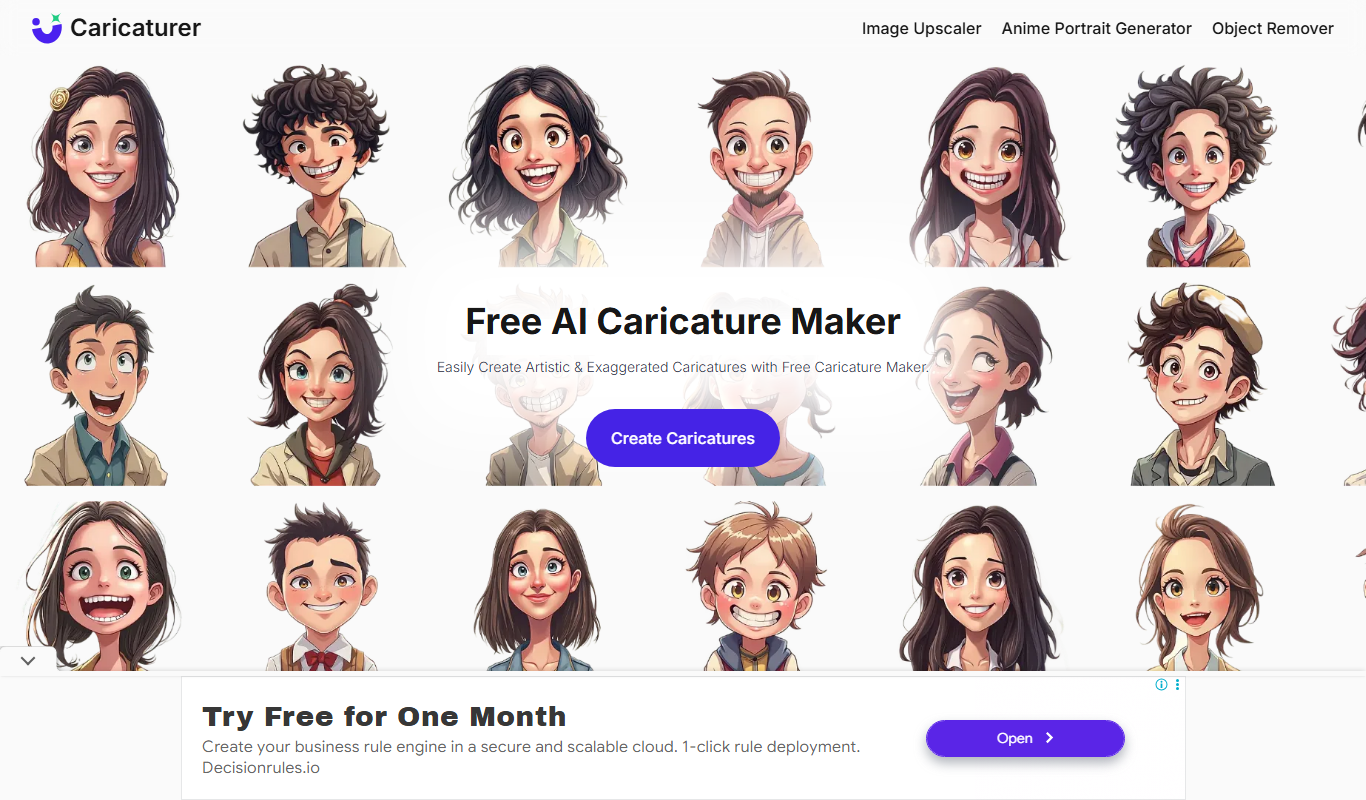
Caricaturer.io is a free AI caricature maker that turns face photos and text prompts into high-resolution, watermark-free caricatures.

Free
AI Cartoon Generator
AI Cartoon Generator is a web tool that turns text descriptions into cartoon and anime-style artwork in 50+ art styles.
Free
AnimeGen – Anime Image Generator
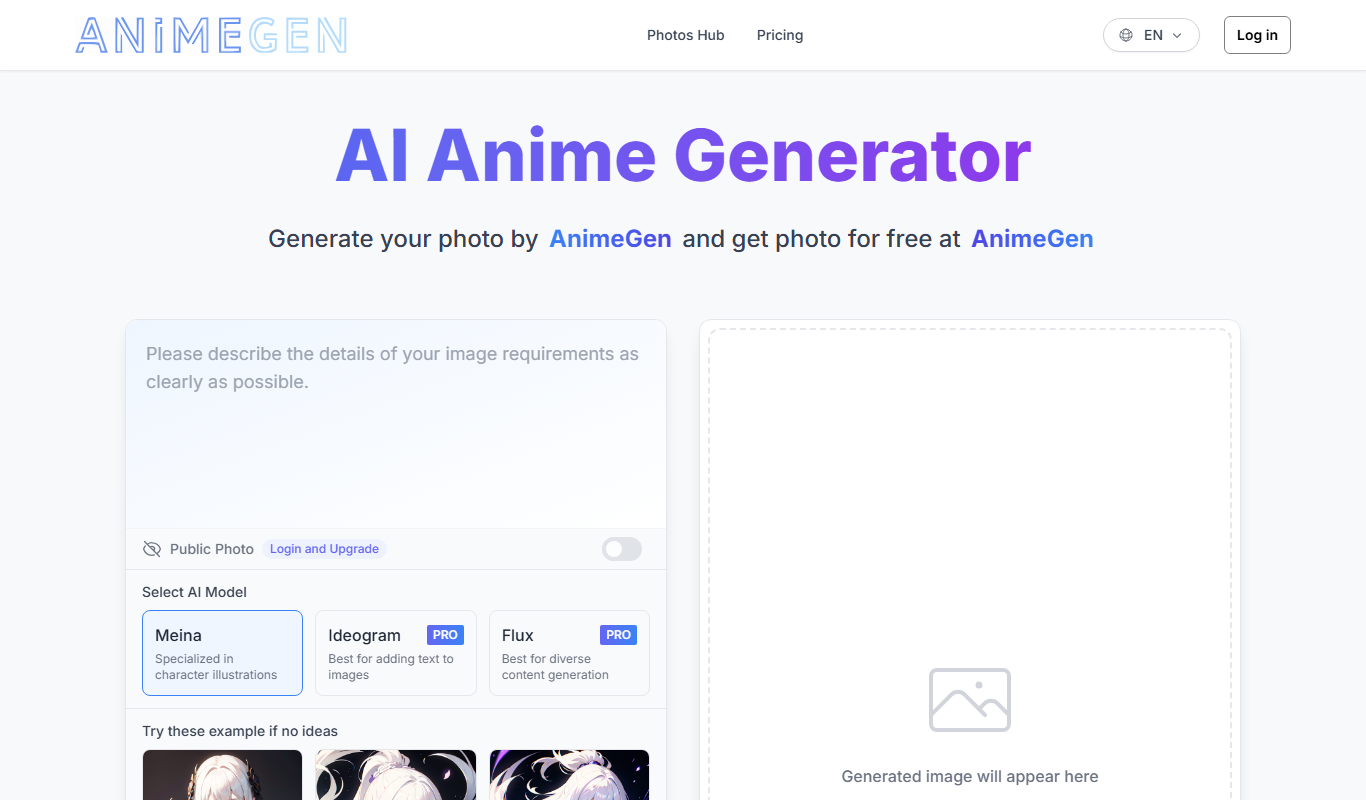
AnimeGen is a web-based AI tool that generates anime-style images from text prompts, with free credits for new users and paid credit plans.

Free
Disney Pixar AI Image Generator
Disney Pixar AI Image Generator is a web tool that turns uploaded images into Disney Pixar and Ghibli-style creations using AI, paid for with credit packages.

Free
Cartoon AI Generator
Cartoon AI Generator is a website that turns text prompts into cartoon images with its AI model, sold with credit packs.

Free
Muse AI Art Generator
Muse AI Art Generator is a web-based platform that uses AI to generate unique digital artworks from user prompts, offering various styles and high-resolution outputs.