

From my experience with JustI18n, I found it excels at providing a straightforward and clean interface for managing software translations, which is especially helpful for developers and small localization teams. The platform’s support for multiple file formats and API integration makes it practical for automating localization workflows. However, it currently offers limited language support for its own interface and lacks mobile apps, which might be a drawback for some users. Overall, if you need a simple yet effective tool to centralize and streamline your internationalization process, JustI18n delivers solid value.
JustI18n - Simplified Internationalization Management for Developers
JustI18n is a web-based platform that helps developers and localization teams manage, collaborate, and automate software translation projects efficiently.
- Best for
- Manage Software Translations
- Key capability
- Multi-format Support
Your actions
Save JustI18n, follow its updates and vote on it — everything stays in your account.
Sign in or create a free account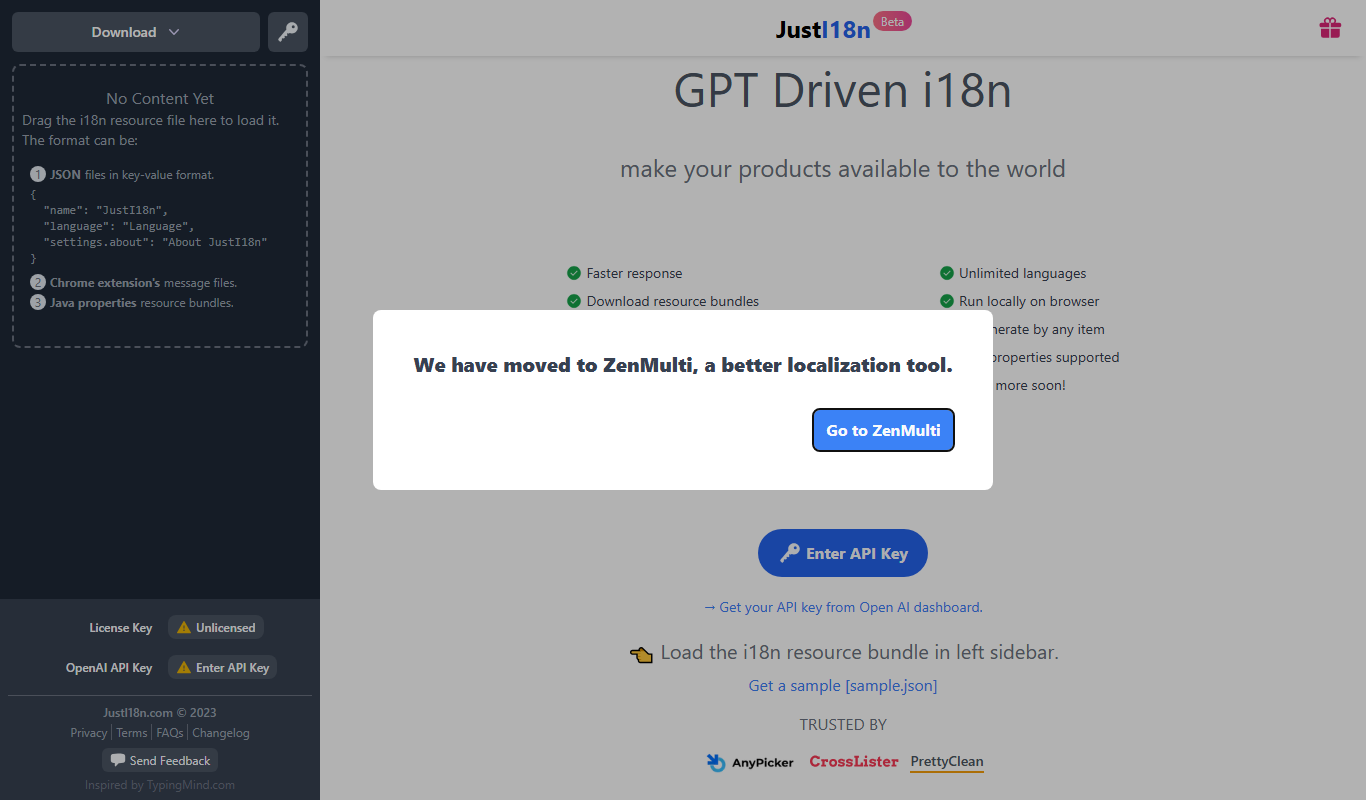
What is JustI18n?
JustI18n is a web-based internationalization management platform designed to simplify the process of localizing software applications. It provides developers and localization teams with tools to manage, collaborate, and automate translation workflows efficiently.
Key features of JustI18n
JustI18n offers a centralized dashboard for managing translation files, supports multiple file formats, facilitates team collaboration, and integrates with development workflows to automate localization tasks.
Multi-format Support
Supports JSON, YAML, PO, and other common translation file formats.
Collaboration Tools
Allows multiple users to work together on translation projects with role-based access.
Version Control
Tracks changes and maintains version history of translation files.
API Access
Provides API endpoints to integrate translation management into CI/CD pipelines.
User-friendly Interface
Clean and intuitive web interface for managing translations without complexity.
Pros and cons of JustI18n
Pros
- Simple and clean user interface
- Supports multiple translation file formats
- Facilitates team collaboration
- Offers API for automation
- Affordable pricing plans
Cons
- Limited language support beyond English interface
- No mobile app available
- Relatively new platform with smaller user base
Key use cases for JustI18n
Manage Software Translations
Centralize and organize translation files for software projects to streamline localization workflows.
Collaborate with Translators
Enable teams and translators to work together efficiently on internationalization projects.
Automate Localization Processes
Integrate with development pipelines to automate extraction, translation, and deployment of localized content.
Support Multiple File Formats
Handle various translation file formats such as JSON, YAML, and PO files to fit different project needs.
How JustI18n works
- 1
Create an Account
Sign up on the JustI18n platform to start managing your localization projects.
- 2
Upload Translation Files
Import your existing translation files in supported formats to the platform.
- 3
Organize and Edit Translations
Use the dashboard to review, edit, and manage translations across different languages.
- 4
Collaborate with Team
Invite translators and team members to contribute and review translations.
- 5
Integrate with Development
Connect JustI18n with your development environment to automate translation updates.
Who is using JustI18n
Software developers
Localization teams
Startups and small businesses
Open source project maintainers
Translation agencies
JustI18n pricing
Free
$0/month
Basic features with limited projects and collaborators.
Pro
$15/month
Advanced features including unlimited projects, collaborators, and API access.
Plans and prices are as published by the vendor and can change. Check the official site before you buy. Open the pricing page (opens in a new tab)
Frequently asked questions about JustI18n
JustI18n supports JSON, YAML, PO, and other common translation file formats.
Yes, JustI18n allows multiple users with role-based permissions to collaborate on projects.
Yes, JustI18n provides API access to integrate with your development and deployment workflows.
Yes, there is a free plan with basic features and limited usage.
It depends on your specific needs and how you plan to use the tool. The official website and documentation are the best sources for the latest details.
Yes, it can help with that use case depending on how you configure it and what features are available. You’ll get the best results with clear inputs and a defined goal.
Integration support depends on the tool and its available connectors or API. Check the official documentation or integrations page to confirm what is supported.
Some tools offer a free plan or trial with limited features. Availability can vary, so confirm on the official website.
Sign in to review this tool.
Sign In to ReviewNo reviews yet
Be the first to share how this tool worked for you.
Ask about pricing, limits, or how it compares — or answer someone else.
Sign In to AskNo questions yet
Have a question about using or paying for this tool? Be the first to ask.
Featured on TiorAI



Alternative Tools
Explore similar AI tools that might fit your needs

Free Trial
Phrase
Phrase is a cloud-based localization platform that helps teams manage and automate translations for software, websites, and marketing content with collaboration and API integration.

Free Trial
Lokalise
Lokalise is a cloud-based translation management platform designed to help software teams automate and streamline localization workflows through API integrations, mobile SDKs, and collaborative tools.

Free
Crowdin
Crowdin is a cloud-based platform that helps teams manage and automate the translation and localization of software, websites, and apps with collaboration, integrations, and quality assurance features.
More AI Translation Management Tools tools
Other tools in the same category, for when this one is not quite the fit.
Custom Pricing
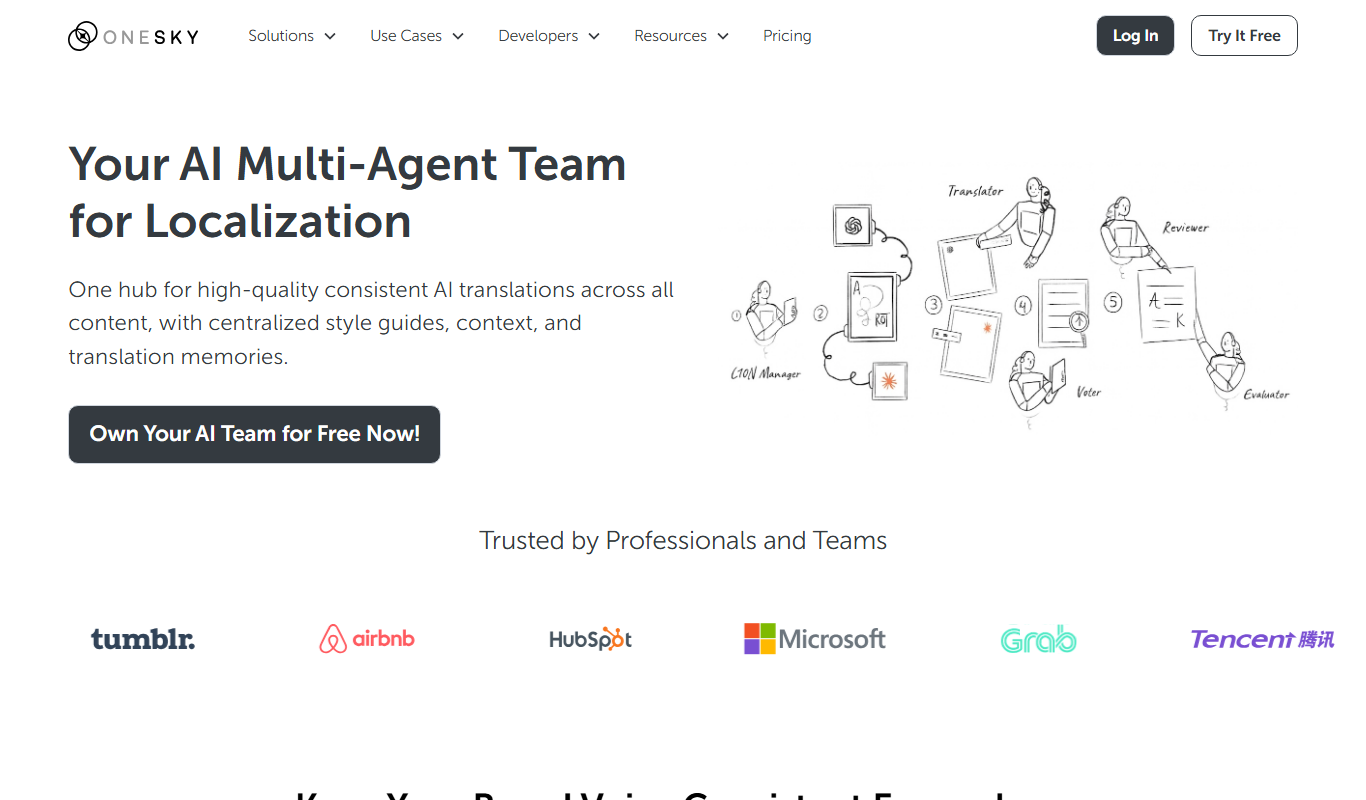
OneSky Localization Agent
OneSky Localization Agent is an AI-powered localization platform that streamlines translation workflows for software, websites, and marketing content by combining machine learning with human review.

Free Trial
Apployal: AI-Powered app localization
Apployal is an AI-powered platform that automates and manages mobile app localization, enabling developers to efficiently translate and maintain multilingual apps with collaboration and API support.
Free Trial
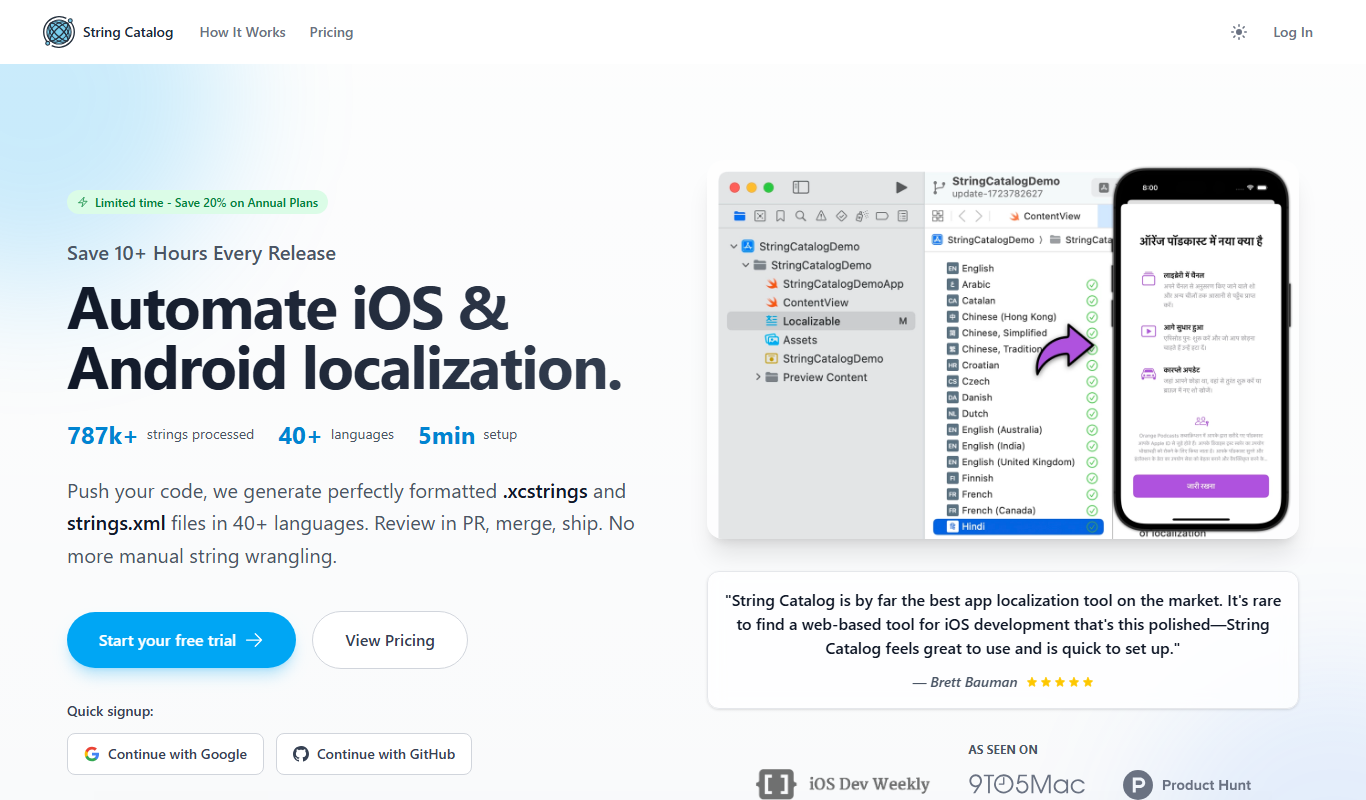
String Catalog
String Catalog is a web platform that centralizes software string management and streamlines localization workflows by enabling collaboration between developers and translators, automating translation processes, and ensuring quality control.

Free
I18n Studio
I18n Studio is a web platform that helps software teams manage localization projects collaboratively, supporting multiple file formats and integration with version control systems.