

Just Rewrite AI Content Rewriter Tool for Effective Text Paraphrasing
Just Rewrite is an AI-based content rewriting tool that helps users generate unique and natural paraphrased text to improve SEO and avoid plagiarism.
- Best for
- Content Paraphrasing
- Key capability
- AI-Powered Paraphrasing
Save Just Rewrite, follow its updates and vote on it — everything stays in your account.
Sign in or create a free account

What is Just Rewrite?
Just Rewrite is an AI-powered content rewriting tool designed to help users generate unique, human-readable versions of existing text. It leverages advanced natural language processing algorithms to paraphrase sentences while preserving the original meaning, making it useful for SEO, academic writing, and content creation.
Key features of Just Rewrite
The tool offers features such as multiple rewriting modes, plagiarism avoidance, easy-to-use interface, and fast processing to help users efficiently create fresh content from existing text.
AI-Powered Paraphrasing
Uses advanced AI to rewrite text naturally without losing context.
Multiple Rewriting Modes
Offers different levels of rewriting intensity to suit various content needs.
Plagiarism Avoidance
Helps create unique content that reduces the risk of duplicate content issues.
User-Friendly Interface
Simple and intuitive design for quick rewriting tasks.
Fast Processing
Generates rewritten content quickly to improve productivity.
Pros and cons of Just Rewrite
Pros
- Produces natural and readable rewritten content
- Offers multiple rewriting modes for flexibility
- Easy to use with a clean interface
- Helps reduce duplicate content risks
- Fast content generation
Cons
- The free plan is limited to 600 characters of rewriting per day.
- No desktop or mobile app versions
Key use cases for Just Rewrite
Content Paraphrasing
Rewriting existing text to create unique versions without changing the original meaning.
SEO Content Optimization
Generating SEO-friendly rewritten content to improve website rankings and avoid duplicate content penalties.
Academic Writing Assistance
Helping students and researchers rephrase content to avoid plagiarism while maintaining clarity.
Blog and Article Writing
Creating fresh versions of articles or blog posts quickly to maintain content flow.
Social Media Content Creation
Producing varied social media posts from existing content to engage different audiences.
How Just Rewrite works
- 1
Input Text
Users paste or upload the text they want to rewrite into the tool’s interface.
- 2
Select Rewriting Mode
Choose from different rewriting styles or levels of creativity depending on the use case.
- 3
Generate Rewritten Content
The AI processes the input and produces a paraphrased version that maintains the original meaning.
- 4
Review and Edit
Users can review the output, make manual edits if needed, and then export or copy the rewritten text.
Who is using Just Rewrite
Just Rewrite pricing
Free
$0 forever
600 characters of rewriting per day, grammar fixes, caption generator with 3 styles, Add Emojis option and 100+ languages.
Premium Monthly
$10/month
Unlimited AI rewriting, all tone styles, all 12 caption styles, all rewrite options, custom AI caption instructions, private mode and premium support; 14-day free trial.
Premium Yearly
$99/year
Everything in Monthly with one annual payment, priority support and a 14-day free trial; saves 17% compared to monthly.
Plans and prices are as published by the vendor and can change. Check the official site before you buy. Open the pricing page (opens in a new tab)
Frequently asked questions about Just Rewrite
Yes, it helps rephrase content to avoid plagiarism while maintaining clarity.
Absolutely, it generates unique content versions that help improve SEO rankings.
Just Rewrite supports 100+ languages; text is rewritten in the same language automatically, or the language selector can output a different language.
Yes. There is a free plan with 600 characters per day for registered accounts, and Premium plans start with a 14-day free trial with no credit card required.
It depends on your specific needs and how you plan to use the tool. The official website and documentation are the best sources for the latest details.
Some tools offer a free plan or trial with limited features. Availability can vary, so confirm on the official website.
Yes, it can help with that use case depending on how you configure it and what features are available. You’ll get the best results with clear inputs and a defined goal.
Yes, it can help with that use case depending on how you configure it and what features are available. You’ll get the best results with clear inputs and a defined goal.
Conclusion
The AI understands the meaning and context of a text, then rewrites it according to the selected options, from fixing grammar and a professional or casual tone to more content or a brief version. It supports more than a hundred languages, and a language selector can put the result in a different language from the input. Rewrites are generated through OpenAI, and the text is not used to train AI models.
A newer caption generator writes captions for Instagram, Facebook and TikTok from uploaded images, while a Chrome extension rewrites selected text on any website with a right-click. Guests can rewrite a small daily allowance without an account, a free account doubles it, and Premium removes the daily cap after a free trial.
Sources
Sign in to review this tool.
Sign In to ReviewNo reviews yet
Be the first to share how this tool worked for you.
Ask about pricing, limits, or how it compares — or answer someone else.
Sign In to AskNo questions yet
Have a question about using or paying for this tool? Be the first to ask.
Featured on TiorAI



More AI SEO Tools tools
Other tools in the same category, for when this one is not quite the fit.

SubmitPro
SubmitPro submits your startup to 200+ AI and startup directories with one-click submission and a 10-minute setup.

SEO GPT
SEO GPT is an AI tool that automates the creation of SEO-optimized content, including articles, meta titles, and descriptions, helping marketers improve search rankings efficiently.

ArticleForge
ArticleForge is an AI-driven platform that automatically creates unique, SEO-optimized articles based on user keywords, helping marketers and businesses automate content creation.

Article Idea Generator
Article Idea Generator is a free web tool that helps users generate multiple article or blog post ideas based on a keyword input, ideal for content creators and marketers seeking inspiration.

RewriteBar
RewriteBar is a macOS AI writing assistant that fixes grammar, rewrites and translates selected text in any app with AI-powered actions.

NeuralText
NeuralText is an AI-driven platform that assists marketers and SEO specialists in generating SEO-friendly content, performing keyword research, and creating content briefs to streamline content marketing workflows.
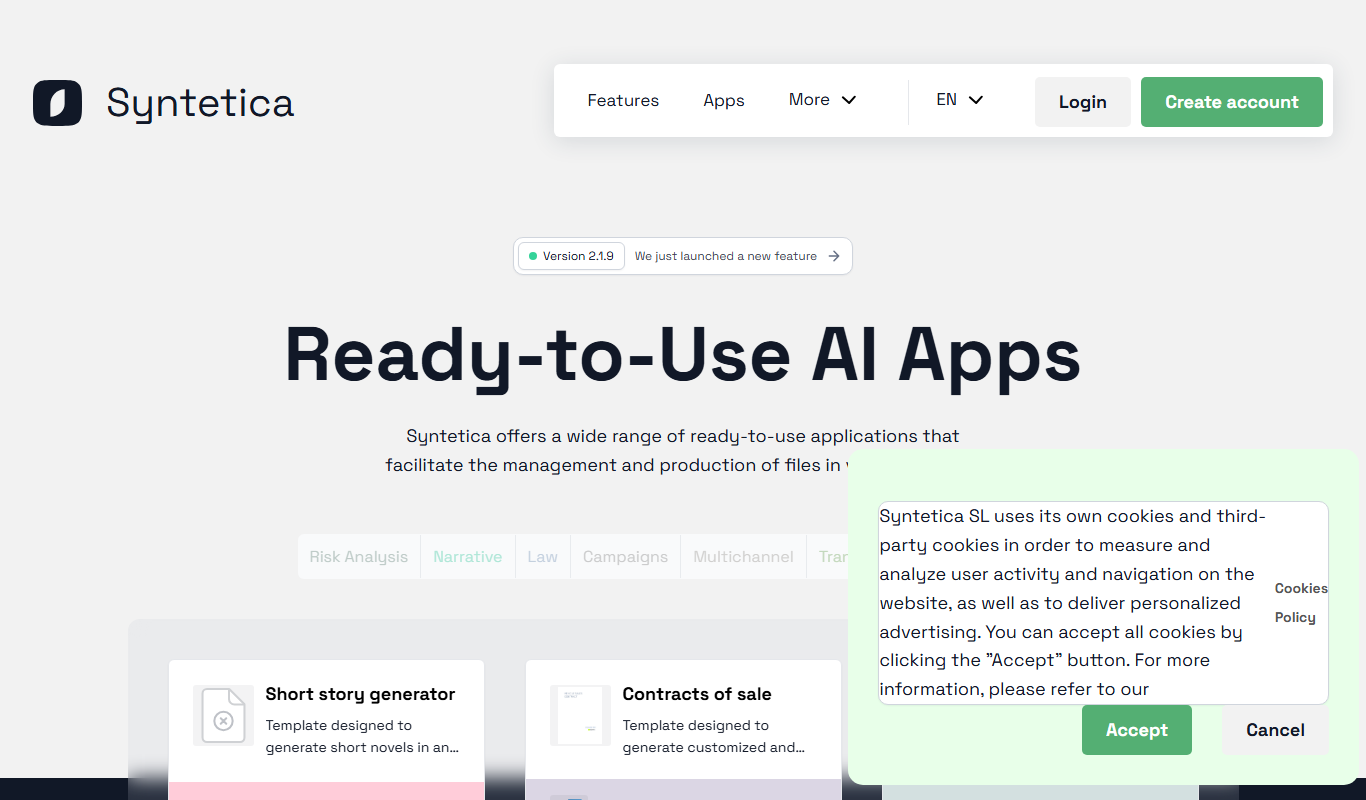
Syntetica.ai
Syntetica is a generative AI platform that generates complex documents, from contracts to social media content, through processes shared with a team.

BrameWork
Bramework gives a business an AI employee, a chatbot trained on its content that captures and qualifies leads, plus AI content creation, repurposing and analytics.