

RewriteBar AI Text Rewriter Tool for Content Paraphrasing and SEO
RewriteBar is a macOS AI writing assistant that fixes grammar, rewrites and translates selected text in any app with AI-powered actions.
- Best for
- Content Paraphrasing
- Key capability
- AI-Powered Paraphrasing
Save RewriteBar, follow its updates and vote on it — everything stays in your account.
Sign in or create a free account
What is RewriteBar?
RewriteBar is a macOS AI writing assistant. It lets you fix grammar, translate to 500+ languages and enhance your writing in any app with AI-powered actions, including custom actions, using cloud or local AI models.
Key features of RewriteBar
RewriteBar offers intuitive text rewriting capabilities, multiple rewriting modes, and supports various content types. It provides a user-friendly web interface where users can input text and receive paraphrased output instantly. The tool focuses on preserving meaning while enhancing uniqueness and readability.
AI-Powered Paraphrasing
Uses advanced AI algorithms to rewrite text while preserving original meaning.
Multiple Rewriting Modes
Offers different levels of rewriting intensity to suit various content needs.
Instant Results
Generates rewritten content quickly with minimal wait time.
Works in Any App
Works with almost any macOS application or website that supports text input, triggered by keyboard shortcuts.
Plagiarism Avoidance
Helps create unique content to reduce the risk of duplicate content penalties.
Pros and cons of RewriteBar
Pros
- Easy to use with no technical knowledge required
- Quickly generates unique paraphrased content
- Multiple rewriting modes for flexibility
- Free trial with 35,000 credits, no credit card required
Cons
- Limited features on free plan
- No mobile app available
Key use cases for RewriteBar
Content Paraphrasing
RewriteBar helps users rephrase existing text to create unique content while preserving the original meaning.
SEO Content Optimization
Users can generate SEO-friendly variations of their articles to improve search engine rankings and avoid duplicate content penalties.
Academic Writing Assistance
Students and researchers can use RewriteBar to reword sentences and paragraphs to avoid plagiarism and improve clarity.
Social Media Content Creation
Marketers can quickly generate fresh versions of posts to maintain engagement across platforms.
Blog Post Enhancement
Bloggers can rewrite sections of their posts to improve readability and flow.
How RewriteBar works
- 1
Input Text
Select text in any app and trigger RewriteBar with a keyboard shortcut; the main window loads your current selection.
- 2
Select Rewriting Mode
Choose from different rewriting options depending on the desired level of paraphrasing.
- 3
Generate Rewritten Content
Click the rewrite button to let the AI process and produce a paraphrased version.
- 4
Review and Edit
Users can review the output and make manual adjustments if needed before using the content.
Who is using RewriteBar
RewriteBar pricing
Trial
Free
1 active device, 35,000 credits (one-time), BYOK and third party providers; no credit card required.
Standard
$29 one-time
One-time license with cloud credits and API key support: 1 active device, 35,000 credits (one-time), unlimited app updates, third party, BYOK and local AI providers.
Pro
$59 one-time
One-time license with a 1 year RewriteBar Gateway subscription: 3 active devices, 3 million credits monthly, unlimited app updates, third party, BYOK and local AI providers.
RewriteBar Gateway
$40 per year
Use RewriteBar Gateway as your AI provider without your own API key: access 61 AI models, 3 million credits monthly, premium models included.
Plans and prices are as published by the vendor and can change. Check the official site before you buy. Open the pricing page (opens in a new tab)
Frequently asked questions about RewriteBar
RewriteBar has a free trial with 35,000 credits and no credit card required; after that you can buy a one-time license (Standard or Pro) or a RewriteBar Gateway subscription.
Yes, it rewrites text to create unique content that reduces the risk of plagiarism.
The translation action supports over 500 languages, although language support also depends on the selected model.
Yes. RewriteBar is a macOS app that you download and install; it works in almost any application or website that supports text input.
It depends on your specific needs and how you plan to use the tool. The official website and documentation are the best sources for the latest details.
Yes, it can help with that use case depending on how you configure it and what features are available. You’ll get the best results with clear inputs and a defined goal.
Conclusion
Selected text in any Mac app is the input: a keyboard shortcut opens RewriteBar with that selection, an action is chosen, and the rewritten version is pasted back in place of the original. Text can be translated inside the current app across more than 500 supported languages, and users can create their own actions from available presets. Local models through Ollama, LM Studio or Apple Intelligence keep processing on the machine for more privacy.
There is no Windows version, and none is planned. Licenses are paid once rather than monthly, but a one-time license needs the user’s own API accounts with AI providers, who are paid directly for usage. The optional RewriteBar Gateway lets users use it as their AI provider without their own API key. A free trial is available first.
Sources
Sign in to review this tool.
Sign In to ReviewNo reviews yet
Be the first to share how this tool worked for you.
Ask about pricing, limits, or how it compares — or answer someone else.
Sign In to AskNo questions yet
Have a question about using or paying for this tool? Be the first to ask.
Featured on TiorAI



More AI SEO Tools tools
Other tools in the same category, for when this one is not quite the fit.

NeuralText
NeuralText is an AI-driven platform that assists marketers and SEO specialists in generating SEO-friendly content, performing keyword research, and creating content briefs to streamline content marketing workflows.
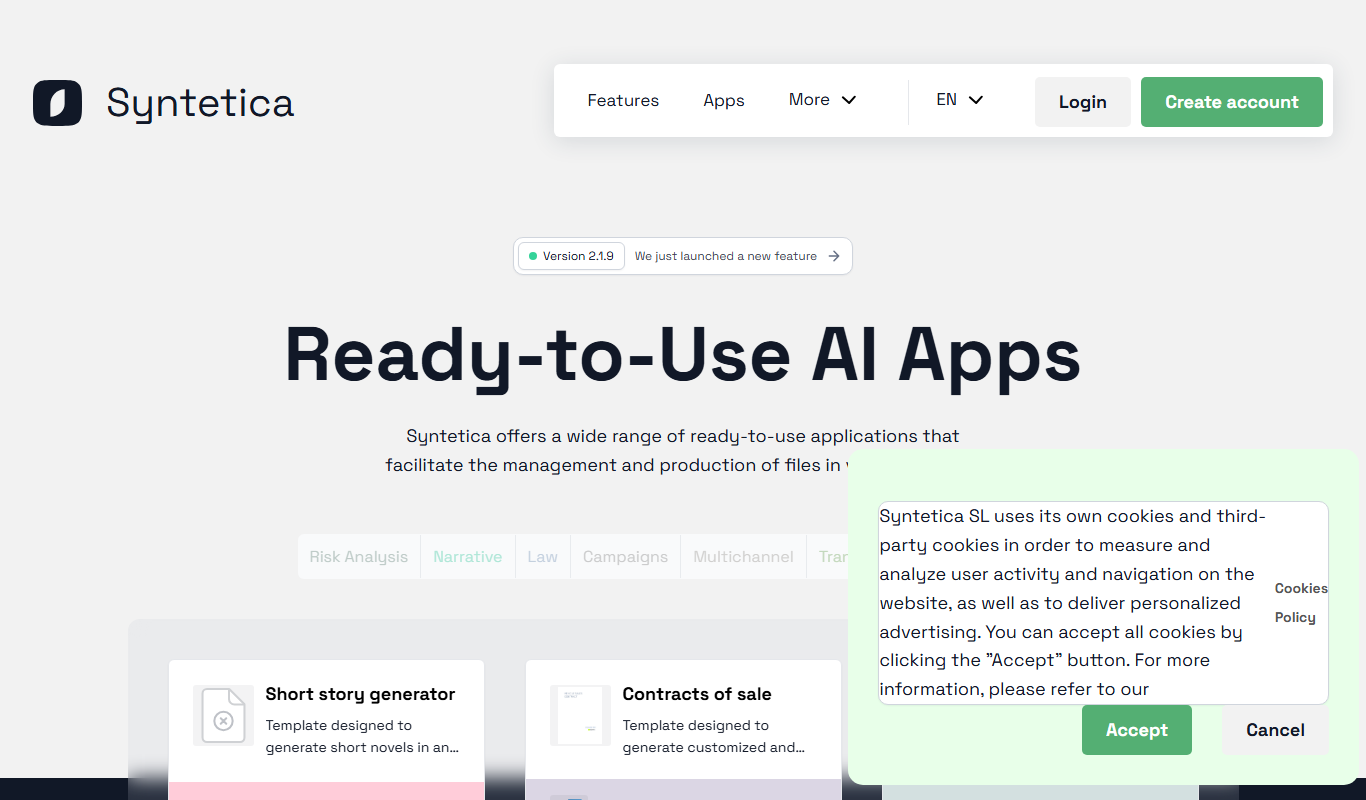
Syntetica.ai
Syntetica is a generative AI platform that generates complex documents, from contracts to social media content, through processes shared with a team.

BrameWork
Bramework gives a business an AI employee, a chatbot trained on its content that captures and qualifies leads, plus AI content creation, repurposing and analytics.
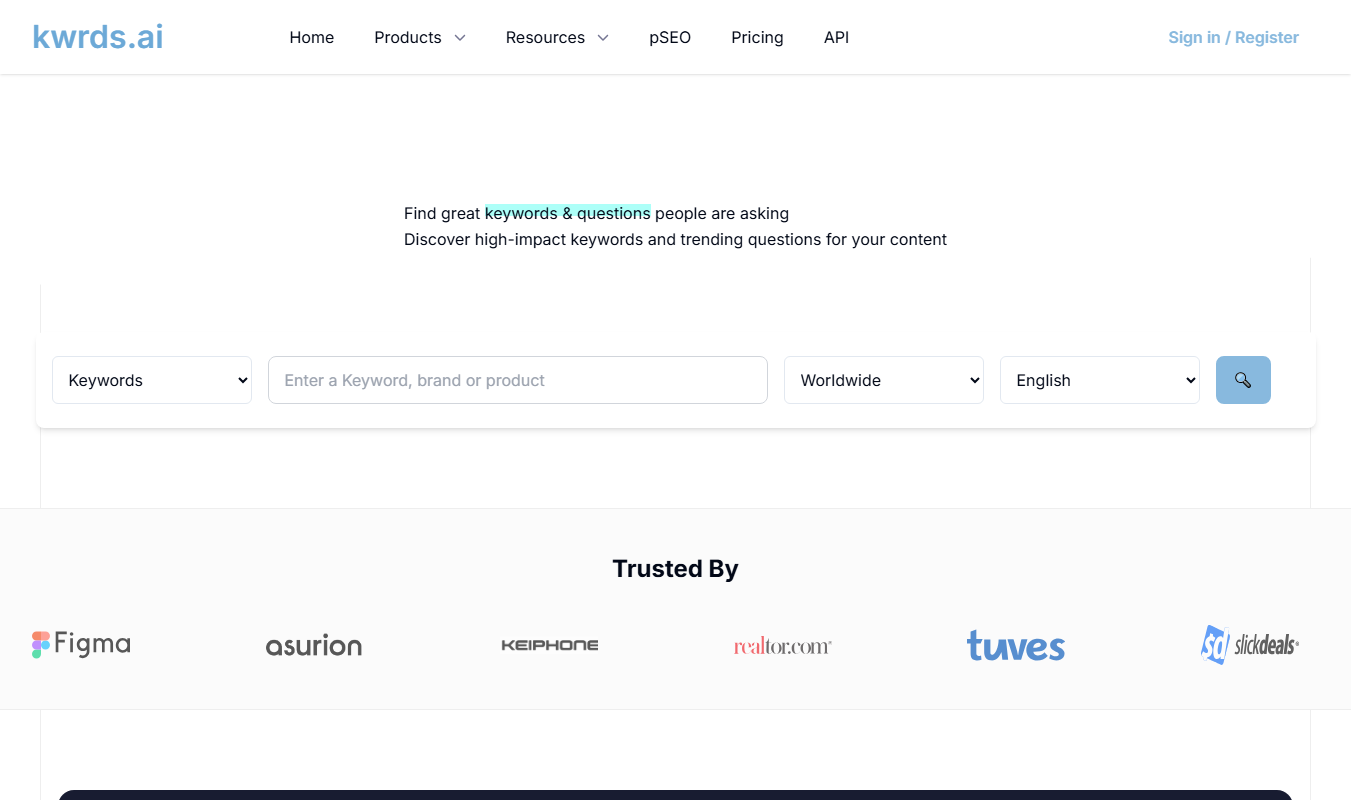
kwrds.ai
kwrds.ai is an AI-driven keyword research platform that helps marketers find valuable keywords and offers an affiliate program to earn commissions by promoting the tool.

CONTADU
CONTADU is a content intelligence platform for SEO that helps you plan, write and optimize content with user intent in mind.

SEOmatic AI
SEOmatic AI agents read Search Console data, decide what moves rankings and make the changes in your CMS, to rank on Google and AI search.

IDRanking – SEO Tools for free
IDRanking offers a free suite of SEO tools including keyword research, backlink analysis, website audits, and rank tracking accessible via a web platform without registration.

Spinrewriter
Spinrewriter is an AI-based article spinner that rewrites text to produce unique, readable content for SEO and marketing purposes.