

From my experience with June AI, I found it excels at simplifying daily task management by intelligently prioritizing and reminding users about important activities. The seamless calendar integration and meeting preparation features make it a practical assistant for busy professionals and students alike. However, the tool currently supports only English and some advanced features require a paid subscription, which might limit accessibility for some users. Overall, if you need a straightforward AI assistant to boost your productivity and keep your schedule organized, June AI offers a balanced mix of automation and ease of use.
June AI Personal Assistant for Smart Task Management and Productivity
June AI is an AI-driven personal assistant that helps users manage tasks, calendars, and goals by providing smart prioritization, reminders, and meeting summaries to boost productivity.
- Best for
- Task Management
- Key capability
- AI-Powered Task Prioritization


Do you recommend this tool?
What is June AI?
June AI is a smart personal assistant designed to enhance productivity by managing tasks, schedules, and goals through AI-powered automation and insights. It integrates seamlessly with your calendar and task lists to provide timely reminders, prioritize activities, and help you stay organized throughout your day.
Key features of June AI
June AI offers intelligent task management, calendar integration, smart reminders, meeting preparation tools, and goal tracking features to streamline your daily workflow and improve time management.
AI-Powered Task Prioritization
Automatically ranks tasks based on urgency and importance to optimize your workflow.
Calendar Integration
Syncs with popular calendar apps to manage appointments and deadlines efficiently.
Smart Reminders
Sends timely notifications to keep you on track without overwhelming you.
Meeting Summaries
Provides concise overviews and relevant details before meetings to enhance preparation.
Goal Setting and Tracking
Helps define objectives and monitors progress with actionable insights.
Pros and cons of June AI
Pros
- User-friendly interface with intuitive AI assistance
- Effective integration with multiple calendar platforms
- Smart reminders reduce missed deadlines
- Affordable pricing with a functional free tier
Cons
- Limited language support (English only)
- Advanced features require paid subscription
Key use cases for June AI
Task Management
Organize, prioritize, and track daily tasks efficiently with AI-powered suggestions.
Calendar Scheduling
Integrate with calendars to manage appointments and receive smart reminders.
Personal Productivity
Boost productivity by automating routine planning and providing actionable insights.
Meeting Preparation
Get summaries and relevant information ahead of meetings to stay prepared.
Goal Tracking
Set and monitor personal or professional goals with AI-driven progress updates.
How June AI works
- 1
Connect Your Accounts
Link your calendar and task management apps to June AI for seamless data synchronization.
- 2
Set Your Preferences
Customize notification settings, task priorities, and goal parameters.
- 3
Receive AI Suggestions
June AI analyzes your schedule and tasks to provide smart recommendations and reminders.
- 4
Track Progress
Monitor your task completion and goal achievements through intuitive dashboards.
Who is using June AI
Busy professionals
Freelancers and consultants
Small business owners
Students managing coursework
Anyone seeking to improve personal productivity
June AI pricing
Free
$0/month
Basic access with essential task and calendar management features.
Pro
$9.99/month
Advanced AI features, unlimited integrations, and priority support.
Plans and prices are as published by the vendor and can change. Check the official site before you buy. Open the pricing page (opens in a new tab)
Frequently asked questions about June AI
June AI is available on Web, iOS, and Android platforms.
Yes, June AI supports integration with popular calendar applications like Google Calendar and Outlook.
Yes, June AI offers a free plan with basic features suitable for individual users.
June AI uses AI algorithms to analyze deadlines, task importance, and your schedule to suggest optimal task priorities.
It depends on your specific needs and how you plan to use the tool. The official website and documentation are the best sources for the latest details.
Some tools offer a free plan or trial with limited features. Availability can vary, so confirm on the official website.
Integration support depends on the tool and its available connectors or API. Check the official documentation or integrations page to confirm what is supported.
Sign in to review this tool.
Sign In to ReviewNo reviews yet
Be the first to share how this tool worked for you.
Ask about pricing, limits, or how it compares — or answer someone else.
Sign In to AskNo questions yet
Have a question about using or paying for this tool? Be the first to ask.
Featured on TiorAI



Alternative Tools
Explore similar AI tools that might fit your needs

Free
Todoist
Todoist is a cross-platform task management app designed to help users organize tasks, set priorities, collaborate on projects, and track productivity efficiently.

Free
Any.do
Any.do is a task management and to-do list app that helps users organize tasks, set reminders, sync calendars, and collaborate with others across multiple platforms.
More AI Charting tools
Other tools in the same category, for when this one is not quite the fit.

Free
Anania AI
Anania AI is a web-based platform that allows users to query databases and spreadsheets using natural language, providing instant answers and visualizations without requiring SQL knowledge.

Free
Gorilla Terminal
Gorilla Terminal is a web platform providing real-time stock market data, customizable stock scanners, and integrated trading capabilities for active traders.

Freemium
DressPlay
DressPlay is an AI-driven virtual try-on platform that creates realistic 3D avatars and uses augmented reality to help users visualize clothing before purchase.

Subscription
TradeUI
TradeUI is a web-based platform that provides customizable stock scanning, real-time trading alerts, and a market dashboard to help investors identify trading opportunities and manage portfolios efficiently.

Custom Pricing
Bodh
Bodh is a web-based data annotation platform that supports multi-modal data labeling including images, videos, text, and audio to help teams create accurate datasets for machine learning models.

Free Trial
Analytics Model
Analytics Model is a web-based AI platform that automates data analysis and predictive modeling, enabling users to generate insights and visualizations without coding expertise.
Free
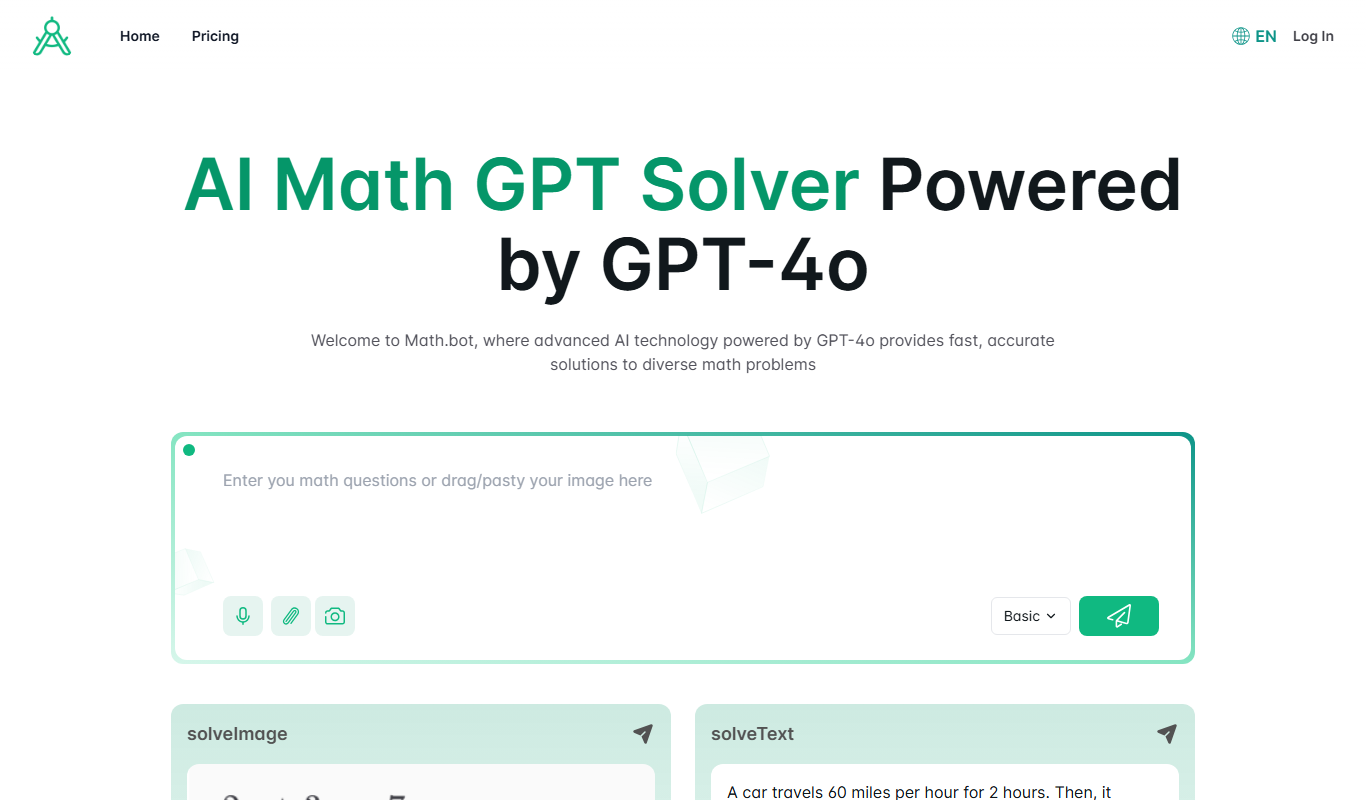
Math.bot: AI Math Solver by GPT-4o
Math.bot is an AI-powered math solver using GPT-4o that provides detailed step-by-step solutions to a wide range of math problems via a web interface.

Freemium
Mest
Mest is an AI writing assistant that helps users generate and edit content efficiently with grammar and style suggestions.