

JobBoardKit Review: Build Custom Job Boards with No-Code Platform
JobBoardKit is a no-code platform that allows users to create, customize, and monetize their own job boards without programming skills.
- Best for
- Create Custom Job Boards
- Key capability
- No-Code Job Board Builder
Save JobBoardKit, follow its updates and vote on it — everything stays in your account.
Sign in or create a free account
What is JobBoardKit?
JobBoardKit is a no-code platform that enables individuals, organizations, and businesses to create and manage their own custom job boards. It provides an easy-to-use interface to build branded job listing websites without any technical skills, allowing users to launch niche or industry-specific job boards quickly. The platform supports monetization features, job aggregation, and customization options to tailor the job board to the target audience.
Key features of JobBoardKit
JobBoardKit offers a drag-and-drop builder, customizable templates, payment integration for monetizing job posts, SEO optimization tools, and job aggregation capabilities. It simplifies the process of launching and managing job boards, making it accessible to non-technical users.
No-Code Job Board Builder
Build and customize job boards without any programming knowledge.
Payment Integration
Accept payments for job listings via integrated payment gateways.
Job Aggregation
Import and display job listings from multiple external sources.
SEO Optimization
Tools to improve search engine visibility of your job board.
Custom Branding
Add logos, colors, and custom domains to match your brand identity.
Pros and cons of JobBoardKit
Pros
- Easy no-code setup for non-technical users
- Supports monetization through payment gateways
- Customizable templates and branding options
- Job aggregation from multiple sources
- SEO tools to improve job board visibility
Cons
- Limited integrations with external HR tools
- Pricing may be high for small or new job boards
- No mobile app version available
Key use cases for JobBoardKit
Create Custom Job Boards
Build and launch fully branded job boards tailored to specific industries or communities without coding.
Monetize Job Listings
Generate revenue by charging employers for posting jobs or offering premium listing options.
Community Engagement
Provide a dedicated platform for niche communities or organizations to share relevant job opportunities.
Recruitment Marketing
Enhance employer branding and attract targeted candidates through a customized job board experience.
Job Aggregation
Aggregate job listings from multiple sources to provide a comprehensive job search experience.
How JobBoardKit works
- 1
Sign Up
Create an account on JobBoardKit’s website to access the platform.
- 2
Choose a Template
Select from customizable job board templates that fit your niche or branding.
- 3
Customize Your Job Board
Use the drag-and-drop editor to add logos, colors, and sections to personalize your site.
- 4
Set Up Monetization
Configure payment options to charge employers for job postings or premium features.
- 5
Publish and Promote
Launch your job board and share it with your community or target audience.
Who is using JobBoardKit
JobBoardKit pricing
Startup
GBP 149.99/month
Includes 100 job listings.
Basic
GBP 249.99/month
Includes 500 job listings.
Enterprise
Custom pricing
Tailored solutions for large organizations with dedicated support.
Plans and prices are as published by the vendor and can change. Check the official site before you buy. Open the pricing page (opens in a new tab)
Frequently asked questions about JobBoardKit
No, JobBoardKit is designed as a no-code platform so anyone can build a job board without programming.
Yes, the platform supports payment integration to charge employers for posting jobs.
Yes, a 14 day free trial is offered without a credit card.
Yes, you can connect a custom domain to your job board for branding purposes.
It depends on your specific needs and how you plan to use the tool. The official website and documentation are the best sources for the latest details.
Yes, it can help with that use case depending on how you configure it and what features are available. You’ll get the best results with clear inputs and a defined goal.
It depends on your specific needs and how you plan to use the tool. The official website and documentation are the best sources for the latest details.
Conclusion
Building a board starts from a customizable template, after which logos, colors and sections are added in a drag-and-drop editor. No programming knowledge is required, and a custom domain can be connected for branding. Employers can be charged for job postings or premium features through integrated payment gateways. Listings can also be imported from multiple external sources to aggregate jobs on one board.
Niche community managers, industry associations and entrepreneurs launching job boards are the groups it is designed around. Prices are set in GBP, with the Startup plan at GBP 149.99 per month for 100 listings and the Basic plan at GBP 249.99 per month for 500 listings. A 14 day free trial is available without a credit card.
Sources
Sign in to review this tool.
Sign In to ReviewNo reviews yet
Be the first to share how this tool worked for you.
Ask about pricing, limits, or how it compares — or answer someone else.
Sign In to AskNo questions yet
Have a question about using or paying for this tool? Be the first to ask.
Featured on TiorAI



Alternative Tools
Explore similar AI tools that might fit your needs
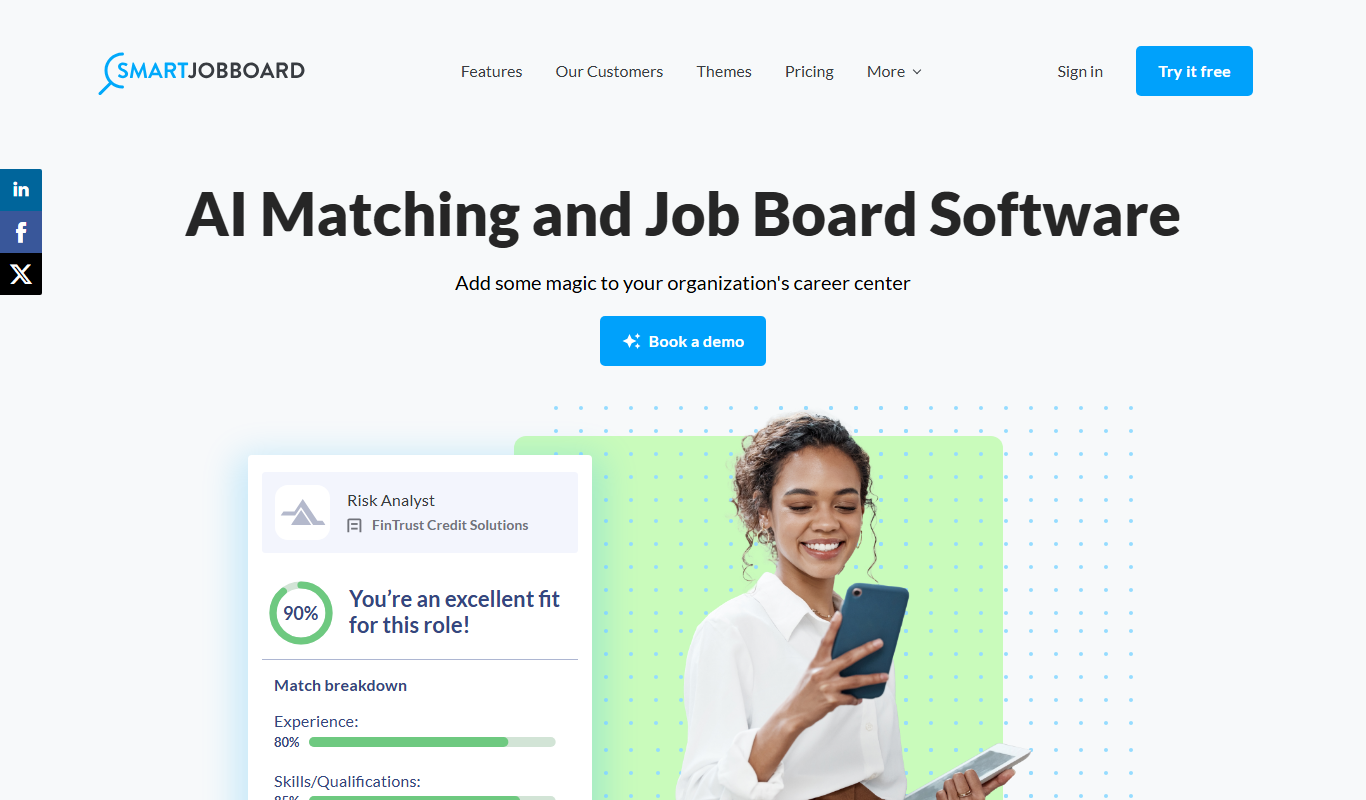
SmartJobBoard
SmartJobBoard is job board software for associations, nonprofits and government organizations that includes AI matching.

Workable
Workable is a recruiting software platform that offers applicant tracking, AI-powered candidate sourcing, job posting, and collaborative hiring tools to help businesses streamline their recruitment process.
More AI Recruiting tools
Other tools in the same category, for when this one is not quite the fit.

MyNavi
MyNavi is a Japanese career and recruitment platform offering job listings, career advice, and employer recruitment services primarily for the Japanese job market.

Jobvite
Jobvite is a recruiting software platform that streamlines talent acquisition through AI-powered applicant tracking, candidate sourcing, recruitment marketing, and onboarding automation.
简历本
简历本 is a Chinese online platform that helps users create professional resumes and cover letters using AI-powered templates and content suggestions.

My Next Move
My Next Move is a free career exploration and skills assessment tool that helps users find occupations matching their interests and skills using data from the O*NET database.
The Muse Coaching
The Muse Coaching is an online platform connecting users with professional career and life coaches for personalized guidance through one-on-one sessions.

InterviewStream
InterviewStream is a video interviewing software that enables organizations to conduct live and on-demand candidate interviews remotely, using AI analytics and collaborative tools to improve hiring efficiency.

MentorcliQ
MentorcliQ is a mentoring software platform that helps organizations create, manage, and scale mentoring programs to improve employee development, engagement, and retention.
CoachHub
CoachHub is a digital coaching platform that enables organizations to provide personalized, remote coaching to employees for leadership development and skill enhancement.