

From my experience with Jarggin, I found it excels at transforming dense, jargon-heavy text into clear and accessible language. The tool’s straightforward interface and real-time simplification make it a practical choice for professionals who want to improve communication without spending excessive time rewriting. However, its limitation to English and lack of a mobile app might restrict some users. Overall, if you need to make complex writing easier to understand quickly, Jarggin delivers reliable and user-friendly results.
Jarggin AI Text Simplifier for Clear and Easy Communication
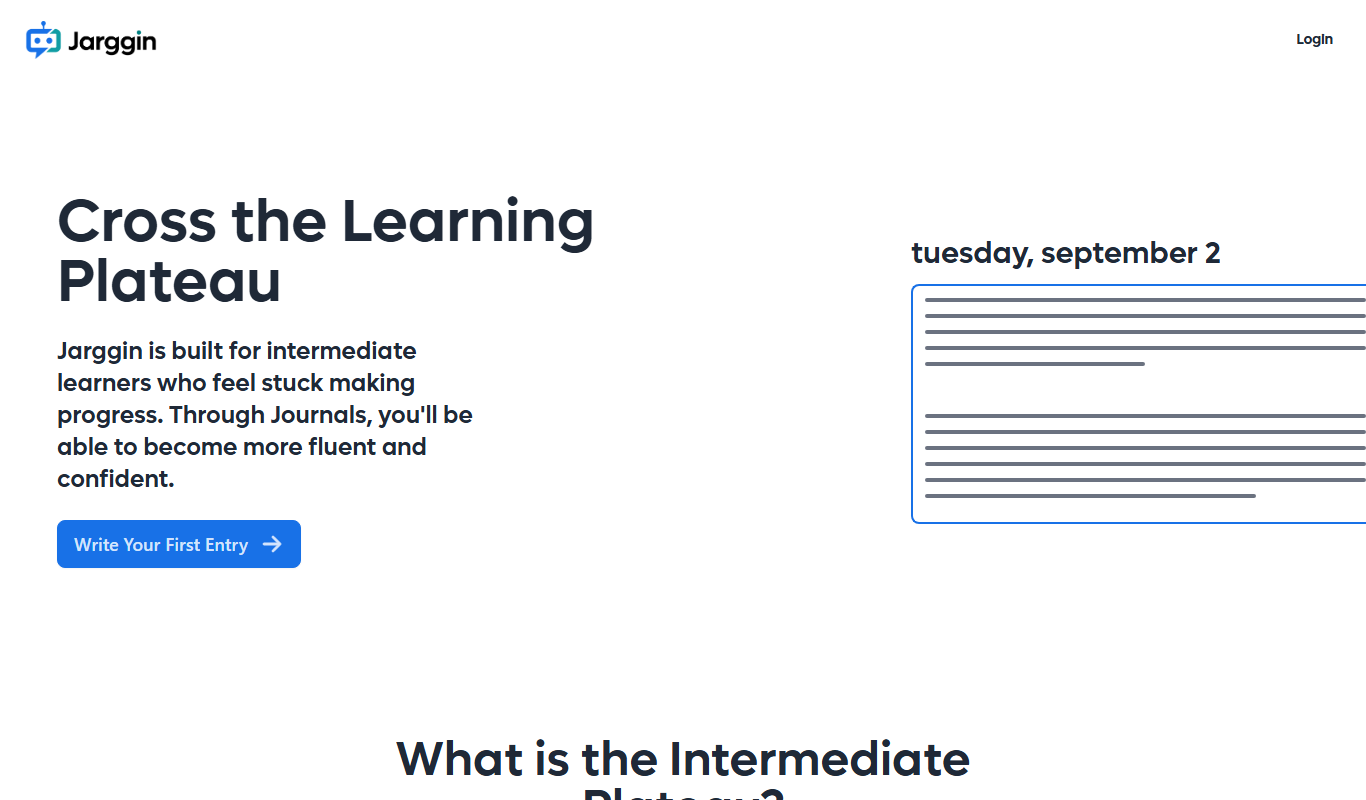
Jarggin is an AI tool that simplifies complex, jargon-filled text into clear, easy-to-understand language to improve communication.
- Best for
- Simplifying Complex Text
- Key capability
- Jargon Detection
Your actions

Do you recommend this tool?
What is Jarggin?
Jarggin is an AI-powered text simplification tool designed to convert complex, jargon-heavy writing into clear and straightforward language. It helps users communicate more effectively by breaking down complicated terms and phrases into easily understandable content, making information accessible to a wider audience.
Key features of Jarggin
Jarggin offers features such as jargon detection, automatic simplification of complex sentences, and suggestions for clearer alternatives. It is accessible via a web platform and supports quick, user-friendly text input and output.
Jargon Detection
Automatically identifies technical terms and complex phrases that may confuse readers.
Text Simplification
Transforms complicated sentences into clear, concise language.
User-Friendly Interface
Clean and intuitive web platform for easy text input and output.
Real-Time Processing
Provides instant simplification results for quick editing workflows.
Pros and cons of Jarggin
Pros
- Effectively removes jargon for clearer communication
- Simple and intuitive web interface
- Instant text simplification results
Cons
- Supports English language only
- Limited free plan usage
- No mobile app available
Key use cases for Jarggin
Simplifying Complex Text
Transforms complicated jargon-filled content into clear, easy-to-understand language suitable for a broad audience.
Improving Communication
Helps professionals communicate ideas more effectively by removing unnecessary technical terms and simplifying explanations.
Content Accessibility
Makes written content more accessible to non-experts, students, or readers with limited language proficiency.
Editing and Proofreading
Assists writers and editors in refining text to ensure clarity and reduce ambiguity.
How Jarggin works
- 1
Input Text
Users paste or type their complex text into the Jarggin interface.
- 2
AI Processing
The AI analyzes the text to identify jargon and complex phrasing.
- 3
Simplification Output
Jarggin generates a simplified version of the text, replacing jargon with plain language.
- 4
Review and Edit
Users can review the simplified text and make any additional edits if needed.
Who is using Jarggin
Content writers and editors
Marketing professionals
Educators and students
Technical communicators
Small business owners
Jarggin pricing
Free
$0/month
Basic access with limited daily simplifications.
Pro
$9/month
Unlimited text simplifications and priority support.
Plans and prices are as published by the vendor and can change. Check the official site before you buy. Open the pricing page (opens in a new tab)
Frequently asked questions about Jarggin
Jarggin works best with professional, technical, or academic writing that contains jargon or complex language.
Currently, Jarggin supports English language text only.
Yes, there is a free plan with limited daily usage.
It depends on your specific needs and how you plan to use the tool. The official website and documentation are the best sources for the latest details.
Some tools offer a free plan or trial with limited features. Availability can vary, so confirm on the official website.
Yes, it can help with that use case depending on how you configure it and what features are available. You’ll get the best results with clear inputs and a defined goal.
Sign in to review this tool.
Sign In to ReviewNo reviews yet
Be the first to share how this tool worked for you.
Ask about pricing, limits, or how it compares — or answer someone else.
Sign In to AskNo questions yet
Have a question about using or paying for this tool? Be the first to ask.
Featured on TiorAI



More AI Large Language Models Tools tools
Other tools in the same category, for when this one is not quite the fit.

Free
LLM Playground
LLM Playground is a free, web-based tool that lets users interactively test and compare outputs from multiple large language models such as OpenAI GPT and Hugging Face models without coding.

Free
Online Llama 3.1 405B Chat
Online Llama 3.1 405B Chat is a free web-based chatbot powered by a 405 billion parameter LLaMA 3.1 language model, enabling advanced conversational AI interactions.

Contact Sales
Featherless LLM
Featherless LLM is a platform that enables businesses to fine-tune, deploy, and manage custom large language models via scalable infrastructure and API access.
Contact for pricing
LLMWare
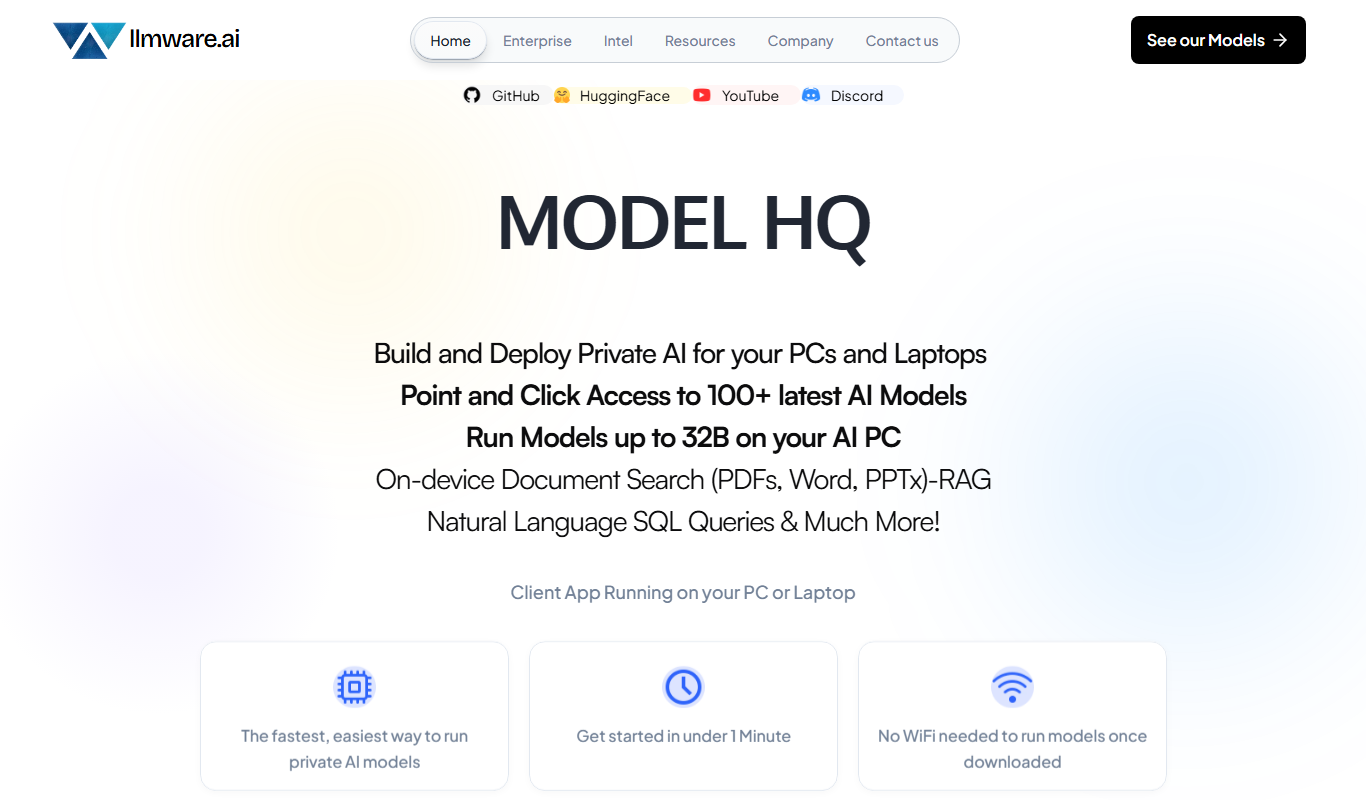
LLMWare is an AI platform that enables enterprises to deploy, manage, and scale large language models securely with flexible infrastructure and integration options.

Free
LLMArena
LLMArena is a free web platform that benchmarks and compares large language models on various tasks to help researchers and developers evaluate AI capabilities.

Free
Rival
Rival is a web platform offering real-time esports statistics, analytics, and betting tips to support informed decisions in esports betting and competitive gaming.
Free Trial
Cortex Click
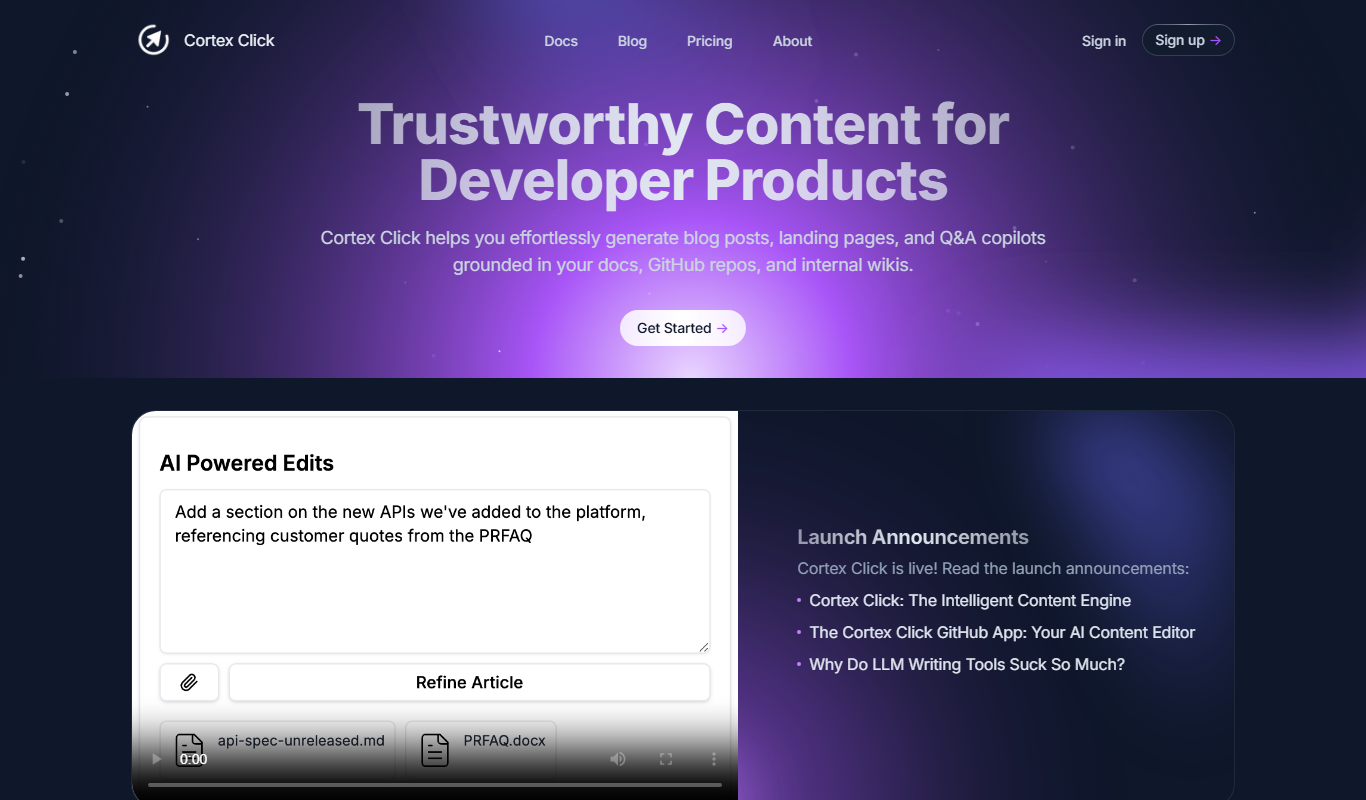
Cortex Click is an AI-driven content optimization tool that helps marketers improve SEO by analyzing content and providing keyword and structural recommendations.

Freemium
Lensgo
Lensgo is an AI-driven video creation tool that automates script writing, voiceover generation, and video editing to help marketers and content creators produce videos efficiently.