

From my experience with Insight AI, I found it excels at automating the tedious parts of code review by quickly identifying bugs and suggesting improvements. Spending time with the platform, it’s clear that Insight AI is particularly well-suited for developers and teams looking to boost code quality without slowing down their workflow. However, the tool currently supports a limited set of programming languages, which may restrict some users. Overall, if you want an AI assistant to help catch issues early and improve your codebase, Insight AI delivers practical, actionable insights.
Insight AI Developer Tool for Code Analysis and Intelligent Suggestions
Insight AI is an AI-driven developer tool that analyzes codebases to detect bugs and vulnerabilities while providing intelligent suggestions to improve code quality and developer productivity.
- Best for
- Code Analysis
- Key capability
- Automated Bug Detection
Your actions
Save Insight, follow its updates and vote on it — everything stays in your account.
Sign in or create a free account

What is Insight?
Insight AI is an AI-powered developer tool designed to analyze codebases and provide intelligent suggestions to improve code quality and developer productivity. It leverages machine learning to detect potential issues, recommend improvements, and assist in code reviews, helping developers write better code faster.
Key features of Insight
Insight AI offers automated code analysis, AI-driven code suggestions, integration with developer workflows, and support for multiple programming languages to streamline the development process and reduce errors.
Automated Bug Detection
Identify bugs and potential errors early in the development cycle.
AI-Powered Code Suggestions
Receive intelligent recommendations to optimize and refactor code.
Security Vulnerability Alerts
Detect security risks and vulnerabilities within your codebase.
Seamless Integration
Works with popular version control systems and development environments.
Pros and cons of Insight
Pros
- Automates code quality checks to save developer time
- Provides actionable AI-driven suggestions
- Supports integration with common developer tools
Cons
- Limited language support currently
- Advanced features require paid subscription
Key use cases for Insight
Code Analysis
Automatically analyze codebases to detect bugs, vulnerabilities, and code smells.
Intelligent Code Suggestions
Provide AI-powered suggestions to improve code quality and efficiency.
Code Review Assistance
Assist developers and teams in reviewing code with AI-driven insights.
Developer Productivity
Enhance developer workflow by integrating AI insights directly into the coding process.
How Insight works
- 1
Connect Your Codebase
Integrate Insight AI with your repository or upload your code for analysis.
- 2
Automated Code Scanning
Insight AI scans your codebase to identify bugs, vulnerabilities, and improvement areas.
- 3
Receive AI Suggestions
Get actionable recommendations and code snippets to enhance your code.
- 4
Integrate Feedback
Apply the suggestions and improve your code quality and maintainability.
Who is using Insight
Software developers
Development teams
Tech startups
Quality assurance engineers
DevOps professionals
Insight pricing
Free
$0/month
Basic code analysis with limited features and usage.
Pro
$29/month
Full access to all features, higher usage limits, and priority support.
Plans and prices are as published by the vendor and can change. Check the official site before you buy. Open the pricing page (opens in a new tab)
Frequently asked questions about Insight
Insight AI currently supports major languages including JavaScript, Python, and others, with plans to expand.
Yes, Insight AI offers integrations with popular version control systems and IDEs.
Yes, Insight AI follows strict security protocols to ensure your code privacy and safety.
This tool is designed to help users accomplish its core tasks more efficiently. It is typically used by individuals or teams looking to improve productivity and workflow.
It depends on your specific needs and how you plan to use the tool. The official website and documentation are the best sources for the latest details.
Some tools offer a free plan or trial with limited features. Availability can vary, so confirm on the official website.
Sign in to review this tool.
Sign In to ReviewNo reviews yet
Be the first to share how this tool worked for you.
Ask about pricing, limits, or how it compares — or answer someone else.
Sign In to AskNo questions yet
Have a question about using or paying for this tool? Be the first to ask.
Featured on TiorAI



Alternative Tools
Explore similar AI tools that might fit your needs

Free
Snyk
Snyk is a security platform designed for developers to find, fix, and monitor vulnerabilities in open source dependencies, container images, and infrastructure as code, integrating directly into developer workflows and CI/CD pipelines.

Free
Codacy
Codacy is an automated code review platform that helps developers maintain code quality and security by performing static analysis and integrating with CI/CD pipelines.
More AI Healthcare & Wellness Tools tools
Other tools in the same category, for when this one is not quite the fit.

Enterprise
Skinive AI
Skinive AI is a CE-certified artificial intelligence platform that analyzes skin images to detect and assess various dermatological conditions, supporting telemedicine and clinical workflows.
Enterprise
Livongo
Livongo is a digital health platform that uses connected devices and AI-driven coaching to help individuals manage chronic conditions such as diabetes and hypertension effectively.

Custom Pricing
artivatic.ai
Artivatic.ai is an AI platform specializing in automating insurance and healthcare processes like underwriting and fraud detection through machine learning.

Free
Miiskin
Miiskin is a mobile app that helps users monitor their skin for changes, especially moles, to aid early detection of skin cancer by tracking photos over time.
Free
AstroChart.ai
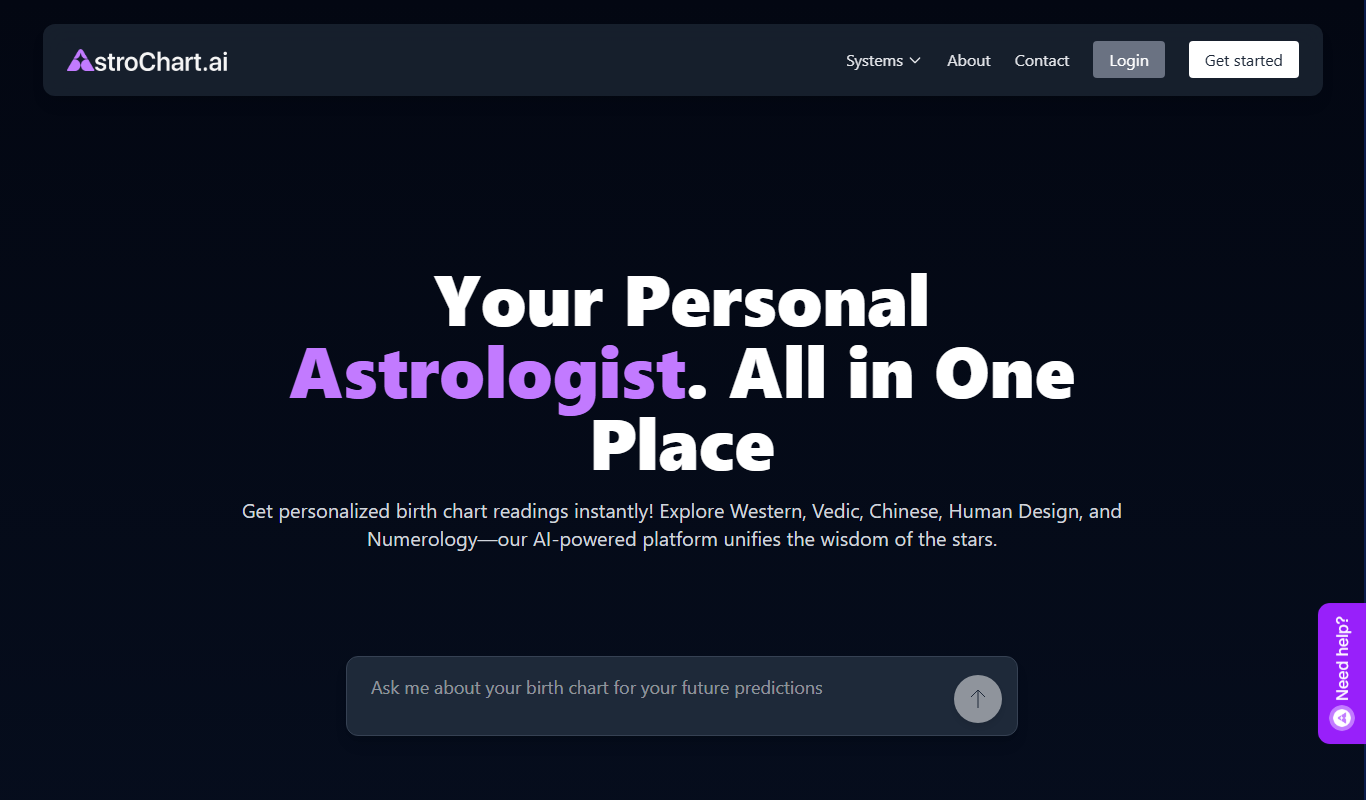
AstroChart.ai is an AI-driven platform that creates personalized astrology birth charts and detailed interpretations based on your birth data, helping users understand their astrological profile easily online.

Free
Dream Advisor
Dream Advisor is an app that helps users record and interpret their dreams using personalized insights to promote mental wellness and self-awareness.

Free
Mind Tracker
Mind Tracker is an app on the App Store and Google Play.

Free
Alya
Alya is an AI therapist app. The site lists 22 languages and more than 100 AI models, with downloads on the App Store and Google Play.