

From my experience with impel.io, I found it excels at simplifying complex automation tasks through its intuitive low-code interface. Spending time on the platform revealed it is particularly well-suited for business users and IT teams looking to integrate multiple systems without heavy coding. However, the lack of a permanent free tier and limited public pricing details may require organizations to engage directly for cost clarity. Overall, if you need to automate workflows and integrate APIs efficiently with minimal coding, impel.io offers a solid and flexible solution.
impel.io Low-Code Automation Platform for Workflow and Integration
impel.io is a low-code platform that allows users to automate workflows and integrate APIs through a visual interface without extensive coding.
- Best for
- Business Process Automation
- Key capability
- Visual Low-Code Workflow Builder
Your actions
Save impel.io, follow its updates and vote on it — everything stays in your account.
Sign in or create a free account

What is impel.io?
impel.io is a low-code automation platform designed to help businesses automate workflows, integrate APIs, and orchestrate complex processes without extensive programming knowledge. It provides a visual interface for building automation flows, enabling users to connect disparate systems, transform data, and trigger actions based on events.
Key features of impel.io
impel.io offers a drag-and-drop workflow builder, API connectors, event-driven triggers, data transformation tools, and monitoring dashboards to create and manage automation processes efficiently.
Visual Low-Code Workflow Builder
Drag-and-drop interface to create automation workflows without coding.
API Integration
Connect to various APIs and services easily to automate data exchange.
Event-Driven Automation
Trigger workflows based on events or conditions for real-time automation.
Data Transformation
Manipulate and transform data between different formats within workflows.
Monitoring and Analytics
Track workflow execution and performance with built-in dashboards.
Pros and cons of impel.io
Pros
- User-friendly visual workflow builder
- Supports complex event-driven automation
- Flexible API integration capabilities
- Real-time monitoring and analytics
- Suitable for both technical and non-technical users
Cons
- No permanent free tier beyond trial
- Pricing details require direct contact
- Limited information on tech stack publicly
Key use cases for impel.io
Business Process Automation
Automate repetitive business workflows to increase efficiency and reduce manual errors.
API Integration
Connect and integrate multiple APIs and services without coding to streamline data flow.
Low-Code Application Development
Build custom automation solutions and applications using visual low-code tools.
Workflow Orchestration
Design and manage complex workflows with conditional logic and event triggers.
Data Transformation and Routing
Transform, route, and process data between systems in real-time.
How impel.io works
- 1
Create an Account
Sign up on the impel.io platform to access the automation tools.
- 2
Design Workflow
Use the visual low-code editor to build workflows by dragging and connecting components.
- 3
Connect APIs and Services
Integrate external APIs or internal systems using pre-built connectors or custom configurations.
- 4
Configure Triggers and Actions
Set event triggers and define actions to automate business processes.
- 5
Test and Deploy
Run tests to validate workflows and deploy them for live automation.
- 6
Monitor and Optimize
Use dashboards and logs to monitor workflow performance and make improvements.
Who is using impel.io
Small and medium businesses
IT and operations teams
Business analysts
Process automation specialists
Integration developers
impel.io pricing
Free Trial
$0 for 14 days
Full access to platform features for evaluation purposes.
Professional
Contact for pricing
Subscription plan with advanced features and support for business use.
Plans and prices are as published by the vendor and can change. Check the official site before you buy. Open the pricing page (opens in a new tab)
Frequently asked questions about impel.io
Yes, impel.io is designed as a low-code platform, enabling users without coding skills to build automation workflows.
Yes, impel.io supports integration with custom APIs through configurable connectors.
impel.io offers a free trial for 14 days but does not have a permanent free tier.
Support options include documentation, community forums, and direct support for paid plans.
This tool is designed to help users accomplish its core tasks more efficiently. It is typically used by individuals or teams looking to improve productivity and workflow.
It depends on your specific needs and how you plan to use the tool. The official website and documentation are the best sources for the latest details.
Integration support depends on the tool and its available connectors or API. Check the official documentation or integrations page to confirm what is supported.
Sign in to review this tool.
Sign In to ReviewNo reviews yet
Be the first to share how this tool worked for you.
Ask about pricing, limits, or how it compares — or answer someone else.
Sign In to AskNo questions yet
Have a question about using or paying for this tool? Be the first to ask.
Featured on TiorAI



More AI Automation & Workflow Tools tools
Other tools in the same category, for when this one is not quite the fit.
Free Trial
textit.com
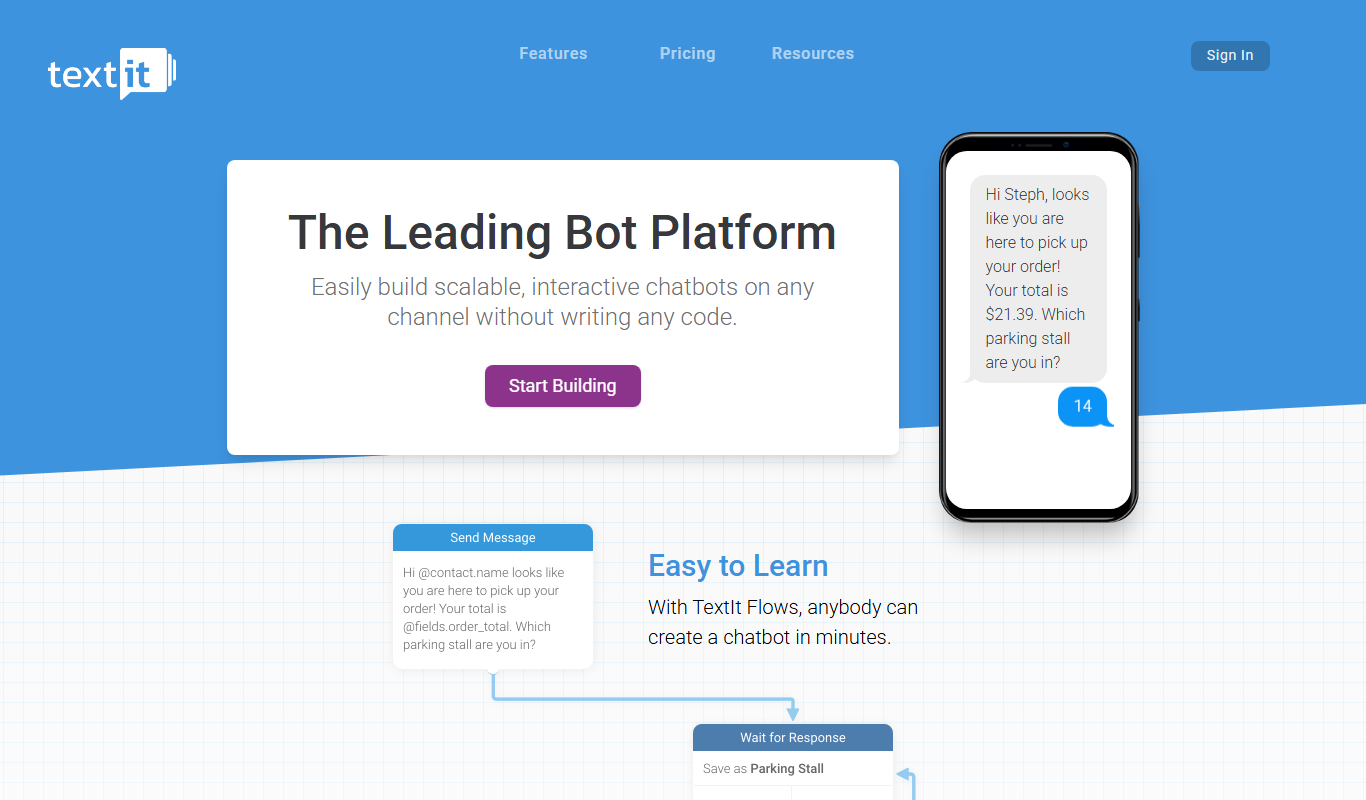
TextIt is a no-code SMS automation platform that enables organizations to create interactive messaging workflows, automate customer engagement, and collect data via SMS and messaging apps.

Free Trial
InvoiceDataExtraction.com
InvoiceDataExtraction.com is an AI tool that extracts invoice data to Excel from a plain-words prompt, with 50 free pages a month and no subscription.

Free Trial
Agree.com
Agree.com is a contract-to-cash platform with free e-signatures, automated invoicing, integrated payments and AI agents that automate revenue from signature to collection.

Free Trial
instabot.io
Instabot.io is an AI chatbot platform that helps businesses automate customer support, engage website visitors, and generate leads through conversational AI without coding.

Free
Blokay
Blokay is an AI builder that turns a prompt into production-ready web components to create dashboards and backoffices.
Free Trial
BotStacks
BotStacks is a no-code AI chatbot builder that creates a chatbot trained on every page of your website to answer customers 24/7.

Free
SheetAI.app
SheetAI runs bulk text AI and Replicate image, video and music generation inside Google Sheets.

Subscription
Brandblast
Brandblast automates social media content creation for HighLevel agencies, generating branded carousels, reels and posts for their clients in minutes.