

From my experience with Imaiger, I found it excels at quickly turning simple text prompts into visually appealing images without requiring any graphic design skills. The platform’s straightforward web interface makes it accessible for content creators and marketers who need custom visuals on the fly. However, the tool offers limited control beyond the initial prompt, which might restrict users looking for highly detailed customization. Overall, if you want an easy and fast way to generate creative images for digital content, Imaiger provides a solid and user-friendly solution.
Imaiger AI Image Generator for Creative Visual Content and Design
Imaiger is an AI-powered web tool that generates images from text descriptions, helping users create custom visuals quickly and easily.
- Best for
- Creative Visual Content
- Key capability
- Text-to-Image Generation


Do you recommend this tool?
What is Imaiger?
Imaiger is a web-based AI image generation tool that transforms text prompts into unique, high-quality images. It leverages artificial intelligence to help users create visual content quickly and easily without requiring advanced design skills. The platform is designed for creatives, marketers, and anyone needing custom images for various digital projects.
Key features of Imaiger
Imaiger offers intuitive text-to-image generation, allowing users to input descriptive prompts and receive AI-generated images. It supports multiple styles and customization options to tailor outputs. The platform provides a user-friendly interface accessible via web browsers, making image creation straightforward and efficient.
Text-to-Image Generation
Convert textual descriptions into unique images using advanced AI algorithms.
Multiple Style Options
Choose from various artistic styles to customize the look and feel of generated images.
User-Friendly Interface
Simple and clean web interface that requires no prior design experience.
Fast Image Rendering
Quick generation of images to streamline creative workflows.
Pros and cons of Imaiger
Pros
- Easy to use with no design experience required
- Fast image generation speeds
- Offers multiple artistic styles
- Free tier available for casual users
Cons
- Limited customization beyond text prompts
- No mobile app currently available
Key use cases for Imaiger
Creative Visual Content
Generate unique images for social media posts, blogs, and marketing materials using AI-powered image synthesis.
Graphic Design Assistance
Assist designers by providing AI-generated images that can be used as inspiration or incorporated into projects.
Concept Art and Illustration
Create concept art and illustrations quickly by describing ideas in text and letting the AI generate visuals.
Advertising and Branding
Produce custom visuals tailored to brand identity for advertising campaigns without needing extensive graphic design skills.
How Imaiger works
- 1
Enter Text Prompt
Users type a detailed description of the desired image into the prompt box.
- 2
AI Processes Request
The AI model interprets the prompt and generates an image based on the description.
- 3
Review and Download
Users review the generated images and download the ones they want to use.
Who is using Imaiger
Content creators
Social media marketers
Graphic designers
Small business owners
Digital artists
Imaiger pricing
Free
$0/month
Access to basic features with limited image generations per day.
Pro
$15/month
Increased generation limits, access to premium styles, and faster processing.
Plans and prices are as published by the vendor and can change. Check the official site before you buy. Open the pricing page (opens in a new tab)
Frequently asked questions about Imaiger
Yes, images generated with Imaiger can be used for commercial purposes according to the platform’s terms of service.
No, Imaiger is designed for users of all skill levels with an easy-to-use interface.
Images can be downloaded in common formats such as PNG and JPEG.
It depends on your specific needs and how you plan to use the tool. The official website and documentation are the best sources for the latest details.
Some tools offer a free plan or trial with limited features. Availability can vary, so confirm on the official website.
Sign in to review this tool.
Sign In to ReviewNo reviews yet
Be the first to share how this tool worked for you.
Ask about pricing, limits, or how it compares — or answer someone else.
Sign In to AskNo questions yet
Have a question about using or paying for this tool? Be the first to ask.
Featured on TiorAI



More AI Design & Creative Tools tools
Other tools in the same category, for when this one is not quite the fit.
Free
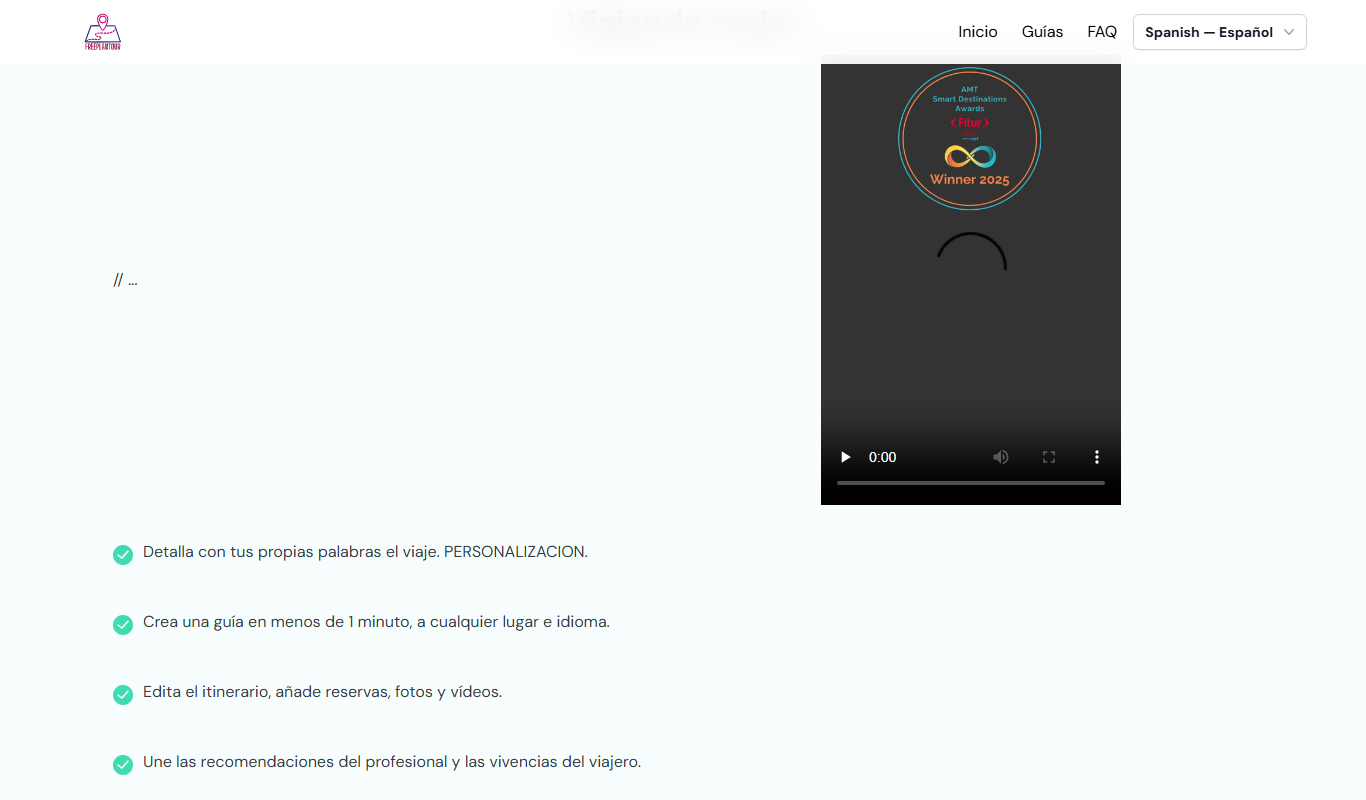
FreePlanTour
FreePlanTour is a free, browser-based floor plan design tool that allows users to create and save detailed home and office layouts without any software installation.

Freemium
Morphlin
Morphlin is an AI-powered art generation tool that enables users to create unique digital images through image morphing and style transfer techniques on a user-friendly web platform.
Free
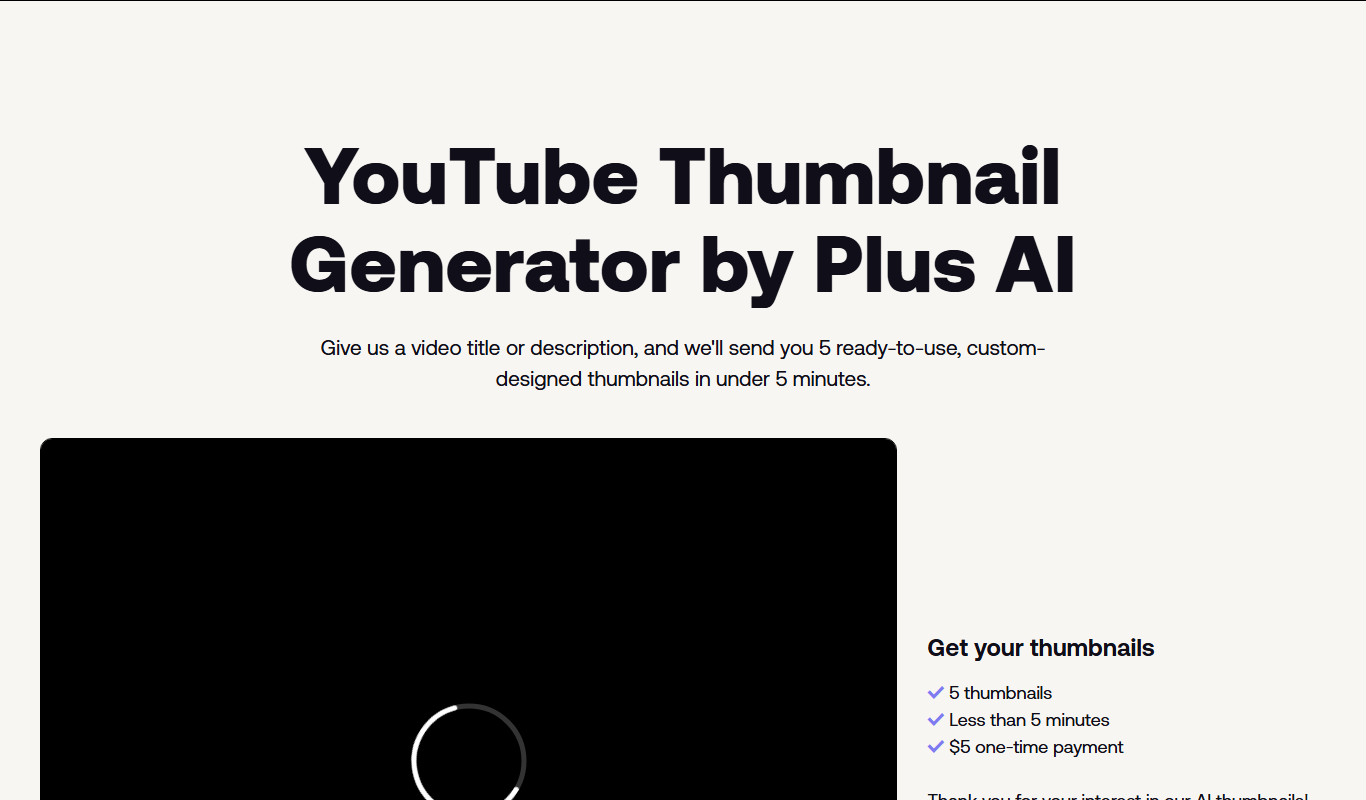
AI YouTube Thumbnails
AI YouTube Thumbnails is an AI-driven web tool that helps YouTube creators generate custom, optimized thumbnails quickly without design skills.
Freemium
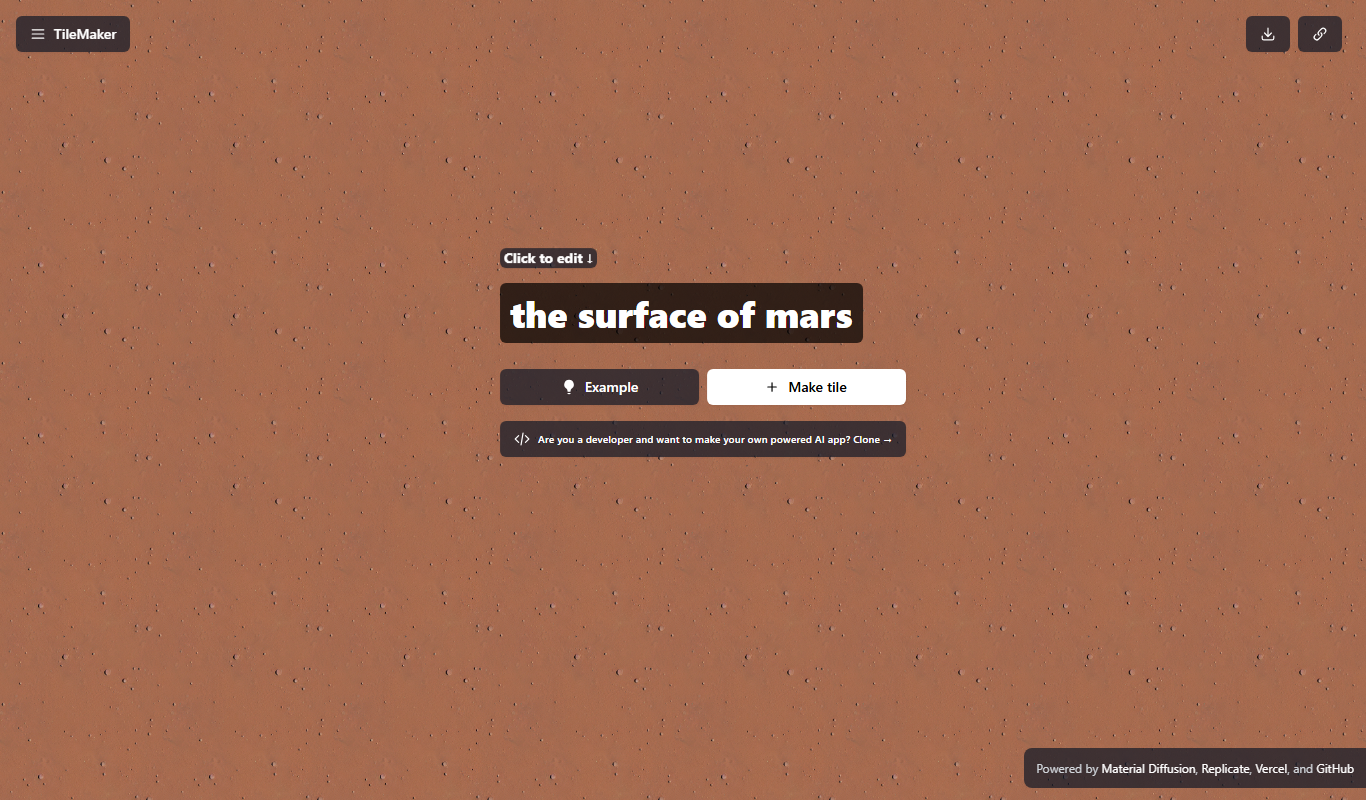
TileMaker
TileMaker is a design app that helps users create and visualize custom tile layouts with accurate measurements and export options for project planning.

Freemium
Sloyd
Sloyd is a web-based AI-assisted 3D modeling tool designed to help game developers and designers quickly create customizable low-poly 3D assets with ease.

Free
ai-dog.net
AI-Dog.net is a web-based AI image generator specialized in creating unique dog images from text prompts, offering multiple artistic styles and easy sharing options.

Free Trial
Tattoo Canvas
Tattoo Canvas is a web-based digital tattoo design software that provides tattoo artists with vector-based tools, customizable brushes, and stencil creation features to create and present professional tattoo artwork.

Free
svgtrace.com
svgtrace.com is a free web-based tool that converts raster images like PNG or JPG into scalable SVG vector graphics using automatic tracing algorithms.