
From my experience with idict, I found it excels at providing seamless multilingual writing assistance combined with instant translation capabilities. The platform’s intuitive web interface makes it easy to improve grammar, style, and vocabulary across several major languages, which is especially helpful for content creators and language learners alike. However, the reliance on internet connectivity and the usage limits on the free plan can be restrictive for heavy users. Overall, if you need a versatile AI assistant to enhance your multilingual communication and learning, idict offers a practical and accessible solution.
idict AI Language Assistant for Multilingual Writing and Translation
idict is an AI language assistant that provides multilingual writing assistance, real-time translation, grammar correction, and language learning support through a web-based platform.
Categories:
AI Education & Learning Tools
AI Translation Tools
AI Voice Assistants Tools
AI Writing & Content Tools
Tech Stack:
JavaScript
Python
TensorFlow
What is idict?
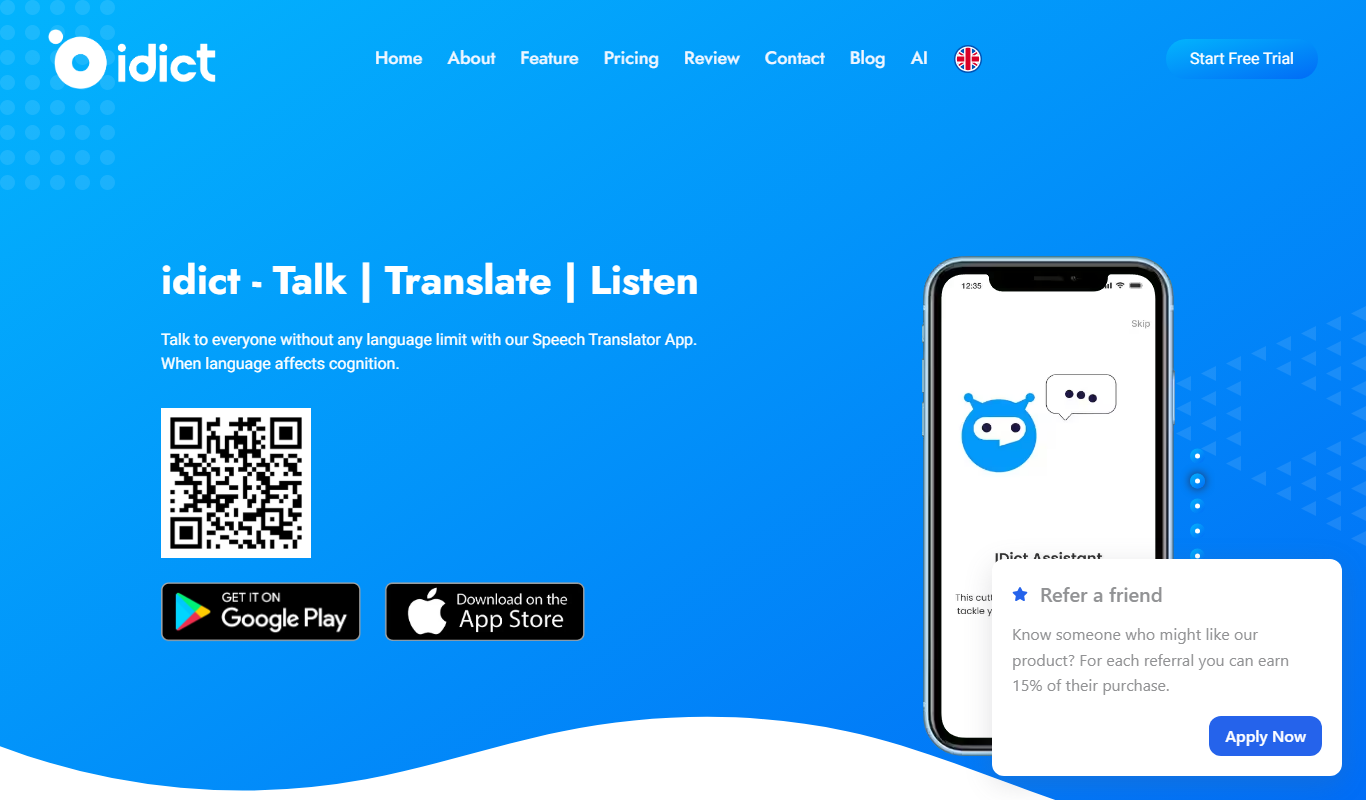
idict is an AI-powered language assistant designed to support multilingual writing, translation, and language learning. It leverages advanced natural language processing to provide real-time suggestions, corrections, and translations, helping users communicate effectively across languages.
Key Features of idict
Multilingual Grammar and Style Correction
Automatically detects and corrects grammar and style errors in multiple languages.
Instant Translation
Supports quick and accurate translation between major global languages.
Vocabulary Enhancement
Suggests better word choices to improve clarity and tone.
Contextual Language Learning
Provides explanations and examples to help users understand language nuances.
User-friendly Web Interface
Accessible on desktop and mobile browsers with an intuitive editor.
Pros and Cons of idict
Pros
- Supports multiple major languages with real-time assistance
- User-friendly interface accessible on web and mobile
- Offers both writing correction and translation features
- Includes language learning support with contextual help
Cons
- Limited offline capabilities as it requires internet access
- Free plan has daily usage limits
- Mobile app is not separately available; only mobile web
Key Use Cases for idict
Multilingual Writing Assistance
Helps users write and edit content in multiple languages with AI-powered suggestions and corrections.
Real-time Translation
Provides instant translation support to convert text between supported languages accurately.
Language Learning Support
Assists language learners by offering contextual explanations, grammar corrections, and vocabulary suggestions.
Content Polishing
Enhances writing clarity, style, and tone for professional or casual communication.
Cross-cultural Communication
Facilitates understanding and communication across different languages and cultures.
How idict Works
-
1
Access the Platform
Visit the idict website and create a free account or log in.
-
2
Input Text
Type or paste your text in the editor in any supported language.
-
3
Receive AI Suggestions
idict analyzes your text and offers grammar corrections, style improvements, and vocabulary enhancements.
-
4
Translate if Needed
Use the translation feature to convert text between supported languages instantly.
-
5
Apply Changes
Review and accept suggestions to improve your writing or translation.
Who's Using idict
Multilingual content creators
Language learners
Small businesses with international clients
Students and educators
Freelance translators and writers
idict Pricing
Free
$0/month
Basic access with limited daily usage and core features.
Premium
$9.99/month
Unlimited usage, advanced features, priority support, and enhanced translation quality.
Frequently Asked Questions About idict
idict supports English, Chinese, Spanish, French, German, Japanese, and several other major languages.
Yes, idict offers a free plan with limited daily usage and essential features.
idict provides high-quality AI translations suitable for everyday and business communication but may not replace specialized human translators for complex documents.
Yes, it offers contextual explanations and vocabulary suggestions to support language learners.
Yes, it can help with that use case depending on how you configure it and what features are available. You’ll get the best results with clear inputs and a defined goal.
Some tools offer a free plan or trial with limited features. Availability can vary, so confirm on the official website.
Yes, it can help with that use case depending on how you configure it and what features are available. You’ll get the best results with clear inputs and a defined goal.
Yes, it can help with that use case depending on how you configure it and what features are available. You’ll get the best results with clear inputs and a defined goal.
Share your review
Reviews are limited to one per logged-in user and are published after moderation.
You need an account to review this tool.
0.0
★
★
★
★
★
0 reviews
5 star
0
4 star
0
3 star
0
2 star
0
1 star
0
No reviews yet
Be the first to share how this tool worked for you.
Questions from the community
Read questions and answers about this tool, or ask your own.
No questions yet
Start the conversation by asking the first question about this tool.
Is this tool helpful?

Freemium
SYNAPSE
SYNAPSE is an AI-driven tutoring platform that provides personalized study assistance, homework help, and adaptive learning plans to students across various subjects.
Free
Open Tutor App
Open Tutor App is a free AI chatbot that provides personalized tutoring by answering questions and explaining academic concepts interactively through a web-based chat interface.

Freemium
Picterra
Picterra is a cloud-based platform that allows users to build and deploy custom AI models for analyzing satellite and aerial imagery without coding, supporting applications like land use mapping and environmental monitoring.

Free
Education CoPilot
Education CoPilot is an AI-driven educational assistant that provides personalized tutoring, homework help, and writing support through a web platform.
Custom Pricing
manthan.com
Manthan is an AI-driven analytics platform designed for retail and consumer businesses, providing demand forecasting, customer segmentation, and pricing optimization to improve business decisions.

Freemium
One AI
One AI is a natural language processing platform providing an API that enables developers to perform sentiment analysis, entity recognition, summarization, and other text analysis tasks in real-time.

Free
debate AI
Debate AI is an AI-powered web platform that helps users analyze and improve their arguments through structured mapping and feedback, designed for debate training and critical thinking development.
Contact for pricing
Three Sigma
Three Sigma is an AI-driven platform that automates the machine learning lifecycle, including data preparation, model training, explainability, and deployment, designed for data scientists and enterprises.